<p align="center">
  <a href="" >
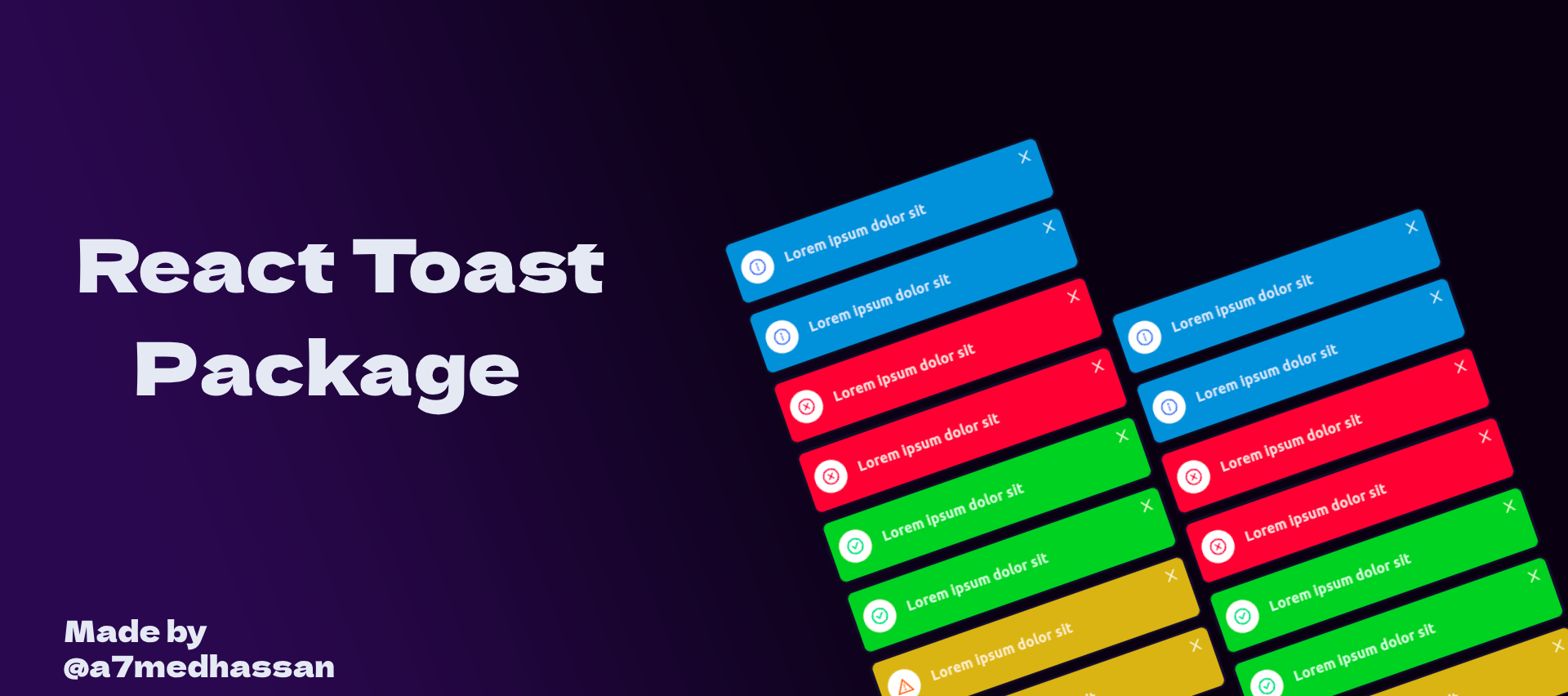
    <img  src="https://res.cloudinary.com/mohii/image/upload/v1706089362/ux5o12rhrrmsiahicaai.png" alt="@a7medhassan/react-toast">
  </a>
</p>

<h1 align="center">@a7medhassan/react-toast</h1>

<div align="center">

An enterprise-class React UI library made with ❤️ by a7medhassan.

<!-- [![Follow Twitter][twitter-image]][twitter-url]
[![NPM Version][npm-version-image]][npm-version-url]
[![Deploy Storybook][deploy-storybook-image]][deploy-storybook-url] -->

<!-- [![Issues need help][help-wanted-image]][help-wanted-url] -->

<!-- [npm-version-image]: https://img.shields.io/npm/v/@teamartizen/react-components.svg
[npm-version-url]: https://www.npmjs.com/package/@teamartizen/react-components
[help-wanted-image]: https://artizen-core.s3.ap-south-1.amazonaws.com/gh-tags/help-wanted.svg
[help-wanted-url]: https://github.com/teamartizen/react-components/issues
[twitter-image]: https://artizen-core.s3.ap-south-1.amazonaws.com/gh-tags/teamartizen-on-x.svg
[twitter-url]: https://x.com/shaheemMPM
[deploy-storybook-image]: https://github.com/teamartizen/react-components/actions/workflows/deploy-storybook.yml/badge.svg?branch=main
[deploy-storybook-url]: https://github.com/teamartizen/react-components/actions/workflows/deploy-storybook.yml -->

</div>


## 📦 Install

```bash
npm install  @a7medhassan/react-toast
```

```bash
yarn add  @a7medhassan/react-toast
```

```bash
pnpm add @a7medhassan/react-toast
```

## 🔨 Usage
### warp you entire app with ToastProvider
```jsx
import React from "react";
import {ToastProvider} from "@a7medhassan/react-toast"
const App = () => (
	<ToastProvider>
		<UIComponent />
	</ToastProvider>
);
```
### then in any component inside the wrapper you can use useReactToast hook
```jsx
import React from "react";
import { useReactToast } from '@a7medhassan/react-toast'
const Components = () => (
  const {addToast}=useReactToast()
  function fireToast(){
    addToast({
    type: "success" , // "success"| "info" | "warning" | "error"
    message: "your message",
    duration: 1000, //your duration
    position: "topLeft",//  | "topLeft"| "topCenter"| "topRight"| "bottomRight"| "bottomCenter"| "bottomLeft"
    icon: true     //ReactNode | boolean; optional
    })
  }
	<div>
		<button onClick={fireToast}>click</button>
	</div>
);
```

### TypeScript

`@a7medhassan/react-toast` is written in TypeScript with complete definitions.

<!-- ## 🔗 Links -->

<!-- - [Documentation](https://teamartizen.github.io/react-components/) -->