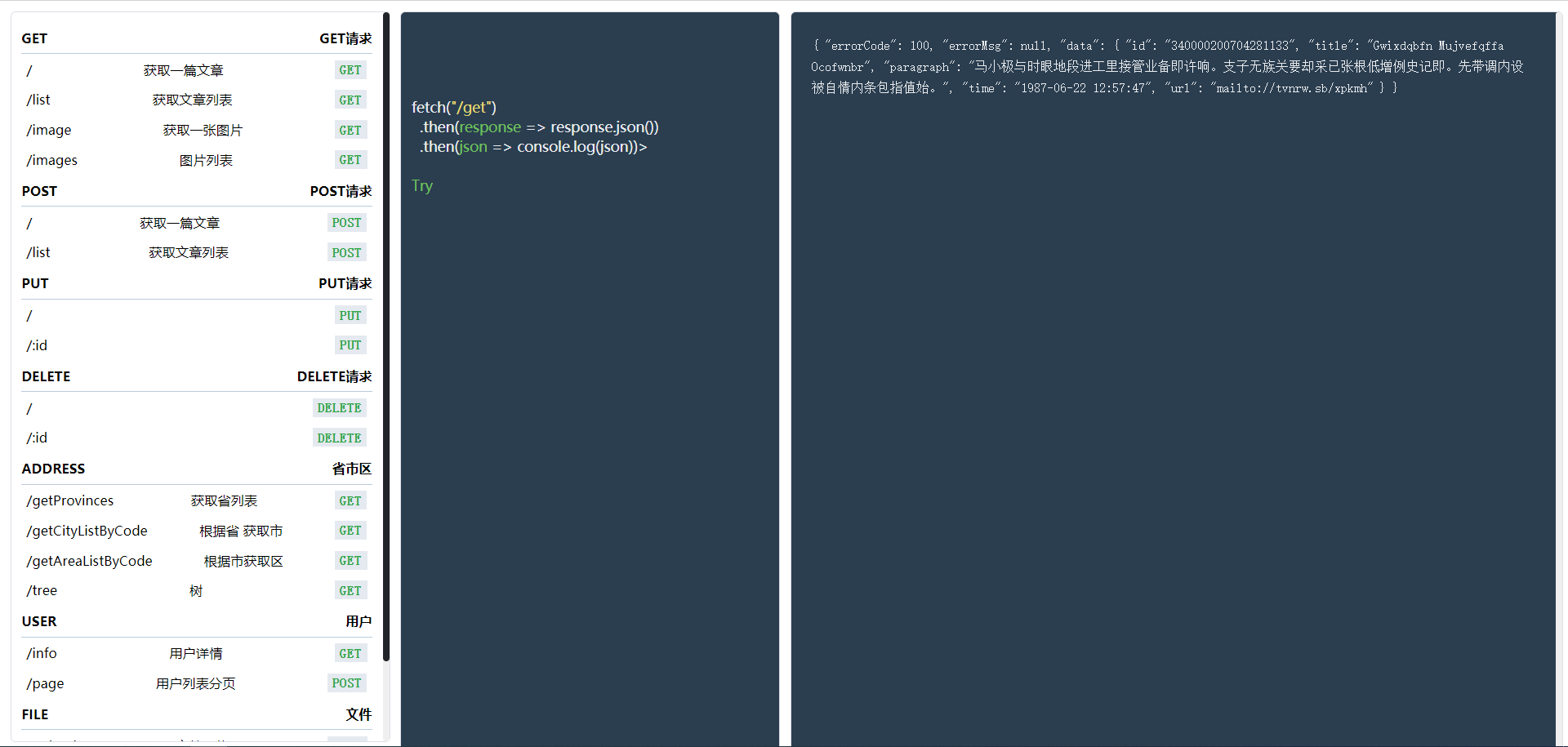
 ### 为什么我们需要假 API?
在前端构建 Angular、React、Vue 应用程序或任何东西时,您可能需要连接到后端才能访问数据库。您可能需要某种带有某些数据的服务器。您希望在 UI 上开始开发,但端点尚未完成。您可以在流程的最早设计部分使用假 API 来模拟服务器响应,而不必等待端点的构建和部署。UI 开发人员可以立即开始针对预期的响应工作,当端点准备就绪时,用真实的 API 替换掉假 API。
### 使用方式
目前以提供通过`npm`全局安装、`docker`部署、以及在线使用
### Npm
```shell
npm install -g @alrale/fake-api
```
#### npm 使用
默认端口`3000`,可以通过`-p`命令修改
```shell
fake start -p
### 为什么我们需要假 API?
在前端构建 Angular、React、Vue 应用程序或任何东西时,您可能需要连接到后端才能访问数据库。您可能需要某种带有某些数据的服务器。您希望在 UI 上开始开发,但端点尚未完成。您可以在流程的最早设计部分使用假 API 来模拟服务器响应,而不必等待端点的构建和部署。UI 开发人员可以立即开始针对预期的响应工作,当端点准备就绪时,用真实的 API 替换掉假 API。
### 使用方式
目前以提供通过`npm`全局安装、`docker`部署、以及在线使用
### Npm
```shell
npm install -g @alrale/fake-api
```
#### npm 使用
默认端口`3000`,可以通过`-p`命令修改
```shell
fake start -p