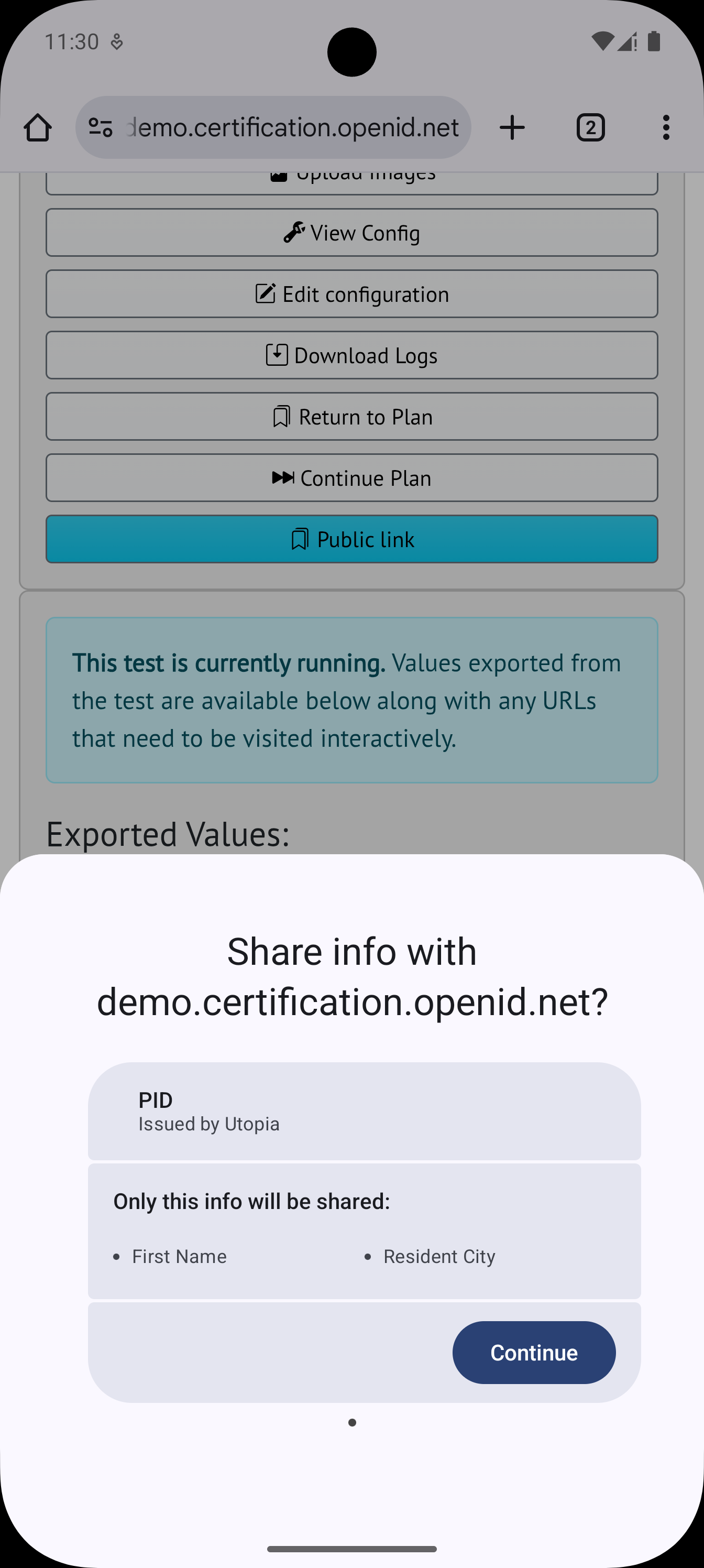
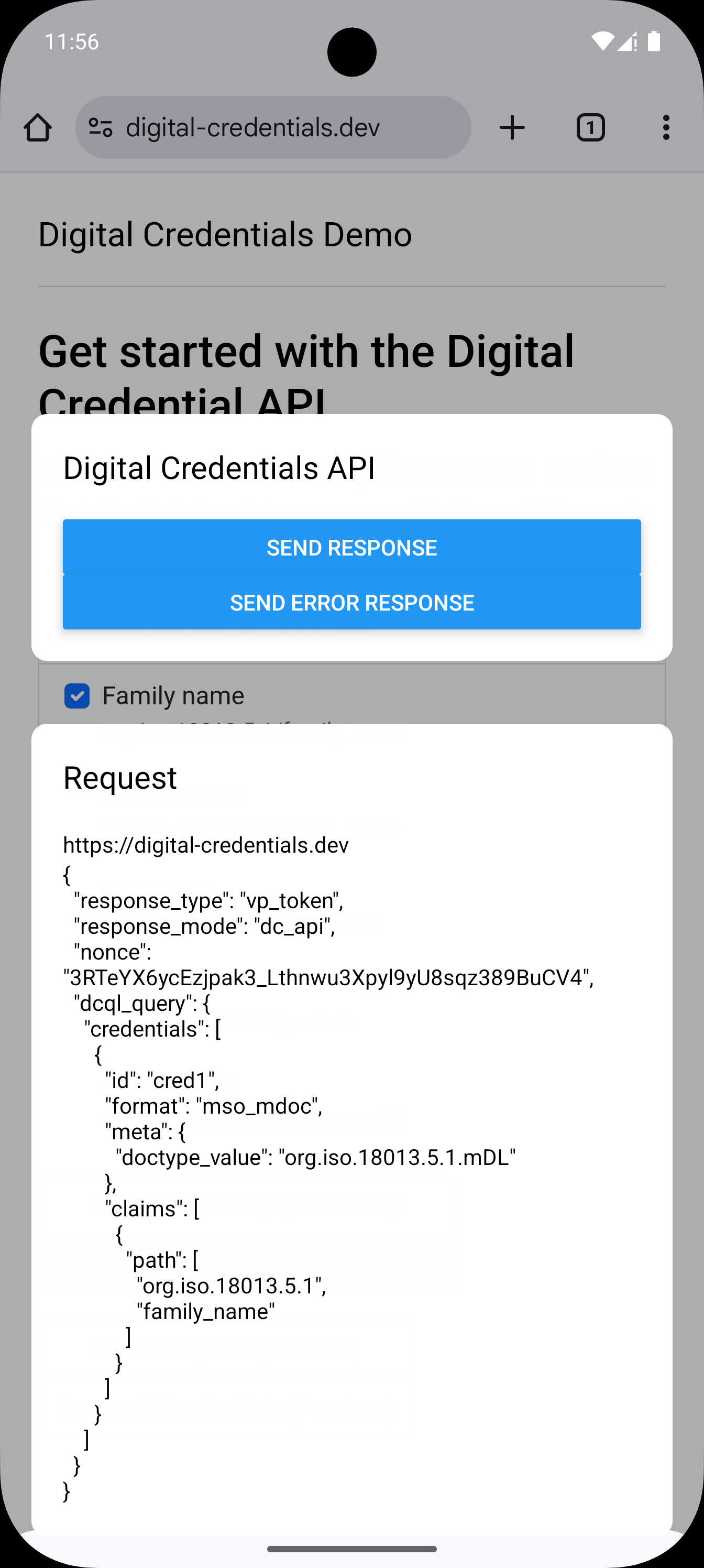
---
An [Expo Module](https://docs.expo.dev/modules/overview/) to automatically set up and configure [Digital Credentials API](https://digitalcredentials.dev) for Android in Expo apps.
- Currently two default matcher implementations for matching credentials based on a request is bundled, which only supports _mdoc_, _dc+sd-jwt_, _openid4vp_ , _dcql_, _signed requests_ and _unsigned requests_. In the future support for a custom matcher might be added.
- During development when the activity is launched and the application is already running this results in render errors. In production these errors won't occur, but it does hinder the development experience. We're still looking for a solution.
- This library is tested with Expo 52 and React Native 0.76. It uses some hacks to use Kotlin 2.0.21, and is likely to break in non-default application setups. React Native 77 will use Kotlin 2 by default, and these hacks shouldn't be needed anymore.
- When using the CMWallet matcher, icons provided for credentials are not rendered.
> [!NOTE]
> This library integrates with experimental Android APIs, as well as draft versions of several specifications. Expect all APIs to break in future releases.
## Getting Started
Install the module using the following command.
```sh
# yarn
yarn add @animo-id/expo-digital-credentials-api
# npm
npm install @animo-id/expo-digital-credentials-api
# npm
pnpm install @animo-id/expo-digital-credentials-api
```
Then prebuild the application so the Expo Module wrapper can be added as native dependency (If you aren't making any manual modification to the Android directories you can add them to the gitignore of your project and generate them on demand):
```sh
# yarn
yarn expo prebuild
# npm
npx expo prebuild
```
That's it, you now have the Digital Credentials API configured for your Android project.
> [!WARNING]
> You might need to set the Kotlin version of your project to 2.0.21. To do this, add the [`expo-build-properties`](https://docs.expo.dev/versions/latest/sdk/build-properties/) dependency to your project, and configure it with `android.kotlinVersion` set to `'2.0.21'`.
>
> ```json
> [
> "expo-build-properties",
> {
> "android": {
> "kotlinVersion": "2.0.21"
> }
> }
> ]
> ```
## Usage
You can now import `@animo-id/expo-digital-credentials-api` in your application.
### Registering Credentials
To make Android aware of the credentials availble in your wallet, you need to register the credentials. Every time the credentials in your application changes, you should call this method again.
When registering credentials you can also choose the matcher that is used. When registering credentials with a new matcher the old matcher will not be used anymore (the latest register call always overrides previous calls). The supported matchers are:
- CMWallet matcher taken from https://github.com/digitalcredentialsdev/CMWallet. ([current version](https://github.com/digitalcredentialsdev/CMWallet/blob/f4aa9ebbeaf55fa3973b467701887464be3d4b51/app/src/main/assets/openid4vp.wasm))
- Supports SD-JWT VC and mDOC
- Supports signed requests
- Does not support icons
- Does not support showing claim values
- Ubique matcher taken from https://github.com/UbiqueInnovkation/oid4vp-wasm-matcher. ([current version](https://github.com/UbiqueInnovation/oid4vp-wasm-matcher/releases/tag/v0.1.0)).
- Supports SD-JWT VC and mDOC
- Supports signed requests
- Supports icons
- Supports showing claim values
```tsx
import {
registerCredentials,
RegisterCredentialsOptions,
} from "@animo-id/expo-digital-credentials-api";
// See RegisterCredentialsOptions for all options
await registerCredentials({
matcher: "cmwallet",
credentials: [
{
id: "1",
display: {
title: "Drivers License",
subtitle: "Issued by Utopia",
claims: [
{
path: ["org.iso.18013.5.1", "family_name"],
displayName: "Family Name",
},
],
iconDataUrl:
"data:image/png;base64,iVBORw0KGgoAAAANSUhEUgAAAEAAAABACAIAAAAlC+aJAAAAaUlEQVR4nOzPUQkAIQDA0OMwpxksY19D+PEQ9hJsY6/5vezXAbca0BrQGtAa0BrQGtAa0BrQGtAa0BrQGtAa0BrQGtAa0BrQGtAa0BrQGtAa0BrQGtAa0BrQGtAa0BrQGtAa0E4AAAD//7vSAeZjAN7dAAAAAElFTkSuQmCC",
},
credential: {
doctype: "org.iso.18013.5.1.mDL",
format: "mso_mdoc",
namespaces: {
"org.iso.18013.5.1": {
family_name: "Glastra",
},
},
},
},
{
id: "2",
display: {
title: "PID",
subtitle: "Issued by Utopia",
claims: [
{
path: ["first_name"],
displayName: "First Name",
},
{
path: ["address", "city"],
displayName: "Resident City",
},
],
iconDataUrl:
"data:image/png;base64,iVBORw0KGgoAAAANSUhEUgAAAEAAAABACAIAAAAlC+aJAAAAaUlEQVR4nOzPUQkAIQDA0OMwpxksY19D+PEQ9hJsY6/5vezXAbca0BrQGtAa0BrQGtAa0BrQGtAa0BrQGtAa0BrQGtAa0BrQGtAa0BrQGtAa0BrQGtAa0BrQGtAa0BrQGtAa0E4AAAD//7vSAeZjAN7dAAAAAElFTkSuQmCC",
},
credential: {
vct: "eu.europa.ec.eudi.pid.1",
format: "dc+sd-jwt",
claims: {
first_name: "Timo",
address: {
city: "Somewhere",
},
},
},
},
],
} satisfies RegisterCredentialsOptions);
```
### Handling Credential Request
When the user has selected a credential from your application, the application will be launched with an intent to retrieve the credentials. A custom component will be used and rendered as an overlay.
#### Registering the component
You should register the component as early as possible, usually in your `index.ts` file. If you're using Expo Router, [follow these steps](https://docs.expo.dev/router/installation/#custom-entry-point-to-initialize-and-load) to setup a custom entry point.
The component will be rendered in a full screen window, but with a transparent background. This allows you to render an overlay rather than a full screen application. By default all screen content that you do not render something over, has an `onPress` handler and will abort the request. You can disable this by setting `cancelOnPressBackground` to `false`.
```tsx
import { registerRootComponent } from "expo";
import App from "./App";
import { MyCustomComponent } from "./MyCustomComponent";
// import the component registration method
// make sure to import this from the /register path
// so it doesn't load the native module yet, as that will prevent the app from correctly loading
import registerGetCredentialComponent from "@animo-id/expo-digital-credentials-api/register";
// Registers the componetn to be used for sharing credentials
registerGetCredentialComponent(MyCustomComponent);
// Default expo method call
registerRootComponent(App);
```
#### Handling the request
The request is passed to the registered component as `request` and has type `DigitalCredentialsRequest`.
```tsx
import {
type DigitalCredentialsRequest,
sendErrorResponse,
sendResponse,
} from "@animo-id/expo-digital-credentials-api";
import { Button } from "react-native";
import { Text, View } from "react-native";
export function MyCustomComponent({
request,
}: {
request: DigitalCredentialsRequest;
}) {
return (
);
}
```
#### Note on Expo Router
If you're using Expo Router, the root application is automatically loaded and executed, even if a custom activity is launched in React Native, and thus your main application logic will be executed (although not visible).
To prevent this from happening, you can create a small wrapper that returns `null` when the current activity is the get credential activitiy using the `isGetCredentialActivity` method. Make sure to only call this method once your app component is loaded, to prevent the app loading to get stuck.
```ts
import { isGetCredentialActivity } from "@animo-id/expo-digital-credentials-api";
export default function App() {
const isDcApi = useMemo(() => isGetCredentialActivity(), []);
if (isDcApi) return null;
return ;
}
```
## Contributing
Is there something you'd like to fix or add? Great, we love community contributions! To get involved, please follow our [contribution guidelines](./CONTRIBUTING.md).
## License
Expo Digital Credentials Api is licensed under the [Apache 2.0](./LICENSE) license.