<h1 align="center">@appnest/focus-trap</h1>

<p align="center">
		<a href="https://npmcharts.com/compare/@appnest/focus-trap?minimal=true"><img alt="Downloads per month" src="https://img.shields.io/npm/dm/@appnest/focus-trap.svg" height="20"/></a>
<a href="https://www.npmjs.com/package/@appnest/focus-trap"><img alt="NPM Version" src="https://img.shields.io/npm/v/@appnest/focus-trap.svg" height="20"/></a>
<a href="https://david-dm.org/andreasbm/focus-trap"><img alt="Dependencies" src="https://img.shields.io/david/andreasbm/focus-trap.svg" height="20"/></a>
<a href="https://github.com/andreasbm/focus-trap/graphs/contributors"><img alt="Contributors" src="https://img.shields.io/github/contributors/andreasbm/focus-trap.svg" height="20"/></a>
<a href="https://www.webcomponents.org/element/@appnest/focus-trap"><img alt="Published on webcomponents.org" src="https://img.shields.io/badge/webcomponents.org-published-blue.svg" height="20"/></a>
	</p>


<p align="center">
  <b>A lightweight web component to trap focus within a DOM node</b></br>
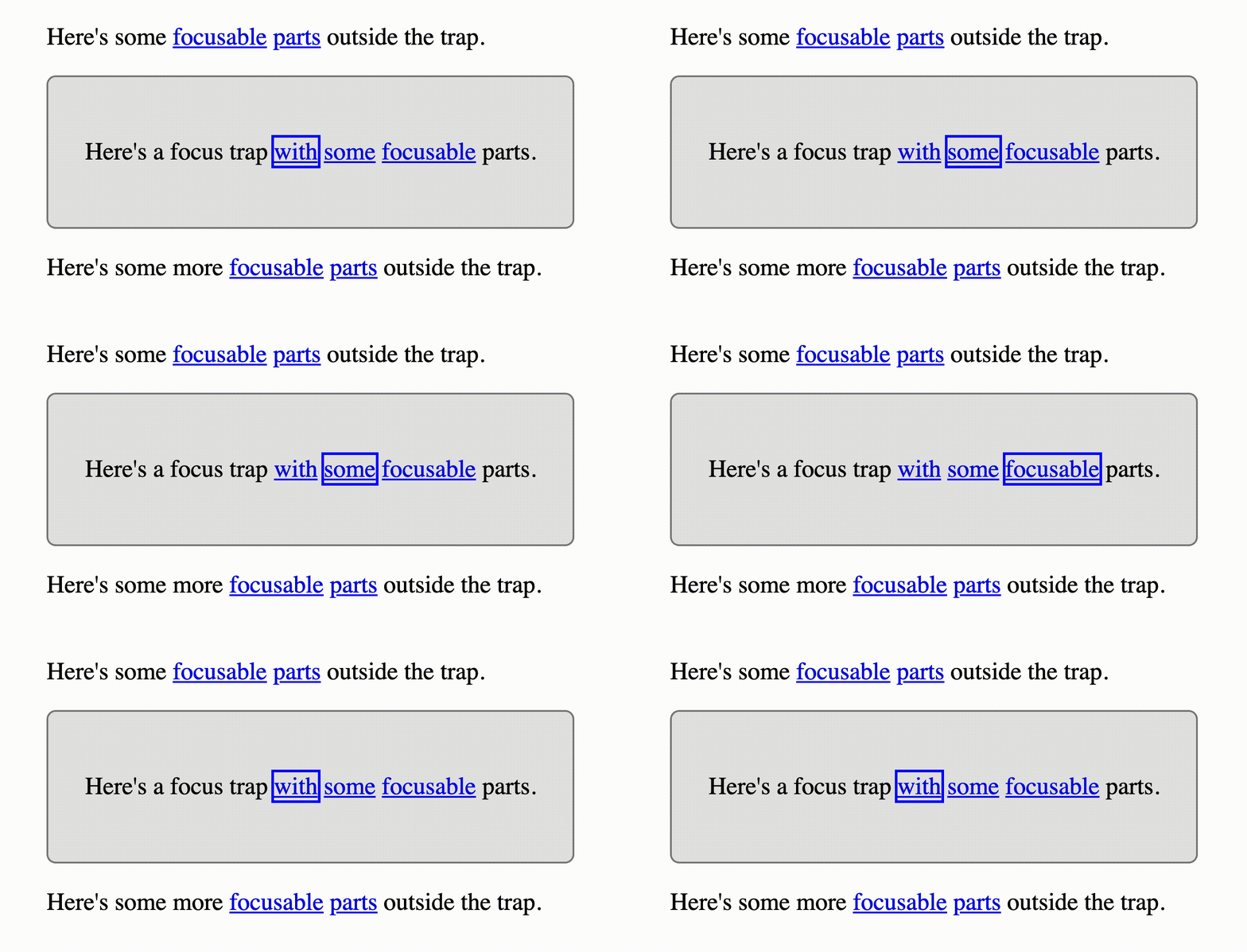
  <sub>A focus trap ensures that <code>tab</code> and <code>shift + tab</code> keys will cycle through the focus trap's tabbable elements but not leave the focus trap. This is great for making <a href='https://www.w3.org/TR/wai-aria-practices/examples/dialog-modal/dialog.html'>accessible modals</a>. Go here to see a demo <a href="https://appnest-demo.firebaseapp.com/focus-trap/">https://appnest-demo.firebaseapp.com/focus-trap/</a>.<sub>
</p>

<br />


<p align="center">
	<img src='https://raw.githubusercontent.com/andreasbm/focus-trap/master/assets/demo.gif' width='400'>
</p>

* Does one things very very well - it traps the focus!
* Pierces through the shadow roots when looking for focusable elements.
* Works right out of the box (just add it to your markup)
* Created using only vanilla js - no dependencies and framework agnostic!


![-----------------------------------------------------](https://raw.githubusercontent.com/andreasbm/readme/master/assets/lines/rainbow.png)

## ➤ Installation

```javascript
npm i @appnest/focus-trap
```


![-----------------------------------------------------](https://raw.githubusercontent.com/andreasbm/readme/master/assets/lines/rainbow.png)

## ➤ Usage

Import `@appnest/focus-trap` somewhere in your code and you're ready to go! Simply add the focus trap to your `html` and it'll be working without any more effort from your part.

```html
<focus-trap>
  <button>Focus 1</button>
  <button>Focus 2</button>
  <button>Focus 3</button>
  <button>Focus 4</button>
  <button>Focus 5</button>
</focus-trap>
```


![-----------------------------------------------------](https://raw.githubusercontent.com/andreasbm/readme/master/assets/lines/rainbow.png)

## ➤ API

The `focus-trap` element implements the following interface.

```typescript
interface IFocusTrap {
  // Returns whether or not the focus trap is inactive.
  inactive: boolean;

  // Returns whether the focus trap currently has focus.
  readonly focused: boolean;

  // Focuses the first focusable element in the focus trap.
  focusFirstElement: (() => void);

  // Focuses the last focusable element in the focus trap.
  focusLastElement: (() => void);

  // Returns a list of the focusable children found within the element.
  getFocusableChildren: (() => HTMLElement[]);
}
```


![-----------------------------------------------------](https://raw.githubusercontent.com/andreasbm/readme/master/assets/lines/rainbow.png)

## ➤ License
	
Licensed under [MIT](https://opensource.org/licenses/MIT).