# CometChat UI Kit for Angular
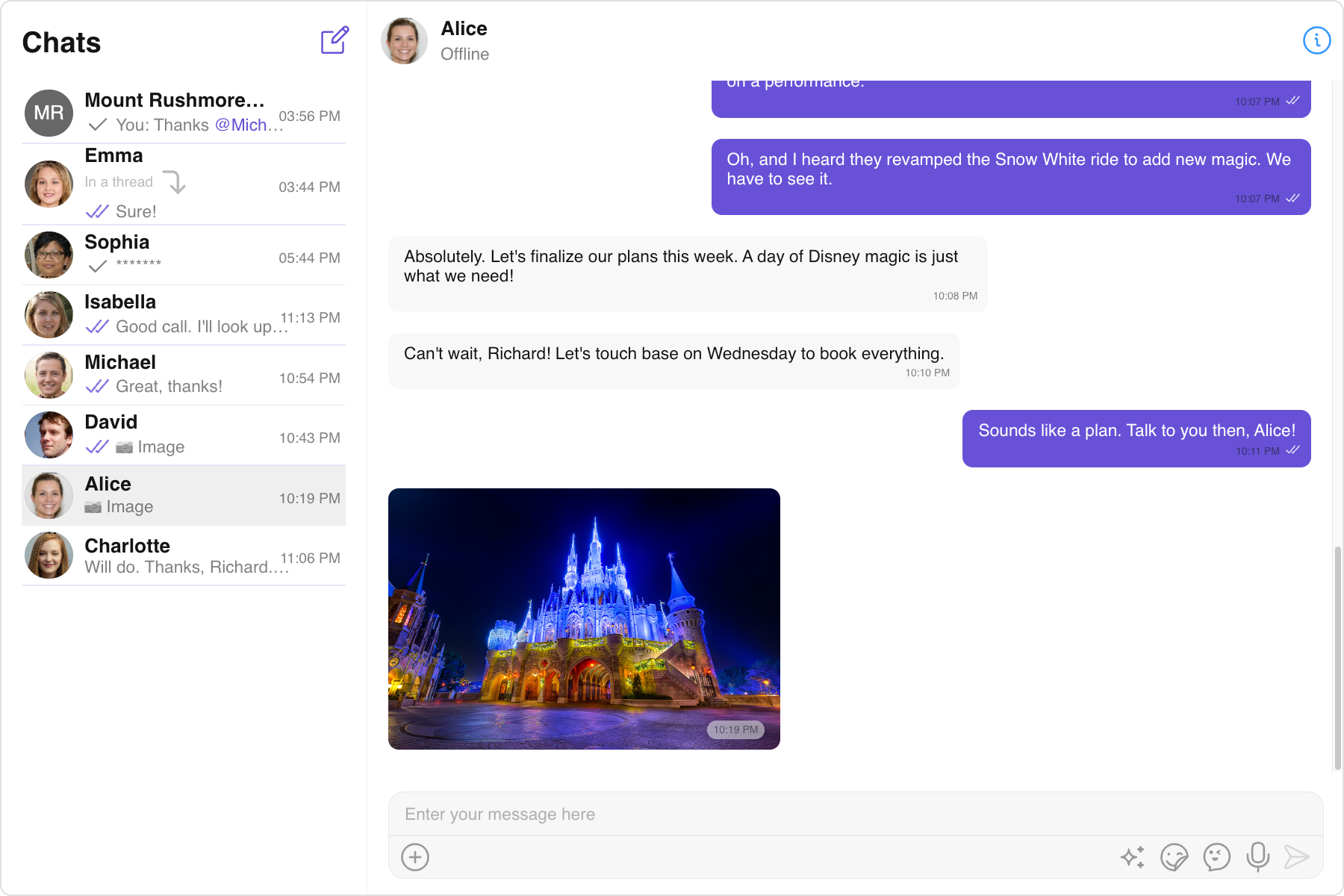
CometChat Angular UIKit provides pre-built user interface kit that developers can use to quickly integrate a reliable & fully featured chat experience into an existing or a new app.
## Prerequisites
- npm >= 7.
- Angular >= 12.
## Getting Started
To set up CometChat Angular UI Kit and utilize CometChat for your chat and calls functionality, you'll need to follow these steps:
- Register at the [CometChat Dashboard](https://app.cometchat.com/) to create an account.
- After registering, log into your CometChat account and create a new app. Once created, CometChat will generate an Auth Key and App ID for you. Keep these credentials secure as you'll need them later.
- Check the [Key Concepts](https://www.cometchat.com/docs/angular-uikit/key-concepts) to understand the basic components of CometChat.
- Refer to the [Integration Steps](https://www.cometchat.com/docs/angular-uikit/integration) in our documentation to integrate the UI Kit into your Angular app.
## Help and Support
For issues running the project or integrating with our UI Kits, consult our [documentation](https://www.cometchat.com/docs/angular-uikit/integration) or create a [support ticket](https://help.cometchat.com/hc/en-us) or seek real-time support via the [CometChat Dashboard](https://app.cometchat.com/).