# DayPilot Lite for Vue
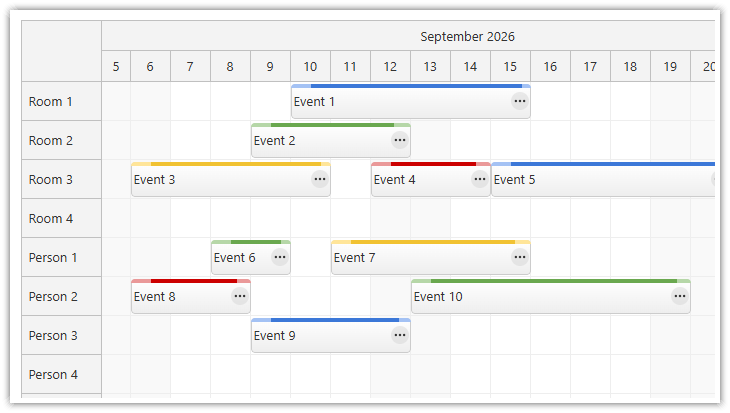
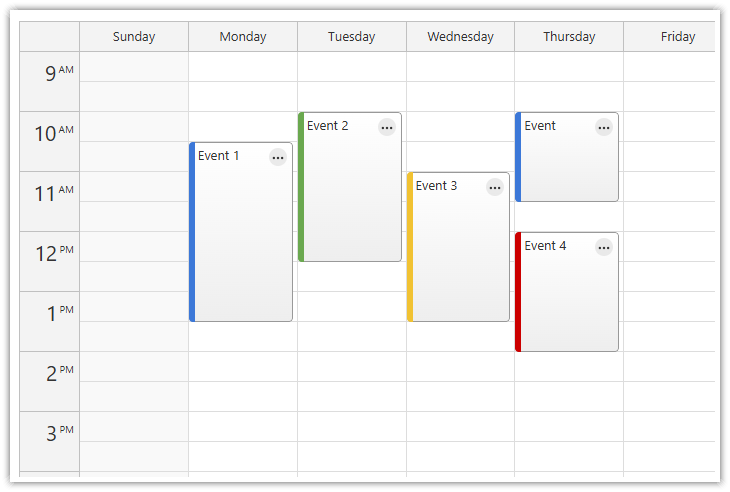
[DayPilot Lite for JavaScript](https://javascript.daypilot.org/open-source/) is a library of scheduling components that can display calendar/scheduler UI:
* day, week, month
* resource calendar (resources as columns)
* horizontal timeline (resources as rows)
This is the DayPilot Lite for Vue package.
## What's New
[Release History](https://javascript.daypilot.org/daypilot-lite-history/)
## UI Builder
Customize the scheduling components using an online [UI Builder](https://builder.daypilot.org/) application and **download** a ready-to-run Vue project.
## Online Demo
[](https://javascript.daypilot.org/demo/lite/scheduler/)
[](https://javascript.daypilot.org/demo/lite/calendar/)
[Online Demo](https://javascript.daypilot.org/demo/lite/)
## Features
* Calendar/scheduler views: day, week, work week, month, resource calendar
* Horizontal timeline view
* Event creation using drag and drop
* Drag and drop event moving and resizing
* Integrated delete icon
* Event duration bar with customizable color
* Date picker with free/busy days highlighting, free-hand range selection, day cell customization
* CSS themes (use theme builder to create your own theme)
* Event customization (text, HTML, icons, colors, Vue components...)
* Grid cell customization
* Built-in XSS protection
* Localization support
* Calendar RTL support
* TypeScript definitions
* Vue template support
## Tutorials
### Vue Scheduler with Horizontal Timeline
[](https://code.daypilot.org/13867/vue-scheduler-with-horizontal-timeline-open-source)
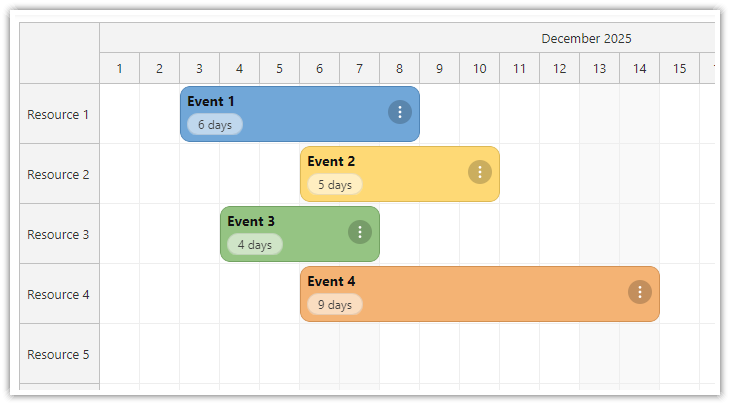
[Vue Scheduler with Horizontal Timeline (Open-Source)](https://code.daypilot.org/13867/vue-scheduler-with-horizontal-timeline-open-source)
Build a horizontal, resource-based timeline using the open-source Vue Scheduler and customize event appearance with Vue templates and CSS.
***
### Vue Calendar with Day/Week/Month Views
[](https://code.daypilot.org/54002/vue-calendar-day-week-month-open-source)
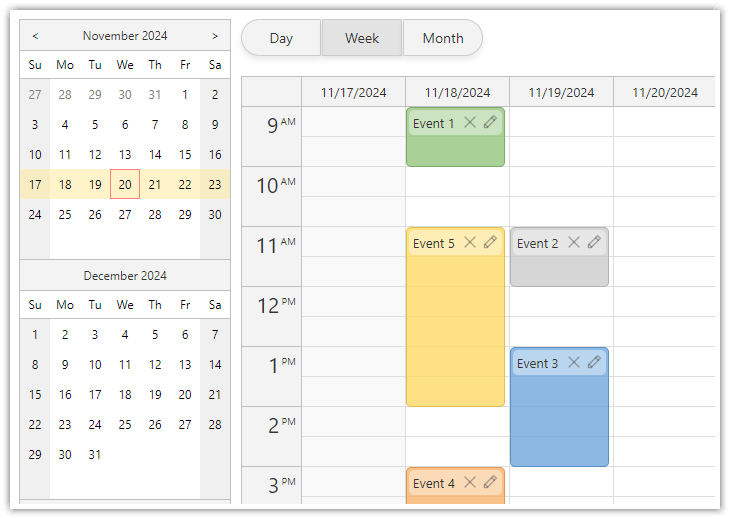
[Vue Calendar with Day/Week/Month Views (Open-Source)](https://code.daypilot.org/54002/vue-calendar-day-week-month-open-source)
Create a complex calendar UI in Vue.js with multiple views, view-switching buttons and an integrated date picker. Use a shared data source to make it fast and Vue templates to define event appearance.
***
### Vue Resource Calendar Tutorial
[](https://code.daypilot.org/66224/vue-resource-calendar-open-source)
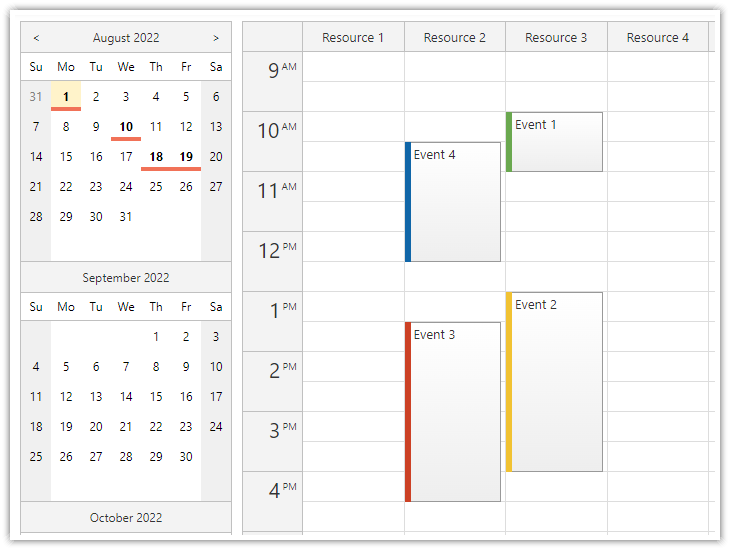
[Vue Resource Calendar (Open-Source)](https://code.daypilot.org/66224/vue-resource-calendar-open-source)
Use the Vue calendar component to display an interactive schedule for multiple resources.
***
### Vue Calendar: Using Event Templates
[](https://code.daypilot.org/34309/vue-calendar-templates-open-source)
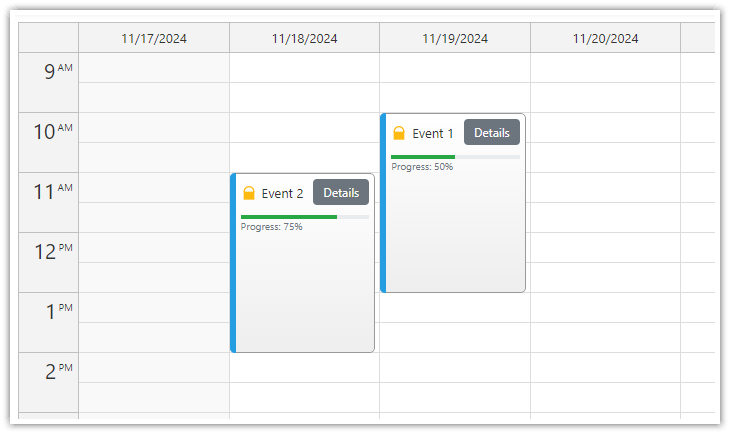
[Vue Calendar: Using Templates to Add Icons, Buttons, or Progress Bars to Events (Open-Source)](https://code.daypilot.org/34309/vue-calendar-templates-open-source)
Vue templates allow adding dynamic content to Vue Calendar events, including interactive elements and custom Vue components.
***
### Cell Templates in Vue Calendar: Display Slot Start Times, Sunrise & Sunset
[](https://code.daypilot.org/50152/vue-calendar-cell-templates-open-source)
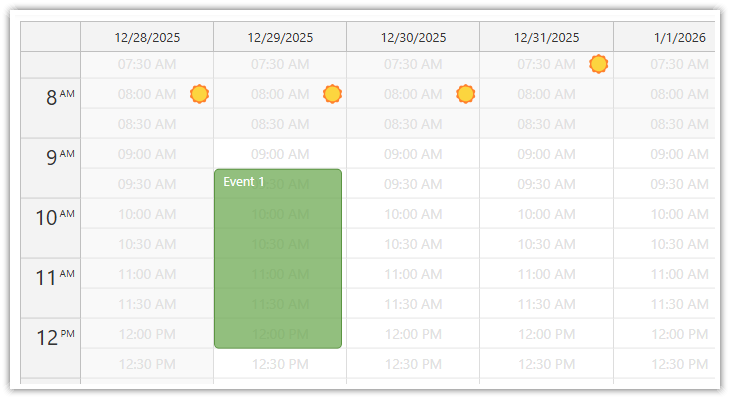
[Cell Templates in Vue Calendar: Display Slot Start Times, Sunrise & Sunset (Open-Source)](https://code.daypilot.org/50152/vue-calendar-cell-templates-open-source)
Use Vue templates to add custom content to calendar cells: text, icons, or even Vue components. Use v-if to display content only in the cells you choose.
***
### Vue Monthly Calendar/Scheduler Tutorial
[](https://code.daypilot.org/89705/vue-monthly-calendar-scheduler-open-source)
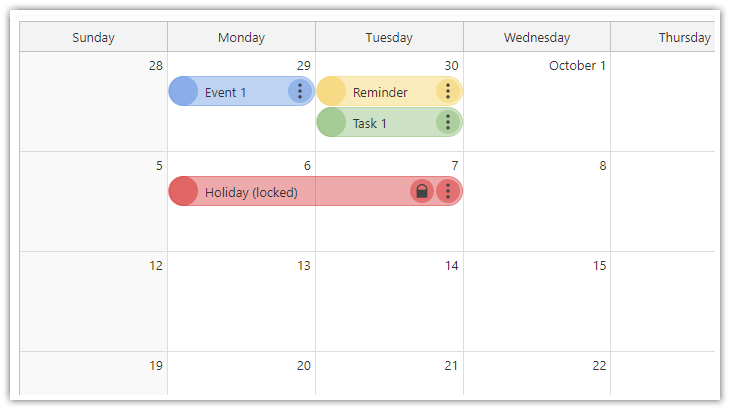
[Vue Monthly Calendar/Scheduler (Open-Source)](https://code.daypilot.org/89705/vue-monthly-calendar-scheduler-open-source)
How to create a monthly calendar/scheduler view for planning events, tasks, and reminders in Vue. The downloadable Vue project uses the open-source DayPilot Lite library.
***
### Vue Weekly Calendar Tutorial
[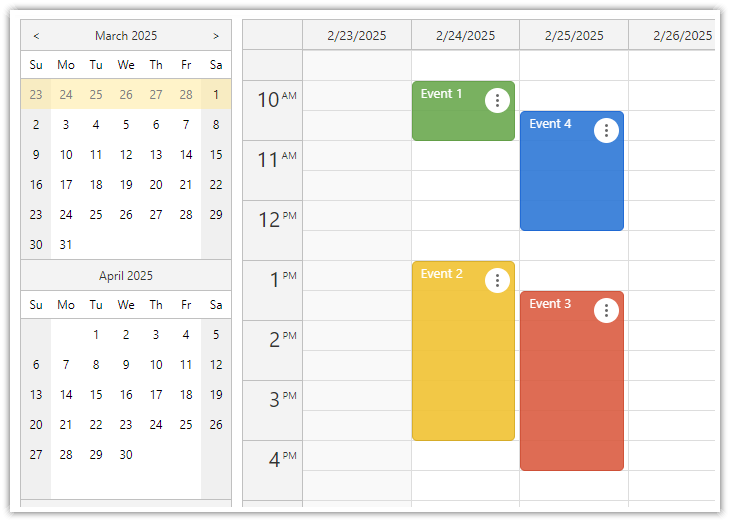](https://code.daypilot.org/10748/vue-js-weekly-calendar-tutorial)
[Vue.js Weekly Calendar Tutorial (Open-Source)](https://code.daypilot.org/10748/vue-js-weekly-calendar-tutorial)
How to create a weekly calendar web application using a Vue calendar component. The tutorial includes a Vue.js project with JavaScript source code for download.
***
### Vue Date Picker Tutorial
[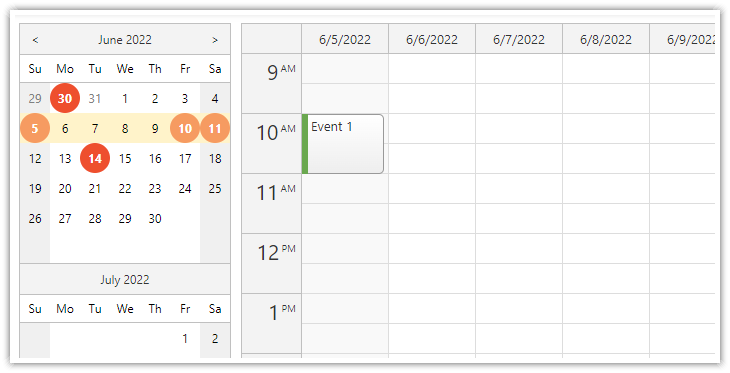](https://code.daypilot.org/99014/vue-date-picker-with-free-busy-highlighting)
[Vue Date Picker with Free/Busy Highlighting (Open-Source)](https://code.daypilot.org/99014/vue-date-picker-with-free-busy-highlighting)
Use the Vue date picker component (Navigator) to change the current date. The date picker can highlight dates that already have events or are not available.
## Example
```vue
```
## Documentation
* [Vue scheduler with horizontal timeline](https://doc.daypilot.org/scheduler/vue-js/)
* [Vue weekly calendar](https://doc.daypilot.org/calendar/vue-js/)
* [Vue monthly calendar](https://doc.daypilot.org/month/vue-js/)
* [Vue date picker](https://doc.daypilot.org/navigator/vue-js/)
## CSS Themes
The [Theme Designer](https://themes.daypilot.org/) lets you create and download your own CSS theme using an online visual tool.
## License
Apache License 2.0