## PdfViewer Web Component
[GitHub](https://github.com/digital-blueprint/toolkit/tree/main/packages/pdf-viewer) |
[NPM](https://www.npmjs.com/package/@dbp-toolkit/pdf-viewer)
This component is a wrapper around the [pdf.js](https://mozilla.github.io/pdf.js/)
library to display PDF files in the browser.
You can install this component via npm:
```bash
npm i @dbp-toolkit/pdf-viewer
```
### Usage
```html
```
Or directly via CDN:
```html
```
### Attributes
- `lang` (optional, default: `de`): set to `de` or `en` for German or English
- example ``
- `auto-resize` (optional, default: `cover`)
- set to `contain` to resize the viewed PDF to fit the container horizontally and vertically
- set to `cover` to resize the viewed PDF to fit the container horizontally only,
vertically the PDF can exceed the container
- example ``
### Methods
- `showPDF(file: File)`: Opens a PDF file. The file must be a `File` object.
- example `document.querySelector('dbp-pdf-viewer').showPDF(file);`
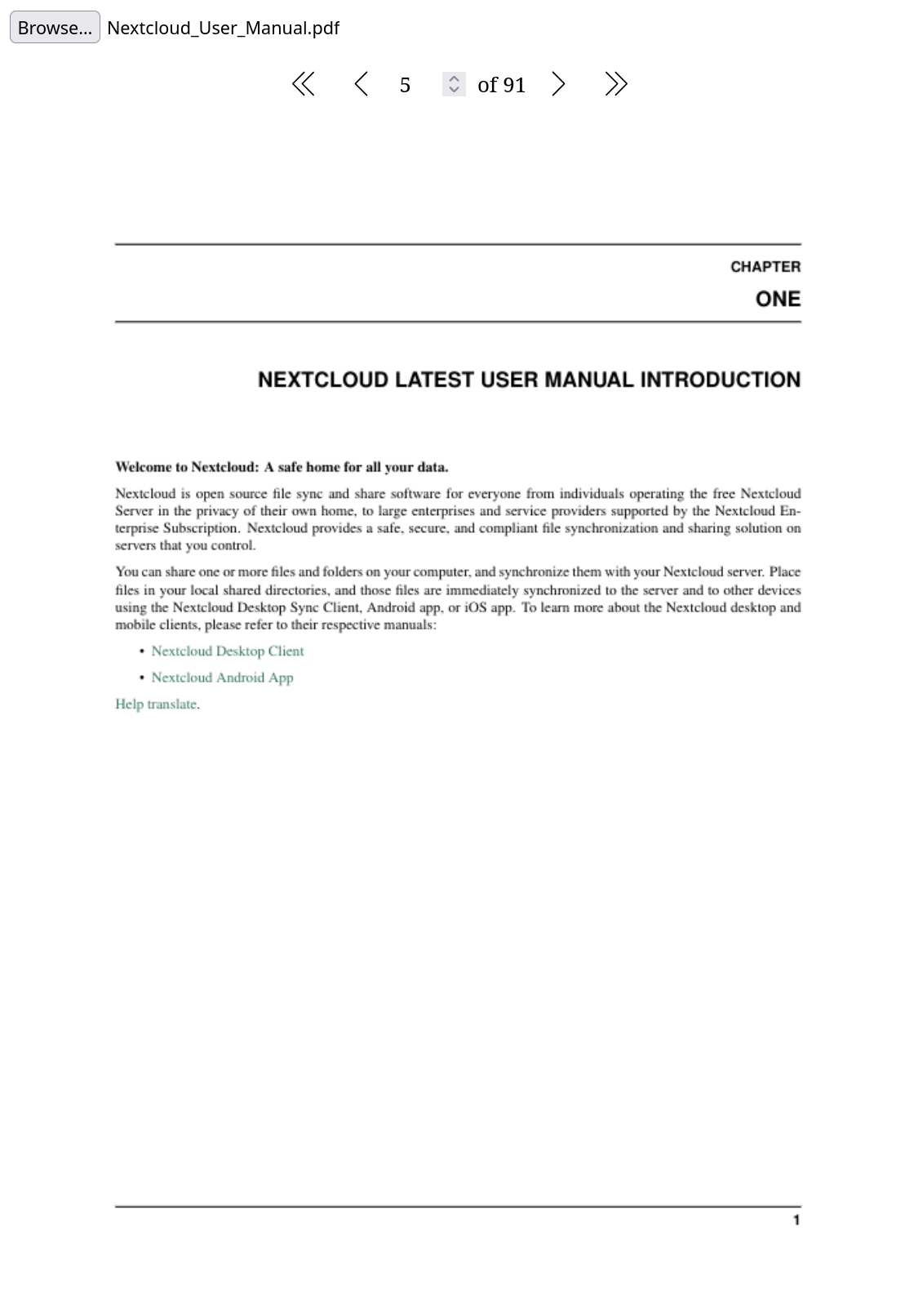
### Screenshot
### Opening a PDF file
You can use the `showPDF` method to open a PDF file. This method accepts a `File` object as parameter.
```html
```
See [example/index.html](example/index.html) for a working example.
### Local development
```bash
# get the source
git clone git@github.com:digital-blueprint/toolkit.git
cd toolkit/packages/pdf-viewer
# install dependencies
npm install
# constantly build dist/bundle.js and run a local web-server on port 8002
npm run watch
# run tests
npm test
# build local packages in dist directory
npm run build
```
Jump to and you should get a demo page.