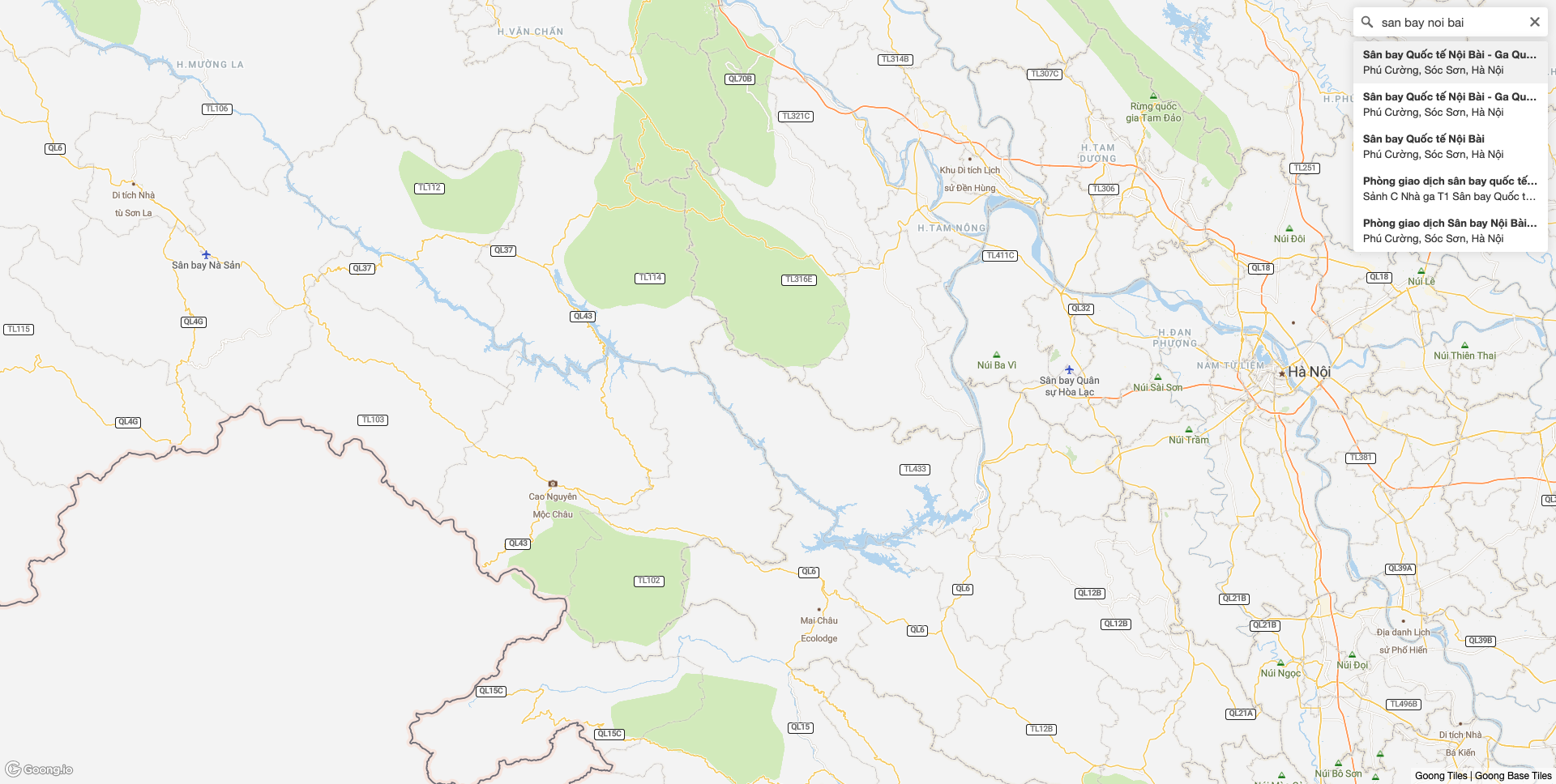
# @goongmaps/goong-geocoder-reat
React wrapper for `@goongmaps/goong-geocoder` for use with `@goongmaps/goong-map-react`
[](https://www.npmjs.com/package/@goongmaps/goong-geocoder-react)
## Demo
https://codesandbox.io/s/goong-geocoder-react-example-0grf7
## Installation
NPM
```
$ npm install @goongmaps/goong-geocoder-react
```
or
Yarn
```
$ yarn add @goongmaps/goong-geocoder-react
```
## Styling
Import:
```js
import '@goongmaps/goong-geocoder-react/dist/goong-geocoder.css'
```
or
Link tag in header:
```html
```
## Props
Only `mapRef` and `goongApiAccessToken` are required.
| Name | Type | Default | Description |
|--- | --- | --- | --- |
| mapRef | Object | | Ref for react-map-gl map component.
| containerRef | Object | | This can be used to place the geocoder outside of the map. The `position` prop is ignored if this is passed in.
| onViewportChange | Function | () => {} | Is passed updated viewport values after executing a query.
| goongApiAccessToken | String | | https://account.goong.io
| inputValue | String | | Sets the search input value
| origin | String | "https://rsapi.goong.io" | Use to set a custom API origin.
| zoom | Number | 14 | On geocoded result what zoom level should the map animate to
| radius | Number | 3000 | Distance by kilometers around map center
| placeholder | String | "Search" | Override the default placeholder attribute value.
| proximity | Object | | A proximity argument: this is a geographical point given as an object with latitude and longitude properties. Search results closer to this point will be given higher priority.
| trackProximity | Boolean | false | If true, the geocoder proximity will automatically update based on the map view.
| collapsed | Boolean | false | If true, the geocoder control will collapse until hovered or in focus.
| clearAndBlurOnEsc | Boolean | false | If true, the geocoder control will clear it's contents and blur when user presses the escape key.
| clearOnBlur | Boolean | false | If true, the geocoder control will clear its value when the input blurs.
| minLength | Number | 2 | Minimum number of characters to enter before results are shown.
| limit | Number | 5 | Maximum number of results to show.
| render | Function | | A function that specifies how the results should be rendered in the dropdown menu. Accepts a single Carmen GeoJSON object as input and return a string. Any html in the returned string will be rendered. Uses goong-geocoder's default rendering if no function provided.
| position | String | "top-right" | Position on the map to which the geocoder control will be added. Valid values are `"top-left"`, `"top-right"`, `"bottom-left"`, and `"bottom-right"`.
| onInit | Function | () => {} | Is passed Goong geocoder instance as param and is executed after Goong geocoder is initialized.
| onClear | Function | () => {} | Executed when the input is cleared.
| onLoading | Function | () => {} | Is passed `{ query }` as a param and is executed when the geocoder is looking up a query.
| onResults | Function | () => {} | Is passed `{ results }` as a param and is executed when the geocoder returns a response.
| onResult | Function | () => {} | Is passed `{ result }` as a param and is executed when the geocoder input is set.
| onError | Function | () => {} | Is passed `{ error }` as a param and is executed when an error occurs with the geocoder.
## Example
```js
import '@goongmaps/goong-js/dist/goong-js.css'
import '@goongmaps/goong-geocoder/dist/goong-geocoder.css'
import React, { Component } from 'react'
import MapGL from '@goongmaps/goong-map-react'
import Geocoder from '@goongmaps/goong-geocoder-react'
class Example extends Component {
state = {
viewport: {
latitude: 21.026975,
longitude: 105.853460,
zoom: 12
}
}
mapRef = React.createRef()
handleViewportChange = (viewport) => {
this.setState({
viewport: { ...this.state.viewport, ...viewport }
})
}
// if you are happy with Geocoder default settings, you can just use handleViewportChange directly
handleGeocoderViewportChange = (viewport) => {
const geocoderDefaultOverrides = { transitionDuration: 1000 }
return this.handleViewportChange({
...viewport,
...geocoderDefaultOverrides
})
}
render() {
return (
)
}
}
export default Example
```