# Versa Create New Service Template
## Table of Contents
* [Overview](#overview)
* [Requirements](#requirements)
* [Features](#features)
* [How to Install](#how-to-install)
* [How to Run](#how-to-run)
* [Additional Information](#additional-information)
## Overview
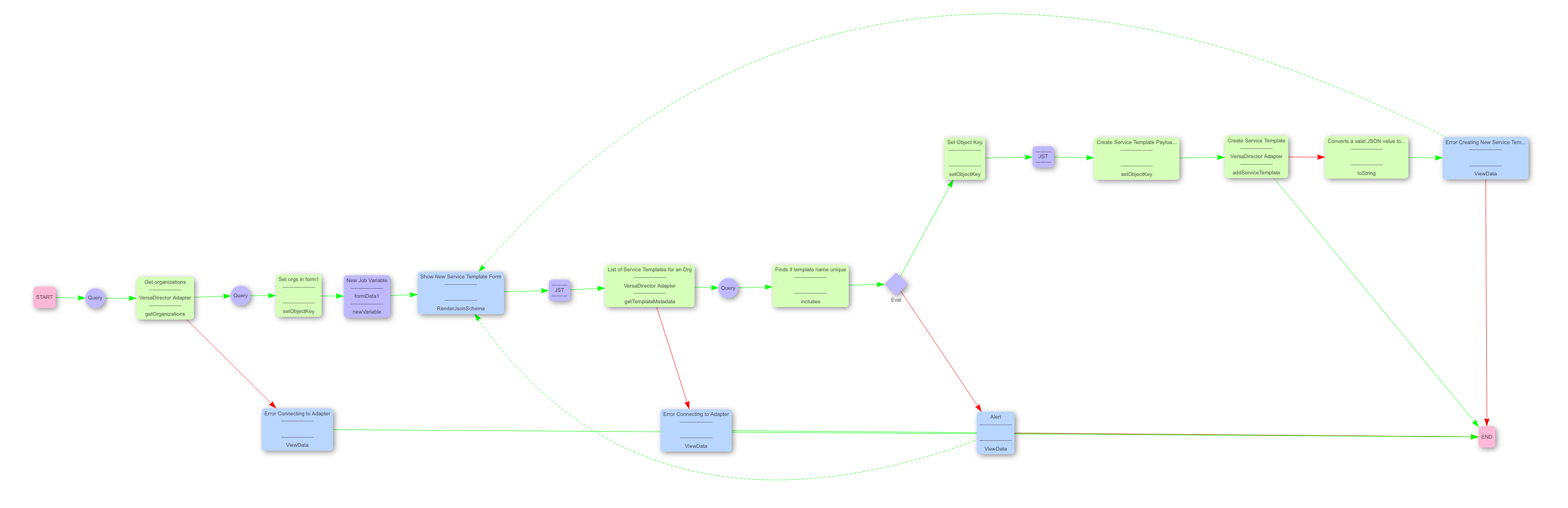
This pre-built is used to add a new service template to Versa Director.
_Estimated Run Time_: 1 minute
## Requirements
This Pre-Built requires the following:
* Itential Automation Platform
* `^2023.1.x`
* A running instance of the Itential OpenSource Versa Director adapter, which can be installed from [here](https://gitlab.com/itentialopensource/adapters/controller-orchestrator/adapter-versa_director).
## Features
The main benefits and features of the Pre-Built are outlined below.
Every Itential Pre-built is designed to optimize network performance and configuration by focusing on reliability, flexibility and coordination of network changes with applications and IT processes. As the network evolves, Pre-builts allow customers to focus on effective management and compliance to minimize risks of disruption and outage that can negatively impact quality of service.
## How to Install
To install the Pre-Built:
* Verify you are running a supported version of the Itential Automation Platform (IAP) as listed above in the [Requirements](#requirements) section in order to install the Pre-Built.
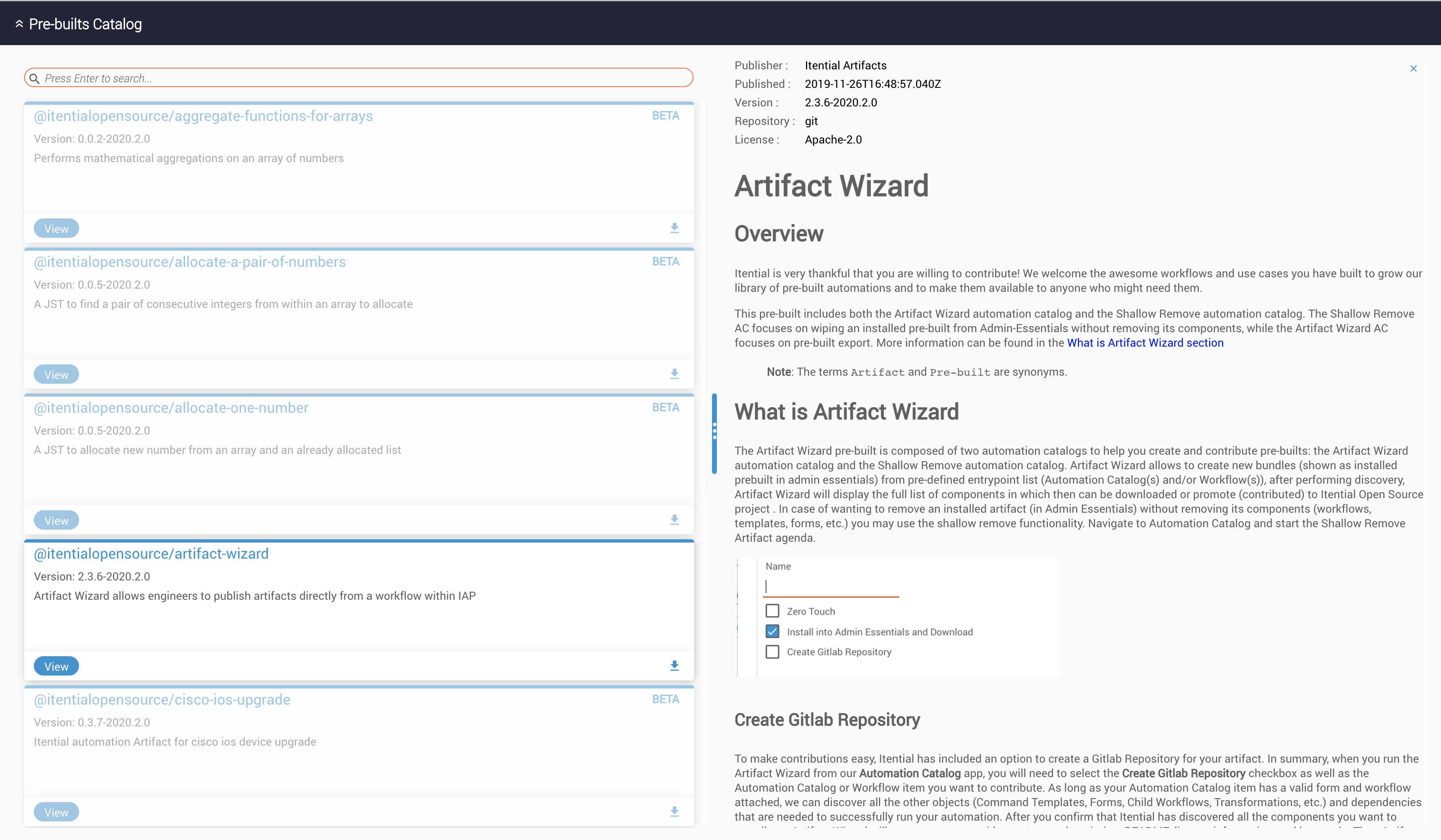
* The Pre-Built can be installed from within App-Admin_Essential. Simply search for the name of your desired Pre-Built and click the install button (as shown below).
## How to Run
Use the following to run the Pre-Built:
The pre-built can be run as a standalone or as part of a parent job.
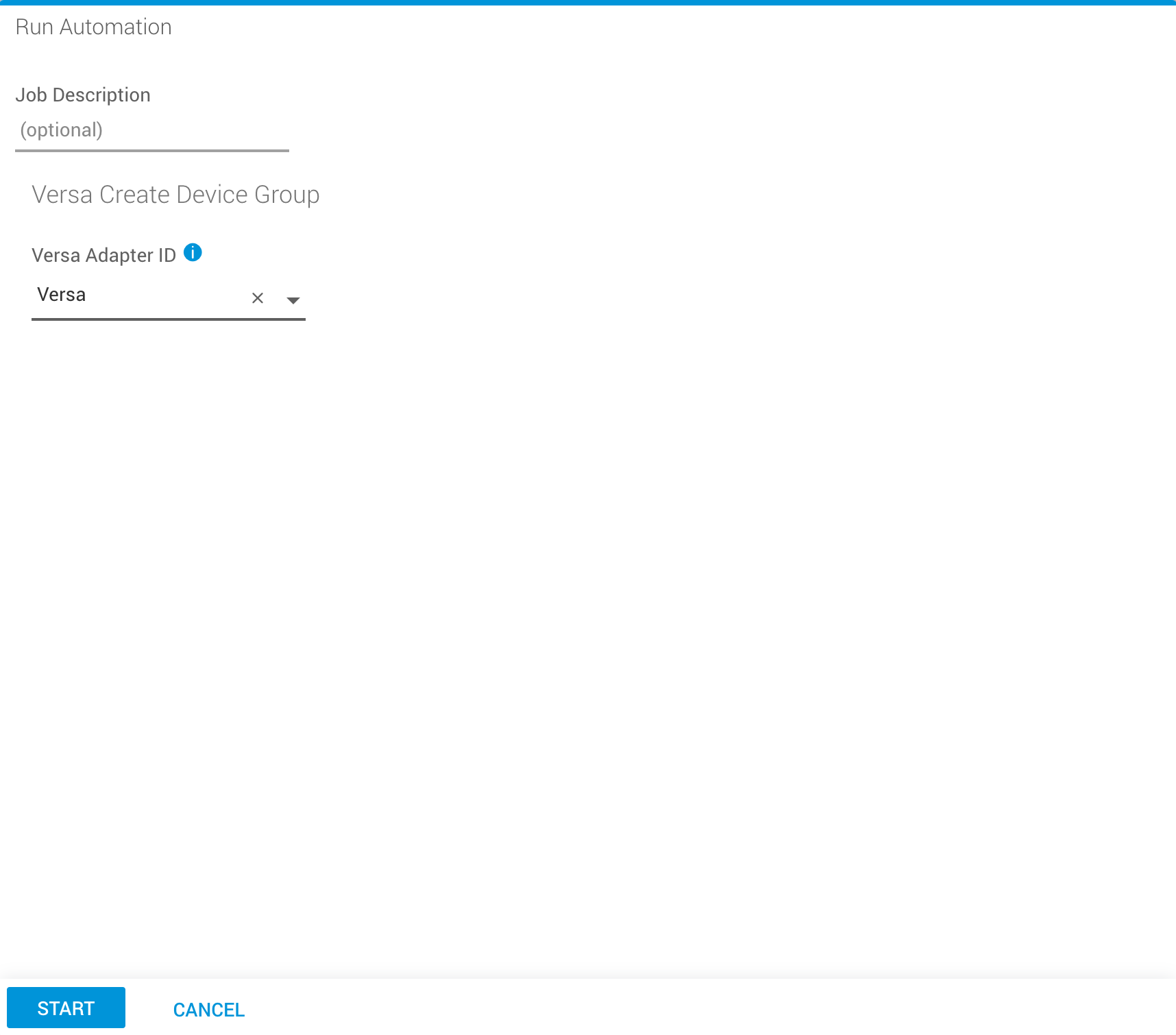
- To run it as a standalone job, run the respective job from Operations Manager with the necessary json form.
- The workflow or the job can also be used as part of another parent job.
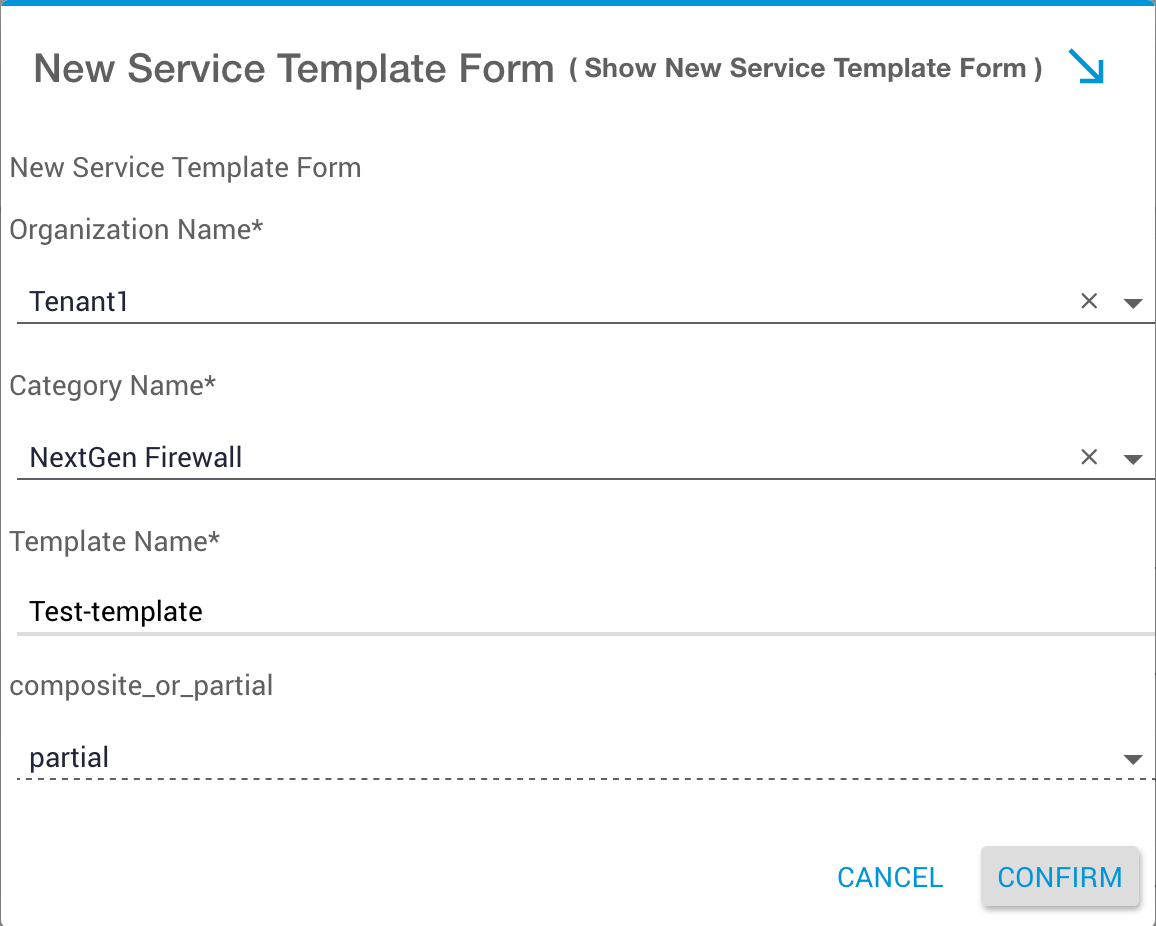
The description of the formdata needed by the prebuilt is given below:
The required values to be passed on are:
**Organization Name:** Provide the name of the organization that the service template will be placed under. Any sub-organizations under this "Parent" tenant will also inherit the service template.
**Category Name:**
Available Options:
- "stateful-firewall" - to create a Stateful Firewall Service Template
- "nextgen-firewall" - to create a NextGen Firewall Service Template
- "applications" - to create an Application Service Template
- "uCPE" - to create a Service Chain Service Template
- "class-of-service" - to create a Class of Service (QoS) Service Template
- "general" - to create a Generic Service Template
- "secure-access" - to create a Secure Access Service Template
**Template Name:** Provide a Name to the Service Template. This name has to be unique for a specific tenant, and has to start with an Alphabet. It is case sensitive.
**Composite or Partial:** Provide "partial" here, since the type of Service Template that we are creating is of type "Partial"
## Versa instance
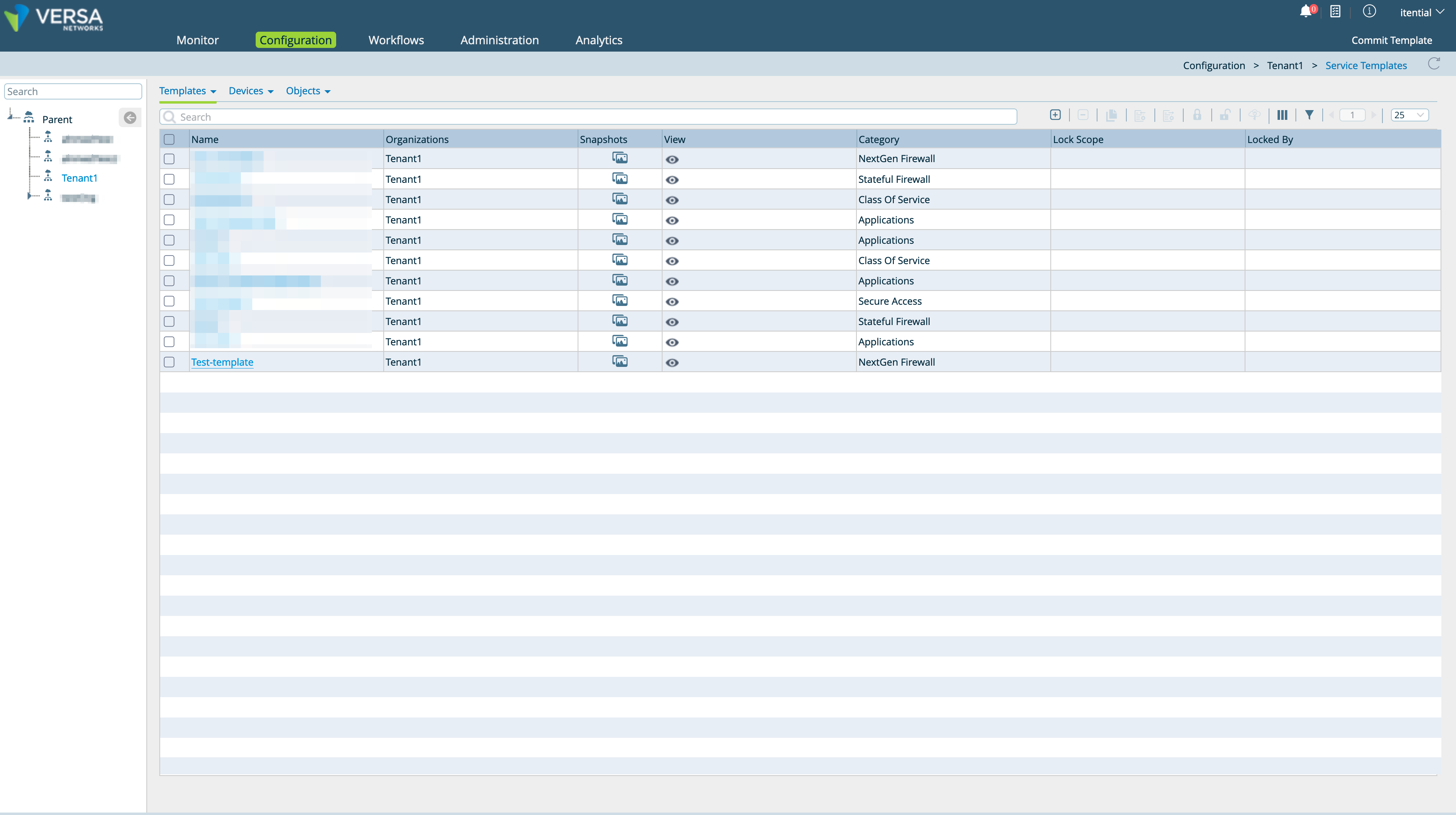
The above created service template can be verified on the versa instance by logging in using the credentials provided.
After logging in, select the configuration tab, choose the right organization from the left pane and from the templates dropdown on the top menu choose service templates to view all the service templates created.
## Additional Information
Please use your Itential Customer Success account if you need support when using this Pre-Built.