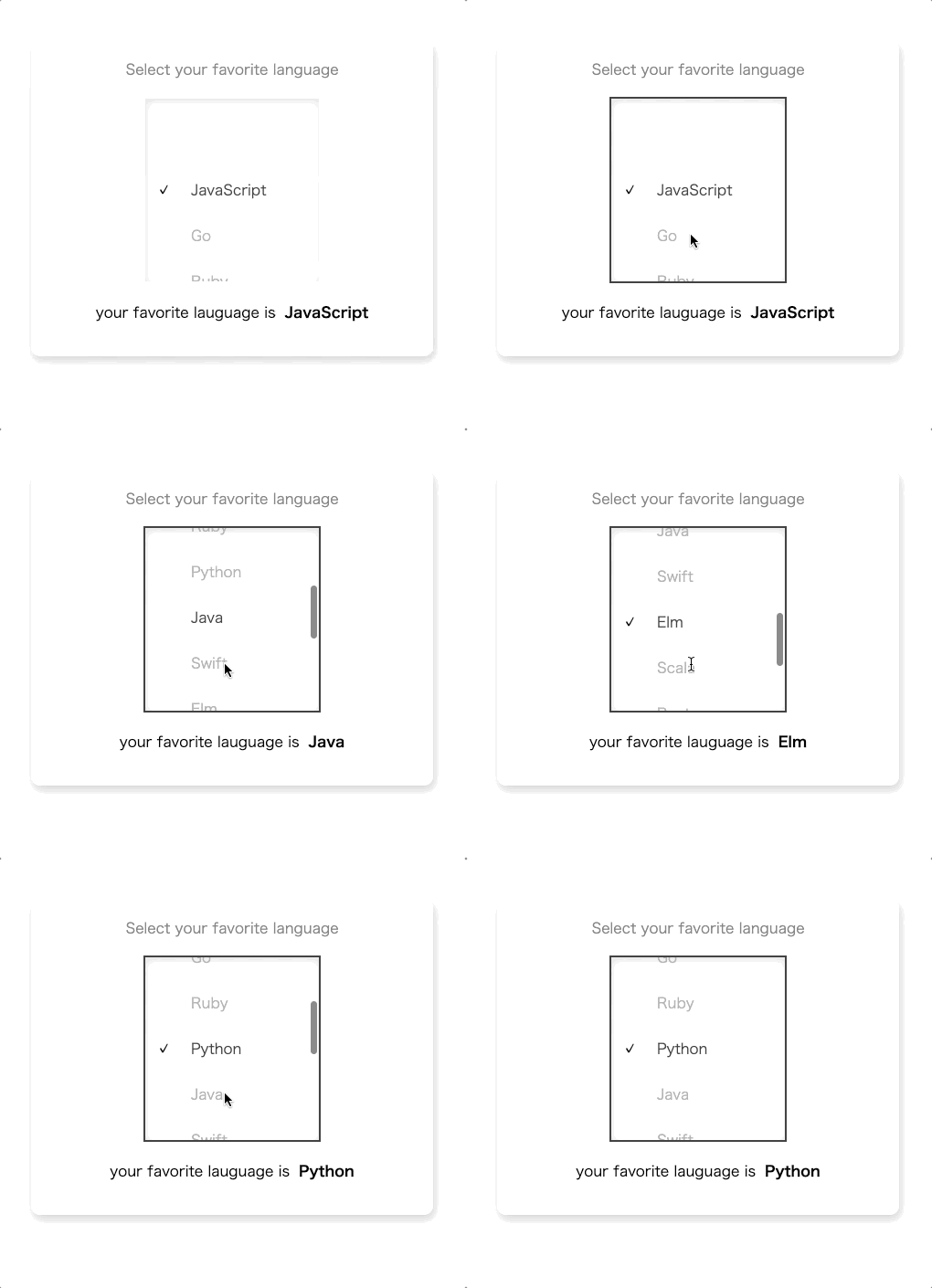
# Overview
- This package is simple and flexible wheel picker for React
- This package move like same as native applications picker
- This package support accessibility
# Usage
- `npm i react-simple-wheel-picker` or `yarn add react-simple-wheel-picker`
- Look at simple example below or please check [example](https://github.com/keiya01/react-simple-wheel-picker/tree/master/example) if you want to know more detail usage
```js
import WheelPicker from 'react-simple-wheel-picker';
const data = [
{
id: '1',
value: 'test1'
},
{
id: '2',
value: 'test2'
},
{
id: '3',
value: 'test3'
},
{
id: '4',
value: 'test4'
},
{
id: '5',
value: 'test5'
}
];
const Sample = () => {
const handleOnChange = target => {
console.log(target);
};
return (
);
};
```
# Normal Props
| props | type | require | description |
| :-------------: | :------------------------------------------: | :-----: | :-------------------------------------------------------------------------------------------- |
| data | Array<{id: string, value: string \| number}> | true | It should be array of object that have `id` and `value` |
| selectedID | string | true | You can set default data id |
| onChange | function(data: PickerData): void | true | You can get `value` or `id` |
| height | number | true | You can specify height to wheel picker |
| itemHeight | number | true | You can specify item height to wheel picker item |
| width | number | false | You can specify width to wheel picker |
| idName | string | false | You can specify id name to have relation to `htmlFor` label element |
| color | string | false | You can specify color to picker value |
| activeColor | string | false | You can specify active color to picker value |
| fontSize | number | false | You can specify font size to picker value |
| backgroundColor | string | false | You can specify background color to wheel picker |
| shadowColor | string | false | You can specify shadow color to wheel picker |
| focusColor | string | false | You can specify focus color that is painted border color when WheelPicker is focused |
| ref | WheelPickerRef | false | You can refer element to use focus or blur function by specifying ref props |
# Accessibility Props
| props | type | require | description
| :-------------: | :------------------------------------------: | :-----: | :---------- |
| titleID | string | false | You can specify titleID that it is linked with aria-labelledby |
| titleText | string | false | You can specify titleText that it is linked with aria-label |
| required | boolean | false | You can specify required that it is linked with aria-required |
If you want to know more about accessibility, you can check [here](https://developer.mozilla.org/en-US/docs/Web/Accessibility/ARIA/Roles/listbox_role).
# Accessibility for this package
- Support aria-* and role options
- Support keyboard operation