# NgxTimePicker
A time picker component for your angular application.
## Dependencies
- [Angular](https://angular.io/)
## Features
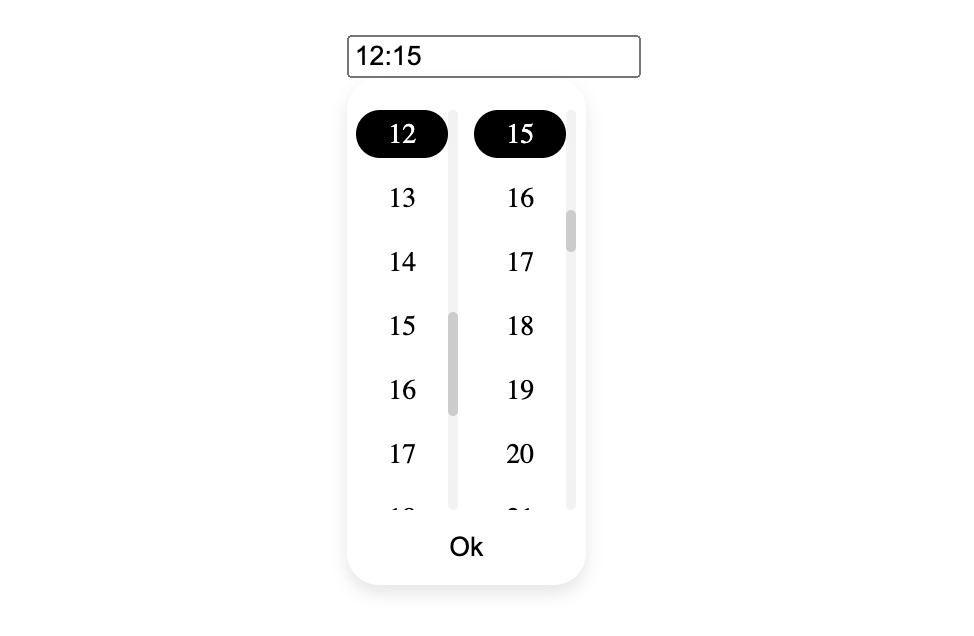
- Select time from a dropdown
- Supports Reactive Forms
- Supports Template-Driven Forms
- Customizable styles
## Demo
[Demo Application](https://ngx-time-picker-demo.vercel.app/)
## Example
## Installation
Install ngx-time-picker via.
```bash
npm i @salimzakari/ngx-time-picker
```
Once installed you need to import our main module in your application module or in your component for example:
```javascript
import { NgxTimePickerModule } from "@salimzakari/ngx-time-picker";
@NgModule({
declarations: [AppComponent],
imports: [NgxTimePickerModule],
bootstrap: [AppComponent],
})
export class AppModule {}
```
## Usage
ngx-time-picker with form control: Pass in formControlName like you would in any reactive form input.
```html
```
ngx-time-picker with NgModel.
```html
```
ngx-time-picker with custom class for dropdown, input and selected class.
```html
```