拖拽组件
目前样子
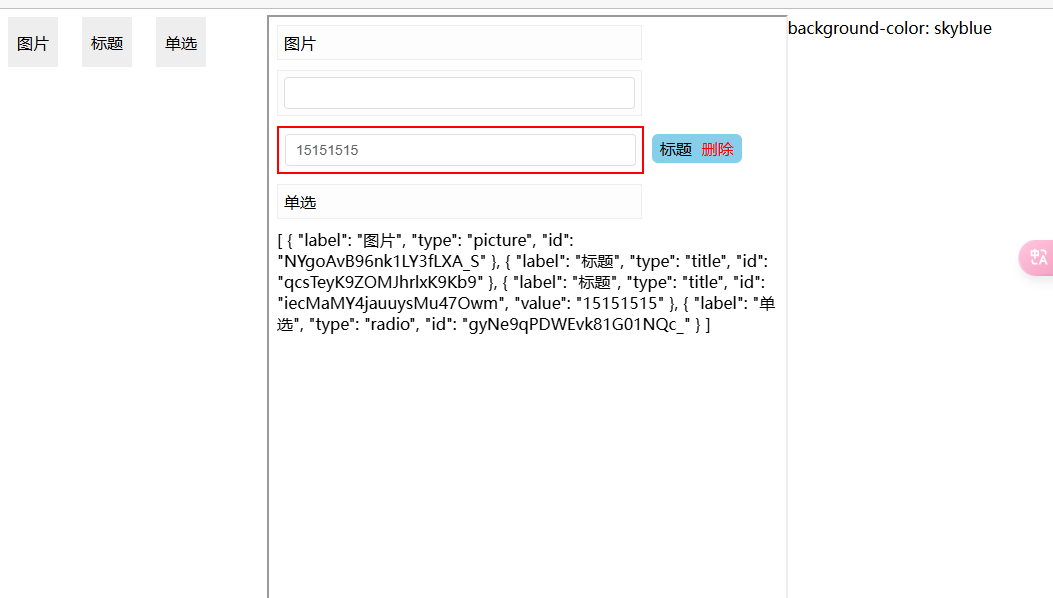
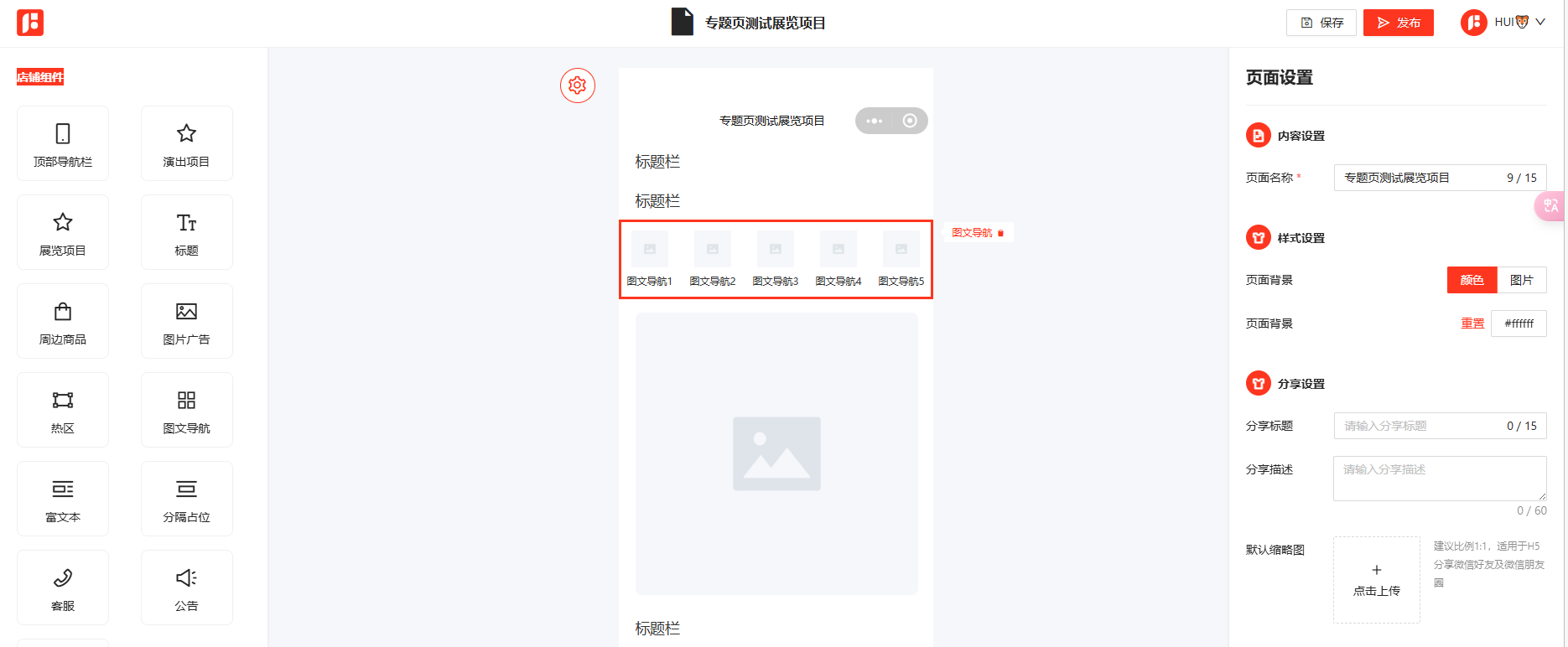
未来可拓展
父组件
<template>
  <div class="custom-drag">
    <div class="custom-drag-left">
      <div class="custom-drag-left-item" v-for="item in theComp" @click="onClickComp(item)">
        {{ item.label }}
      </div>
    </div>
    <iframe
      src="http://localhost:8991"
      @load="sendMessage"
      style="width: 50%; height: 100%"
    ></iframe>
    <div src="http://localhost:8991" style="width: 25%; height: 100%">
      background-color: skyblue
    </div>
  </div>
</template>

<script lang="ts" setup>
import { ref, unref } from 'vue'
import { nanoid } from 'nanoid'
const theComp = ref([
  { label: '图片', type: 'picture' },
  { label: '标题', type: 'title' },
  { label: '单选', type: 'radio' }
])
const theSendData: any = ref([])

const onClickComp = (item: any) => {
  const theItem = {
    ...item,
    id: nanoid()
  }
  theSendData.value.push(theItem)
  sendMessage()
}
const sendMessage = () => {
  const iframe: any = document.querySelector('iframe')
  iframe.contentWindow.postMessage(JSON.stringify(theSendData.value), 'http://localhost:8991')
}

window.addEventListener('message', (event) => {
  if (event.origin !== 'http://localhost:8991') return // 验证来源
  const theGetData = JSON.parse(event.data)
  console.log('父组件--Received message from iframe:', theGetData)
  if (theGetData.type == 'data') {
    theSendData.value = theGetData.data
    console.log('theSendData.value ===>', theSendData.value)
  }
})
</script>
<style lang="less">
.custom-drag {
  height: 80vh;
  display: flex;
  align-items: center;
  justify-content: space-between;
  &-left {
    width: 25%;
    height: 100%;
    gap: 24px;
    display: flex;
    flex-wrap: wrap;
    align-content: flex-start;
    &-item {
      width: 50px;
      height: 50px;
      background-color: #eee;
      display: flex;
      align-items: center;
      justify-content: center;
    }
  }
}
</style>
子组件
<!-- @format -->

<template>
  <div>
    <!--使用draggable组件-->
    <VueDraggableNext
      v-model="theData"
      chosenClass="chosen"
      forceFallback="true"
      group="people"
      animation="1000"
      @start="onStart"
      @end="onEnd"
      @choose="onChoose"
    >
      <transition-group>
        <div
          :id="element.id"
          class="item"
          :class="{
            'item-selected': element.id == theCurrentItemId,
          }"
          v-for="element in theData"
          :key="element.id"
          @mouseenter="onMouseenter(element)"
        >
          <!-- <Input v-if="element.type == 'title'" v-model="element.value" /> -->
          <el-input v-if="element.type == 'title'" v-model="element.value">
          </el-input>
          <div v-else>{{ element.label }}</div>

          <!-- 删除按钮 -->
          <div class="item-tip" v-if="element.id == theCurrentItemId">
            <div>{{ element.label }}</div>
            <div
              style="margin-left: 10px; color: red; cursor: pointer"
              @click="onRemoveItem(element)"
            >
              删除
            </div>
          </div>
        </div>
      </transition-group>
    </VueDraggableNext>

    {{ theData }}
  </div>
</template>

<script setup lang="ts">
  // import Draggable from 'vuedraggable'
  import { VueDraggableNext } from 'vue-draggable-next'
  import { ref } from 'vue'
  import Input from './comp/Input.vue'

  const theCurrentItemId: any = ref('')
  const onChoose = (e) => {
    theCurrentItemId.value = e.item.getAttribute('id')
  }
  const onStart = (e) => {
    console.log('start')
  }
  const onEnd = (e) => {
    console.log('end')
  }

const onMouseenter = (e) => {
    console.log('mouseenter',e)
    e.target.style.backgroundColor = 'red'
  }

  const onRemoveItem = (item: any) => {
    theData.value = theData.value.filter((item) => {
      return item.id !== theCurrentItemId.value
    })
    const theMessage: any = {
      type: 'data',
      data: theData.value,
    }
    window.parent.postMessage(
      JSON.stringify(theMessage),
      'http://localhost:4000',
    )
  }

  const theData: any = ref([])
  window.addEventListener('message', (event: any) => {
    if (event.origin !== 'http://localhost:4000') return // 验证来源
    // console.log('子组件--自己的消息:', event, event.data)
    theData.value = JSON.parse(event.data)
    // 回复消息
    const theMessage: any = {
      type: 'message',
      data: '子组件--给父组件发消息',
    }
    event.source.postMessage(JSON.stringify(theMessage), event.origin)
  })
</script>

<style lang="less">
  /*被拖拽对象的样式*/
  .item {
    padding: 6px;
    background-color: #fdfdfd;
    border: solid 1px #eee;
    margin-bottom: 10px;
    cursor: move;
    user-select: none;
    position: relative;
    width: 70%;
    &-selected {
      border: solid 2px red !important;
    }
    &-tip {
      position: absolute;
      right: -100px;
      top: 6px;
      display: flex;
      align-items: center;
      justify-content: center;
      background-color: skyblue;
      border-radius: 6px;
      padding: 4px 8px;
      cursor: auto;
    }
  }
  .item:hover {
    border: solid 2px red !important;
  }
  /*选中样式*/
  .chosen {
    border: solid 2px #3089dc !important;
  }
</style>