# SponsorKit
灵感来源于 [antfu/sponsorkit](https://github.com/antfu-collective/sponsorkit), 支持了针对未开通 Github Sponsors 或 收到来自非 Github Sponsors 的赞助的用户的展示, 比如 wechat 、alipay...
## Usage
- 针对 GitHub Sponsors 用户的使用方法请参考 [antfu/sponsorkit的文档](https://github.com/antfu-collective/sponsorkit)
- 非 GitHub Sponsors 需要配置 `customGithubUser` 字段, 请参考 [Configurations](#configurations) 部分
- 默认 type 为 `all`, 可以通过配置文件修改, 同时生成 条形图 和 圆形图
Run:
```base
npx sponsorkit
```
## Configurations
Create `sponsorkit.config.js` file with:
```ts
import { defineConfig, presets } from '@simon_he/sponsorkit'
import { customGithubUser } from './sponsors'
const customGithubUser = [
{
user: 'github_username',
monthlyDollars: 666,
}
]
export default defineConfig({
// includePrivate: true,
type: 'all',
tiers: [
{
title: 'Past Sponsors',
monthlyDollars: -1,
preset: presets.xs,
},
{
title: 'Backers',
// to replace the entire tier rendering
// compose: (composer, tierSponsors, config) => {
// composer.addRaw(
// '<-- custom svg -->',
// )
// },
},
{
title: 'Sponsors',
monthlyDollars: 10,
preset: presets.medium,
// to insert custom elements after the tier block
composeAfter: (composer, _tierSponsors, _config) => {
composer.addSpan(10)
},
},
{
title: 'Silver Sponsors',
monthlyDollars: 50,
preset: presets.large,
},
{
title: 'Gold Sponsors',
monthlyDollars: 100,
preset: presets.xl,
},
],
customGithubUser
})
```
Also check [the example](./example/).
## Utils
You can also use SponsorKit programmatically:
```ts
import { fetchSponsors } from 'sponsorkit'
const sponsors = await fetchSponsors(token, login)
```
Check the type definition or source code for more utils available.
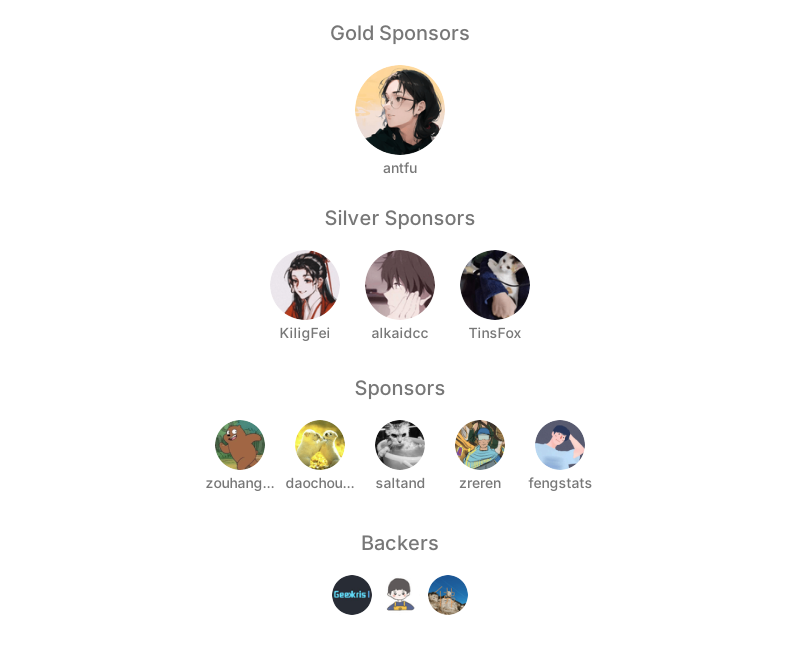
## Sponsors

## License
[MIT](./LICENSE) License © 2022 [Anthony Fu](https://github.com/antfu)