Striven File Viewer
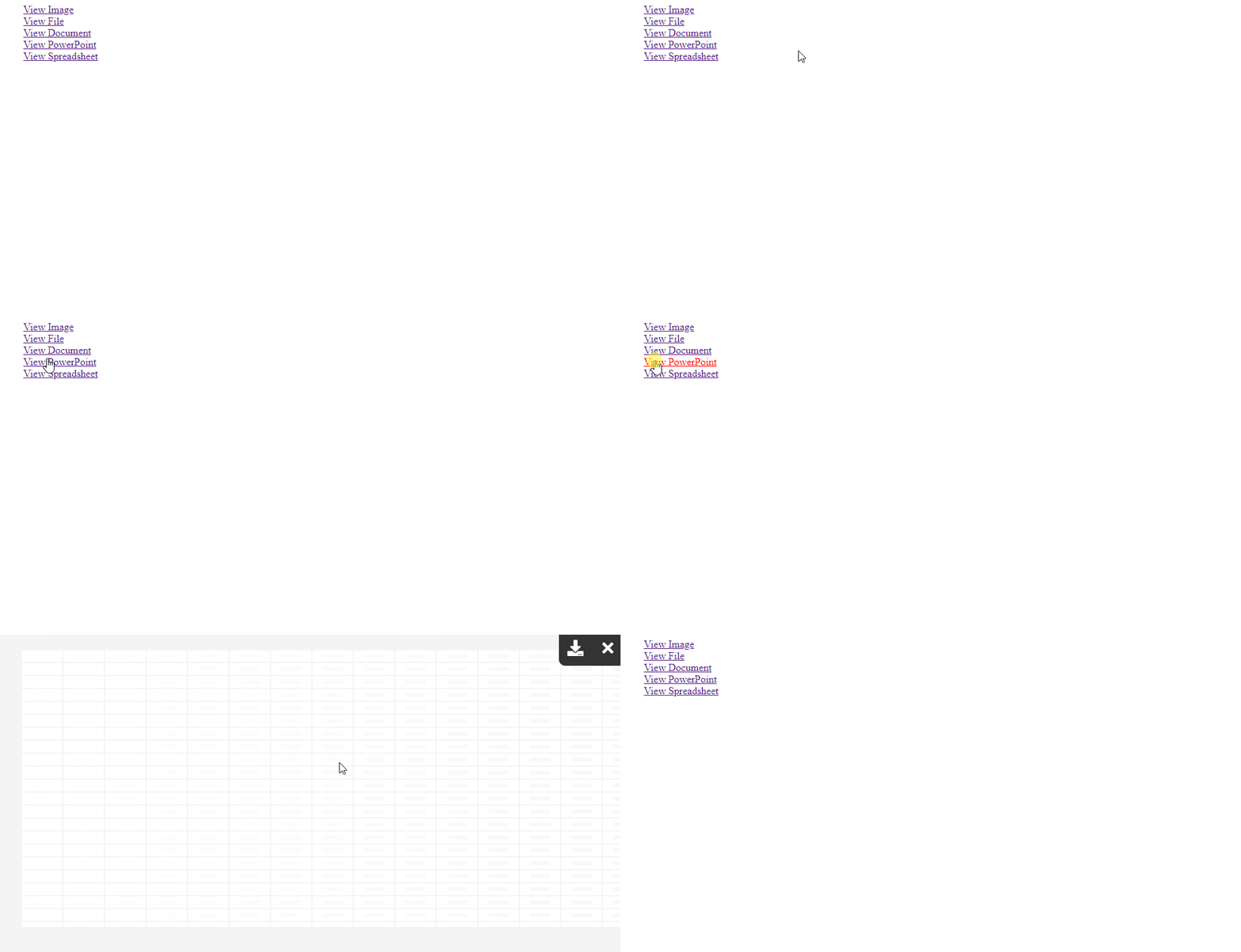




## Supported Frameworks
🥋 [Knockout](#implementing-with-knockout)
|
✌ [Vue](#implementing-with-vue)
## Getting Started
### Install Package
```sh
$ npm install @striven-erp/striven-fileviewer
```
### Initialize File Viewer
The element that is passed in will be bound to an ```onclick``` event that triggers the file view lightbox.
```js
import { StrivenFileViewer } from '@striven-erp/striven-fileviewer';
const viewerOptions = {
path: './assets/images/image.jpeg',
name: 'image',
type: 'jpeg'
}
const fileviewer = new StrivenFileViewer(fileviewerEl, viewerOptions);
```
### Initializing with a View Element
Alternatively, you can pass an element that you want the file to displayed in. This will disable the lightbox feature.
```js
import { StrivenFileViewer } from '@striven-erp/striven-fileviewer';
const viewerOptions = {
path: './assets/images/image.jpeg',
name: 'image',
type: 'jpeg'
}
const fileviewer = new StrivenFileViewer(fileviewerEl, viewerOptions, viewEl);
```
## Implementing with Vue
### Import the Vue Directive
```js
import Vue from 'vue';
import App from './App.vue'
import { VueStrivenFileViewer } from '@striven-erp/striven-fileviewer';
new VueStrivenFileViewer(Vue);
new Vue({
render: h => h(App),
}).$mount('#app')
```
### Bind the directive to the element
```html
```
```js
export default {
data () {
return {
viewerOptions: {
path: './assets/images/image.jpeg',
name: 'image',
type: 'jpeg'
}
}
}
}
```
### Binding with a view element
```html
```
```js
export default {
data () {
return {
viewerOptions: {
path: './assets/images/image.jpeg',
name: 'image',
type: 'jpeg',
viewer: document.getElementById('view-element');
}
}
}
}
```
## Implementing with Knockout
### Import the Knockout Binding
```js
import ko from 'knockout';
import { KoStrivenFileViewer } from '@striven-erp/striven-fileviewer';
new KoStrivenFileViewer(ko);
```
### Template the binding
Attach the binding to the element you want the ```StrivenFileViewer``` to attach the ```onclick``` event to.
```html
View this File
```
#### Binding with a view element
```html
View this File
```
#### Example View Model
```js
function AppViewModel() {
this.imagePath = './path/to/the/file.jpeg/';
this.viewElement = document.getElementById('view-element');
}
ko.applyBindings(new AppViewModel());
```
## File Viewer Properties
|Property|Type|Description|
|:-:|:-:|:-:|
|path|```String```|Path to the file to view.|
|name|```String```|Name of the viewing file
Download purposes.|
|type|```String```|Extension of the viewing file
Viewing behavior purposes.|
|useSVG|```Boolean```|Use default SVG icons provided
If ```false```, must pass class names|
|downloadIconClass|```String```|Class name for icon
**Example:** ```fa fa-download```|
|closeIconClass|```String```|Class name for icon
**Example:** ```fa fa-close```|
## File Viewer Methods
|Method|Return Type|Description|
|:-:|:-:|:-:|
|downloadFile|None|Manually invoke the downloading of the referenced file|
|viewFile|None|Manually invoke the click event that views the file|