# JavaScript Button Controls
## What's Included in the JavaScript Buttons Package
The JavaScript Buttons package includes the following list of controls.
### JavaScript Button
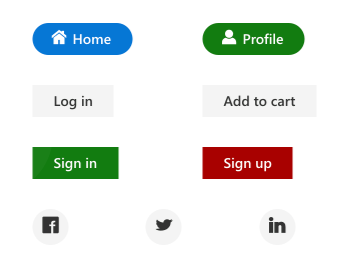
The [JavaScript Button](https://www.syncfusion.com/javascript-ui-controls/js-button?utm_source=npm&utm_medium=listing&utm_campaign=javascript-button-npm) control is a custom HTML5 button component. It has several built-in features such as support for icons, predefined styles, different button types, different button sizes, and UI customization.
Getting Started.
Online demos.
Learn more.
#### Key features
* [Types](https://ej2.syncfusion.com/documentation/button/types-and-styles#button-types) - Provided with different types of Button.
* [Predefined styles](https://ej2.syncfusion.com/documentation/button/types-and-styles#button-styles) - Provided with predefined styles of Button.
* [Sizes](https://ej2.syncfusion.com/documentation/button/types-and-styles#button-size) - Provided with different sizes of Button.
* [Icons](https://ej2.syncfusion.com/documentation/button/types-and-styles#icons) - Supports text and icon on the Button.
### JavaScript CheckBox
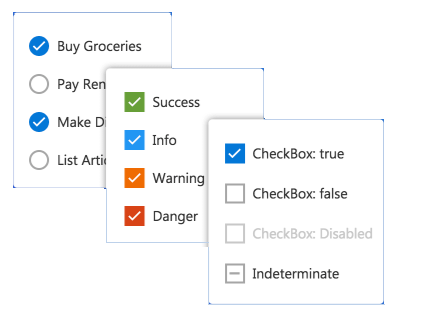
The [JavaScript CheckBox](https://www.syncfusion.com/javascript-ui-controls/js-checkbox?utm_source=npm&utm_medium=listing&utm_campaign=javascript-button-npm) control is a custom checkbox-type HTML5 input component for selecting one or more options from a list of predefined choices. It supports an indeterminate state, different sizes, custom labels and positions, and UI customization.
Getting Started .
Online demos .
Learn more
#### Key features
* [States](https://ej2.syncfusion.com/documentation/check-box/getting-started#change-the-checkbox-state) - Provided with different states of CheckBox.
* [Label](https://ej2.syncfusion.com/documentation/check-box/label-and-size#label) - Supports label and its positioning.
* [Sizes](https://ej2.syncfusion.com/documentation/check-box/label-and-size#size) - Provided with different sizes of CheckBox.
### JavaScript RadioButton
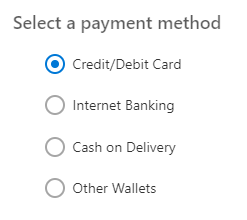
The [JavaScript RadioButton](https://www.syncfusion.com/javascript-ui-controls/js-radio-button?utm_source=npm&utm_medium=listing&utm_campaign=javascript-button-npm) control is a custom radio-type HTML5 input component for selecting one option from a list of predefined choices. It supports different states, sizes, labels, label positions, and UI customizations.
Getting Started .
Online demos .
Learn more
#### Key features
* [States](https://ej2.syncfusion.com/documentation/radio-button/getting-started#change-the-radiobutton-state) - Provided with different states of RadioButton.
* [Label](https://ej2.syncfusion.com/documentation/radio-button/label-and-size#label) - Supports label and its positioning.
* [Sizes](https://ej2.syncfusion.com/documentation/radio-button/label-and-size#size) - Provided with different sizes of RadioButton.
### JavaScript Switch
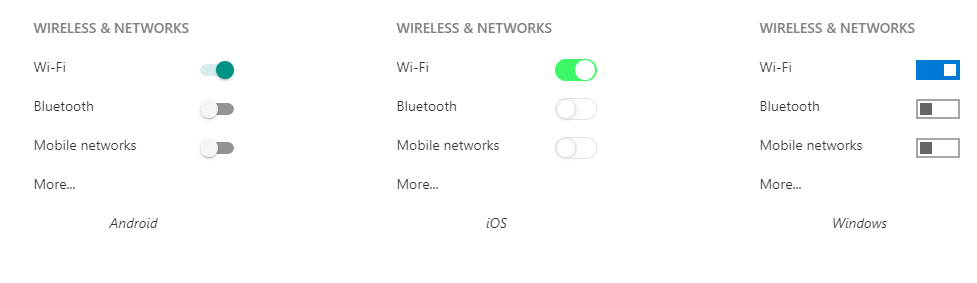
The [JavaScript Switch](https://www.syncfusion.com/javascript-ui-controls/js-toggle-switch-button?utm_source=npm&utm_medium=listing&utm_campaign=javascript-button-npm) control is a custom HTML5 input-type component control that allows you to perform a toggle (on/off) action between checked and unchecked states. It supports different sizes, labels, label positions, and UI customization.
Getting Started .
Online demos .
Learn more
#### Key features
* [Text](https://ej2.syncfusion.com/documentation/switch/getting-started#set-text-on-switch) - Supports text.
* [Sizes](https://ej2.syncfusion.com/documentation/switch/how-to#change-size) - Provided with different sizes of Switch.
### JavaScript Floating Action Button
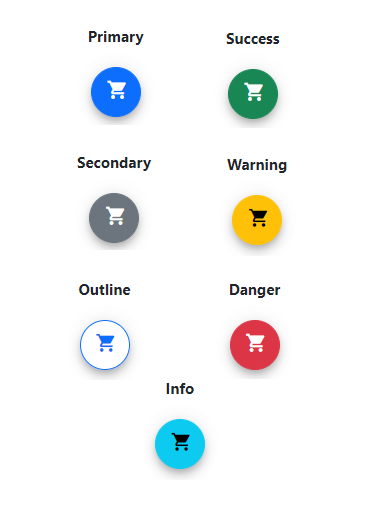
The [JavaScript Floating Action Button](https://www.syncfusion.com/javascript-ui-controls/js-fab?utm_source=npm&utm_medium=listing&utm_campaign=javascript-buttons-npm) control performs the primary action that appears in front of all screen contents. It has several built-in features such as support for icons, predefined styles, positions, and UI customization.
Getting Started .
Online demos .
Learn more
#### Key features
* [Icons](https://ej2.syncfusion.com/documentation/floating-action-button/icons) - Supports addition of both text and icon on the Button.
* [Predefined styles](https://ej2.syncfusion.com/documentation/floating-action-button/styles) - Provided with predefined styles for the Floating Action Button.
* [Positions](https://ej2.syncfusion.com/documentation/floating-action-button/positions) - Positioned anywhere on the target. If the target is not defined, then Floating Action Button is positioned based on the browser viewport.
### JavaScript Speed Dial
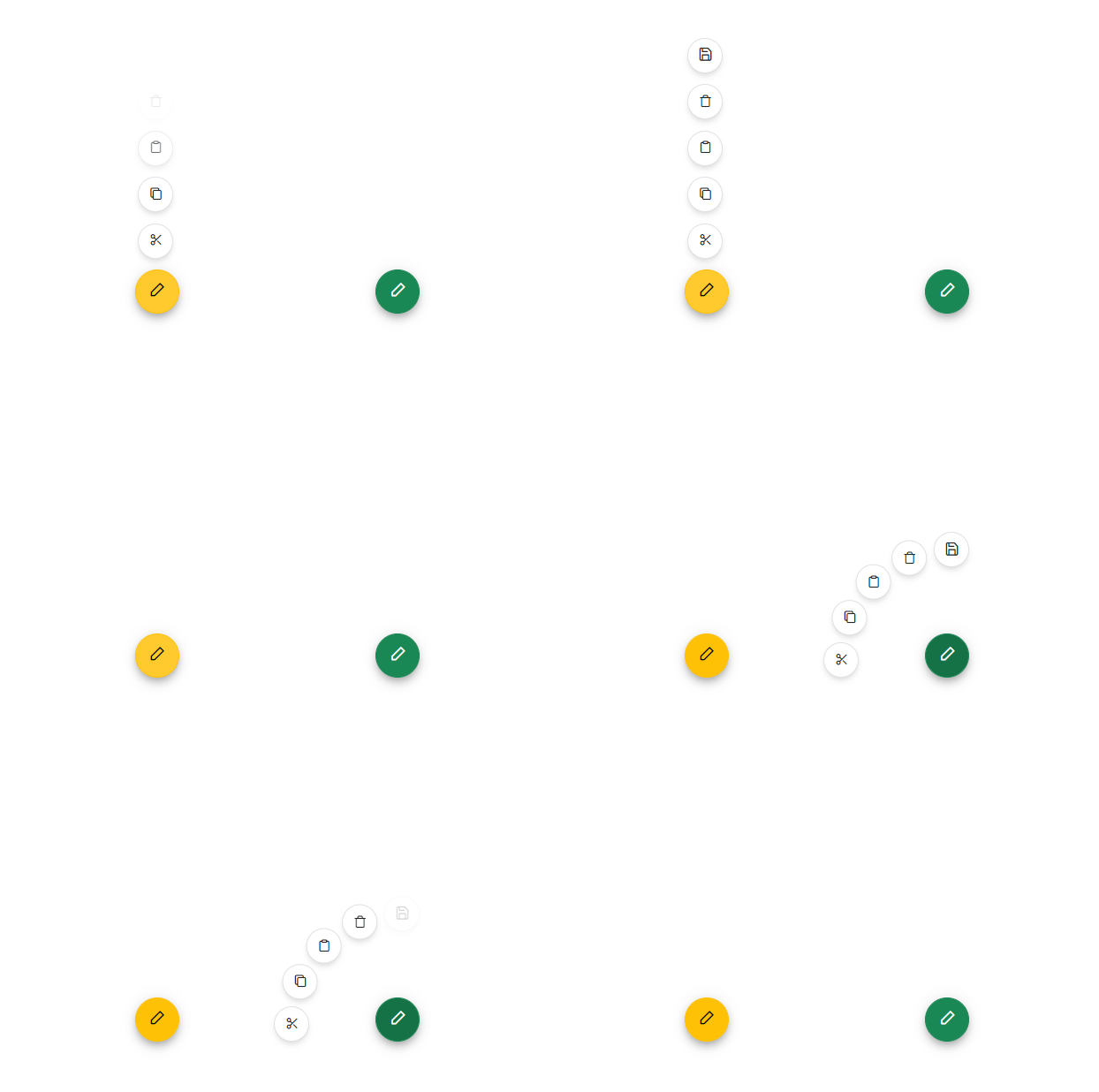
The [JavaScript Speed Dial](https://www.syncfusion.com/javascript-ui-controls/js-speed-dial?utm_source=npm&utm_medium=listing&utm_campaign=javascript-buttons-npm) control is an extension of the floating action button that displays a list of action buttons when clicked. It has several built-in features such as support for items, predefined styles, positions, and UI customization.
Getting Started .
Online demos .
Learn more
#### Key features
* [Items](https://ej2.syncfusion.com/documentation/speed-dial/items) - Provides different items support for the Speed Dial.
* [Predefined styles](https://ej2.syncfusion.com/documentation/speed-dial/styles) - Provided with predefined styles for the Speed Dial.
* [Positions](https://ej2.syncfusion.com/documentation/speed-dial/positions) - Positioned anywhere on the target. If the target is not defined, then Speed Dial is positioned based on the browser viewport.
* [Modes](https://ej2.syncfusion.com/documentation/speed-dial/display-modes) - Supports display of items in both linear and radial modes.
* [Modal](https://ej2.syncfusion.com/documentation/speed-dial/modal) - Adds an overlay to prevent the background interaction.
* [Templates](https://ej2.syncfusion.com/documentation/speed-dial/template) - Customize Speed Dial items and the popup content using templates.
Trusted by the world's leading companies

## Setup
To install `buttons` and its dependent packages, use the following command,
```sh
npm install @syncfusion/ej2-buttons
```
## Supported frameworks
Button controls are also offered to following list of frameworks.
| [ ](https://www.syncfusion.com/angular-ui-components?utm_medium=listing&utm_source=github)
[Angular](https://www.syncfusion.com/angular-ui-components?utm_medium=listing&utm_source=github) | [ ](https://www.syncfusion.com/react-ui-components?utm_medium=listing&utm_source=github)
[React](https://www.syncfusion.com/react-ui-components?utm_medium=listing&utm_source=github) | [ ](https://www.syncfusion.com/vue-ui-components?utm_medium=listing&utm_source=github)
[Vue](https://www.syncfusion.com/vue-ui-components?utm_medium=listing&utm_source=github) | [ ](https://www.syncfusion.com/aspnet-core-ui-controls?utm_medium=listing&utm_source=github)
[ASP.NET Core](https://www.syncfusion.com/aspnet-core-ui-controls?utm_medium=listing&utm_source=github) | [ ](https://www.syncfusion.com/aspnet-mvc-ui-controls?utm_medium=listing&utm_source=github)
[ASP.NET MVC](https://www.syncfusion.com/aspnet-mvc-ui-controls?utm_medium=listing&utm_source=github) |
| :-----: | :-----: | :-----: | :-----: | :-----: |
## Showcase samples
* Expanse Tracker - [Source](https://github.com/syncfusion/ej2-sample-ts-expensetracker), [Live Demo](https://ej2.syncfusion.com/showcase/typescript/expensetracker/?utm_source=npm&utm_campaign=button#/dashboard)
* Loan Calculator - [Source](https://github.com/syncfusion/ej2-sample-ts-loancalculator), [Live Demo](https://ej2.syncfusion.com/showcase/typescript/loancalculator/?utm_source=npm&utm_campaign=button)
## Resources
* [Documentation](https://ej2.syncfusion.com/documentation/button/getting-started)
* [Theme Studio](https://ej2.syncfusion.com/themestudio/)
* [Custom Resource Generator](https://crg.syncfusion.com/)
* [What's New](https://www.syncfusion.com/products/whatsnew/essential-js2?utm_medium=listing&utm_source=github)
* [Road Map](https://www.syncfusion.com/products/roadmap/essential-js2?utm_medium=listing&utm_source=github)
* [E-Books](https://www.syncfusion.com/ebooks?tag=javascript&utm_medium=listing&utm_source=github)
## Support
Product support is available through following mediums.
* [Support ticket](https://support.syncfusion.com/support/tickets/create) - Guaranteed Response in 24 hours | Unlimited tickets | Holiday support
* [Community forum](https://www.syncfusion.com/forums/essential-js2?utm_source=npm&utm_medium=listing&utm_campaign=javascript-button-npm)
* [GitHub issues](https://github.com/syncfusion/ej2-javascript-ui-controls/issues/new)
* [Request feature or report bug](https://www.syncfusion.com/feedback/javascript?utm_source=npm&utm_medium=listing&utm_campaign=javascript-button-npm)
* Live chat
## Changelog
Check the changelog [here](https://github.com/syncfusion/ej2-javascript-ui-controls/blob/master/controls/buttons/CHANGELOG.md?utm_source=npm&utm_campaign=button). Get minor improvements and bug fixes every week to stay up to date with frequent updates.
## License and copyright
> This is a commercial product and requires a paid license for possession or use. Syncfusion® licensed software, including this component, is subject to the terms and conditions of Syncfusion® [EULA](https://www.syncfusion.com/eula/es/). To acquire a license for 140+ [JavaScript UI controls](https://www.syncfusion.com/javascript-ui-controls), you can [purchase](https://www.syncfusion.com/sales/products) or [start a free 30-day trial](https://www.syncfusion.com/account/manage-trials/start-trials).
> A [free community license](https://www.syncfusion.com/products/communitylicense) is also available for companies and individuals whose organizations have less than $1 million USD in annual gross revenue and five or fewer developers.
See [LICENSE FILE](https://github.com/syncfusion/ej2-javascript-ui-controls/blob/master/license?utm_source=npm&utm_campaign=button) for more info.
© Copyright 2026 Syncfusion® Inc. All Rights Reserved. The Syncfusion® Essential Studio® license and copyright applies to this distribution.