
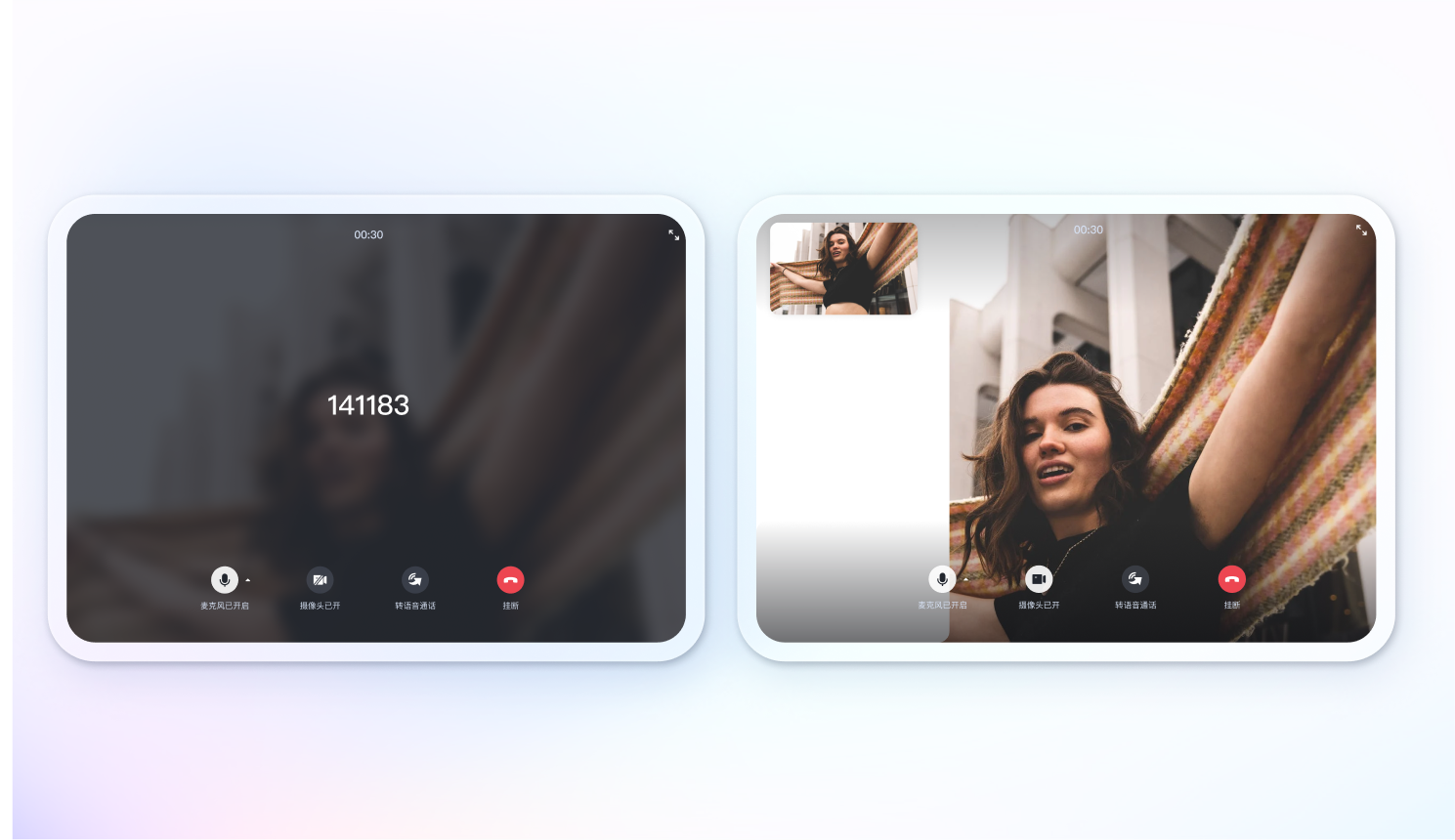
<p align="center">
  <a href="https://trtc.io/">
    <img width="200" src="https://web.sdk.qcloud.com/trtc/webrtc/assets/trtc.io-logo.png">
  </a>
</p>

<h1 align="center" style="margin-top: -40px">TUICallKit</h1>

<div align="center">
TUICallKit 是一个用于音频和视频通话的 UIKit 组件

<br>

![NPM verison](https://img.shields.io/npm/v/@tencentcloud/call-uikit-react) [![NPM downloads](https://img.shields.io/npm/dw/@tencentcloud/call-uikit-react)](https://www.npmjs.com/package/@tencentcloud/call-uikit-react) [![Documents](https://img.shields.io/badge/-Documents-blue)](https://cloud.tencent.com/document/product/647/81015) [![Stars](https://img.shields.io/github/stars/tencentyun/TUICallKit?style=social)](https://github.com/tencentyun/TUICallKit)

</div>

<div align="center"> English | <a href="https://github.com/tencentyun/TUICallKit/blob/main/Web/README.zh-CN.md" target="_blank"> 简体中文</a> </div>

![](https://raw.githubusercontent.com/andreasbm/readme/master/assets/lines/rainbow.png)


## Demo 演示

- 桌面端
<img src="https://web.sdk.qcloud.com/trtc/call/pope-test/react-doc/Background-pc.png" style="width: 800px; margin: 10px;" align="center">

- 移动端
<img src="https://web.sdk.qcloud.com/trtc/call/pope-test/react-doc/en/Background-mobile.png" style="width: 1000px; margin: 10px;" align="center">

- 群通话
<img src="https://web.sdk.qcloud.com/trtc/call/pope-test/react-doc/Background-group-mobile.png" style="width: 1000px; margin: 10px;" align="center">


## 简介
TUICallKit 是腾讯云开发的一款用于音视频通话的 UIKit 组件。 通过集成此组件，您只需几行代码即可轻松地将视频通话功能添加到您的应用程序中。

- [在线 Demo](https://rtcube.cloud.tencent.com/prerelease/component/experience-center/index.html#/detail?scene=callkit)
- [更新日志](https://cloud.tencent.com/document/product/647/80930)
- [API 文档](https://cloud.tencent.com/document/product/647/81015)
- 我们提供适用于 Web、Android、iOS、小程序、Flutter 的 SDK，更多信息请参见 [实时音视频](https://cloud.tencent.com/document/product/647/78742)。


## 环境支持
TUICallKit 支持市面上主流浏览器，详情参考：[浏览器支持情况](https://web.sdk.qcloud.com/trtc/webrtc/v5/doc/zh-cn/tutorial-05-info-browser.html)。

```text
请务必使用 HTTPS 协议或者 localhost 来部署您的 Web App，否则会出现找不到 navigator.mediaDevices 错误！
```

| [<img src="https://web.sdk.qcloud.com/trtc/webrtc/assets/logo/chrome_48x48.png" alt="Chrome" width="24px" height="24px" />](http://godban.github.io/browsers-support-badges/)<br/>Chrome | [<img src="https://web.sdk.qcloud.com/trtc/webrtc/assets/logo/edge_48x48.png" alt="IE / Edge" width="24px" height="24px" />](http://godban.github.io/browsers-support-badges/)<br/> Edge | [<img src="https://web.sdk.qcloud.com/trtc/webrtc/assets/logo/firefox_48x48.png" alt="Firefox" width="24px" height="24px" />](http://godban.github.io/browsers-support-badges/)<br/>Firefox | [<img src="https://web.sdk.qcloud.com/trtc/webrtc/assets/logo/safari_48x48.png" alt="Safari" width="24px" height="24px" />](http://godban.github.io/browsers-support-badges/)<br/>Safari | [<img src="https://web.sdk.qcloud.com/trtc/webrtc/assets/logo/safari-ios_48x48.png" alt="iOS Safari" width="24px" height="24px" />](http://godban.github.io/browsers-support-badges/)<br/>iOS Safari | [<img src="https://web.sdk.qcloud.com/trtc/webrtc/assets/logo/opera_48x48.png" alt="Opera" width="24px" height="24px" />](http://godban.github.io/browsers-support-badges/)<br/>Opera |
| --------- | --------- | --------- | --------- | --------- | --------- |
| 56+ | 80+ | 56+ | 11+ | 11+ | 46+ |


## 安装
使用 npm:
```
npm install @tencentcloud/call-uikit-react --save
```

使用 yarn:
```
yarn add @tencentcloud/call-uikit-react
```


## 使用
参考下述两个教程，可快速跑通 Demo 及了解如何使用 SDK 实现基础音视频通话功能。

- [快速接入](https://cloud.tencent.com/document/product/647/78731)
- [TUICallKit React Demo](https://github.com/tencentyun/TUICallKit/tree/main/Web/call-uikit-demos/basic-react)


## API 概要
  - 初始化 TUICallKit [init](https://cloud.tencent.com/document/product/647/81015#init)
  - 开始 1v1（或多人） 通话 [calls](https://cloud.tencent.com/document/product/647/81015#calls)
  - 设置 TUICallKit 组件通话语言 [setLanguage](https://cloud.tencent.com/document/product/647/81015#setlanguage)
  - 设置当前用户昵称和头像 [setSelfInfo](https://cloud.tencent.com/document/product/647/81015#setselfinfo)
  - 自定义用户的来电铃音 [setCallingBell](https://cloud.tencent.com/document/product/647/81015#setcallingbell)
  - 开启/关闭悬浮窗功能 [enableFloatWindow](https://cloud.tencent.com/document/product/647/81015#enablefloatwindow)
  - 开启/关闭来电铃声 [enableMuteMode](https://cloud.tencent.com/document/product/647/81015#enablemutemode)
  - 销毁 TUICallKit 实例 [destroyed](https://cloud.tencent.com/document/product/647/81015#destroyed)


## 目录结构
```
├── debug
├── types                     // ts declaration file
├── README-zh_CN.md
├── README.md
├── package.json
├── tuicall-uikit-react.es.js  // sdk file base on ES modules
└── tuicall-uikit-react.umd.js // sdk file base on umd modules
```
