Background Geolocation for Capacitor · []() []()
============================================================================
[](https://www.transistorsoft.com)
-------------------------------------------------------------------------------
The *most* sophisticated background **location-tracking & geofencing** module with battery-conscious motion-detection intelligence for **iOS** and **Android**.
The plugin's [Philosophy of Operation](../../wiki/Philosophy-of-Operation) is to use **motion-detection** APIs (using accelerometer, gyroscope and magnetometer) to detect when the device is *moving* and *stationary*.
- When the device is detected to be **moving**, the plugin will *automatically* start recording a location according to the configured `distanceFilter` (meters).
- When the device is detected be **stationary**, the plugin will automatically turn off location-services to conserve energy.
Also available for [Flutter](https://github.com/transistorsoft/flutter_background_geolocation), [Cordova](https://github.com/transistorsoft/cordova-background-geolocation-lt), and [React Native](https://github.com/transistorsoft/capacitor-background-geolocation).
----------------------------------------------------------------------------
The **[Android module](http://www.transistorsoft.com/shop/products/capacitor-background-geolocation)** requires [purchasing a license](http://www.transistorsoft.com/shop/products/capacitor-background-geolocation). However, it *will* work for **DEBUG** builds. It will **not** work with **RELEASE** builds [without purchasing a license](http://www.transistorsoft.com/shop/products/capacitor-background-geolocation).
(2018) This plugin is supported **full-time** and field-tested **daily** since 2013.
----------------------------------------------------------------------------
[](https://play.google.com/store/apps/details?id=com.transistorsoft.backgroundgeolocation.react)
> ### :rotating_light: This plugin requires Capacitor 5 :rotating_light:
>
> For Capacitor 4, use the 4.x version of the plugin.
# Contents
- ### 😫 [Help!](../../wiki/Help)
- ### :books: [API Documentation](https://transistorsoft.github.io/capacitor-background-geolocation)
- ### [Installing the Plugin](#large_blue_diamond-installing-the-plugin)
- ### [Setup Guides](#large_blue_diamond-setup-guides)
- ### [Configure your License](#large_blue_diamond-configure-your-license)
- ### [Using the plugin](#large_blue_diamond-using-the-plugin)
- ### [Example](#large_blue_diamond-example)
- ### [Debugging](../../wiki/Debugging)
- ### [Demo Application](#large_blue_diamond-demo-application)
- ### [Testing Server](#large_blue_diamond-simple-testing-server)
- ### [Privacy Policy](help/PRIVACY_POLICY.md)
## :large_blue_diamond: Installing the Plugin
:warning: Capacitor 3+ required.
### With `yarn`
```bash
$ yarn add @transistorsoft/capacitor-background-geolocation
$ yarn add @transistorsoft/capacitor-background-fetch
$ npx cap sync
```
### With `npm`
```console
$ npm install @transistorsoft/capacitor-background-geolocation --save
$ npm install @transistorsoft/capacitor-background-fetch --save
$ npx cap sync
```
## :large_blue_diamond: Setup Guides
### iOS
- [Required iOS Setup](help/INSTALL-IOS.md)
### Android
- [Required Android Setup](help/INSTALL-ANDROID.md)
## :large_blue_diamond: Configure your license
1. Login to Customer Dashboard to generate an application key:
[www.transistorsoft.com/shop/customers](http://www.transistorsoft.com/shop/customers)

2. Add your license-key to `android/app/src/main/AndroidManifest.xml`:
```diff
+
.
.
.
```
## :large_blue_diamond: Using the plugin ##
```javascript
import BackgroundGeolocation from "@transistorsoft/capacitor-background-geolocation";
```
## :large_blue_diamond: Example
There are three main steps to using `BackgroundGeolocation`
1. Wire up event-listeners.
2. `#ready` the plugin.
3. `#start` the plugin.
:warning: Do not execute *any* API method which will require accessing location-services until the callback to **`#ready`** executes (eg: `#getCurrentPosition`, `#watchPosition`, `#start`).
```javascript
// NO! .ready() has not resolved.
BackgroundGeolocation.getCurrentPosition(options);
BackgroundGeolocation.start();
BackgroundGeolocation.ready(config).then((state) => {
// YES -- .ready() has now resolved.
BackgroundGeolocation.getCurrentPosition(options);
BackgroundGeolocation.start();
});
// NO! .ready() has not resolved.
BackgroundGeolocation.getCurrentPosition(options);
BackgroundGeolocation.start();
```
---------------------------------------------------------------------------------------------
### Example 1. — *React*
View Source
```typescript
import {
IonContent,
IonHeader,
IonPage,
IonTitle,
IonToolbar,
IonButtons,
IonToggle,
IonItemDivider,
IonLabel
} from '@ionic/react';
import React from "react";
import BackgroundGeolocation, {
Subscription
} from "@transistorsoft/capacitor-background-geolocation";
const HelloWorld: React.FC = () => {
const [ready, setReady] = React.useState(false);
const [enabled, setEnabled] = React.useState(false);
const [events, setEvents] = React.useState([]);
const addEvent = (name: string, event:any) => {
setEvents(previous => [...previous, {
name: name,
json: JSON.stringify(event, null, 2)
}]);
}
React.useEffect(() => {
/// 1. Subscribe to events.
const onLocation:Subscription = BackgroundGeolocation.onLocation((location) => {
addEvent('onLocation', location);
})
const onMotionChange:Subscription = BackgroundGeolocation.onMotionChange((event) => {
addEvent('onMotionChange', event);
});
const onActivityChange:Subscription = BackgroundGeolocation.onActivityChange((event) => {
addEvent('onActivityChange', event);
})
const onProviderChange:Subscription = BackgroundGeolocation.onProviderChange((event) => {
addEvent('onProviderChange', event);
})
/// 2. ready the plugin.
BackgroundGeolocation.ready({
// Geolocation Config
desiredAccuracy: BackgroundGeolocation.DESIRED_ACCURACY_HIGH,
distanceFilter: 10,
// Activity Recognition
stopTimeout: 5,
// Application config
debug: true, // <-- enable this hear sounds for background-geolocation life-cycle.
logLevel: BackgroundGeolocation.LOG_LEVEL_VERBOSE,
stopOnTerminate: false, // <-- Allow the background-service to continue tracking when user closes the app.
startOnBoot: true, // <-- Auto start tracking when device is powered-up.
}).then((state) => {
setReady(true);
setEnabled(state.enabled)
addEvent('State', state);
});
return () => {
// Remove BackgroundGeolocation event-subscribers when the View is removed or refreshed
// during development live-reload. Without this, event-listeners will accumulate with
// each refresh during live-reload.
onLocation.remove();
onMotionChange.remove();
onActivityChange.remove();
onProviderChange.remove();
}
}, []);
/// 3. start / stop BackgroundGeolocation
React.useEffect(() => {
if (!ready) { return }
if (enabled) {
BackgroundGeolocation.start();
} else {
BackgroundGeolocation.stop();
setEvents([]);
}
}, [enabled]);
return (
Toggle to {(enabled ? 'stop()' : 'start()')} —> setEnabled(e.detail.checked)}/>
`,
styles: []
})
export class HelloWorldPage implements OnDestroy {
ready:boolean = false;
enabled:boolean = false;
events:any = [];
subscriptions:Subscription[] = [];
constructor(private zone:NgZone) {}
/// WARNING: DO NOT Use ionViewWillEnter to configure the SDK -- use ngAfterContentInit.
/// ionViewWillEnter only executes when the app is brought to the foreground.
/// It will NOT execute when the app is launched in the background, as the SDK will often do.
///
ngAfterContentInit() {
/// Step 1: Subscribe to BackgroundGeolocation events.
this.subscriptions.push(BackgroundGeolocation.onLocation((location) => {
this.addEvent('onLocation', location);
}))
this.subscriptions.push(BackgroundGeolocation.onMotionChange((event) => {
this.addEvent('onMotionChange', event);
}))
this.subscriptions.push(BackgroundGeolocation.onActivityChange((event) => {
this.addEvent('onActivityChange', event);
}))
this.subscriptions.push(BackgroundGeolocation.onProviderChange((event) => {
this.addEvent('onProviderChange', event);
}))
/// Step 2: Ready the plugin.
BackgroundGeolocation.ready({
// Geolocation Config
desiredAccuracy: BackgroundGeolocation.DESIRED_ACCURACY_HIGH,
distanceFilter: 10,
// Activity Recognition
stopTimeout: 5,
// Application config
debug: true, // <-- enable this hear sounds for background-geolocation life-cycle.
logLevel: BackgroundGeolocation.LOG_LEVEL_VERBOSE,
stopOnTerminate: false, // <-- Allow the background-service to continue tracking when user closes the app.
startOnBoot: true, // <-- Auto start tracking when device is powered-up.
}).then((state) => {
// BackgroundGeolocation is now ready to use.
this.ready = true;
this.enabled = state.enabled;
this.addEvent('State', state);
});
}
/// When view is destroyed, be sure to .remove() all BackgroundGeolocation
/// event-subscriptions.
ngOnDestroy() {
this.subscriptions.forEach((subscription:Subscription) => {
subscription.remove();
})
}
/// Add an event to the view.
addEvent(name:string, event:any) {
this.zone.run(() => {
this.events.push({
name: name,
json: JSON.stringify(event, null, 2)
})
})
}
/// Toggle the plugin on/off.
onToggleEnabled() {
if (!this.ready) { return }
this.events = [];
if (this.enabled) {
BackgroundGeolocation.start().then((state) => {
this.addEvent('State', state);
})
} else {
BackgroundGeolocation.stop().then((state) => {
this.addEvent('State', state);
})
}
}
}
```
---------------------------------------------------------------------------------------------
### Promise API
The `BackgroundGeolocation` Javascript API supports [Promises](https://developer.mozilla.org/en-US/docs/Web/JavaScript/Reference/Global_Objects/Promise) for *nearly* every method (the exceptions are **`#watchPosition`** and adding event-listeners via **`onXXX`** methods (eg: `onLocation`, `onProviderChange`). For more information, see the [API Documentation](https://transistorsoft.github.io/capacitor-background-geolocation)
## :large_blue_diamond: [Demo Application](./example)
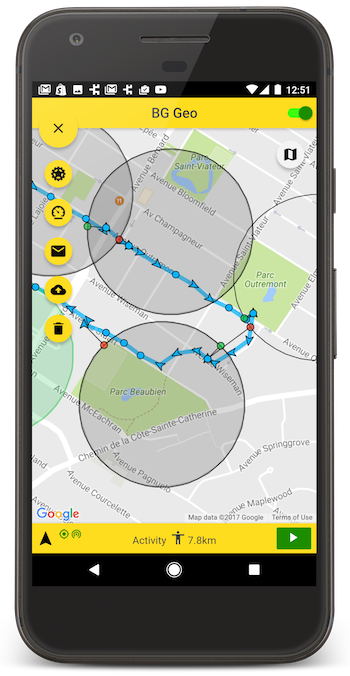
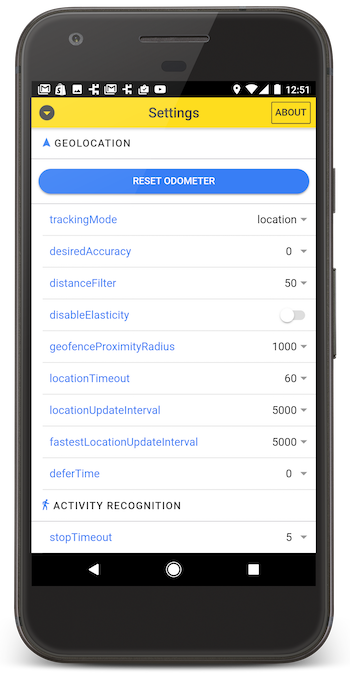
A fully-featured [Demo App](./example) is available in this repo, for both *React* and *Angular*. After first cloning this repo, follow the installation instructions in the [README](./example/README.md) there. This demo-app includes an advanced settings-screen allowing you to quickly experiment with all the different settings available for each platform.


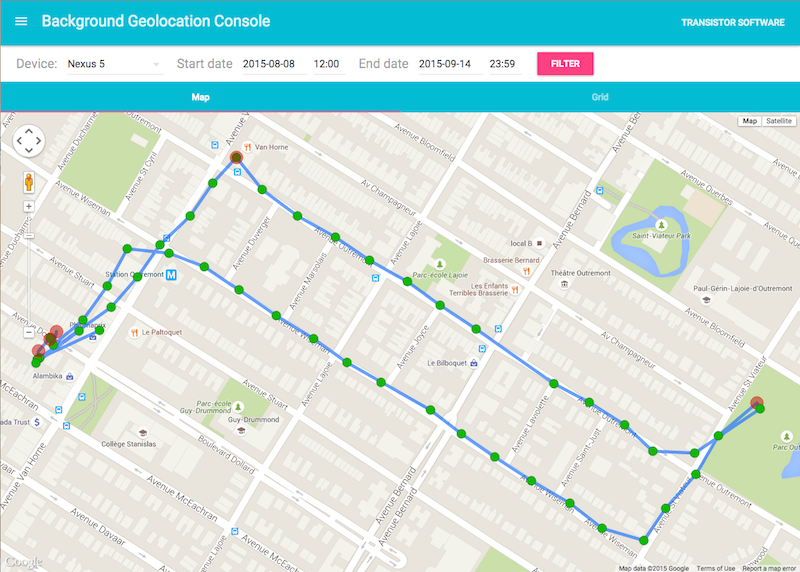
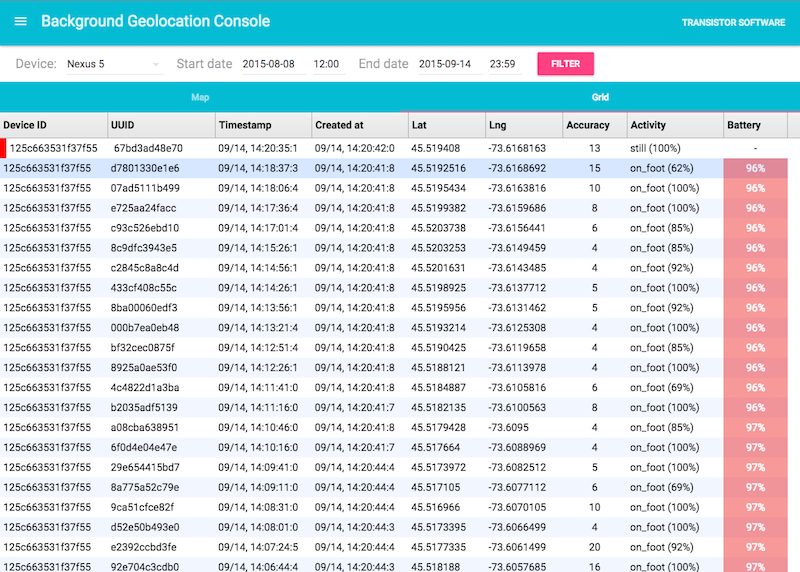
## :large_blue_diamond: [Simple Testing Server](https://github.com/transistorsoft/background-geolocation-console)
A simple Node-based [web-application](https://github.com/transistorsoft/background-geolocation-console) with SQLite database is available for field-testing and performance analysis. If you're familiar with Node, you can have this server up-and-running in about **one minute**.