# uno-token-price-widget
Large
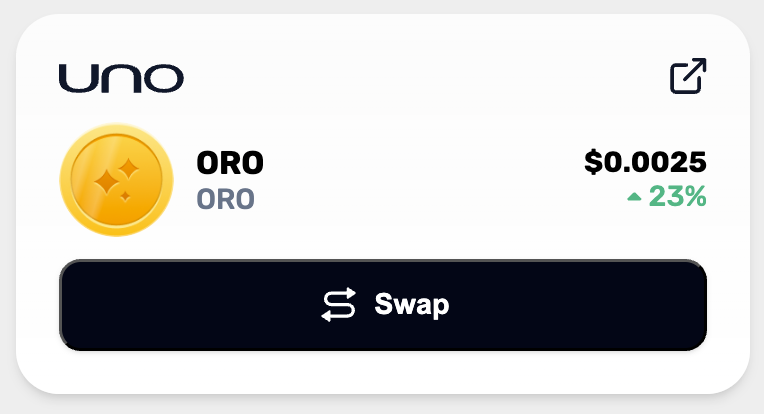 Medium
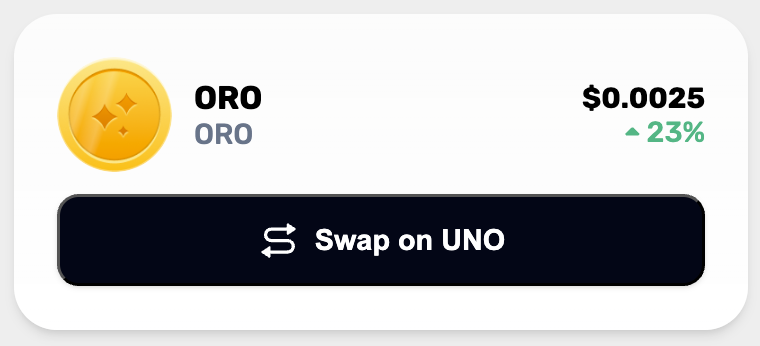 Small
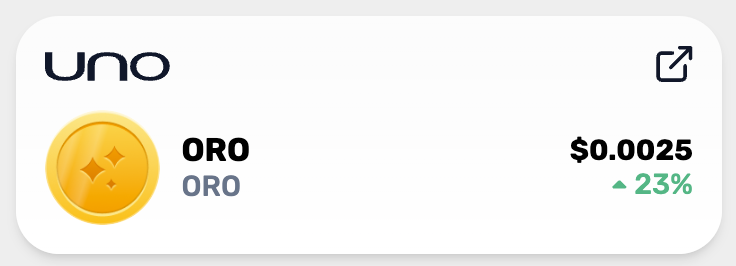
Small
 ## Usage
#### Installation
```sh
$ npm i --save @unowallet/token-price-widget
```
#### React Component usage
Import the `` component, and the token-price-widget stylesheet.
```tsx
import { UnoTokenPriceWidget } from "@unowallet/token-price-widget";
import "@unowallet/token-price-widget/dist/styles.css";
// ...in your render function
{
/* handle on click swap */
}}
size="large"
language="en" // Not implimented yet
/>;
```
If you are using Next.js you will need to update `transpilePackages` in your `next.config.js`.
```
/** @type {import('next').NextConfig} */
const nextConfig = {
transpilePackages: [
// other transpiled packages
'@unowallet/token-price-widget'
],
}
module.exports = nextConfig
```
## Usage
#### Installation
```sh
$ npm i --save @unowallet/token-price-widget
```
#### React Component usage
Import the `` component, and the token-price-widget stylesheet.
```tsx
import { UnoTokenPriceWidget } from "@unowallet/token-price-widget";
import "@unowallet/token-price-widget/dist/styles.css";
// ...in your render function
{
/* handle on click swap */
}}
size="large"
language="en" // Not implimented yet
/>;
```
If you are using Next.js you will need to update `transpilePackages` in your `next.config.js`.
```
/** @type {import('next').NextConfig} */
const nextConfig = {
transpilePackages: [
// other transpiled packages
'@unowallet/token-price-widget'
],
}
module.exports = nextConfig
```