# Vue Spring Bottom Sheet
**vue-spring-bottom-sheet** is built on top of **[motion-v]**.
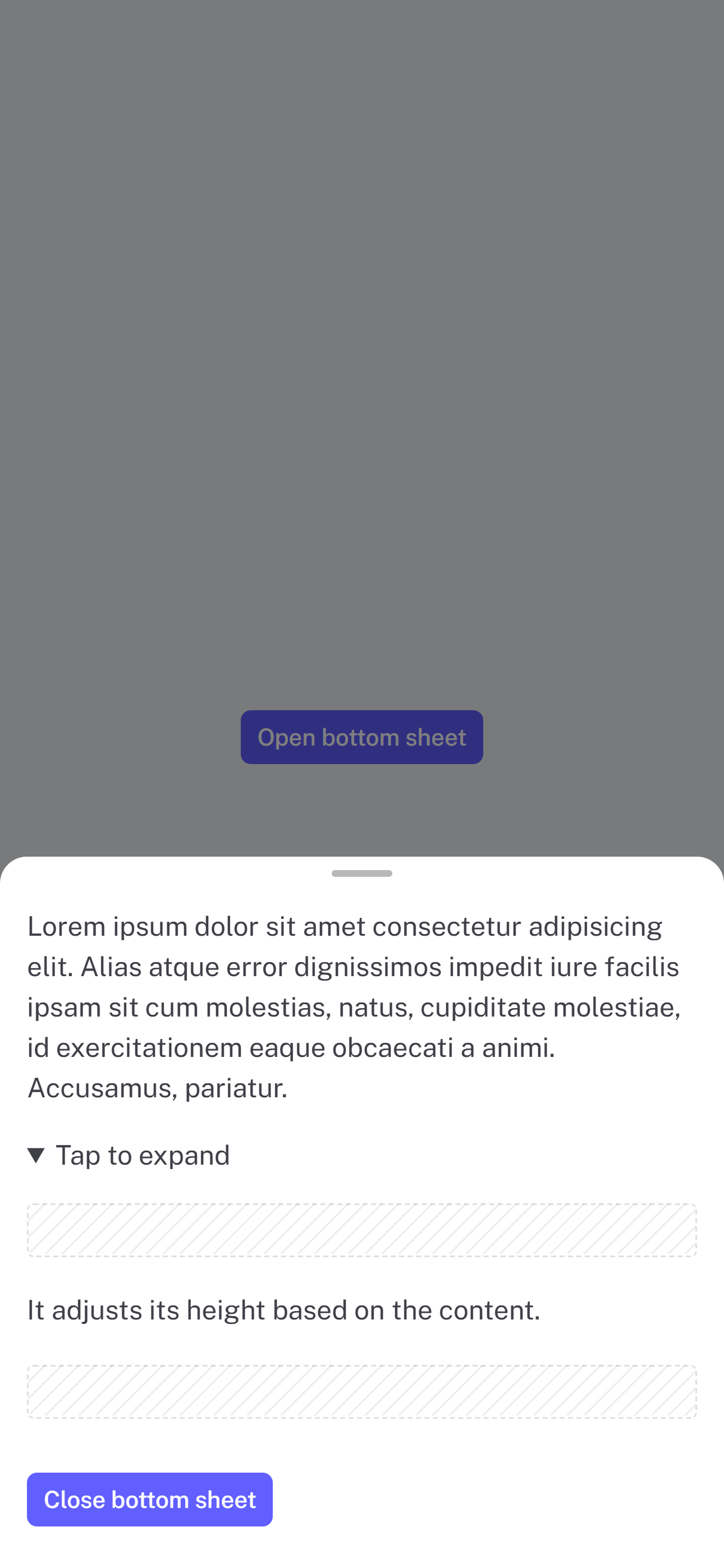
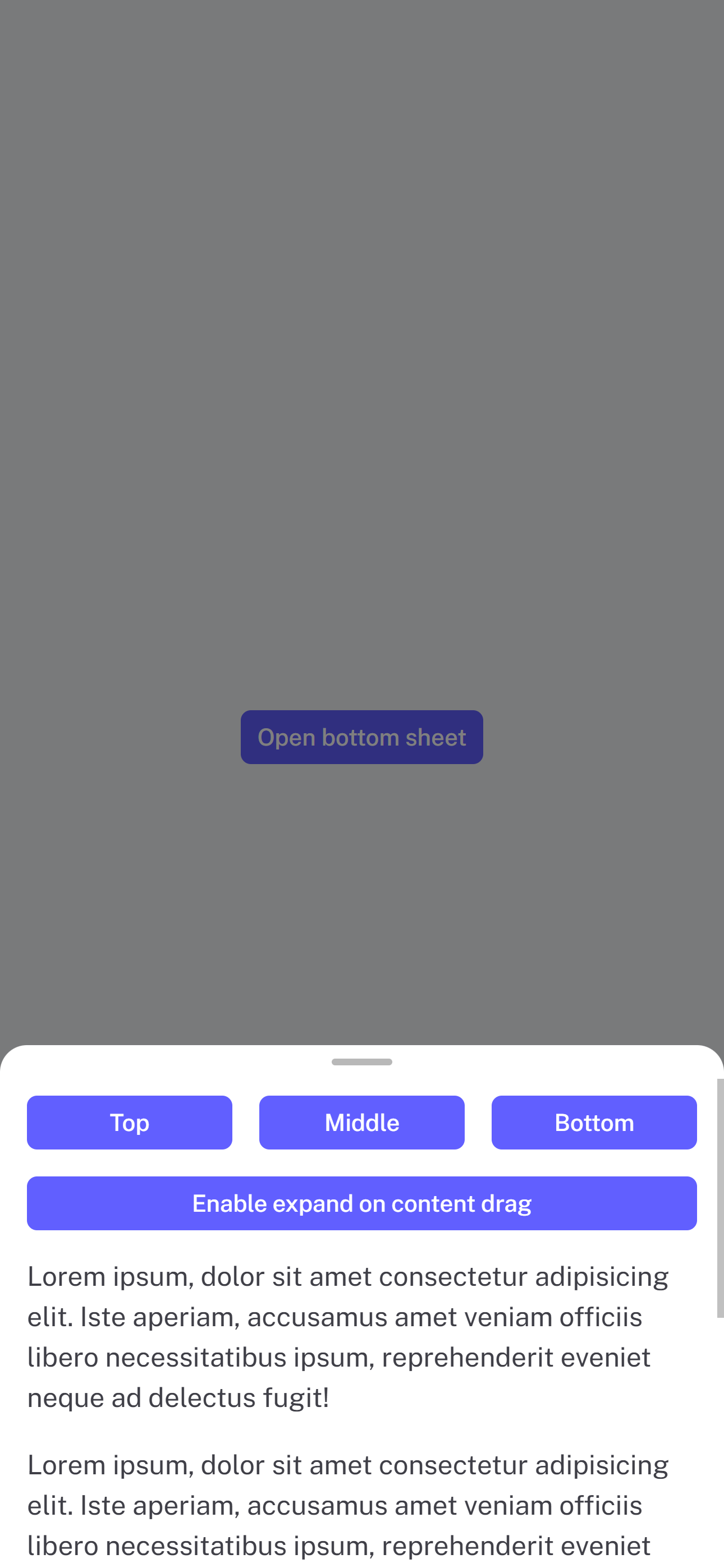
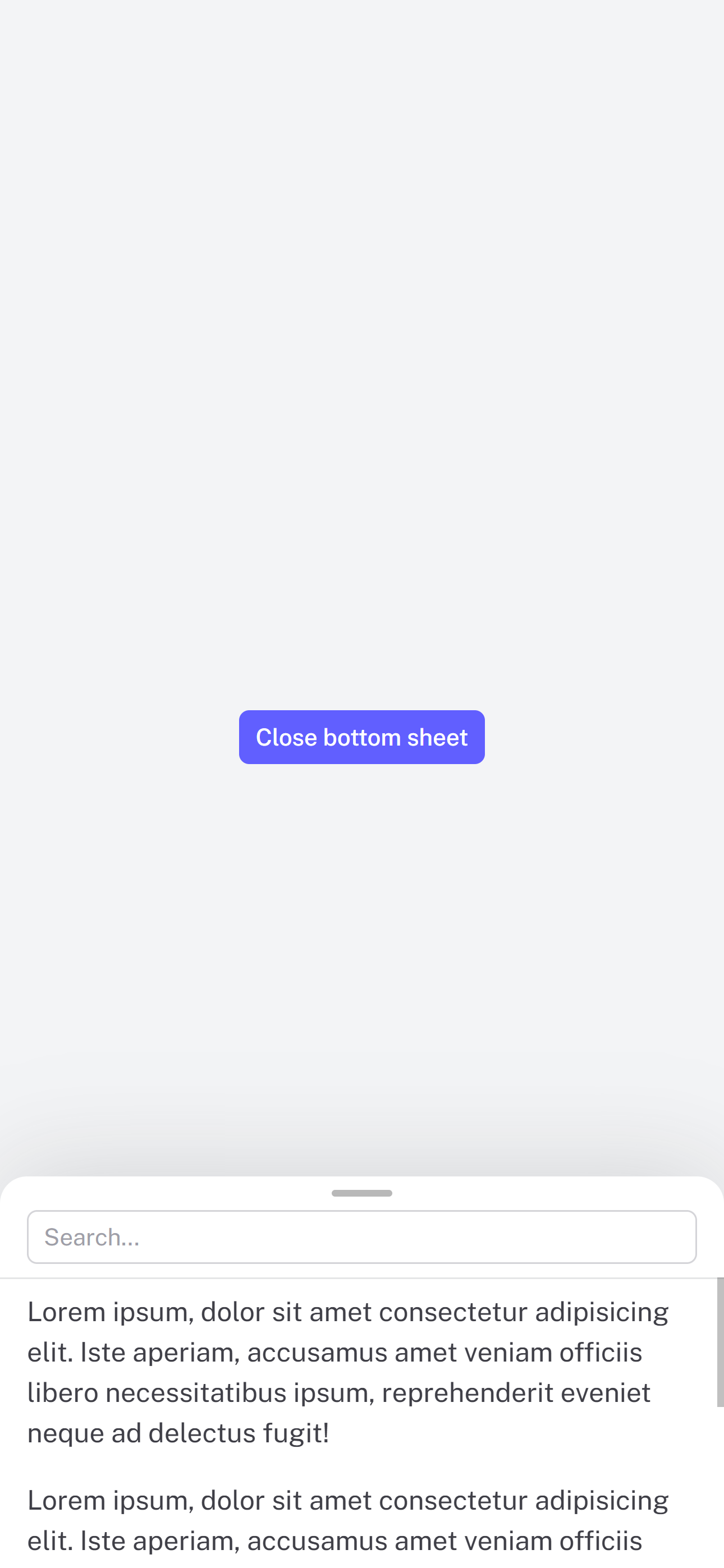
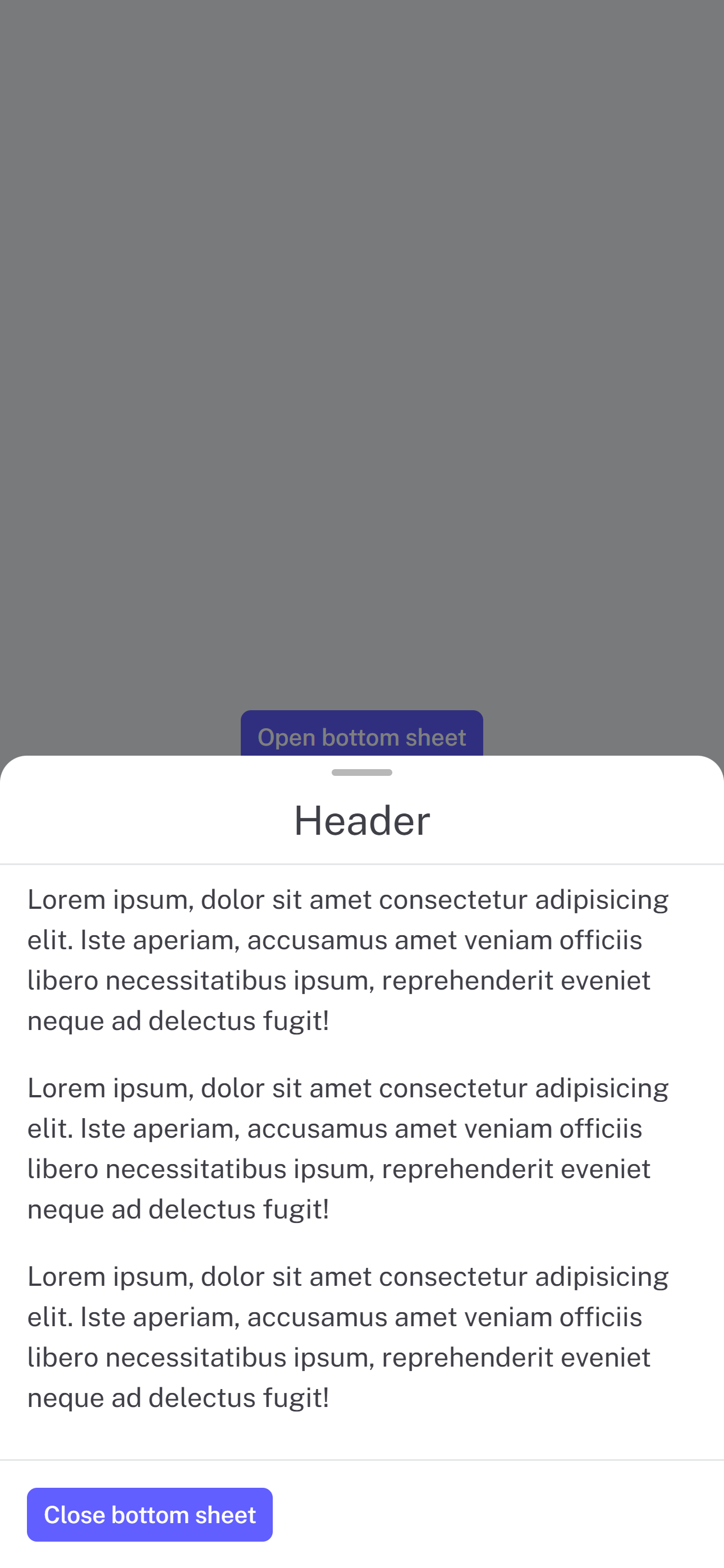
😎 **Modern** and 🚀 **Performant** Bottom Sheet for Vue.js
[Demo](https://vue-spring-bottom-sheet.douxcode.com/) 👀
|  |  |  |  |
| :-----------------------------------------------------------------: | :----------------------------------------------------------------: | :--------------------------------------------------------------------: | :------------------------------------------------------------------: |
# Installation
```
npm install @douxcode/vue-spring-bottom-sheet
```
```
bun install @douxcode/vue-spring-bottom-sheet
```
# Getting started
## Basic usage
```vue
Your awesome content
```
## Basic usage `setup` + TS
```vue
Your content
```
## Usage with v-model
```vue
Your content
```
## Usage in Nuxt 3
For Nuxt 3, just wrap component in ``
```vue
Your awesome content
```
## Slots
```vue
Header
Your content
Footer
```
## CSS Custom Properties
```css
--vsbs-backdrop-bg: rgba(0, 0, 0, 0.5);
--vsbs-shadow-color: rgba(89, 89, 89, 0.2);
--vsbs-background: #fff;
--vsbs-border-radius: 16px;
--vsbs-outer-border-color: transparent;
--vsbs-max-width: 640px;
--vsbs-border-color: rgba(46, 59, 66, 0.125);
--vsbs-padding-x: 16px;
--vsbs-handle-background: rgba(0, 0, 0, 0.28);
```
## Props
### Prop Definitions
| Prop | Type | Default | Description |
| ------------------- | ------------------------- | ---------------- | ---------------------------------------------- |
| duration | Number | 250 | Animation duration in milliseconds |
| snapPoints | Array | [instinctHeight] | Custom snapping positions |
| initialSnapPoint | Number | minHeight | Initial snap point index |
| blocking | Boolean | true | Block interactions with underlying content |
| canSwipeClose | Boolean | true | Enable swipe-to-close gesture |
| canBackdropClose | Boolean | true | Allow closing by tapping backdrop |
| expandOnContentDrag | Boolean | true | Enable expanding by dragging content |
| teleprtTo | String \| RendererElement | body | Teleport to a specific element |
| teleportDefer | Boolean | false | Defer teleporting until opened (Vue 3.5+ only) |
## Exposed methods
Assuming there is `const bottomSheet = ref()`
| Method | Description | Example |
| ----------- | ------------------------------- | ---------------------------------- |
| open | Opens the bottom sheet | `bottomSheet.value.open()` |
| close | Closes the bottom sheet | `bottomSheet.value.close()` |
| snapToPoint | Snaps to an index of snapPoints | `bottomSheet.value.snapToPoint(1)` |
## Events
| Event | Description | Payload |
| -------------- | -------------------------------------- | ----------------------- |
| opened | Emitted when sheet finishes opening | - |
| closed | Emitted when sheet finishes closing | type ('programmly) |
| dragging-up | Emitted when user drags sheet upward | - |
| dragging-down | Emitted when user drags sheet downward | - |
| instinctHeight | Emitted when content height changes | height (number) |
| snapped | Emitted when sheet finishes snapping | snapPointIndex (number) |
## Acknowledgments
This project was inspired by the following:
- [react-spring-bottom-sheet]: Accessible ♿️, Delightful ✨, & Fast 🚀
- [@webzlodimir/vue-bottom-sheet]: 🔥 A nice clean and touch-friendly bottom sheet component based on Vue.js and Hammer.js for Vue 3
[motion-v]: https://motion.unovue.com/
[react-spring-bottom-sheet]: https://react-spring.bottom-sheet.dev/
[@webzlodimir/vue-bottom-sheet]: https://github.com/vaban-ru/vue-bottom-sheet