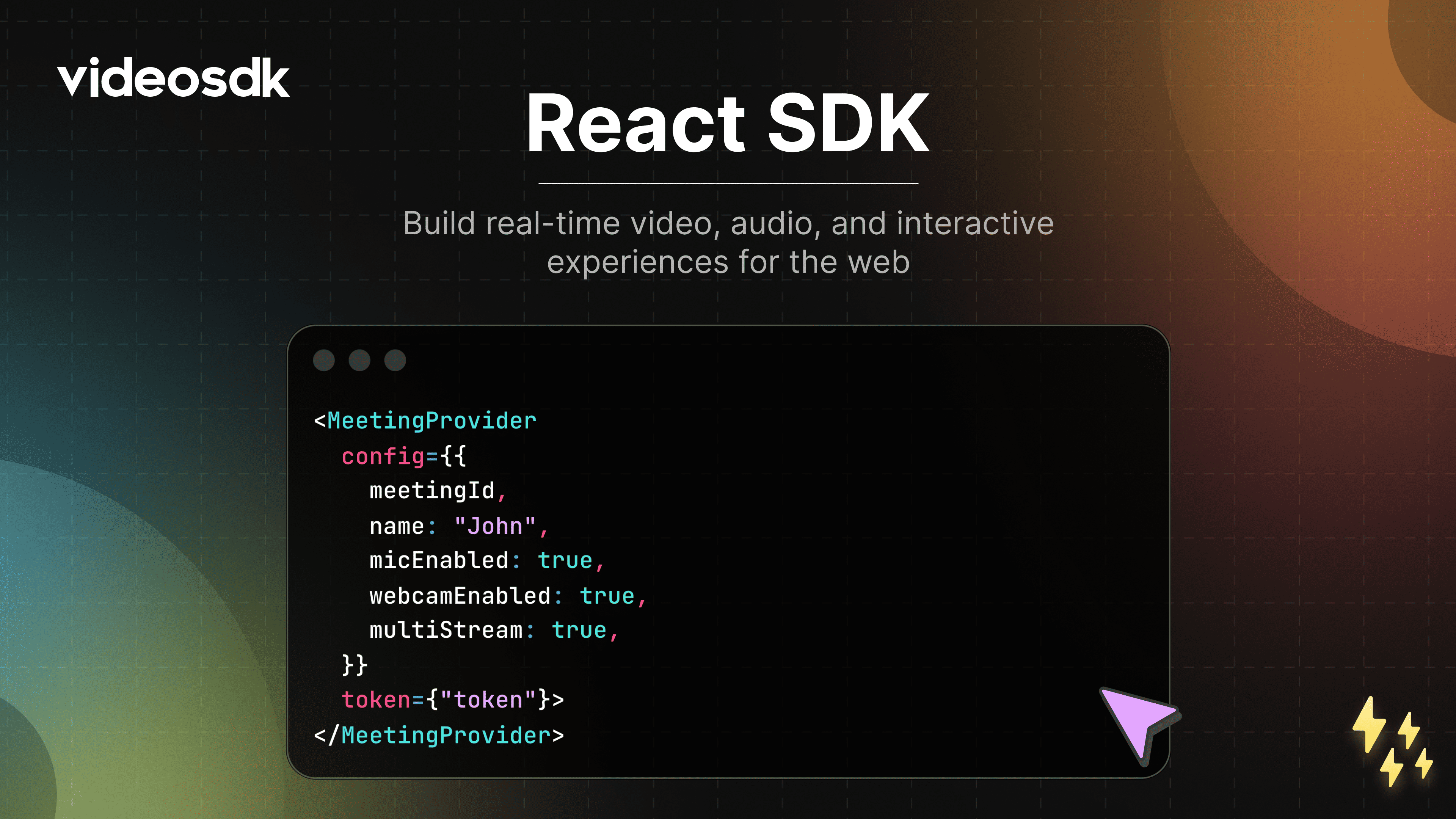




# VideoSDK React SDK 🚀
Build fast, scalable, and customizable real-time video applications for the web using **VideoSDK**.
Whether you’re creating a video conferencing app, virtual classroom, or live streaming platform, VideoSDK provides a robust foundation with minimal setup.
---
## Why VideoSDK?
VideoSDK enables developers to ship production-grade real-time communication features quickly.
- Supports **5,000+ participants**
- Low-latency audio, video, and data streams
- Fully customizable UI and workflows
- Works across modern browsers
- Designed for scale and reliability
---
## 🌍 Browser Support
VideoSDK supports all major modern browsers.
📖 Full compatibility guide:
https://docs.videosdk.live/react/guide/video-and-audio-calling-api-sdk/supported-browser
---
## 🎯 Live Demo
Try the live demo to see VideoSDK in action:
https://demo.videosdk.live/conference-meeting/
---
## ⚙️ Installation
Get started by installing `@videosdk.live/react-sdk` in your React application.
**Using npm**
```bash
npm install @videosdk.live/react-sdk
```
**Using yarn**
```bash
yarn add @videosdk.live/react-sdk
```
---
## 🔥 Meeting Features
Unlock a suite of powerful features to enhance your meetings:
| Feature | Documentation | Description |
|--------|---------------|-------------|
| 📋 **Pre-call Setup** | [Setup Precall](https://docs.videosdk.live/react/guide/video-and-audio-calling-api-sdk/setup-call/precall) | Configure audio, video, and device preferences before joining a meeting. |
| ⏳ **Waiting Lobby** | [Waiting Lobby](https://docs.videosdk.live/react/guide/video-and-audio-calling-api-sdk/setup-call/waiting-lobby) | Hold participants in a virtual lobby until they’re allowed to join. |
| 🤝 **Join Meeting** | [Join Meeting](https://docs.videosdk.live/react/guide/video-and-audio-calling-api-sdk/setup-call/join-meeting) | Join a meeting with a single action. |
| 🚪 **Leave Meeting** | [Leave Meeting](https://docs.videosdk.live/react/guide/video-and-audio-calling-api-sdk/setup-call/leave-end-meeting) | Exit the meeting safely without disrupting others. |
| 🎤 **Microphone Control** | [Mute / Unmute Mic](https://docs.videosdk.live/react/guide/video-and-audio-calling-api-sdk/handling-media/mute-unmute-mic) | Toggle your microphone during the meeting. |
| 📷 **Camera Control** | [Camera On / Off](https://docs.videosdk.live/react/guide/video-and-audio-calling-api-sdk/handling-media/on-off-camera) | Enable or disable your camera stream. |
| 🖥️ **Screen Sharing** | [Screen Share](https://docs.videosdk.live/react/guide/video-and-audio-calling-api-sdk/handling-media/screen-share) | Share your entire screen or a specific window. |
| 📸 **Image Capture** | [Image Capture](https://docs.videosdk.live/react/guide/video-and-audio-calling-api-sdk/handling-media/image-capturer) | Capture images from participant video streams, ideal for Video KYC use cases. |
| 🔌 **Change Input Devices** | [Switch Input Devices](https://docs.videosdk.live/react/guide/video-and-audio-calling-api-sdk/handling-media/change-input-device) | Switch between available audio and video input devices. |
| 🔊 **Audio Output Selection** | [Switch Audio Output](https://docs.videosdk.live/react/guide/video-and-audio-calling-api-sdk/handling-media/change-audio-ouptut-device) | Select a preferred speaker or output device. |
| ⚙️ **Track Optimization** | [Custom Tracks](https://docs.videosdk.live/react/api/sdk-reference/custom-tracks) | Optimize media tracks for better quality and performance. |
| 💬 **In-meeting Chat** | [PubSub Chat](https://docs.videosdk.live/react/guide/video-and-audio-calling-api-sdk/collaboration-in-meeting/pubsub) | Exchange real-time messages using a publish–subscribe model. |
| 📝 **Whiteboard** | [Whiteboard](https://docs.videosdk.live/react/guide/video-and-audio-calling-api-sdk/collaboration-in-meeting/whiteboard) | Collaborate visually using a shared whiteboard. |
| 📁 **File Sharing** | [File Sharing](https://docs.videosdk.live/react/guide/video-and-audio-calling-api-sdk/collaboration-in-meeting/upload-fetch-temporary-file) | Share files securely during the meeting. |
| 📼 **Recording** | [Recording](https://docs.videosdk.live/react/guide/video-and-audio-calling-api-sdk/recording/Overview) | Record meetings for later playback and auditing. |
| 📡 **RTMP Livestreaming** | [RTMP Livestream](https://docs.videosdk.live/react/guide/video-and-audio-calling-api-sdk/live-streaming/rtmp-livestream) | Broadcast meetings live to platforms like YouTube or Facebook. |
| 📝 **Real-time Transcription** | [Live Transcription](https://docs.videosdk.live/react/guide/video-and-audio-calling-api-sdk/transcription-and-summary/realtime-transcribe-meeting) | Generate real-time transcripts during meetings. |
| 🔇 **Remote Media Control** | [Remote Media Control](https://docs.videosdk.live/react/guide/video-and-audio-calling-api-sdk/control-remote-participant/remote-participant-media) | Control the microphone and camera of remote participants. |
| 🚫 **Mute All Participants** | [Mute All](https://docs.videosdk.live/react/guide/video-and-audio-calling-api-sdk/control-remote-participant/mute-all-participants) | Instantly mute all participants in the meeting. |
| 🗑️ **Remove Participant** | [Remove Participant](https://docs.videosdk.live/react/guide/video-and-audio-calling-api-sdk/control-remote-participant/remove-participant) | Remove a participant from the meeting. |
---
## 🧪 Sample Application
Explore a fully functional React example that demonstrates real-world implementation of the VideoSDK:
👉 https://github.com/videosdk-live/videosdk-rtc-react-sdk-example