vuepress-plugin-dumi-previewer
English | 简体中文
💡attention: whitespace is in need before `demo`
```md
::: demo
click me
:::
```
If you need code scope, you can use `demo[scope]`.
💡attention: `` is in need, and you can not use `import` statment in scope mode. And if you use `demo[scope]` and `demo` in one markdown file, browser may print some error.
```md
::: demo[scope]
{{ foo }}
:::
```
```md
::: demo[scope]
{{ foo }}
:::
```
## Install
* First of all, install [vuepress v1.x](https://github.com/vuejs/vuepress)
* Then install the plugin
```bash
$ npm i -D @vuepress-dumi/vuepress-plugin-dumi-previewer
# OR
$ yarn add -D @vuepress-dumi/vuepress-plugin-dumi-previewer
```
## Usage
Write vuepress config
```js
// .vuepress/config.js
module.exports = {
plugins: ['@vuepress-dumi/dumi-previewer'],
}
```
## Preview
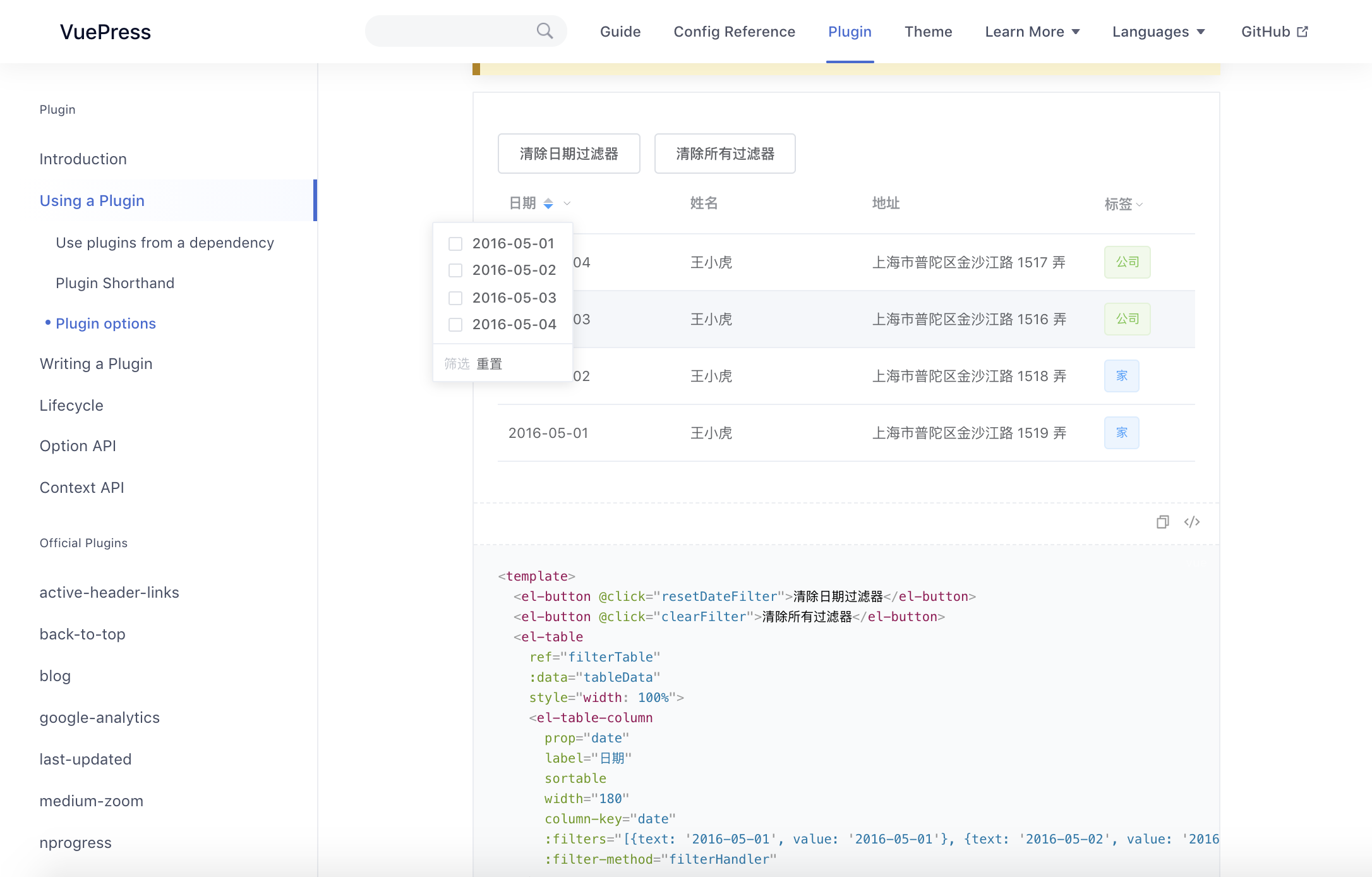
💡attention: if you want to import element-ui like me, you need install async-validator@1.11.5
``` bash
$ npm i -D async-validator@1.11.5
# OR
$ yarn add -D async-validator@1.11.5
```
## Thanks
This repo is inspired by the following projects, Thanks for their great work.
- [dumi](https://github.com/umijs/dumi)
- [vuepress-plugin-demo-code](https://github.com/BuptStEve/vuepress-plugin-demo-code)