# @wbe/react-transition




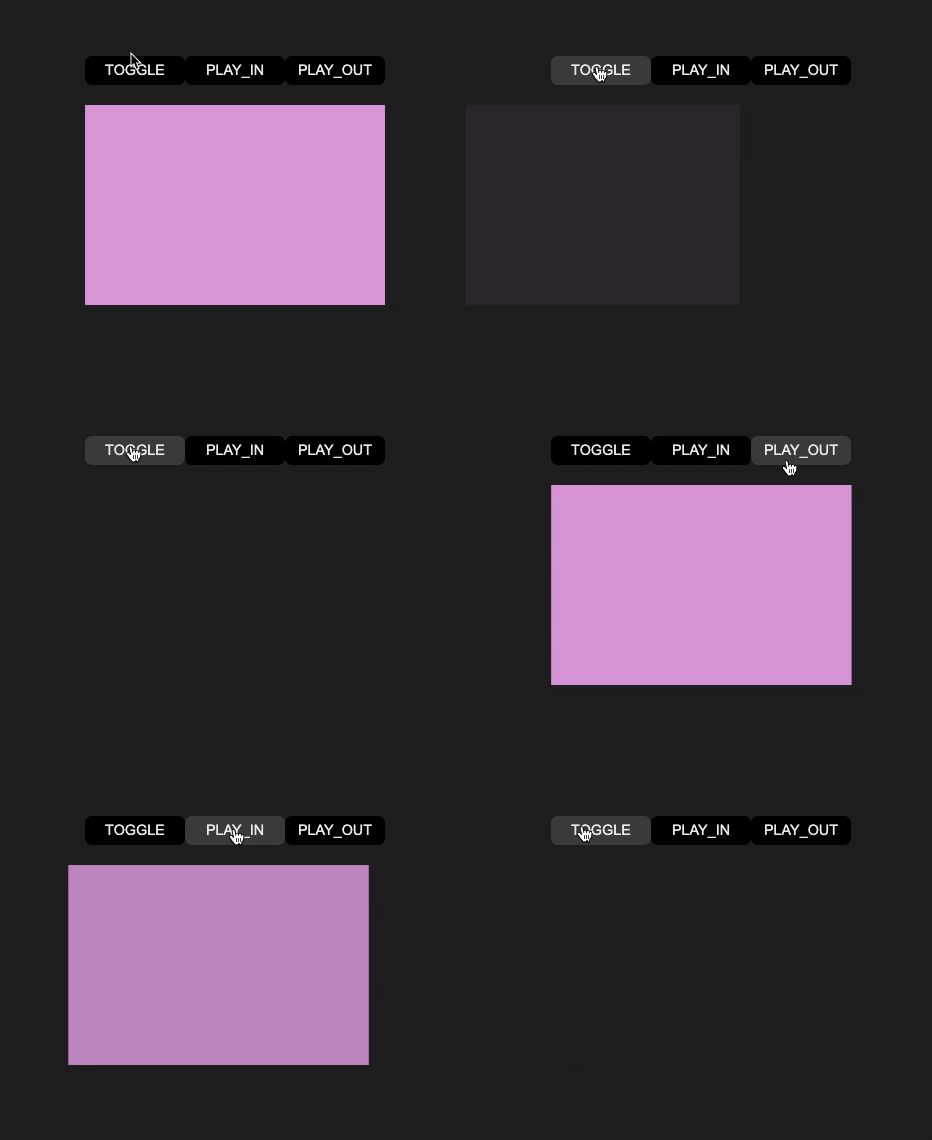
A zero dependency React transition component who allows to manage play-in & play-out transitions of any DOM element.
## About
React-transition responds to the simple request to have control over the play-in
and play-out transition of any component or DOM element.
React does not by default provide the ability to execute an exit transition
function before a DOM element is destroyed.
[Alexey Taktarov](https://github.com/molefrog) explains this "limitation" with
example in [this publication](https://molefrog.github.io/stateful-animations/#27).
React-transition a "Vuejs
like" [transition API](https://vuejs.org/v2/guide/transitions.html). It's
intended to partially meet the same needs of Vue transition component.
## Install
```shell
$ npm i @wbe/react-transition
```
## Usage
```tsx
import React, {useState} from "react"
import {Transition} from "@wbe/react-transition"
import {gsap} from "gsap/all"
const App = () => {
const [isToggle, setIsToggle] = useState(true)
// Example with GSAP
const playInTransition = (el, done) => {
gsap.fromTo(el, {autoAlpha: 0}, {autoAlpha: 1, onComplete: done})
}
const playOutTransition = (el, done) => {
gsap.fromTo(el, {autoAlpha: 1}, {autoAlpha: 0, onComplete: done})
}
return (
)
}
```
## Props
### if
`boolean` _optional_ - default: `true`
Toggle start play-in / play-out children with transition
### children
`ReactElement`
React children element to transit
### playIn
`(el: HTMLElement, done: () => any) => void` _optional_
Play-in transition function
### onPlayInComplete
`() => void` _optional_
Function calls when play-in transition function is completed
### playOut
`(el: HTMLElement, done: () => any) => void` _optional_
Play-out transition function
### onPlayOutComplete
`() => void` _optional_
Function calls when play-out transition function is completed
### appear
`boolean` _optional_ - default: `false`
Start transition on first mount. If false, children is visible but transition
start only when "if" props change
### unmountAfterPlayOut
`boolean` _optional_ - default: `true`
Unmount children React element after playOut transition
### dispatchPlayState
`(play: TPlay) => void` _optional_
Dispatch current TPlay string type
Type TPlay
```ts
type TPlay = "hidden" | "play-out" | "play-in" | "visible";
```
```tsx
import React, {useEffect, useState} from "react"
import {Transition} from "@wbe/react-transition"
const App = () => {
// ...
const [elementPlayState, setElementPlayState] = useState(null);
useEffect(()=> {
if (elementPlayState === "play-in") {
// ...
}
}, [elementPlayState])
return (
<>
setElementPlayState(playState)}
>
)
}
```
## Example
A use case example is available on this repos.
Install dependencies
```shell
$ npm i
```
Start dev server
```shell
$ npm run dev
```