
![](https://github.com/wniemiec-component-reactnative/action-button/blob/master/docs/img/logo/logo.jpg)

<h1 align='center'>Action button</h1>
<p align='center'>Simple button.</p>
<p align="center">
	<a href="https://github.com/wniemiec-component-reactnative/action-button/actions/workflows/windows.yml"><img src="https://github.com/wniemiec-component-reactnative/action-button/actions/workflows/windows.yml/badge.svg" alt=""></a>
	<a href="https://github.com/wniemiec-component-reactnative/action-button/actions/workflows/macos.yml"><img src="https://github.com/wniemiec-component-reactnative/action-button/actions/workflows/macos.yml/badge.svg" alt=""></a>
	<a href="https://github.com/wniemiec-component-reactnative/action-button/actions/workflows/ubuntu.yml"><img src="https://github.com/wniemiec-component-reactnative/action-button/actions/workflows/ubuntu.yml/badge.svg" alt=""></a>
	<a href="https://reactnative.dev/"><img src="https://img.shields.io/badge/React Native-0.60+-D0008F.svg" alt="React Native compatibility"></a>
	<a href="https://www.npmjs.com/package/@wniemiec-component-reactnative/action-button"><img src="https://img.shields.io/npm/v/@wniemiec-component-reactnative/action-button" alt="Release"></a>
	<a href="https://github.com/wniemiec-component-reactnative/action-button/blob/master/LICENSE"><img src="https://img.shields.io/github/license/wniemiec-component-reactnative/action-button" alt="License"></a>
</p>
<hr />

## ❇ Introduction
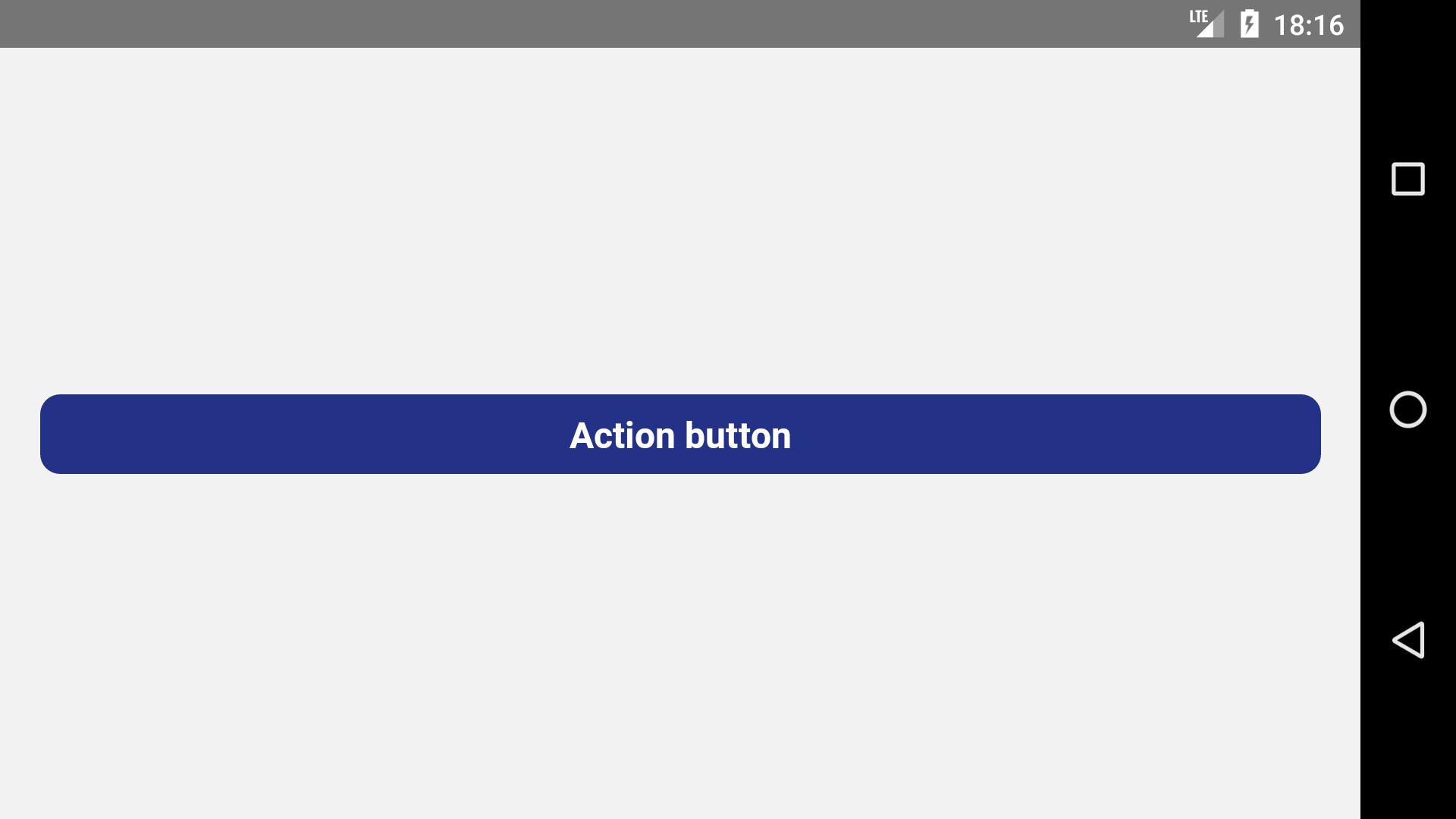
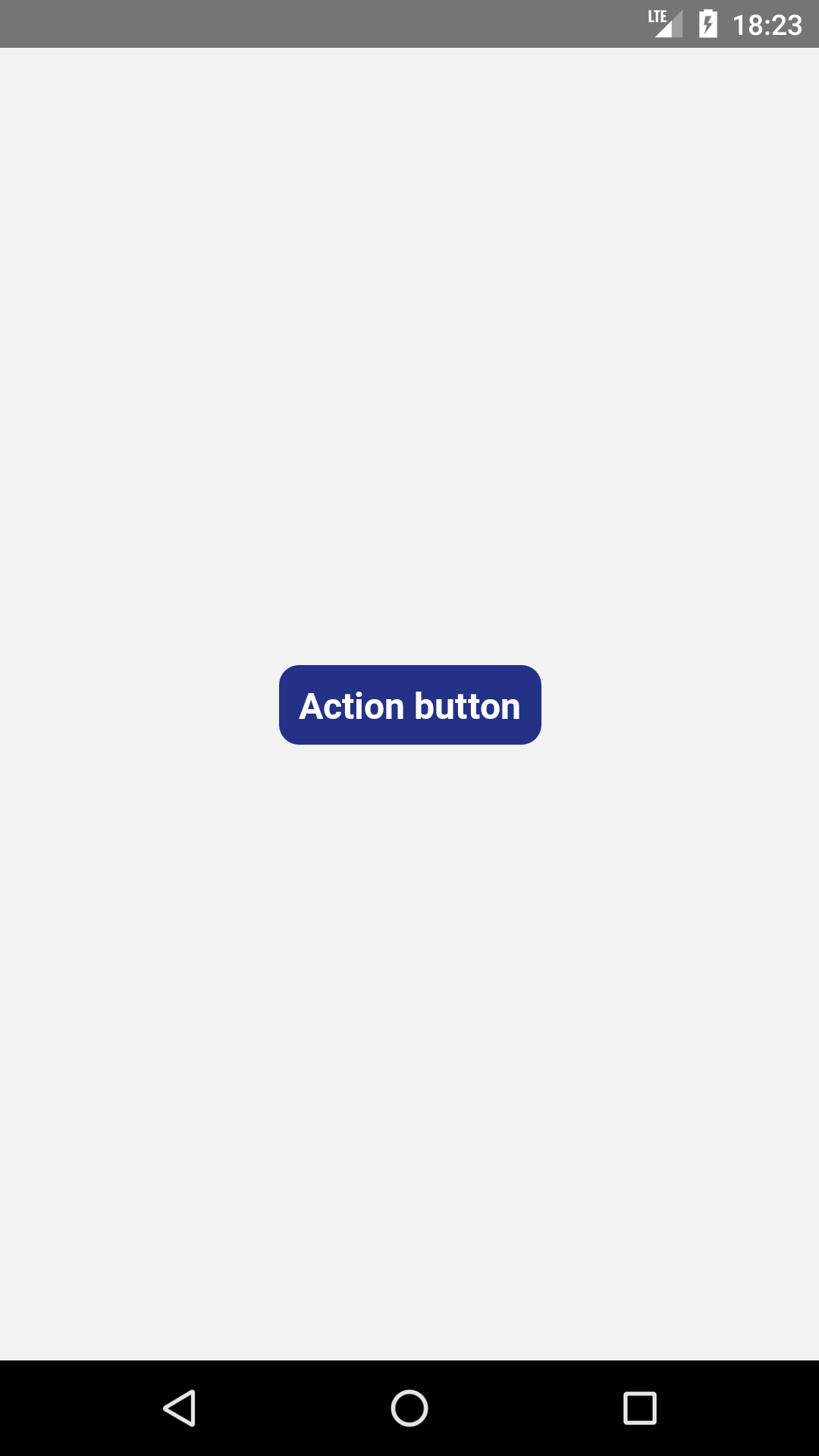
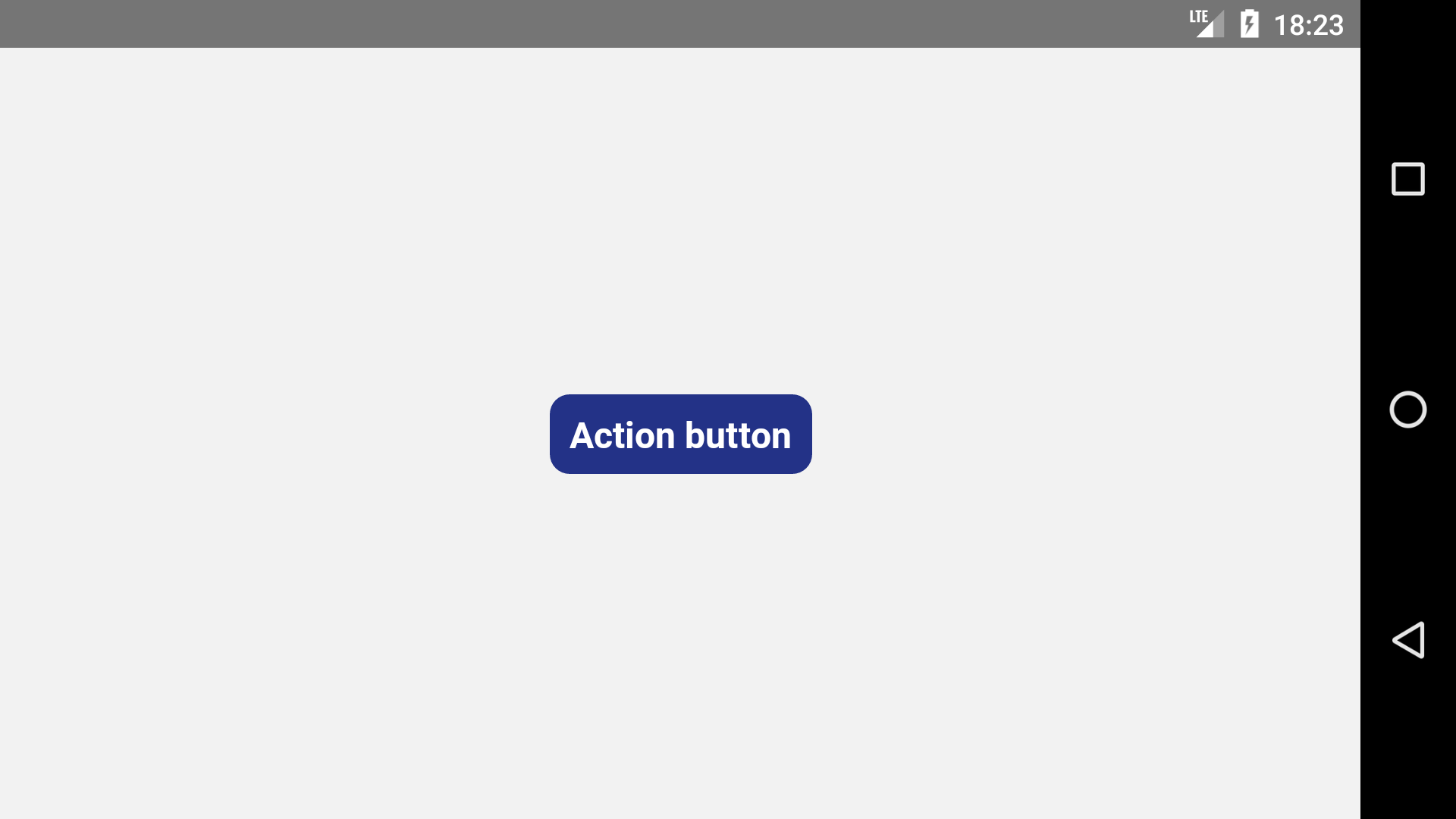
React Native component that allows you to press a button to perform a certain action, in addition to allowing the programmer to choose the button style according to your preference.

## 🖼 Gallery

<div style="display: flex; flex-direction: row; justify-content: center; align-items: center; flex-wrap: wrap"
<img height=400 src="https://raw.githubusercontent.com/wniemiec-component-reactnative/action-button/master/docs/img/screens/img1.png" alt="image 1" />

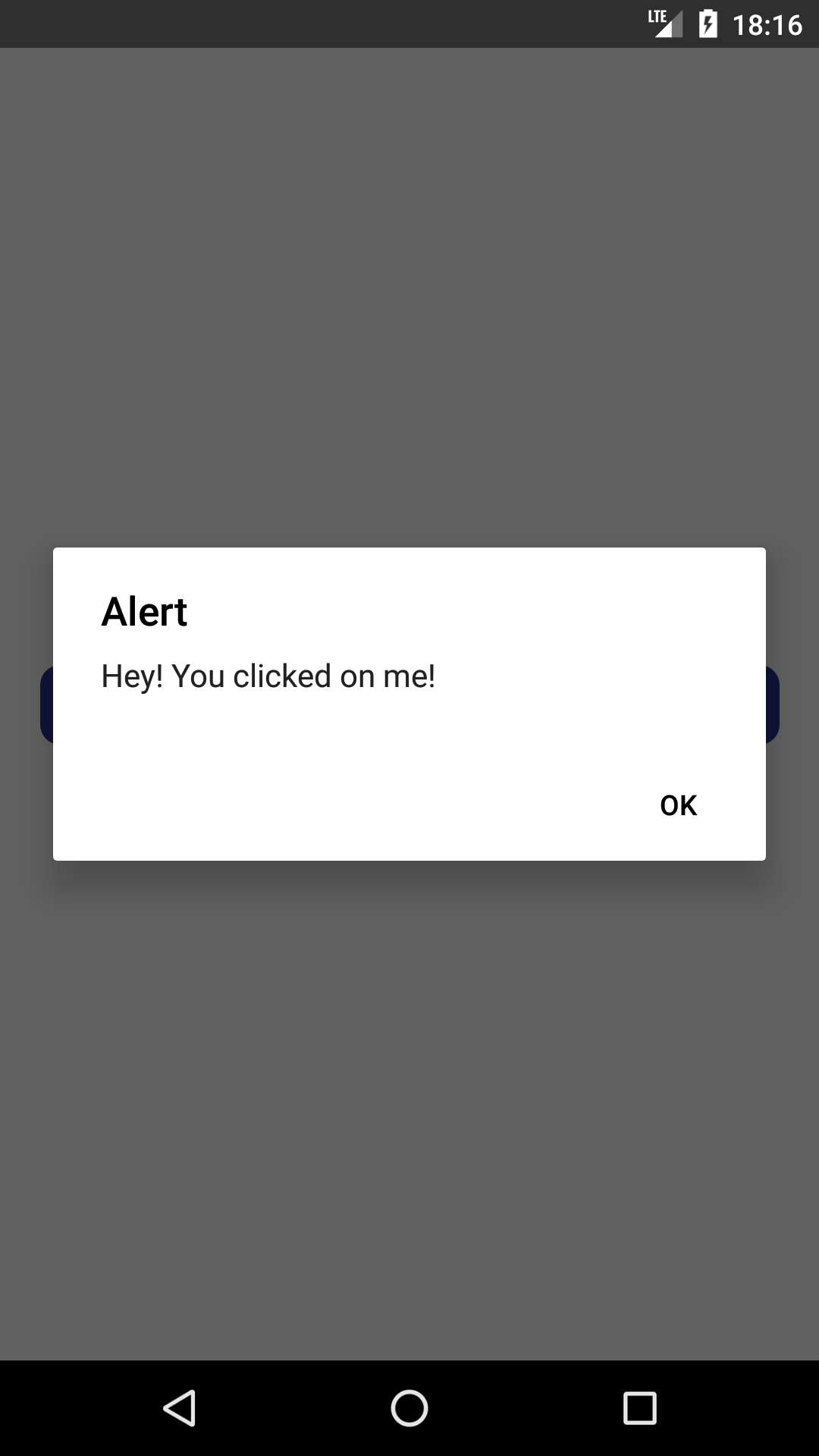
<img height=400 src="https://raw.githubusercontent.com/wniemiec-component-reactnative/action-button/master/docs/img/screens/img2.png" alt="image 2" />

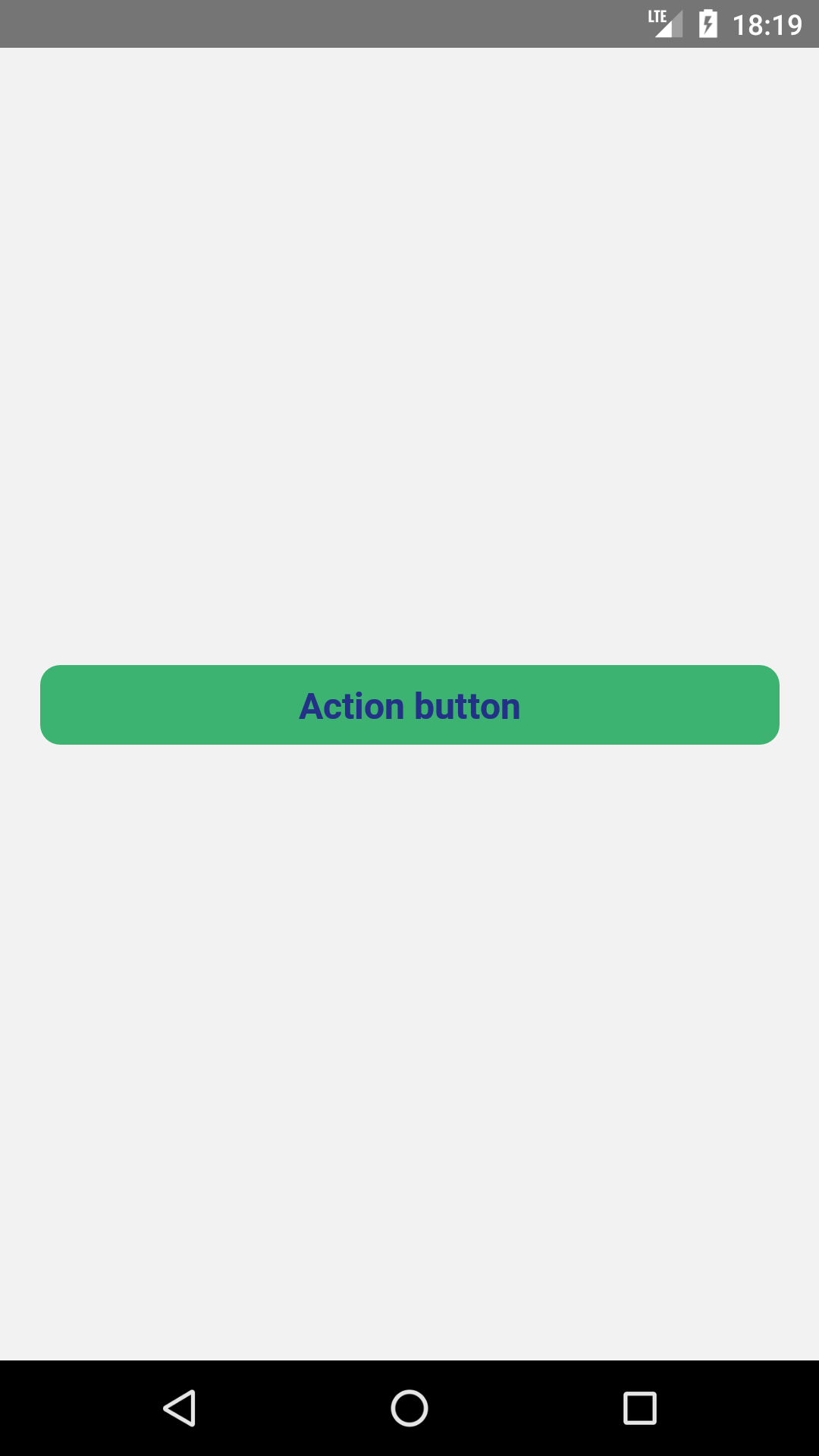
<img height=400 src="https://raw.githubusercontent.com/wniemiec-component-reactnative/action-button/master/docs/img/screens/img3.png" alt="image 3" />

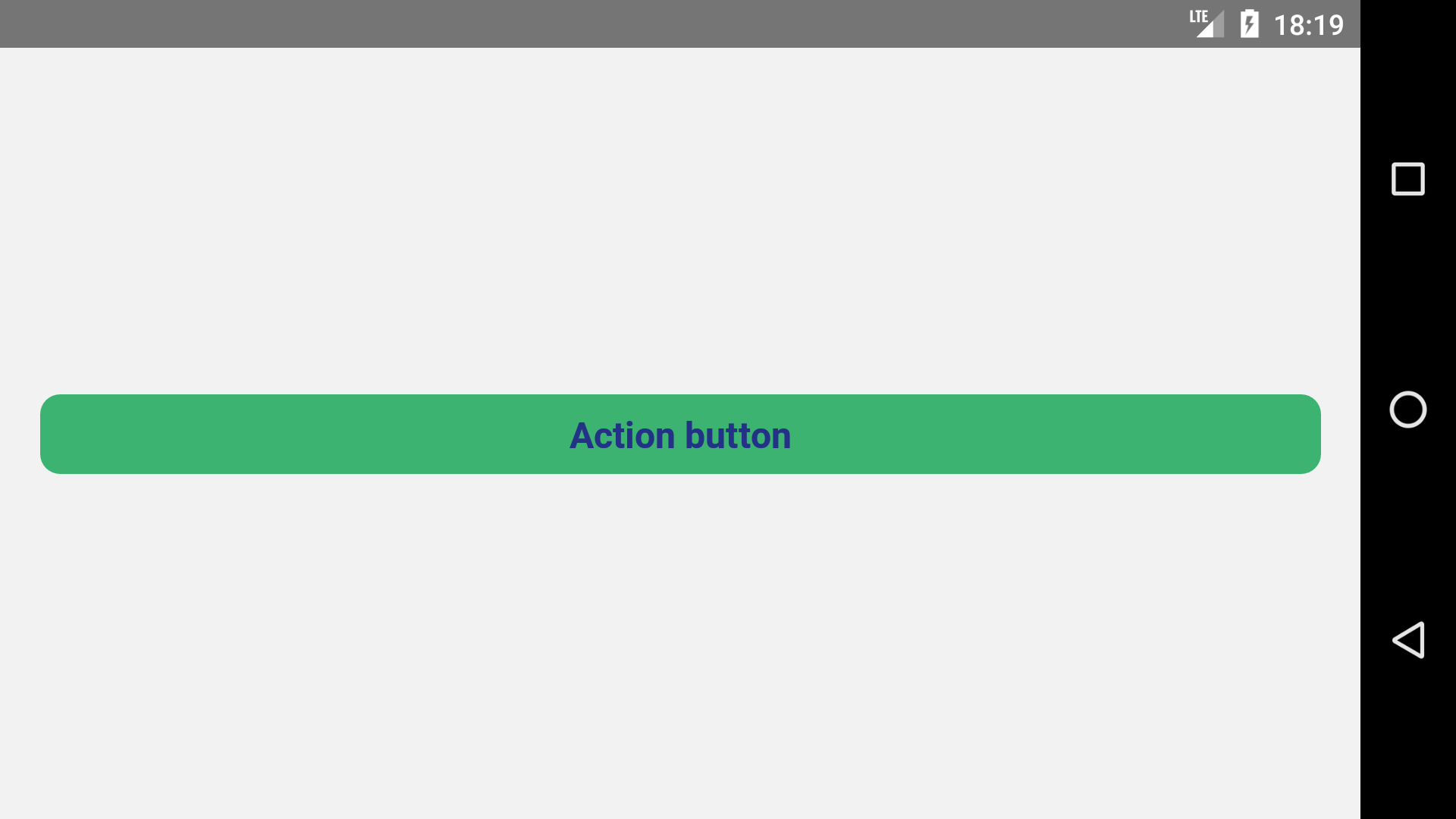
<img height=400 src="https://raw.githubusercontent.com/wniemiec-component-reactnative/action-button/master/docs/img/screens/img4.png" alt="image 4" />

<img height=400 src="https://raw.githubusercontent.com/wniemiec-component-reactnative/action-button/master/docs/img/screens/img5.png" alt="image 5" />

<img height=400 src="https://raw.githubusercontent.com/wniemiec-component-reactnative/action-button/master/docs/img/screens/img6.png" alt="image 6" />

<img height=400 src="https://raw.githubusercontent.com/wniemiec-component-reactnative/action-button/master/docs/img/screens/img7.png" alt="image 7" />
</div>

## ❓ How to use
1. Install the component
```
$ npm install --save @wniemiec-component-reactnative/action-button
```

2. Import the component
```
import ActionButton from '@wniemiec-component-reactnative/action-button';
```

3. Use it
```
[...]

import React from 'react';

[...]

<ActionButton
  title="Action Button"
  onPress={() => alert('Hey! You clicked on me!')}
/>
[...]
```

## 📖 Documentation
|        Property        |Type|Description|Default|
|----------------|-------------------------------|-----------------------------|--------|
|title |`string`|Button label | - |
|onPress |`function(void): void`|Function that is called when the button is pressed| - |
|bgColor |`string`|Background color (in hexadecimal)  |`"#233287"`|
|fgColor |`string`|Foreground color (in hexadecimal)  |`"#FFFFFF"`|
|full |`boolean`|Indicates whether the width should be 100%  |`false`|

## 🚩 Changelog
Details about each version are documented in the [releases section](https://github.com/wniemiec-component-reactnative/action-button/releases).

## 🤝 Contribute!
See the documentation on how you can contribute to the project [here](https://github.com/wniemiec-component-reactnative/action-button/blob/master/CONTRIBUTING.md).

## 📁 Files

### /
|        Name        |Type|Description|
|----------------|-------------------------------|-----------------------------|
|docs |`Directory`|Documentation files|
|src     |`Directory`| Source files|
