![game](https://github.com/danzen/zim-game/assets/380281/a382dc67-cd3b-47a5-a7c4-9160f427081f)

ZIM Game is a helper module for the ZIM JavaScript Canvas Framework at https://zimjs.com.  The module includes the following classes:

- LeaderBoard https://zimjs.com/leaderboard
- Board https://zimjs.com/iso/
- Person, Tree, Orb 
- Timer
- Scorer
- Dialog  https://zimjs.com/nft/bubbling/dialog.html

![gamezaps_4](https://github.com/danzen/zim-game/assets/380281/9f5a6764-59e7-4afd-a7c5-08c1091da56d)

ZIM already comes with many features for games as described in the <a href=https://zimjs.com/games.html>ZIM&nbsp;Games</a>.  Open the MORE section:

- one-line drag-and-drop
- MotionController https://zimjs.com/controller 
- Multiple HitTests 
- Sprites (plus Dynamo and Accelerator) 
- Scroller 
- Parallax 
- Physics https://github.com/danzen/zim-physics 
- AudioSprites
- Interfaces (dpad, radialmenu, buttons, slider, dials, etc.)

![uiux_2](https://github.com/danzen/zim-game/assets/380281/1454e2f6-9b94-4109-b275-1bed498a36c7)

Plus all the <a href=https://zimjs.com/about.html>conveniences, components and controls</a> of general Interactive Media.

<h2>CDN</h2>
<p>Usually we use ES Modules to bring in ZIM and if we want Game then we the code below - see the starting template at the top of the https://zimjs.com/code page.  If physics is needed, just import zim_physics and it will include the game module by default.  (Note, the NPM Physics does not).
</p>

```JavaScript
import zim from "https://zimjs.org/cdn/016/zim_game";
```

<h2>NPM</h2>
<p>This repository holds the NPM package so you can install from <a href=https://www.npmjs.com/package/@zimjs/game target=node>@zimjs/game</a> on NPM.  The <a href=https://www.npmjs.com/package/zimjs target=node>ZIM&nbsp;package</a> must be installed to work.</p>

```JavaScript
import zim from "zimjs"
import { Board, Scorer, Timer, Dialog } from "@zimjs/game"
```

<h2>Examples</h2>
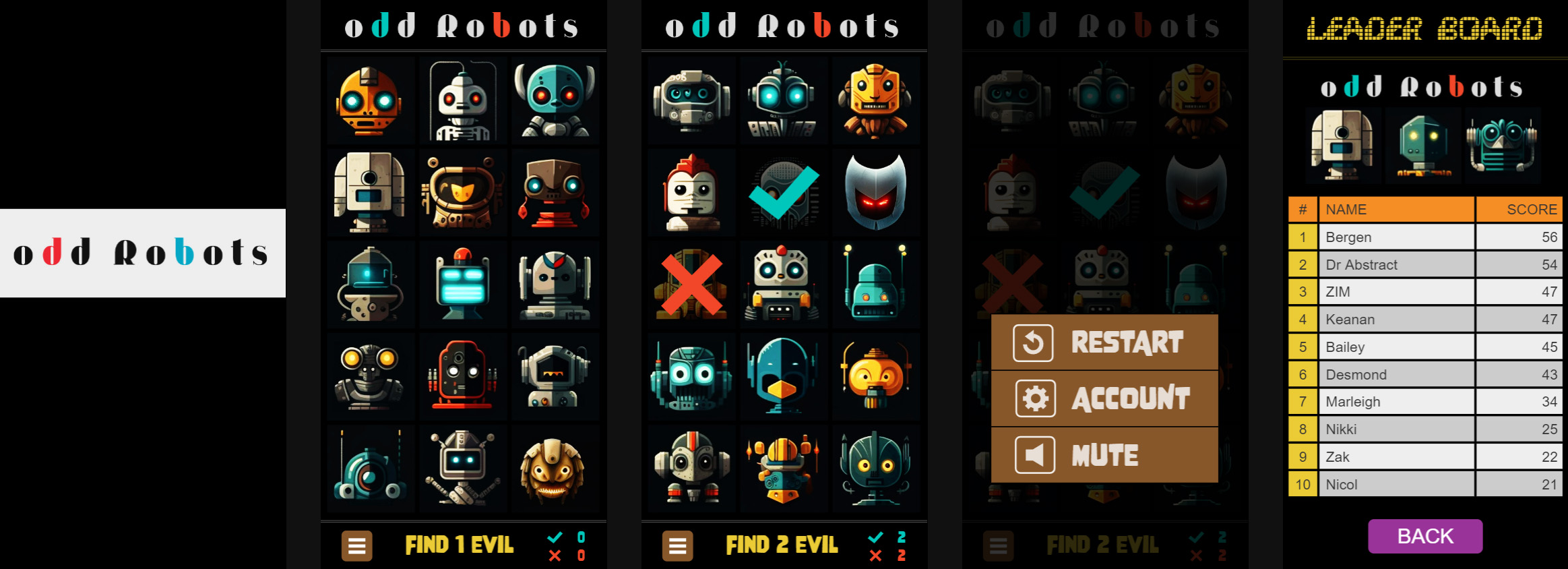
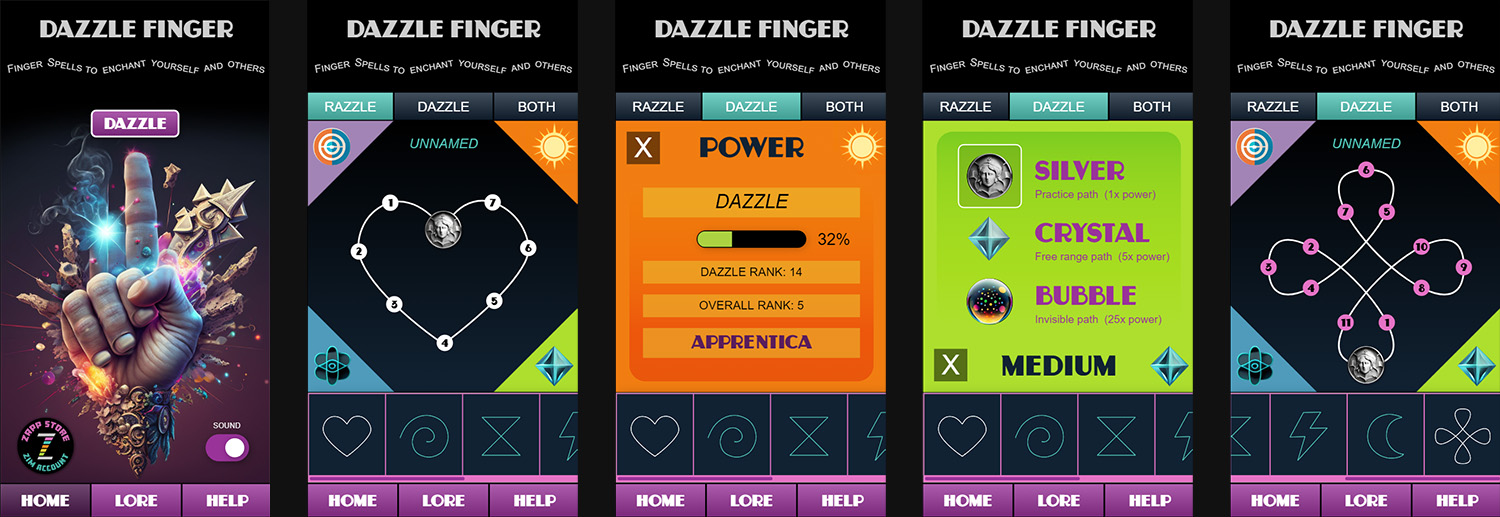
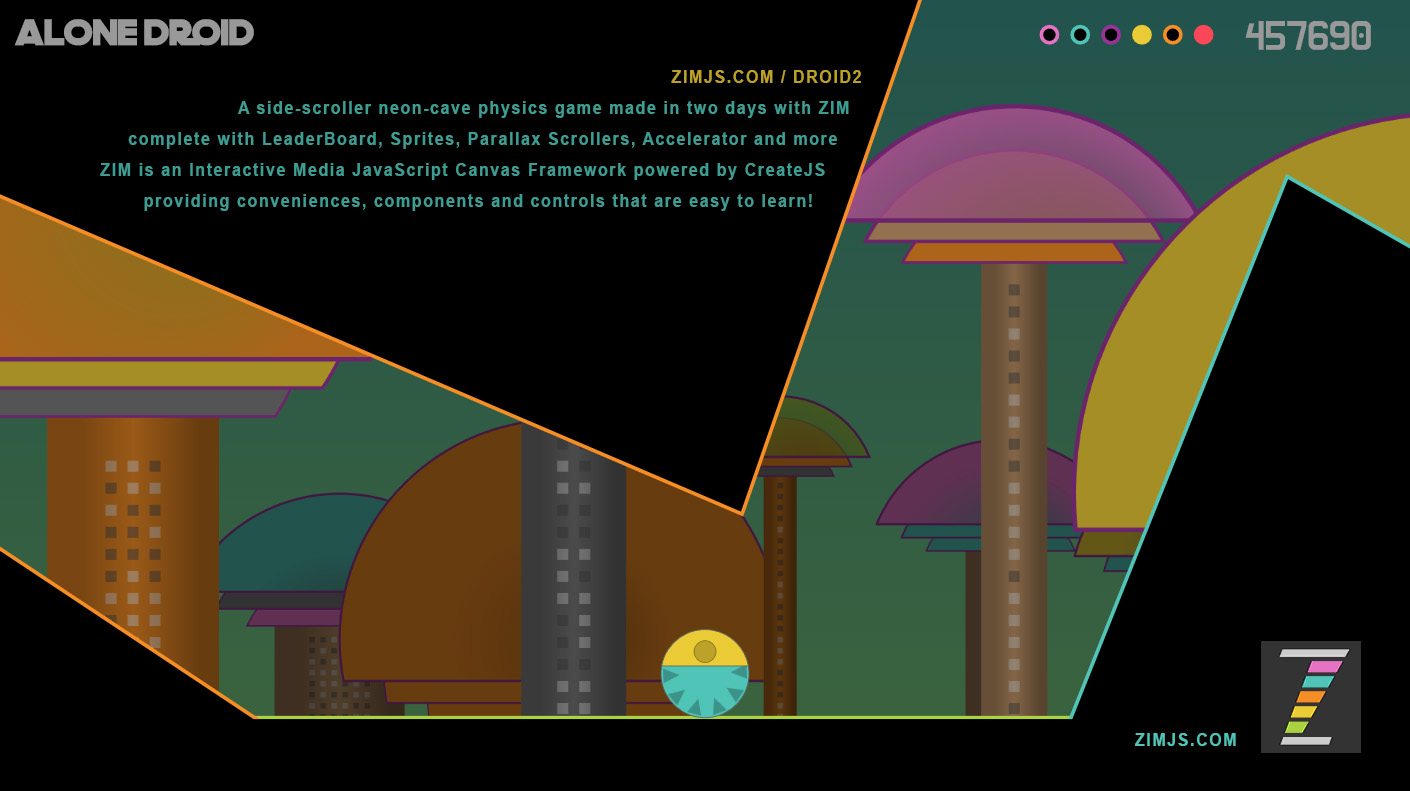
<p>There are hundreds of examples many including games in <a href=https://zimjs.com/examples.html>ZIM Examples</a>.  The <a href=https://zimjs.com/games.html>ZIM&nbsp;Games</a> page feature a bunch for instance:</p>

<a href=https://zimjs.com/robots/>![oddrobots2](https://github.com/danzen/zim-game/assets/380281/ee323957-f545-44de-8242-a4e7a848ae3c)</a>

<a href=https://zimjs.com/finger/>![dazzlefinger](https://github.com/danzen/zim-game/assets/380281/bbc8d7f4-964a-4555-a35f-108ccce50369)</a>

<a href=https://zimjs.com/droid2/>![droid2](https://github.com/danzen/zim-game/assets/380281/c5aa2c41-b1b3-47bb-8371-f21a79ad00d1)</a>

<h2>ZIM</h2>
<p>See the ZIM repository at https://github.com/danzen/zimjs for information on ZIM and open source license, etc.</p>