## aframe-colorwheel-component
[](https://npmjs.org/package/aframe-colorwheel-component)
[](https://npmjs.org/package/aframe-colorwheel-component)
A-Frame Color Wheel component, designed to be used with A-Frame Material
***NOTE: A-Frame Material is not required to use this component***
For [A-Frame](https://aframe.io).
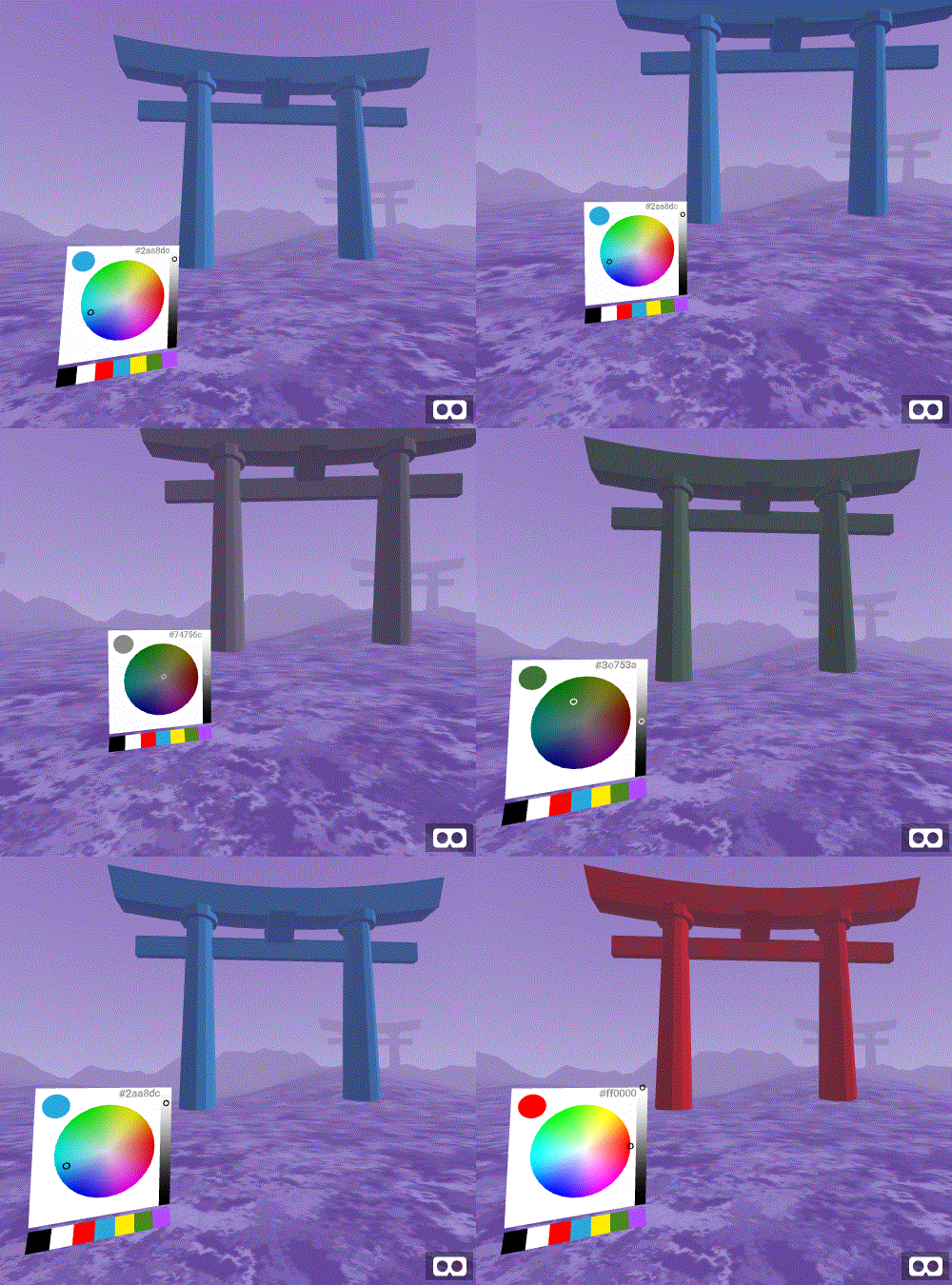
### Examples
* [Basic: Sky Changer](https://mokargas.github.io/aframe-colorwheel-component/examples/basic/index-sky.html)
* [Basic: Prop Colorization](https://mokargas.github.io/aframe-colorwheel-component/examples/basic)
* [Basic: Show Hex Value](https://mokargas.github.io/aframe-colorwheel-component/examples/basic/index-showhex.html)
* [Basic: Show Swatches](https://mokargas.github.io/aframe-colorwheel-component/examples/basic/index-showswatches.html)
### API
| Property | Description | Default Value |
| -------- | ----------- | ------------- |
| disabled | Wether the color wheel responds to clicks or taps | false |
| backgroundcolor | Background color of the UI | #fff |
| wheelSize | Size (m) if the color wheel element. Note: This will determine the UI size automatically and assumes a a square element | 0.4 (40cm) |
| showSelection | Show the color-selected circle (top left corner of UI) | true |
| selectionSize | Size (m) of the selection circle, if enabled | 0.10 (10cm) |
| showHexValue | Show the color as a hex value (Note: currently output only). If enabled, you can click on the value to copy the contents to your clipboard on selected devices only | false |
| showSwatches | Show a collection of swatch colors, specified by the swatches property | false |
| swatches | If showSwatches is set to true, the following colors will be available | ['#000000', '#FFFFFF', '#ff0000', '#2aa8dc', '#ffed00', '#4c881d', '#b14bff'] |
### Installation
#### Browser
* Install and use by directly including the [browser files](dist):
* Create a listener component to listen for changes
```html
My Cool A-Frame Scene
```
#### npm
Install via npm:
```bash
npm install aframe-colorwheel-component
```
Then require and use.
```js
require('aframe');
require('aframe-colorwheel-component');
```
#### TODO / Roadmap
* Enable setting swatch colors
* Deeper customisation (padding, background colors, shader style)
* Interop testing