<table>
  <tr>
    <td>
      <h3> 🚨 Maintenance notice (November 2023) </h3>
        <p>This action is now in maintenance only mode.
        <p>I am working on a new tool similar to this action but one that reduces false positives and includes the most requested features.</p>
        <p>I am currently working on developing and testing <a href="https://github.com/UmbrellaDocs/linkspector">Linkspector</a>, and I hope to release it soon. In the meantime, I'll support this utility in maintenance-only mode as I want to focus more on <a href="https://github.com/UmbrellaDocs/linkspector">Linkspector</a>. I appreciate your understanding and patience.</p>
        <p>If you're interested in <a href="https://github.com/UmbrellaDocs/linkspector">Linkspector</a>, follow its progress on its GitHub repository. Thank you for using this action, and I hope you will enjoy <a href="https://github.com/UmbrellaDocs/linkspector">Linkspector</a> when it is ready.</p>
    </td>
  </tr>
</table>

# asciidoc-link-check
(Based on [markdown-link-check](https://github.com/tcort/markdown-link-check) module)

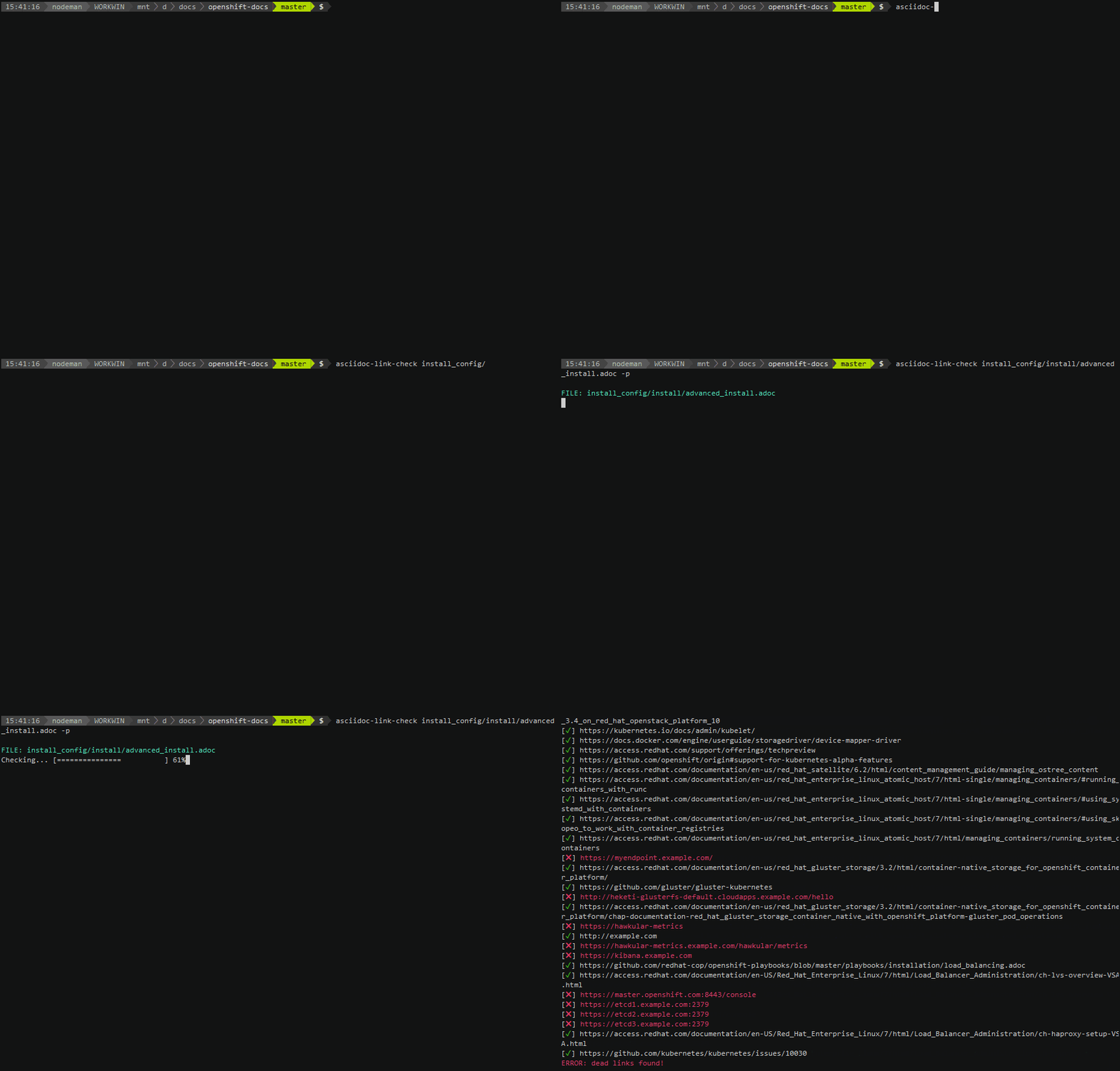
<a href="https://asciinema.org/a/TsMPXxqz92aJIeYhUQTsxbpjn?autoplay=1"><img src="https://raw.githubusercontent.com/gaurav-nelson/asciidoc-link-check/master/scr-rec.gif"/></a>

Local Installation
==================

Install with `npm` run:

``` bash
npm install -g asciidoc-link-check
```

Usage
-----

(Optional) Use the `-p` or `--progress` switch to view progress.

### Check links for a local file

``` bash
asciidoc-link-check README.adoc --progress
```

### Check links for an online file

``` bash
asciidoc-link-check https://github.com/gaurav-nelson/asciidoc-link-check/blob/master/README.adoc
```

### Check links from standard input

``` bash
cat <filename>.adoc | asciidoc-link-check -p
```

### Check links in all asciidoc files in a directory

Check recursively in the current directory:

``` bash
find . -name \*.adoc -exec asciidoc-link-check -p {} \;
```

Check recursively in the other directories:

``` bash
find <directory> -name \*.adoc -exec asciidoc-link-check -p {} \;
```

### Ignore specific links

1. Create a JSON config file containing ignore patterns:
    ```json
    {
        "ignorePatterns": [
            { "pattern": "^https://192.17" },
            { "pattern": "^https://www.google" }
        ]

    }
    ```
1. Use the config file option:
    ```
    asciidoc-link-check README.adoc -c <configfile.json>
    ```

> **NOTE**
>
> To see other options that `asciidoc-link-check` supports, see
> `markdown-link-check`
> config file format at https://github.com/tcort/markdown-link-check#config-file-format

Using in your node project
--------------------------

To add the module to your project, run:

``` bash
npm install --save asciidoc-link-check
```

Docker Run
==================
1. Clone the repository:

        git clone https://github.com/gaurav-nelson/asciidoc-link-check.git

2. Open the repository directory:

        cd asciidoc-link-check

3. Build a Docker image:

        docker build --tag asciidoc-link-check .

4. Add current directory with your `test.adoc` file as read only volume to the
   `docker run` command:

        docker run -v ${PWD}:/tmp:ro --rm -i asciidoc-link-check /tmp/test.adoc

API
===

Use the following function:

``` javascript
asciidocLinkCheck(asciidoc, [opts], callback)
```

Accepts a string containing `asciidoc` formatted text and a `callback` function,
extracts all links and checks if they are alive or dead. Then calls the
`callback` function with `(err, results)`.

- `opts` optional objects

  - `ignorePatterns`: An array of objects of regular expressions patterns.

Examples
========

JavaScript
----------

``` javascript
'use strict';

var asciidocLinkCheck = require('asciidoc-link-check');

asciidocLinkCheck('xref:https://www.google.com[Google]', function (err, results) {
    if (err) {
        console.error('Error', err);
        return;
    }
    results.forEach(function (result) {
        console.log('%s is %s', result.link, result.status);
    });
});
```
