# bespoke-notes
## Notes for [Bespoke.js](https://github.com/markdalgleish/bespoke.js) presentations
Use cases:
- Publish slides with notes to those who were not able to see the presentation
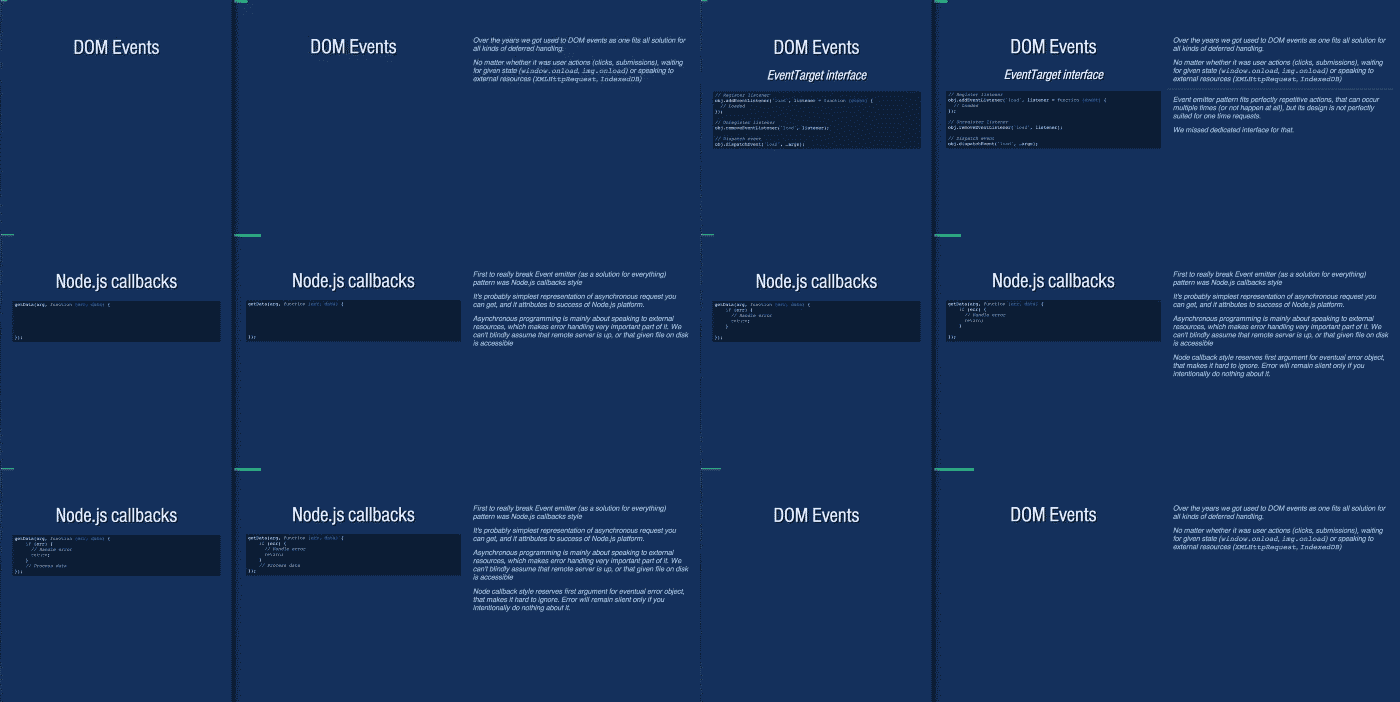
- Write notes for presentation, and present it on two screens (with help of [bespoke-sync](https://github.com/medikoo/bespoke-sync)):
Audience screen: Your screen:
See [Asynchronous JavaScript Interfaces](http://medikoo.com/asynchronous-javascript-interfaces/?notes) presentation for demo
### Usage
`bespoke-notes` uses `
 See [Asynchronous JavaScript Interfaces](http://medikoo.com/asynchronous-javascript-interfaces/?notes) presentation for demo
### Usage
`bespoke-notes` uses `
See [Asynchronous JavaScript Interfaces](http://medikoo.com/asynchronous-javascript-interfaces/?notes) presentation for demo
### Usage
`bespoke-notes` uses `