# bespoke-substeps
## Substeps for [Bespoke.js](https://github.com/markdalgleish/bespoke.js) presentations
### Similar and initially inspired on [bespoke-bullets](https://github.com/markdalgleish/bespoke-bullets).
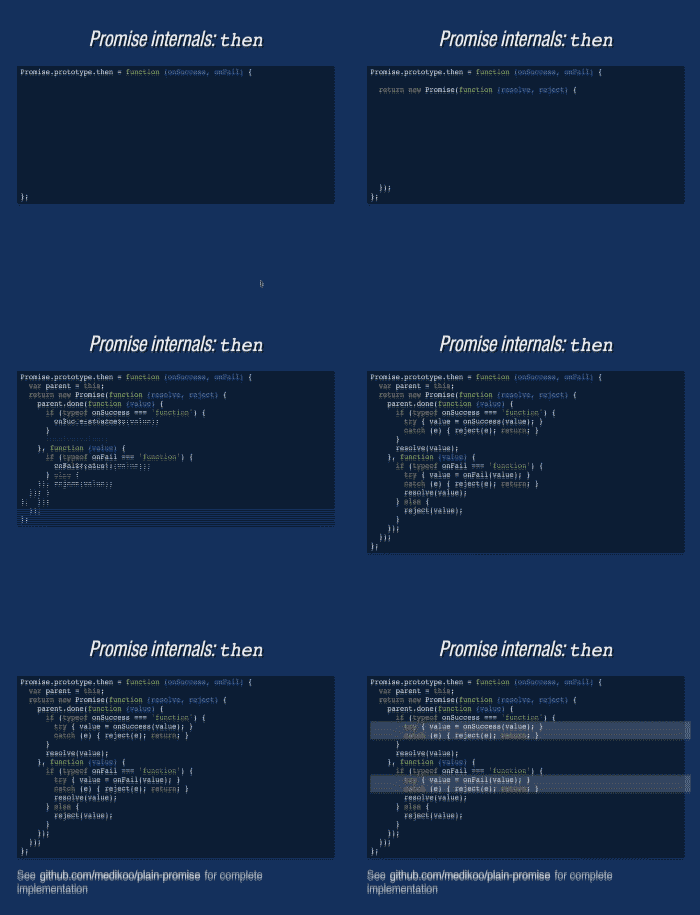
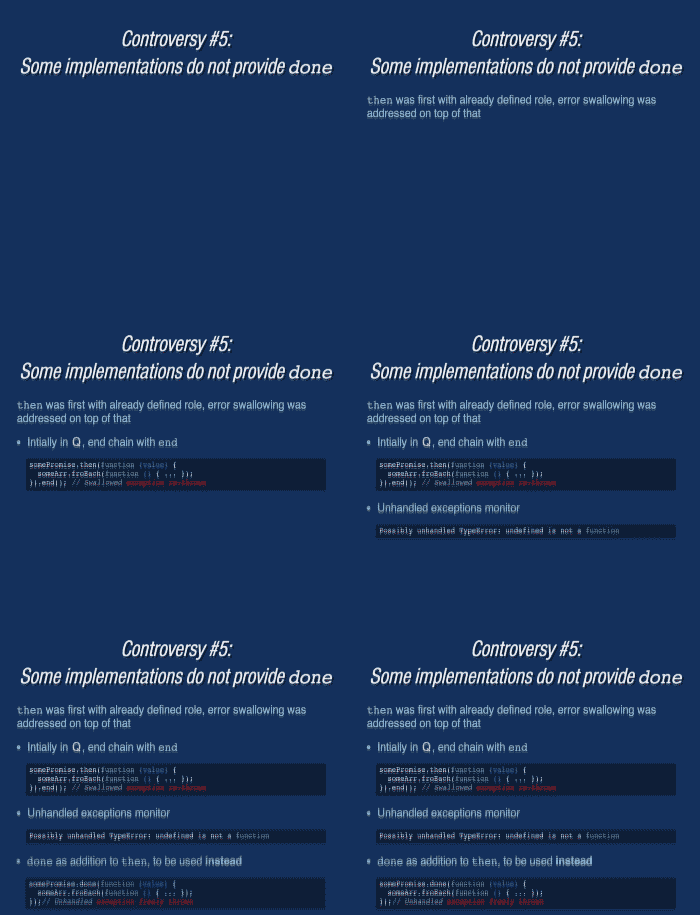 You can see _bespoke-substeps_ in action in e.g. [Asynchronous JavaScript Interfaces](http://medikoo.com/asynchronous-javascript-interfaces/?notes) presentation
#### Features
* Order of display can be customized (via `data-order` attribute), so it doesn't necessary need to follow order in document
* Separated steps can be configured to appear in parallel (just apply same `data-order` value)
* There are four types of actions (configured via `data-action` attribute) that can be used:
* __activate__ (default) show element (turn off `visibility: hidden`)
* __deactivate__ hide element (turn on `visibility: hidden`)
* __insert__ insert element (turn off `display: none`)
* __remove__ remove element (turn on `display: none`)
* __mark__ mark element (just for duration of given step turn off `background: inherit`)
How it works: _step_ remains in opposite state to configured action until it has it's turn. Anytime later configured action is in effect, just in case of _mark_ action, configure state is maintained only for time of given step.
### Usage
If CJS bundler you're using, supports CSS modules out of a box, then just do:
```javascript
var substeps = require('bespoke-substeps');
```
Otherwise require strictly JS logic of plugin with
```javascript
var substeps = require('bespoke-substeps/dom');
```
and manually assure that styles placed in `style.css` are also loaded with your application.
Then configure bespoke to use the plugin:
```javascript
bespoke.from(selector, [
substeps()
]);
```
Example HTML configuration
All step elements need to share `substep` class. Unless overridden they're assigned with `activate` action and incremented order.
```html
You can see _bespoke-substeps_ in action in e.g. [Asynchronous JavaScript Interfaces](http://medikoo.com/asynchronous-javascript-interfaces/?notes) presentation
#### Features
* Order of display can be customized (via `data-order` attribute), so it doesn't necessary need to follow order in document
* Separated steps can be configured to appear in parallel (just apply same `data-order` value)
* There are four types of actions (configured via `data-action` attribute) that can be used:
* __activate__ (default) show element (turn off `visibility: hidden`)
* __deactivate__ hide element (turn on `visibility: hidden`)
* __insert__ insert element (turn off `display: none`)
* __remove__ remove element (turn on `display: none`)
* __mark__ mark element (just for duration of given step turn off `background: inherit`)
How it works: _step_ remains in opposite state to configured action until it has it's turn. Anytime later configured action is in effect, just in case of _mark_ action, configure state is maintained only for time of given step.
### Usage
If CJS bundler you're using, supports CSS modules out of a box, then just do:
```javascript
var substeps = require('bespoke-substeps');
```
Otherwise require strictly JS logic of plugin with
```javascript
var substeps = require('bespoke-substeps/dom');
```
and manually assure that styles placed in `style.css` are also loaded with your application.
Then configure bespoke to use the plugin:
```javascript
bespoke.from(selector, [
substeps()
]);
```
Example HTML configuration
All step elements need to share `substep` class. Unless overridden they're assigned with `activate` action and incremented order.
```html
Slide title
- First step
- Second step
- Fourth step (1)
- Third step
- Fourth step (2)
- Fifth step
```
### Installation
#### npm
In your presentation path:
$ npm install bespoke-substeps