# Book Picker
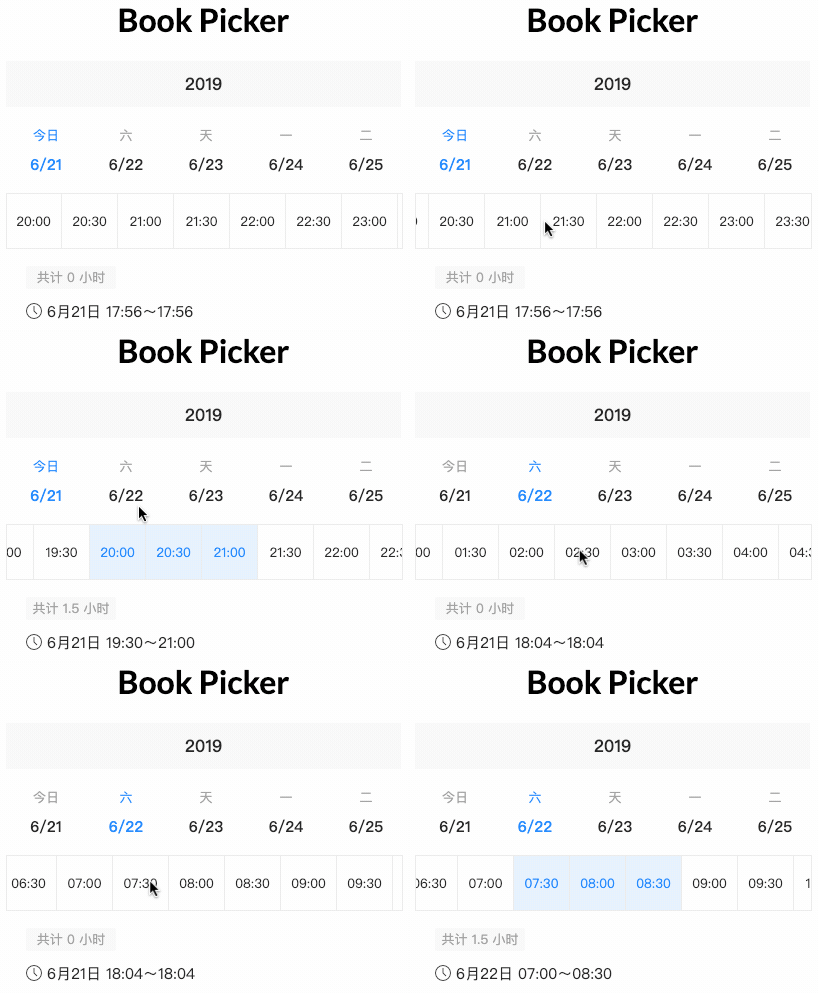
##
- [Demo](#demo)
- [Install](#install)
- [Setup](#setup)
- [Development](#development)
## Demo
Try out our [demo on Stackblitz](https://stackblitz.com/edit/book-picker)!
## Install
You can get it on NPM installing `book-picker` module as a project dependency.
```shell
npm install book-picker --save
```
## Setup
You'll need to add `BookPickerModule` to your application module. So that, the `` components will be accessible in your application.
```typescript
import { BookPickerModule } from 'book-picker';
@NgModule({
declarations: [
AppComponent
],
imports: [
BookPickerModule,
...
],
providers: [],
bootstrap: [AppComponent]
})
export class AppComponent {}
```
```html
```
```typescript
import { Component } from '@angular/core';
@Component({
selector: 'my-app',
templateUrl: './app.component.html',
styleUrls: ['./app.component.css']
})
export class AppComponent {
name = 'Book Picker';
onSelected(value: any){
console.log(value);
}
}
```
## Development
### Run demo locally
1. This project uses [Angular CLI](https://cli.angular.io/) as base. That means you just need to run `npm start` and access the link `http://localhost:4200` in your browser
### Run tests
1. Run `npm test` for run tests. In case you want to test using watch, please use `npm run tdd`
### Publish
this project is using `np` package to publish, which makes things straightforward. EX: `np --contents=dist/book-picker`
> For more details, [please check np package on npmjs.com](https://www.npmjs.com/package/np)
## LICENSE
[MIT](LICENSE)