# Edge
## Usage
```js
// Initialize draw
canvas.draw({
edges: [{
source: 'point_1',
target: 'point_2',
sourceNode: 'node_1',
targetNode: 'node_2',
type: 'endpoint',
arrow: true,
arrowPosition: 0.5,
arrowOffset: 0, // final position of the arrow:lineLength * arrowPosition + arrowOffset
label: 'I am label' //Here you can also pass dom, of course, you can also extend the parent class's drawLabel to customize the label.
}],
groups: ...
nodes: ...
})
// Dynamic addition
canvas.addEdge({
// the attribute below
...
})
```
## attribute
### id _``_ (Require)
unique id of edge
### type _``_ (Require)
Whether the marking line is connected to the node or to the anchor point. The default value is `endpoint`
```js
// endpoint edge type: the edge will connecting the anchor point to the anchor point
{
type: 'endpoint',
sourceNode: '', //source node id
source: '', //source endpoint id
targetNode: '', //target node id
target: '' //target endpoint id
}
// node edge type: the edge will connecting node to node
{
type: 'node',
source: '', //source node id
target: '' //target node id
}
```
### targetNode _``_ (Require)
target node id (only available for endpoint type edge)
### target _``_ (Require)
target endpoint id (`endpoint` edge: target endpoint id; `node` edge: target node id)
### sourceNode _``_ (Require)
source node id (only available for endpoint type edge)
### source _``_ (Require)
source endpoint id (`endpoint` edge: source endpoint id; `node` edge: source node id)
### orientationLimit _``_ (Optional)
position restriction of edge entrance and exit: Left / Right / Top / Bottom
### shapeType _``_ (Optional)
edge type: Bezier/Flow/Straight/Manhattan/AdvancedBezier/Bezier2-1/Bezier2-2/Bezier2-3/BrokenLine
 ### label _``_ (Optional)
edge label: can accept string or dom
### labelPosition _``_ (Optional)
the position of edge label: the value is between 0-1, 0 represents the beginning of the edge, and 1 represents the end of the edge. Default value 0.5
### labelOffset _``_ (Optional)
the position offset of edge label: the offset value from the label position of edge. The default value is 0, and the unit is `px`
```js
// labelPosition & labelOffset: the label position is in the middle of edge,offset 20px to the end
{
labelPosition: 0.5,
labelOffset: 20
}
```
### arrow _``_ (Optional)
whether to add arrow configuration: Default value `false`
### arrowPosition _``_ (Optional)
arrow position: value between 0-1, 0 represents the beginning of the edge, and 1 represents the end of the edge. Default value `0.5`
### arrowOffset _``_ (Optional)
the position offset of arrow: the offset value from the arrow position of edge. The default value is 0, and the unit is `px`
```js
// arrowPosition & arrowOffset: the arrow position is in the middle of edge,offset 20px to the end
{
arrowPosition: 0.5,
arrowOffset: 20
}
```
### arrowShapeType _``_ (Optional)
arrow shape type: You can use the system integrated arrow or self-registered arrow, only need to ensure that the shape type corresponds.
```js
// self-registered arrow
import {Arrow} from 'butterfly-dag';
Arrow.registerArrow([{
key: 'yourArrow1',
type: 'svg',
width: 10, // Optional, default 8px
height: 10, // Optional, default 8px
content: require('/your_fold/your_arrow.svg') // Reference external svg
}, {
key: 'yourArrow1',
type: 'pathString',
content: 'M5 0 L0 -2 Q 1.0 0 0 2 Z' // `d` attribute of path
}]);
```
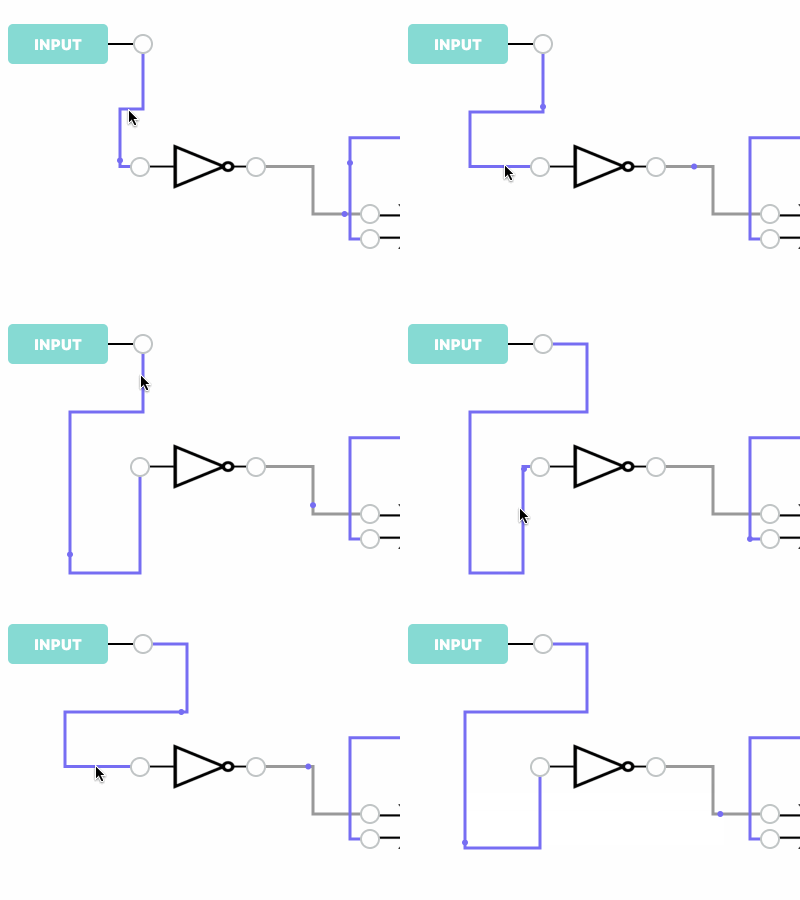
### [Manhattan]draggable _``_ (Optional)
whether the `Manhattan` edge can be dragged
### label _``_ (Optional)
edge label: can accept string or dom
### labelPosition _``_ (Optional)
the position of edge label: the value is between 0-1, 0 represents the beginning of the edge, and 1 represents the end of the edge. Default value 0.5
### labelOffset _``_ (Optional)
the position offset of edge label: the offset value from the label position of edge. The default value is 0, and the unit is `px`
```js
// labelPosition & labelOffset: the label position is in the middle of edge,offset 20px to the end
{
labelPosition: 0.5,
labelOffset: 20
}
```
### arrow _``_ (Optional)
whether to add arrow configuration: Default value `false`
### arrowPosition _``_ (Optional)
arrow position: value between 0-1, 0 represents the beginning of the edge, and 1 represents the end of the edge. Default value `0.5`
### arrowOffset _``_ (Optional)
the position offset of arrow: the offset value from the arrow position of edge. The default value is 0, and the unit is `px`
```js
// arrowPosition & arrowOffset: the arrow position is in the middle of edge,offset 20px to the end
{
arrowPosition: 0.5,
arrowOffset: 20
}
```
### arrowShapeType _``_ (Optional)
arrow shape type: You can use the system integrated arrow or self-registered arrow, only need to ensure that the shape type corresponds.
```js
// self-registered arrow
import {Arrow} from 'butterfly-dag';
Arrow.registerArrow([{
key: 'yourArrow1',
type: 'svg',
width: 10, // Optional, default 8px
height: 10, // Optional, default 8px
content: require('/your_fold/your_arrow.svg') // Reference external svg
}, {
key: 'yourArrow1',
type: 'pathString',
content: 'M5 0 L0 -2 Q 1.0 0 0 2 Z' // `d` attribute of path
}]);
```
### [Manhattan]draggable _``_ (Optional)
whether the `Manhattan` edge can be dragged
 ### Class _``_ (Optional)
Class:`Generally, the need has been met, because the logic is more complicated, it is not recommended to expand the base class of the line. `When the extension class is passed in, the node group will be rendered according to the draw method of the extension class. The related methods of the extension class will also override the method of the parent class.
`* Set isExpandWidth to true to get eventHandlerDom for mounting events.`
### Class _``_ (Optional)
Class:`Generally, the need has been met, because the logic is more complicated, it is not recommended to expand the base class of the line. `When the extension class is passed in, the node group will be rendered according to the draw method of the extension class. The related methods of the extension class will also override the method of the parent class.
`* Set isExpandWidth to true to get eventHandlerDom for mounting events.`
## Extented Class API:
```js
import {Edge} from 'butterfly-dag';
Class YourEdge extends Edge {
/**
* callback after the edge is mounted
*/
mount() {}
/**
* whether the edge can be connected
* @return {boolean} - Returns whether the edge can be connected. If it returns true, the edge will be created; if it returns false, the edge will be destroyed.
*/
isConnect() {}
/**
* rendering method of edge
* @param {obj} data - edge base info
* @return {dom} - returns the root of the rendered svg
*/
draw(obj) {}
/**
* rendering method of arrow
* @param {string} pathString - The description string of the edge path (the `d` attribute of path)
* @return {dom} - returns the root of the arrow dom
*/
drawArrow() {path}
/**
* rendering method of label
* @param {string/dom} label - the content string or the dom of the label
* @return {dom} - returns the root of the label dom
*/
drawLabel() {}
/**
* 自定义计算线段路径方法
* @param {object} sourcePoint - the coordinates of the source point and the direction in which the edge exits
* @param {object} targetPoint - the coordinates of the target point and the direction in which the edge entries
* @return {string} - return the description string of the edge path (the `d` attribute of path)
*/
calcPath(sourcePoint, targetPoint) {}
}
```
## External Call API:
### edge.redraw ()
*description*: update edge position: after the node or the endpoint position changes, you need to call redraw to update its corresponding edge
```js
redraw = () => {}
```
### edge.setZIndex (index)
*description*: set the z-index value of the edge
*return*
* `{number} zIndex`zIndex value
```js
setZIndex = (index) => {}
```
### edge.updateLabel (label)
*description*: update the comment of the edge
*return*
* `{string|dom}`label string or dom
*return*
* `{dom}`update the dom of label
```js
updateLabel = (label) => {}
```
### edge.remove ()
*description*: the method of edge deletion. Consistent with the method `canvas.removeEdge`
```js
remove = () => {}
```
### edge.emit(event,data)
*description*: the method of sending events on the edge, the canvas and any element can receive
*return*
* `{string} event`the name of sending event
* `{number} data`the data of sending event
```js
emit = (string, obj) => {}
```
### edge.on(event,callback)
*description*: the method of receiving events for edge, which can receive events of the canvas and any element
*return*
* `{string} event`the name of receiving event
* `{function} callback`the callback of receiving event
```js
on = (string, function) => {}
```
### edge.addAnimate (options)
*description*: add animate to edge
*return*
* `{obj} options(Optional)`animation configuration
* `{number} options.radius (Optional)`animation node radius
* `{string} options.color (Optional) `animation node color
* `{string} options.dur (Optional)`animation running time, such as: 1s
* `{number|string} options.repeatCount (Optional)`animation repeat times, such as: 1 or'indefinite'
```js
addAnimate = (options) => {}
```
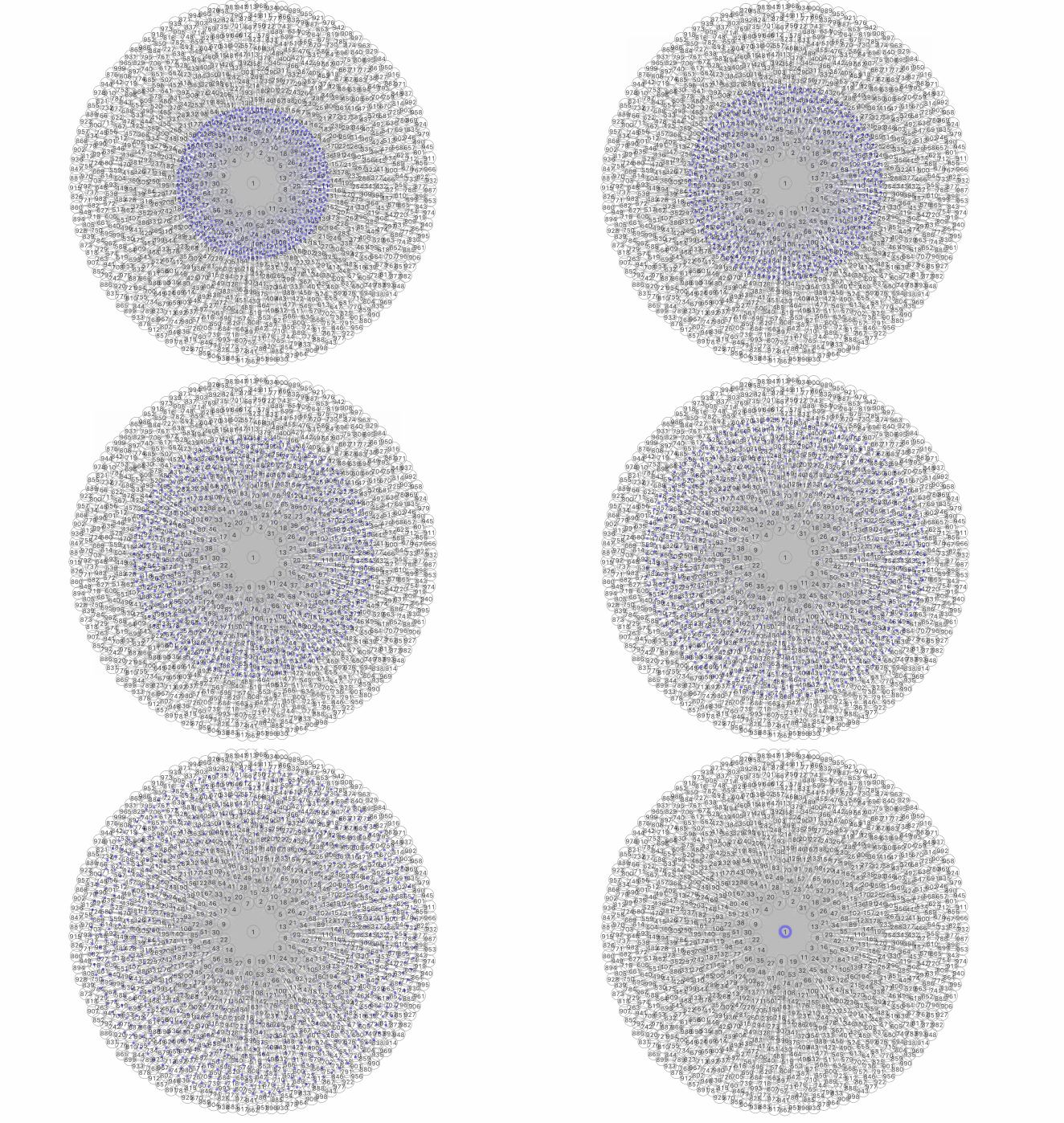
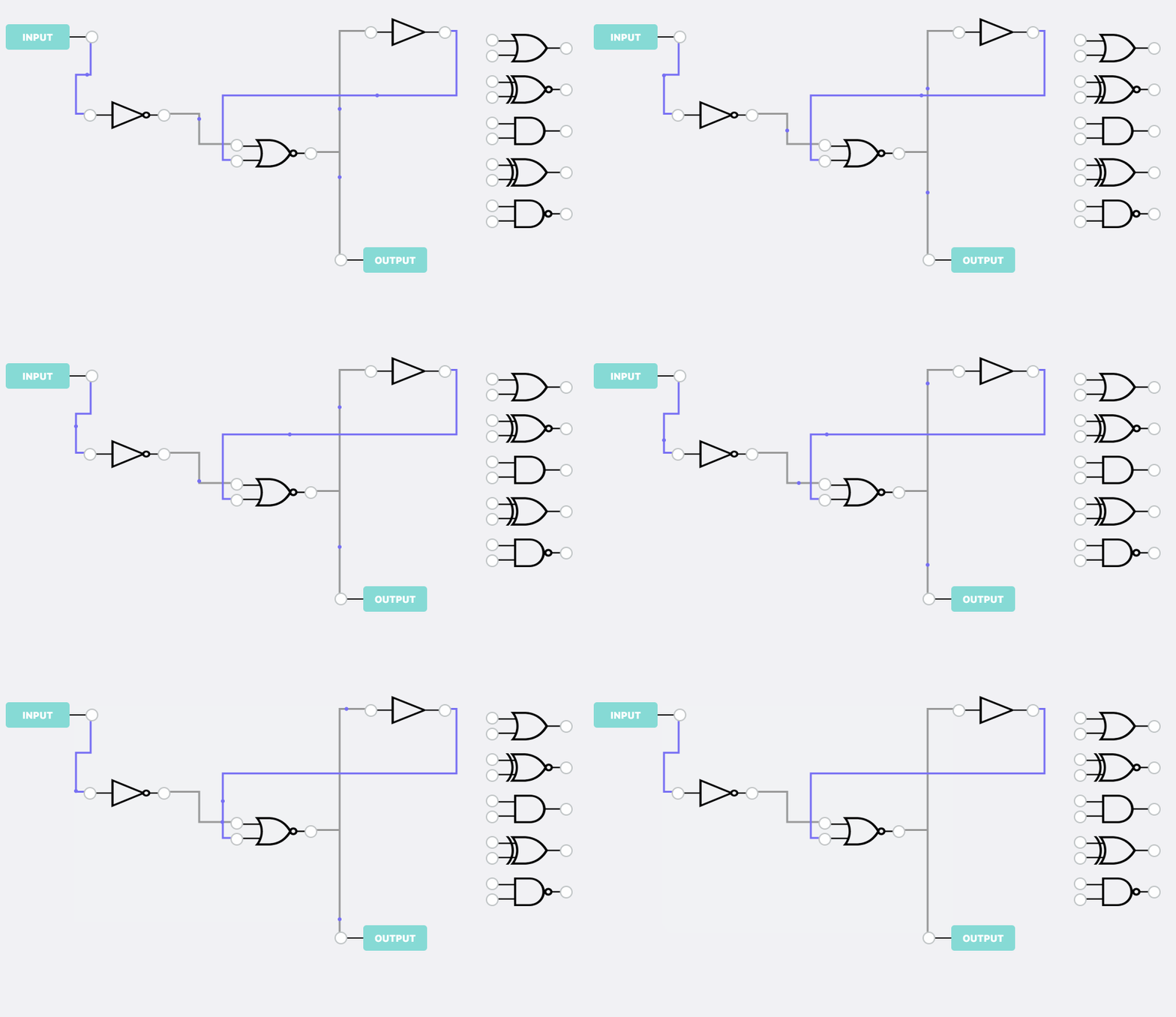 performance: 1000 nodes + 1000 edge, the animation runs perfectly
 ### [Manhattan]edge.getBreakPoints ()
*description*: get the break points of the edge: Only the `Manhattan` edge can use this method
```js
getBreakPoints = () => {}
```
### [Manhattan]edge.getBreakPoints ()
*description*: get the break points of the edge: Only the `Manhattan` edge can use this method
```js
getBreakPoints = () => {}
```