# SIMPLE CHAT
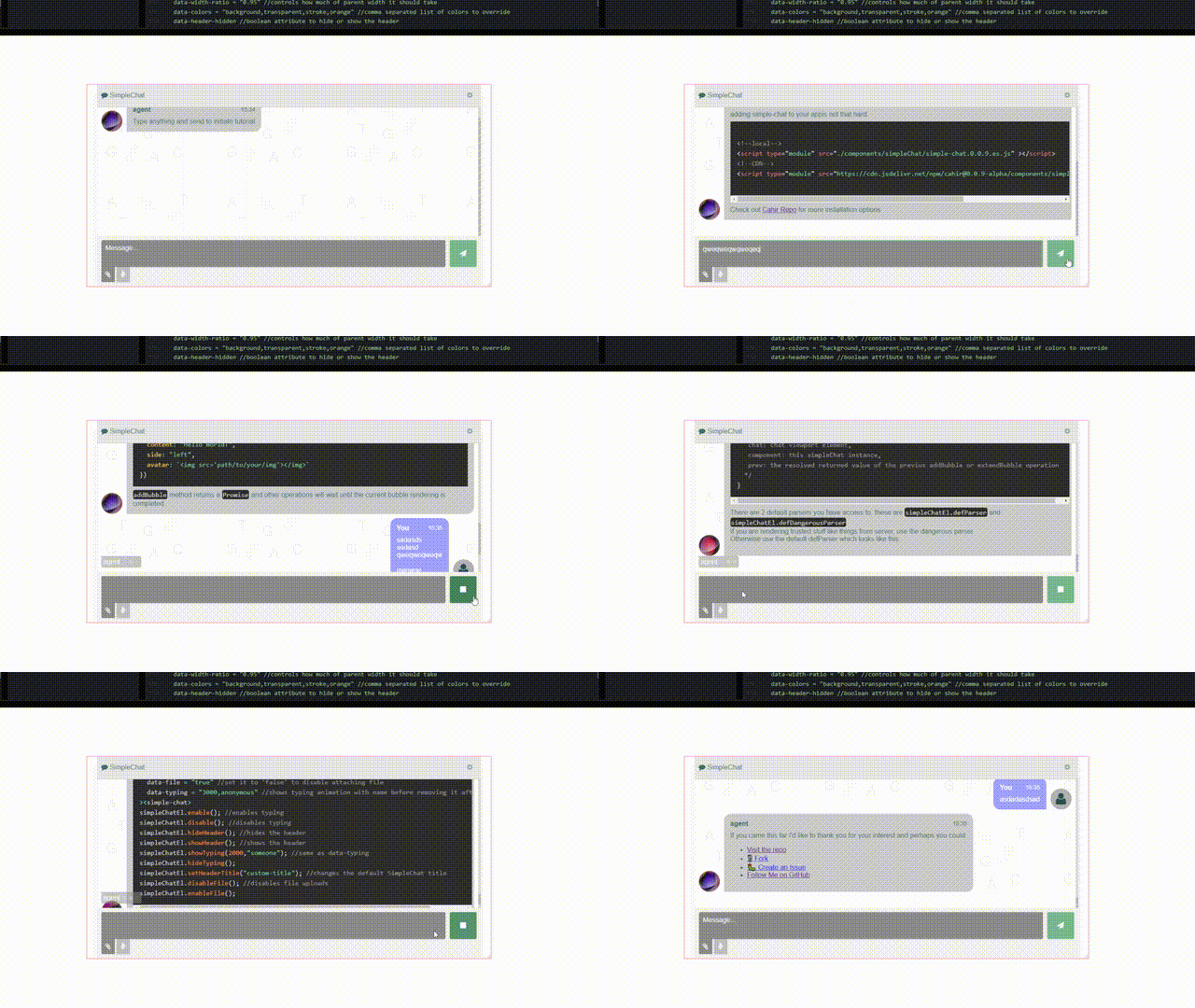
👉 [Codepen](https://codepen.io/IbrahimTanyalcin/pen/VYZNOvX)
Simple-chat is a tool you can use to create flowing chat mechanism with LLM agents or other projects that need a chat box that are required to adapt to a stream of chunked parts.
Has 0 opinions on how the backend should respond or what it should receive. Simple-chat is a pure UI component, you get to control how the flow should take place between frontend and backend.
## Installation
### regular script
```html
```
### es module
```html
```
If you use a bundler, it should be able to handle the dependencies. If not please reach out to me and open an issue.
## Example markup
```html
```
that's it.
## Example
Go to the [examples](../examples/) folder and run:
```shell
cd examples
node server.cjs
```
Visit `localhost:3000`
## List of Attributes
```js
/**/
```
## List of Methods
```js
simpleChatEl.enable(); //enables typing
simpleChatEl.disable(); //disables typing
simpleChatEl.hideHeader(); //hides the header
simpleChatEl.showHeader(); //shows the header
simpleChatEl.showTyping("2000,someone"); //same as data-typing
simpleChatEl.hideTyping();
simpleChatEl.setHeaderTitle("custom-title"); //changes the default SimpleChat title
simpleChatEl.disableFile(); //disables file uploads
simpleChatEl.enableFile();
simpleChatEl.clear(); //empty textbox
```
## Adding a chat bubble
### Minimal example
```js
chat.addBubble({
content: `Your message here`,
});
```
#### Function signature
```js
/**
* Adds a chat bubble to the UI.
*
* @param {Object} options - The options for the chat bubble.
* @param {"left"|"right"} [options.side="left"] - The side where the bubble appears.
* @param {string|Node|null} [options.avatar=null] - The avatar, can be empty, a DOMString, or a Node.
* @param {string} [options.name="anonymous"] - The name of the sender.
* @param {string|null} [options.time=null] - The time as a string.
* @param {string} options.content - The text content of the bubble (required).
* @param {function} [options.parser=defParser] - A function to parse the content.
* @param {function} [options.cb=noOp] - A callback function.
* @returns {Promise} - A promise that resolves to whatever is returned from the callback. If the callback returns undefined or is a noOP, undefined is returned.
*/
```
## Extending a bubble
### Minimal Example
```js
chat.extendBubble({
content: `Your message here`,
});
```
#### Function signature
```js
/**
* Adds a chat bubble to the UI.
*
* @param {Object} options - The options for the chat bubble.
* @param {string} options.content - The text content of the bubble (required).
* @param {function} [options.parser=defParser] - A function to parse the content.
* @param {function} [options.cb=noOp] - A callback function.
* @returns {Promise} - A promise that resolves to whatever is returned from the callback. If the callback returns undefined or is a noOP, undefined is returned.
*/
```
If no bubbles have added before, this operation is a noOp.
## Custom Parser
```js
let yourParserFunction = ({current, incoming, parent, bubble, chat, component, prev}) => {
/*
current: the raw content of the chat bubble so far
incoming: the new raw content that is not parsed and inserted yet
parent: the immediate parent of the raw data, this parent is a descendant of the bubble
bubble: the chat bubble,
chat: chat viewport element,
component: this simpleChat instance,
prev: the resolved returned value of the previus addBubble or extendBubble operation
*/
}
```
The result of the parser function will be awaited and passed to callback (`cb`) parameter. The callback function, if supplied has the same signature as parser with an addition of `retVal` which is the return value of the parser.
In both function you do not need to return anything but in one of them, you have to `append` the `bubble` to the `chat` element if not appended already.
Each time `addBubble` or `extendBubble` is called, `parser` will run first and then callback (`cb`). After both are run, if there are no errors, the raw contents of the bubble will be updated and can be accessed on the next `addBubble/extendBubble` call via the `current` property.
## Manual Send
At anytime you can do:
```js
simpleChatElement.send(f)
```
Above will call `f` with `this` pointing to the component and an object `{files[], text}`. Text will be the textbox contents and files array is populated with [`File`](https://developer.mozilla.org/en-US/docs/Web/API/File) objects or an empty array.
## Events
Register an event to be fired when the send button is clicked:
```js
simpleChatElement.onsend(function({files, text}){
//do something
});
```
`text` will be the raw text inside the chatbox and files will be the a list of `File` objects or an empty array if no files are attached. Send does not clear the textbox. You need to manually call `simpleChatElement.clear()` inside to clear the textbox.
You can register more than 1 event. `onsend` method accepts an optional `namespace`:
```js
simpleChatElement.onsend(function({files, text}){
//do something
}, "mynamespace");
```
Later you can do:
```js
simpleChatElement.offsend("mynamespace");
```
This way, if you attached several listeners with same namespace, you can selectively and bulk remove those.
`onsend` and `offsend` methods can also be set like this:
```js
simpleChatElement.onsend = function({files, text}){
//do something
}
```
However if you use the above form, you won't be able to use namespaces.
If you want to execute a function once the component ready, use the `onready`:
```js
simpleChatElement.onready(() => {
//do something
}, /*...args*/)
```
this will call the registered function with the supplied arguments (if any) and `this` pointing out the component (not if you are using lambda like above).
## Contributing
If this project has been useful to you, you can help to make it better via:
- submitting PR for features
- fixes / bugs that I wasn't aware of
- supporting with documentation