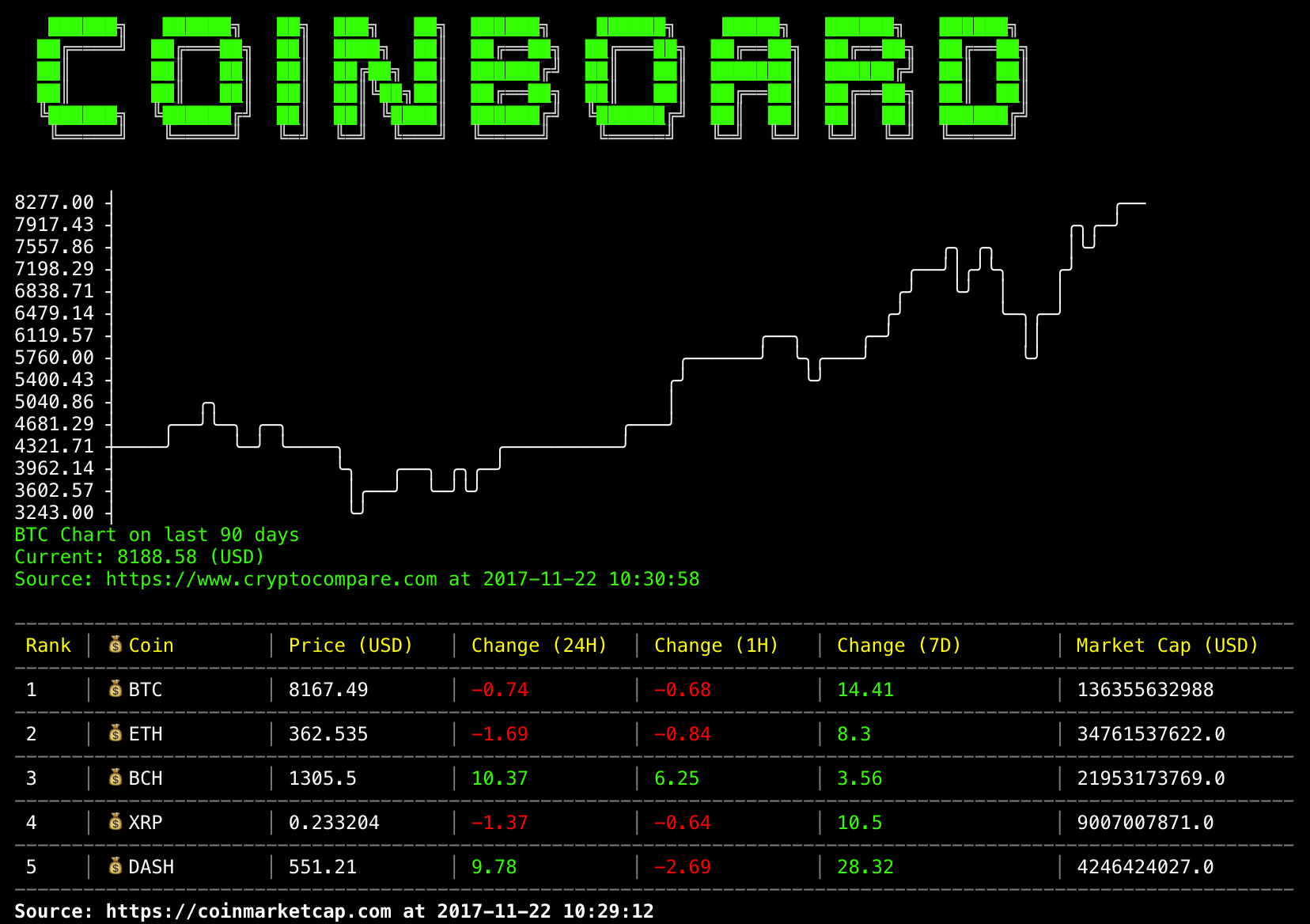
> Bitcoin dashboard on CLI
Check bitcoin prices on CLI 💻
## Features
- Coins Chart
- Coins Ranking
## Coming features
- Coins list display
- Coins subscription
- Section toggling
and more...
## Installation
Coinboard requirs node 8.* or later
```
$ npm install -g coinboard
```
## Usage
```
$ coinboard
```
## Options
```
-V, --version output the version number
-c, --coin BOTH: specify the coin e.g. BTC, ETH... (Default: BTC)
-cur, --currency BOTH: specify the currency of coin (Default: USD)
-d, --days CHART: number of days the chart will go back, must be 90 > days > 0 (Default: 30)
-r, --rank RANK: starting rank (Default: 0)
-l, --limit RANK: specify the number of coins to display (Default: 5)
-h, --help output usage information
```
## Development
```
$ git clone https://github.com/teddylun/coinboard.git
$ cd coinboard
$ npm install -g
$ npm link
$ coinboard
```
## Data sources
- [cryptocompare](https://www.cryptocompare.com)
- [coinmarketcap](https://coinmarketcap.com)
## License
MIT