# Colorfulness
Node.js implementation of colorfulness using [node-opencv](https://github.com/peterbraden/node-opencv) binder for [OpenCV](http://opencv.org/).
## Related research studies
* From [Rubner 2000](http://infolab.stanford.edu/~wangz/project/imsearch/Aesthetics/ECCV06/datta.pdf), EMD is a good way to compare 2 images
* From [Datta 2006](https://www.cs.cmu.edu/~efros/courses/LBMV07/Papers/rubner-jcviu-00.pdf) has used a "perfectly colored" image BGR distribution to compare image with EMD
This is what they called the **colorfulness** measure.
## Prerequisites
You will need to make node-opencv work on your local machine, so havind, opencv, node, npm.
## Histograms calculation
Which image is the most colorfull ?
This library will give you the answer in node.js !
## Pre-requisites
* opencv
## Installation
```bash
npm install colorfulness
```
## Example
```javascript
var colorfulness = require('colorfulness');
colorfulness("example/image.png", function(err, res){
// res is a number of colorfullness between 0 (not colorfull) and 1 (colorfull)
});
// or with open cv lib
var cv = require("opencv");
cv.readImage("example/image.png", function(err, im){
if(err){
//handle error
}
colorfulness({
image : im
}, function(err, res){
// res is a number of colorfullness between 0 (not colorfull) and 1 (colorfull)
});
})
```
## Test
```bash
npm test
```
## Results
### Images
| File | Image | Colorfulness |
|---|---|---|
| mona.png | 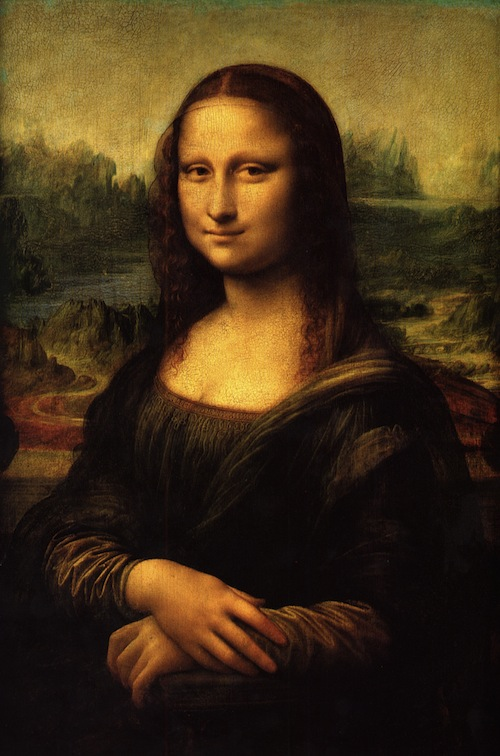 | 60% |
| car1.jpg |
| 60% |
| car1.jpg | 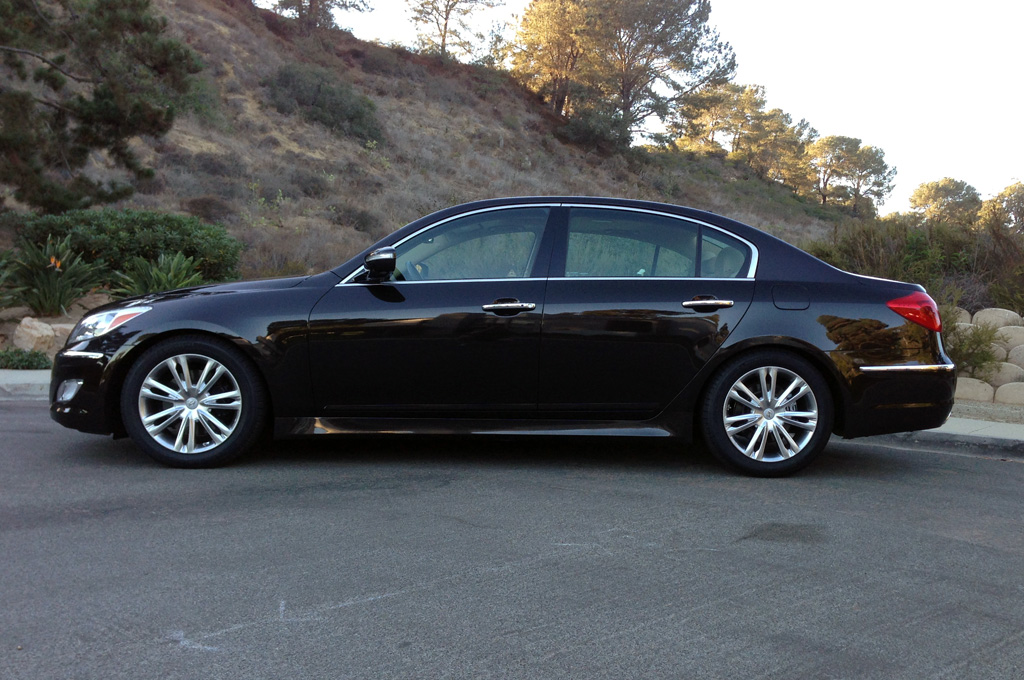 | 69% |
| stuff.png |
| 69% |
| stuff.png | 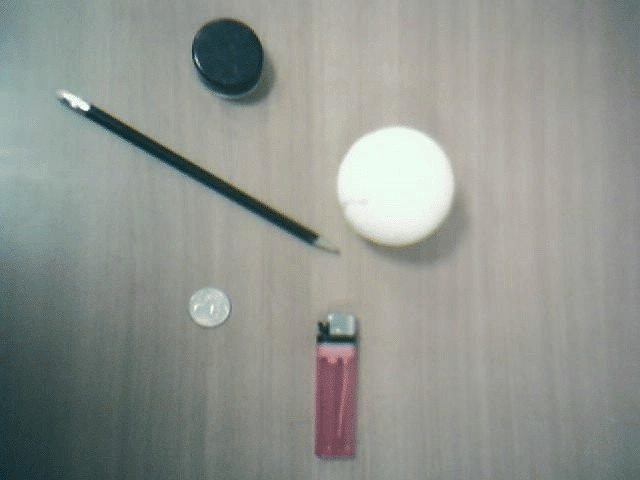 | 72% |
| neutral.png |
| 72% |
| neutral.png | 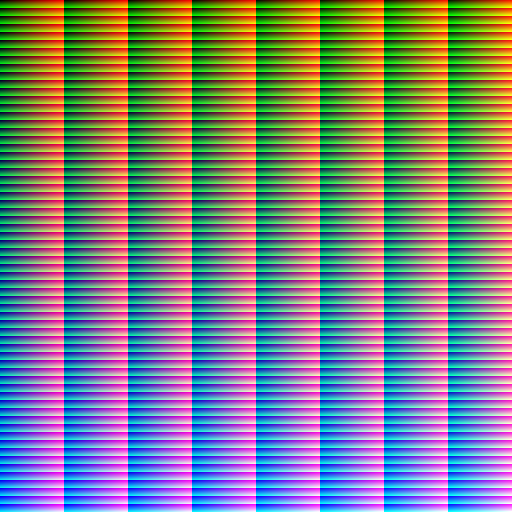 | 100% |
| amaro.png |
| 100% |
| amaro.png | 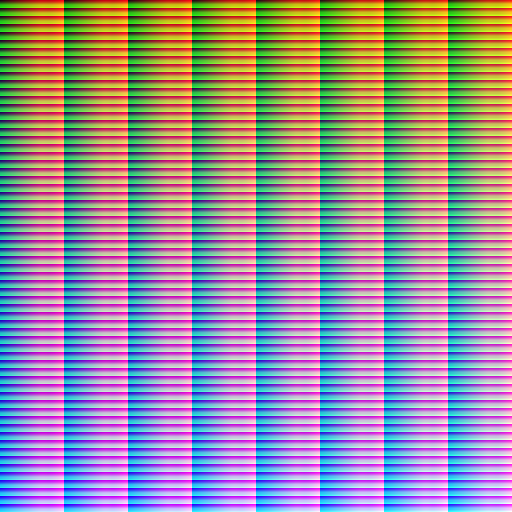 | 90% |
| FFFFFF.png |
| 90% |
| FFFFFF.png |  | 56% |
| 000000.png |
| 56% |
| 000000.png |  | 49% |
| 00FFFF.png |
| 49% |
| 00FFFF.png |  | 57% |
#### Non-symetric of measure in BGR space
Remark : FFFFFF.png (white image) is more colorful than 000000.png (black image), it is because the cost function is done in the "LUV" color space.
To understand this, let's consider BGR-centers distance cost matrix in LUV_L2 distance space.
To simplify my explanation i will use 2x2x2 = 8 BGR cubes (instead of 64 as used in the code);
Cubes centers are
| Cube number |BGR center position | LUV center position |
|---|---|---|
| cube 0 | `[64,64,64]` | `[69,97,139]` |
| cube 1 | `[64,64,192]` | `[117,166,160]` |
| cube 2 | `[64,192,64]` | `[176,57,211]` |
| cube 3 | `[64,192,192]` | `[193,100,212]` |
| cube 4 | `[192,64,64]` | `[90,92,46]` |
| cube 5 | `[192,64,192]` | `[128,136,68]` |
| cube 6 | `[192,192,64]` | `[182,61,129]` |
| cube 7 | `[192,192,192]` | `[198,97,139]` |
Matrix of distance in LUV space is looks like :
| | cube 0 | cube 1 | cube 2 | cube 3 | cube 4 | cube 5 | cube 6 | cube 7 | SUM |
|---|---|---|---|---|---|---|---|---|---|
| cube 0 | 0.00 | 0.44 | 0.69 | 0.74 | 0.49 | 0.51 | 0.61 | 0.66 | **4.14** |
| cube 1 | 0.44 | 0.00 | 0.69 | 0.58 | 0.71 | 0.50 | 0.65 | 0.55 | 4.12 |
| cube 2 | 0.69 | 0.69 | 0.00 | 0.24 | 0.97 | 0.87 | 0.42 | 0.44 | 4.31 |
| cube 3 | 0.74 | 0.58 | 0.24 | 0.00 | 1.00 | 0.83 | 0.47 | 0.37 | 4.23 |
| cube 4 | 0.49 | 0.71 | 0.97 | 1.00 | 0.00 | 0.32 | 0.65 | 0.73 | 4.87 |
| cube 5 | 0.51 | 0.50 | 0.87 | 0.83 | 0.32 | 0.00 | 0.57 | 0.55 | 4.14 |
| cube 6 | 0.61 | 0.65 | 0.42 | 0.47 | 0.65 | 0.57 | 0.00 | 0.21 | 3.58 |
| cube 7 | 0.66 | 0.55 | 0.44 | 0.37 | 0.73 | 0.55 | 0.21 | 0.00 | **3.51** |
So pure "cube 0"-distribution (corresponding to FFFFFF image) will not be symetric with "cube 7"-distribution (corresponding to 000000 image).
Pure "cube 4"-distribution (corresponding to 00FFFF image), is even more colorful.
| 57% |
#### Non-symetric of measure in BGR space
Remark : FFFFFF.png (white image) is more colorful than 000000.png (black image), it is because the cost function is done in the "LUV" color space.
To understand this, let's consider BGR-centers distance cost matrix in LUV_L2 distance space.
To simplify my explanation i will use 2x2x2 = 8 BGR cubes (instead of 64 as used in the code);
Cubes centers are
| Cube number |BGR center position | LUV center position |
|---|---|---|
| cube 0 | `[64,64,64]` | `[69,97,139]` |
| cube 1 | `[64,64,192]` | `[117,166,160]` |
| cube 2 | `[64,192,64]` | `[176,57,211]` |
| cube 3 | `[64,192,192]` | `[193,100,212]` |
| cube 4 | `[192,64,64]` | `[90,92,46]` |
| cube 5 | `[192,64,192]` | `[128,136,68]` |
| cube 6 | `[192,192,64]` | `[182,61,129]` |
| cube 7 | `[192,192,192]` | `[198,97,139]` |
Matrix of distance in LUV space is looks like :
| | cube 0 | cube 1 | cube 2 | cube 3 | cube 4 | cube 5 | cube 6 | cube 7 | SUM |
|---|---|---|---|---|---|---|---|---|---|
| cube 0 | 0.00 | 0.44 | 0.69 | 0.74 | 0.49 | 0.51 | 0.61 | 0.66 | **4.14** |
| cube 1 | 0.44 | 0.00 | 0.69 | 0.58 | 0.71 | 0.50 | 0.65 | 0.55 | 4.12 |
| cube 2 | 0.69 | 0.69 | 0.00 | 0.24 | 0.97 | 0.87 | 0.42 | 0.44 | 4.31 |
| cube 3 | 0.74 | 0.58 | 0.24 | 0.00 | 1.00 | 0.83 | 0.47 | 0.37 | 4.23 |
| cube 4 | 0.49 | 0.71 | 0.97 | 1.00 | 0.00 | 0.32 | 0.65 | 0.73 | 4.87 |
| cube 5 | 0.51 | 0.50 | 0.87 | 0.83 | 0.32 | 0.00 | 0.57 | 0.55 | 4.14 |
| cube 6 | 0.61 | 0.65 | 0.42 | 0.47 | 0.65 | 0.57 | 0.00 | 0.21 | 3.58 |
| cube 7 | 0.66 | 0.55 | 0.44 | 0.37 | 0.73 | 0.55 | 0.21 | 0.00 | **3.51** |
So pure "cube 0"-distribution (corresponding to FFFFFF image) will not be symetric with "cube 7"-distribution (corresponding to 000000 image).
Pure "cube 4"-distribution (corresponding to 00FFFF image), is even more colorful.