# Cordova MiPush Plugin
[](https://github.com/wenin819/cordova-plugin-mipush)
[](https://github.com/wenin819/cordova-plugin-mipush)
支持Android、IOS的Cordova小米推送插件
## 插件说明
- Android SDK 3.6.17 - 2019.03.28更新
- IOS SDK 2.2.9 - 2018.12.13更新
## 集成步骤
- 通过 Cordova Plugins 安装,要求 Cordova CLI 5.0+:
cordova plugin add cordova-plugin-mipush --variable MI_PUSH_APP_KEY=your_mipush_appkey --variable MI_PUSH_APP_ID=your_mipush_appid --variable MI_PUSH_APP_IOS_ID=your_mipush_appid --variable MI_PUSH_APP_IOS_KEY=your_mipush_appkey
- 通过Url安装:
cordova plugin add https://github.com/wenin819/cordova-plugin-mipush.git --variable MI_PUSH_APP_KEY=your_mipush_appkey --variable MI_PUSH_APP_ID=your_mipush_appid --variable MI_PUSH_APP_IOS_ID=your_mipush_appid --variable MI_PUSH_APP_IOS_KEY=your_mipush_appkey
- 或者下载本地安装
cordova plugin add Your_Plugin_Path --variable MI_PUSH_APP_KEY=your_mipush_appkey --variable MI_PUSH_APP_ID=your_mipush_appid --variable MI_PUSH_APP_IOS_ID=your_mipush_appid --variable MI_PUSH_APP_IOS_KEY=your_mipush_appkey
## Demo
在插件项目的sample文件夹中包含一个简单的demo,若想参考,具体方法:
sample/index.htm---->you_project_path/www/index.html
sample/css/*---->you_project_path/www/css/
sample/js/*---->you_project_path/www/js/
## 关于 PhoneGap build 云服务
该项目基于 Cordova 实现,目前无法使用 PhoneGap build 云服务进行打包,建议使用本地环境进行打包。
## API 说明
插件的 API 在 MiPush.js 文件中,该文件的具体位置如下:
### Android
[Project]/assets/www/plugins/cordova-plugin-mipush/www
### 具体的 API 请参考:
- [API](/doc/api.md)
## 常见问题
若要使用 CLI 来编译项目,注意应使用 **cordova compile** 而不是 **cordova build** 命令,因为如果修改了插件安装时默认写入到 AndroidManifest.xml
中的代码,cordova build 可能会导致对 AndroidManifest.xml 的修改。
Cordova CLI 的具体用法可参考 [Cordova CLI 官方文档](https://cordova.apache.org/docs/en/latest/reference/cordova-cli/index.html)。
### Android
- Eclipse 中 import PhoneGap 工程之后出现:*Type CallbackContext cannot be resolved to a type*。
解决方案:Eclipse 中右键单击工程名,Build Path -> Config Build Path -> Projects -> 选中工程名称 -> CordovaLib -> 点击 add。
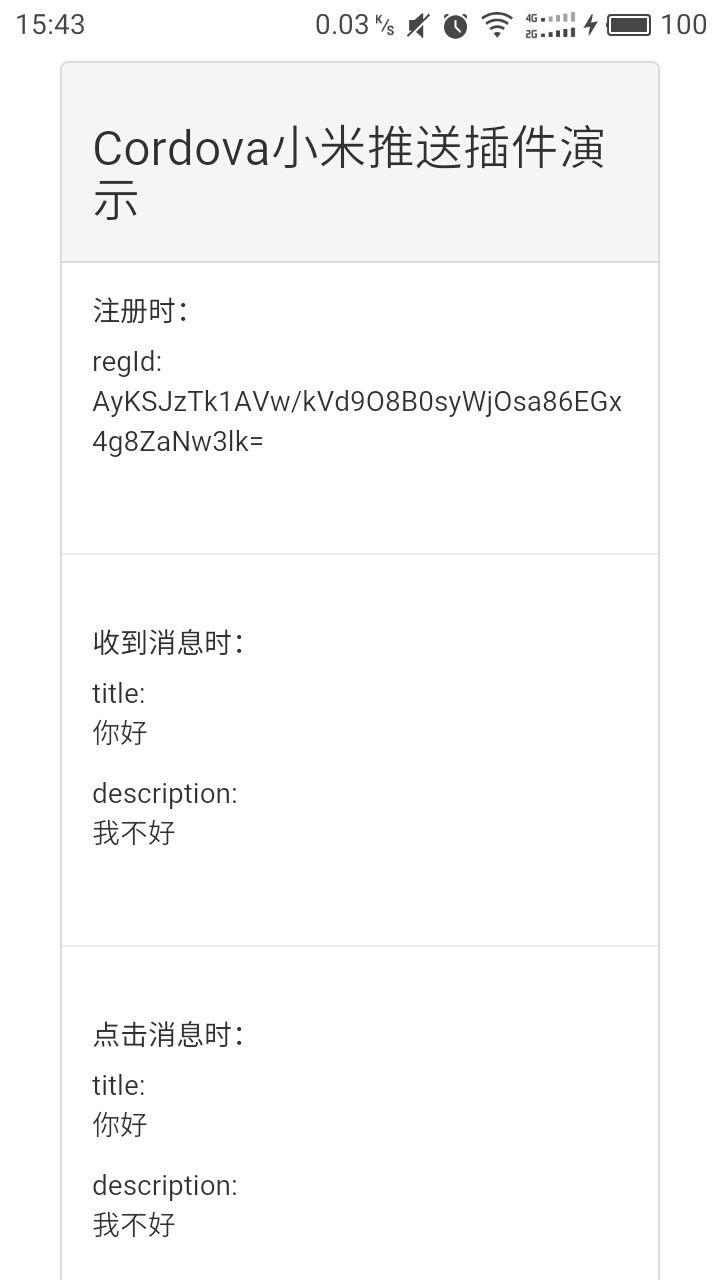
## 截图
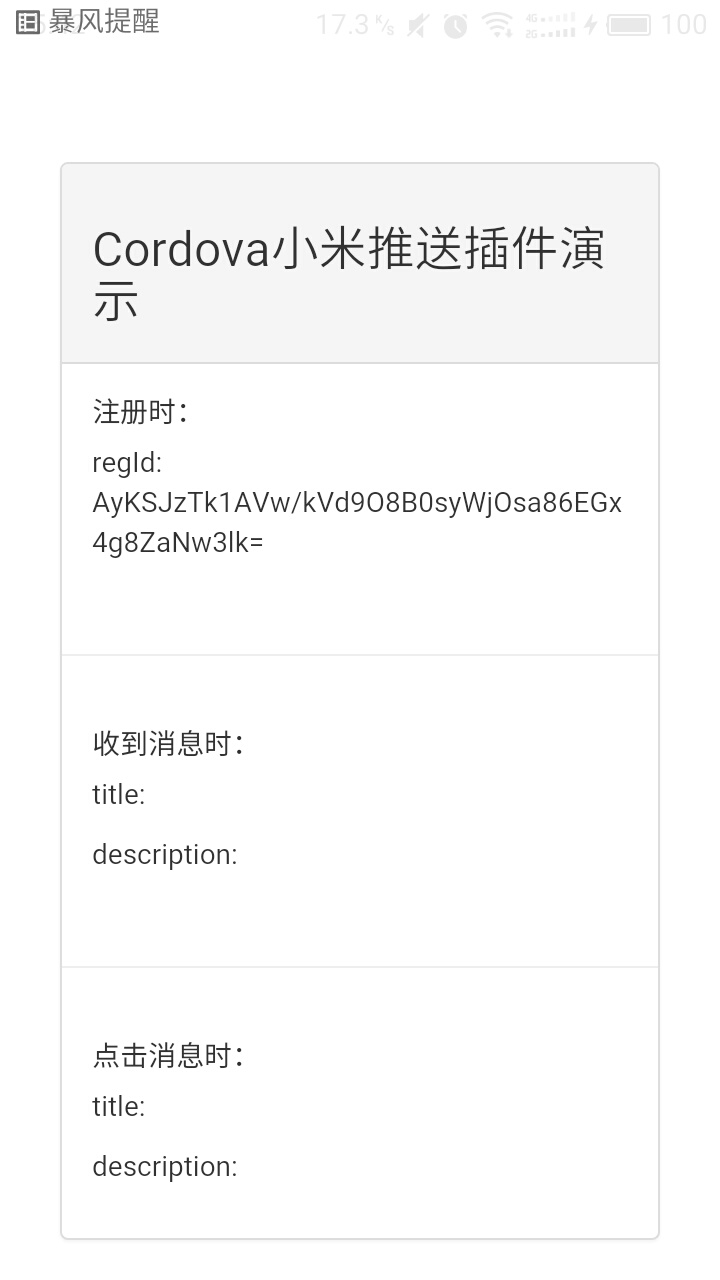
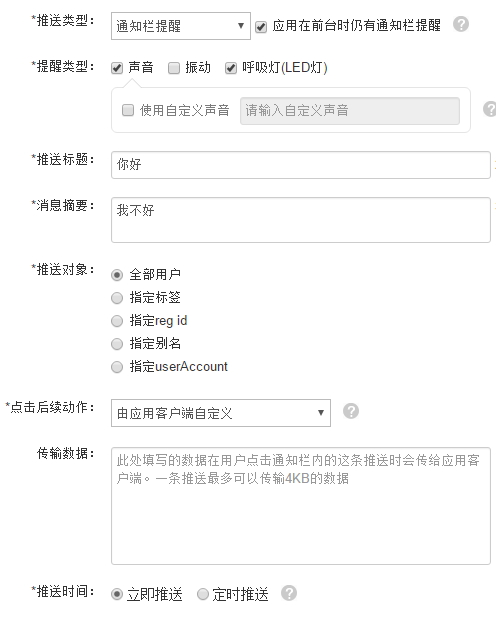
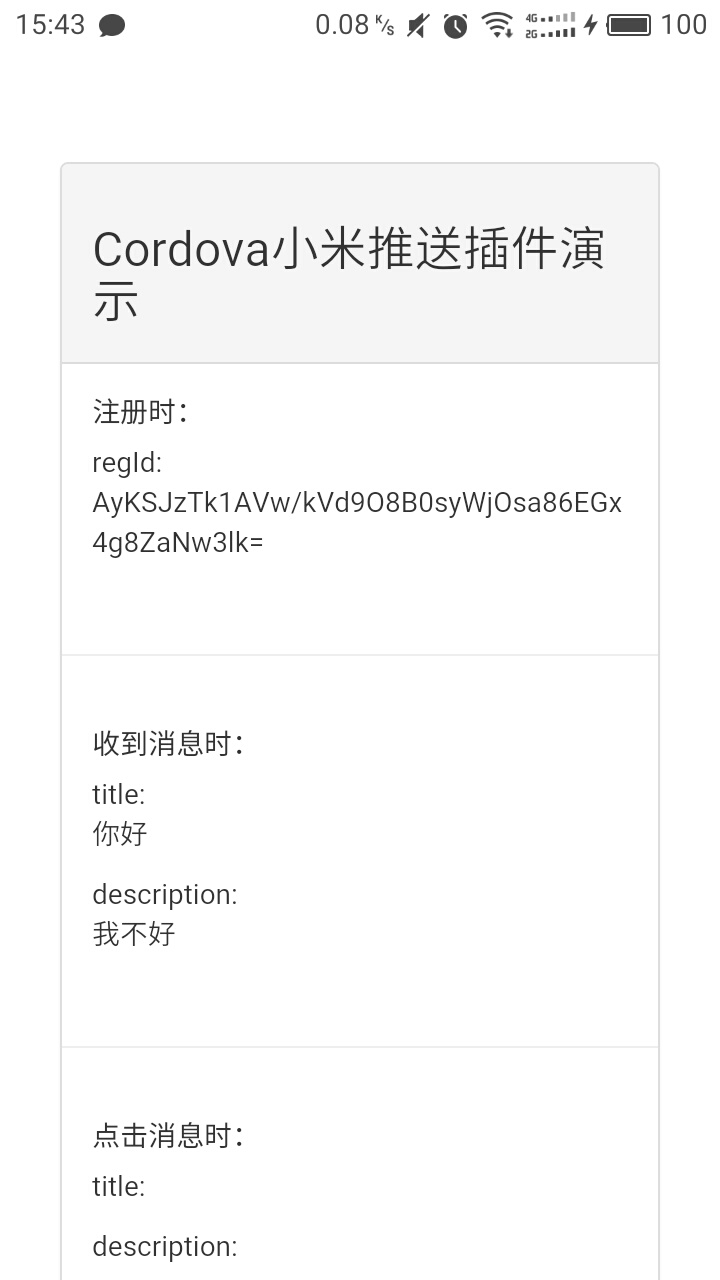
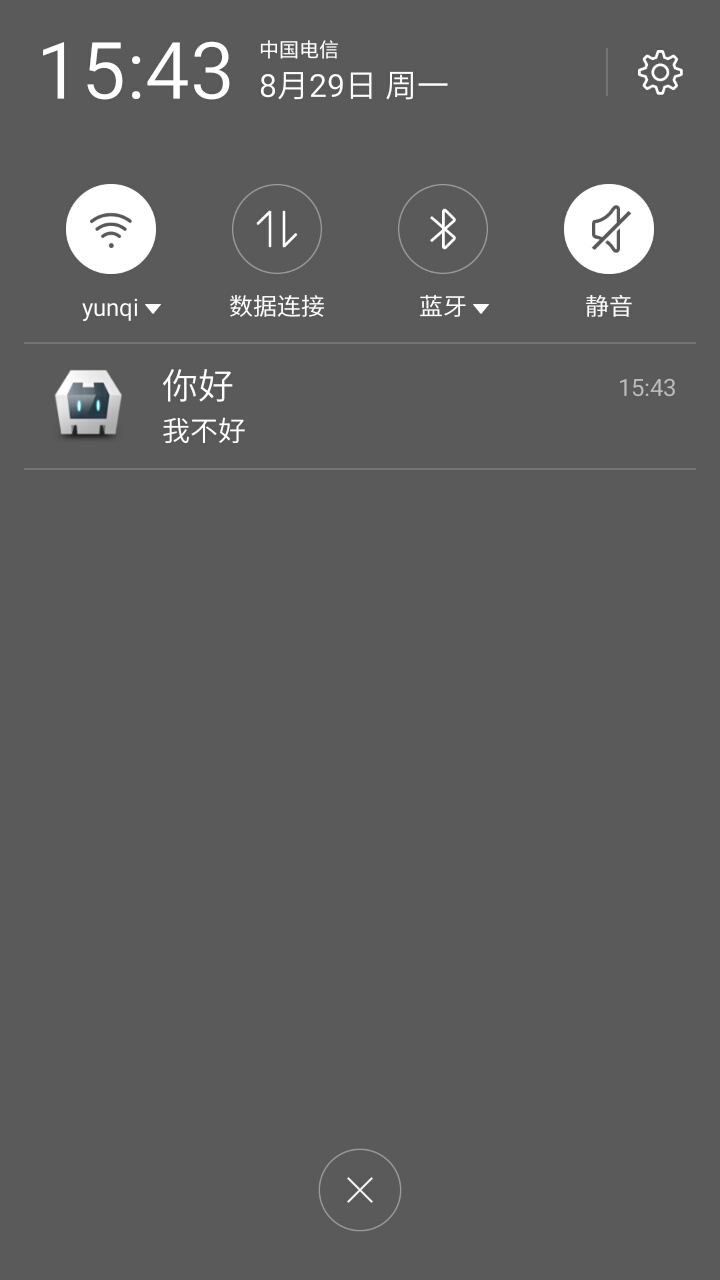
 ## 感谢
- [极光推送cordova插件](https://github.com/jpush/jpush-phonegap-plugin)
- [cordova小米推送插件 安卓版实现](https://github.com/ParadiseHell/mipush-cordova-plugin)
## 更多
- 本项目参考极光推送cordova插件编写
## 感谢
- [极光推送cordova插件](https://github.com/jpush/jpush-phonegap-plugin)
- [cordova小米推送插件 安卓版实现](https://github.com/ParadiseHell/mipush-cordova-plugin)
## 更多
- 本项目参考极光推送cordova插件编写