# react-blessed
A [React](https://facebook.github.io/react/) custom renderer for the [blessed](https://github.com/chjj/blessed) library.
This renderer should currently be considered as experimental, is subject to change and will only work with the React's latest version (`0.14.x`).
## Summary
* [Installation](#installation)
* [Demo](#demo)
* [Usage](#usage)
* [Rendering a basic application](#rendering-a-basic-application)
* [Nodes & text nodes](#nodes--text-nodes)
* [Refs](#refs)
* [Events](#events)
* [Classes](#classes)
* [Roadmap](#roadmap)
* [Contribution](#contribution)
* [License](#license)
## Installation
You can install `react-blessed` through npm:
```bash
# Be sure to install react>=0.14.0 & blessed>=0.1.81 before
npm install react@0.14.0 blessed
npm install react-blessed
```
## Demo
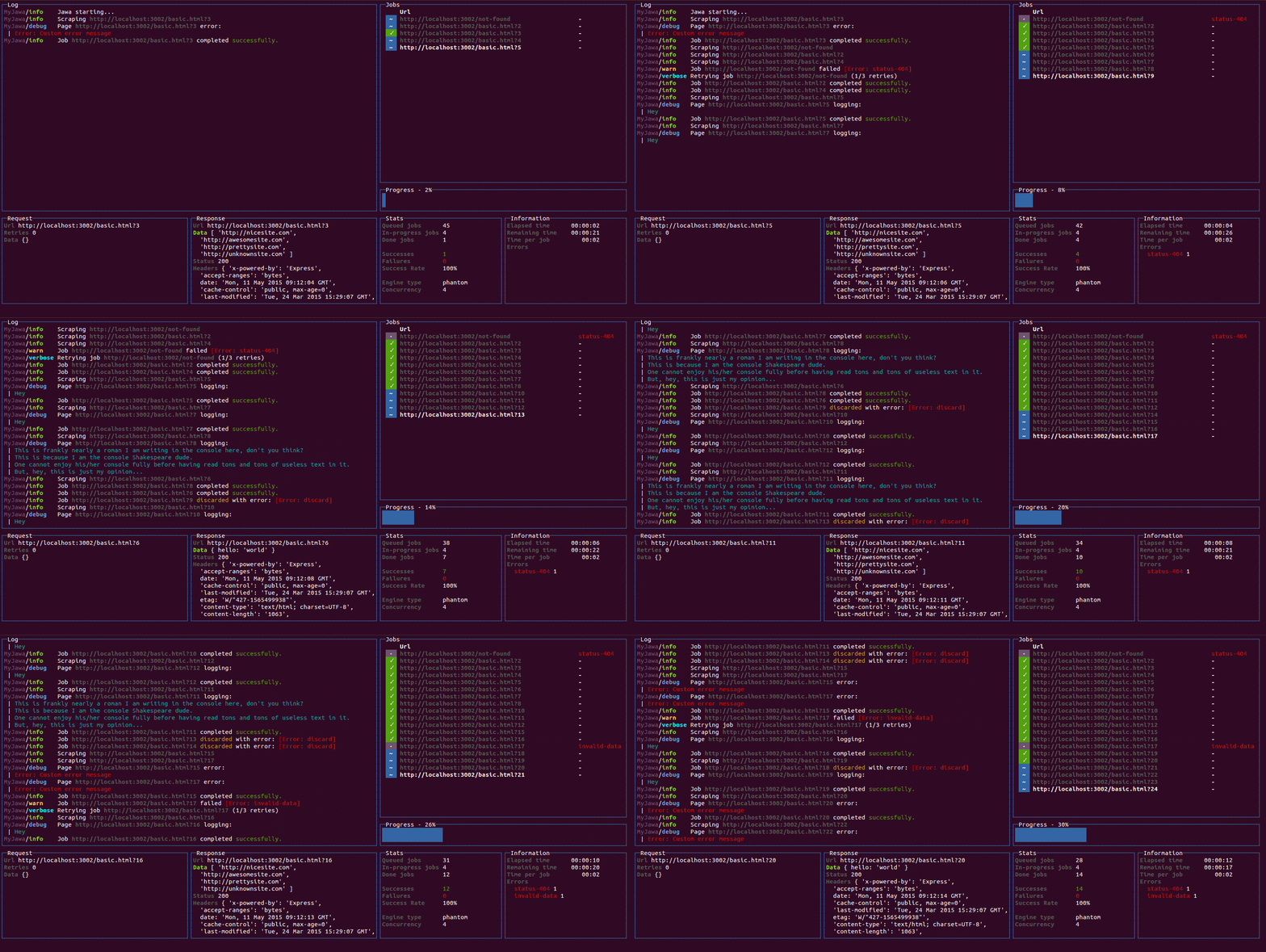
For a quick demo of what you could achieve with such a renderer you can clone this repository and check some of the examples:
```bash
git clone https://github.com/Yomguithereal/react-blessed
cd react-blessed
npm install
# Some examples (code is in `examples/`)
npm run demo
npm run dashboard
npm run animation
```
You may also check out [react-blessed-hot-motion](https://github.com/gaearon/react-blessed-hot-motion) for a demo that uses [React Motion](https://github.com/chenglou/react-motion) for animation, and Webpack with [React Transform Babel plugin](https://github.com/gaearon/babel-plugin-react-transform/) for live editing.
## Usage
### Rendering a basic application
```jsx
import React, {Component} from 'react';
import blessed from 'blessed';
import {render} from 'react-blessed';
// Rendering a simple centered box
class App extends Component {
render() {
return (
Hello World!
);
}
}
// Creating our screen
const screen = blessed.screen({
autoPadding: true,
smartCSR: true,
title: 'react-blessed hello world'
});
// Adding a way to quit the program
screen.key(['escape', 'q', 'C-c'], function(ch, key) {
return process.exit(0);
});
// Rendering the React app using our screen
const component = render(, screen);
```
### Nodes & text nodes
Any of the blessed [widgets](https://github.com/chjj/blessed#widgets) can be renderered through `react-blessed` by using a lowercased tag title.
Text nodes, on the other hand, will be rendered by applying the `setContent` method with the given text on the parent node.
### Refs
As with React's DOM renderer, `react-blessed` lets you handle the original blessed nodes, if you ever need them, through refs.
```jsx
class CustomList extends Component {
componentDidMount() {
// Focus on the first box
this.refs.first.focus();
}
render() {
return (
First box.
Second box.
);
}
}
```
### Events
Any blessed node event can be caught through a `on`-prefixed listener:
```jsx
class Completion extends Component {
constructor(props) {
super(props);
this.state = {progress: 0, color: 'blue'};
const interval = setInterval(() => {
if (this.state.progress >= 100)
return clearInterval(interval);
this.setState({progress: this.state.progress + 1});
}, 50);
}
render() {
const {progress} = this.state,
label = `Progress - ${progress}%`;
// See the `onComplete` prop
return this.setState({color: 'green'})}
filled={progress}
style={{bar: {bg: this.state.color}}} />;
}
}
```
### Classes
For convenience, `react-blessed` lets you handle classes looking like what [react-native](https://facebook.github.io/react-native/docs/style.html#content) proposes.
Just pass object or an array of objects as the class of your components likewise:
```jsx
// Let's say we want all our elements to have a fancy blue border
const stylesheet = {
bordered: {
border: {
type: 'line'
},
style: {
border: {
fg: 'blue'
}
}
}
};
class App extends Component {
render() {
return (
First box.
Second box.
);
}
}
```
You can of course combine classes (note that the given array of classes will be compacted):
```jsx
// Let's say we want all our elements to have a fancy blue border
const stylesheet = {
bordered: {
border: {
type: 'line'
},
style: {
border: {
fg: 'blue'
}
}
},
magentaBackground: {
style: {
bg: 'magenta'
}
}
};
class App extends Component {
render() {
// If this flag is false, then the class won't apply to the second box
const backgroundForSecondBox = this.props.backgroundForSecondBox;
return (
First box.
Second box.
);
}
}
```
## Roadmap
* Full support (meaning every tags and options should be handled by the renderer).
* `react-blessed-contrib` to add some sugar over the [blessed-contrib](https://github.com/yaronn/blessed-contrib) library (probably through full-fledged components).
## Contribution
Contributions are obviously welcome.
Be sure to add unit tests if relevant and pass them all before submitting your pull request.
```bash
# Installing the dev environment
git clone git@github.com:Yomguithereal/react-blessed.git
cd react-blessed
npm install
# Running the tests
npm test
```
## License
MIT