
create-zksync-app
A full-stack starter template with React & Hardhat to develop, deploy, and test Solidity smart contracts on the zk sync era network. The starter kit also includes pre-installed `zk sync hardhat full code`, `tailwindcss`, `web3.js`, etc. packages.
## 📺 Quickstart
## 🛠️ Installation guide
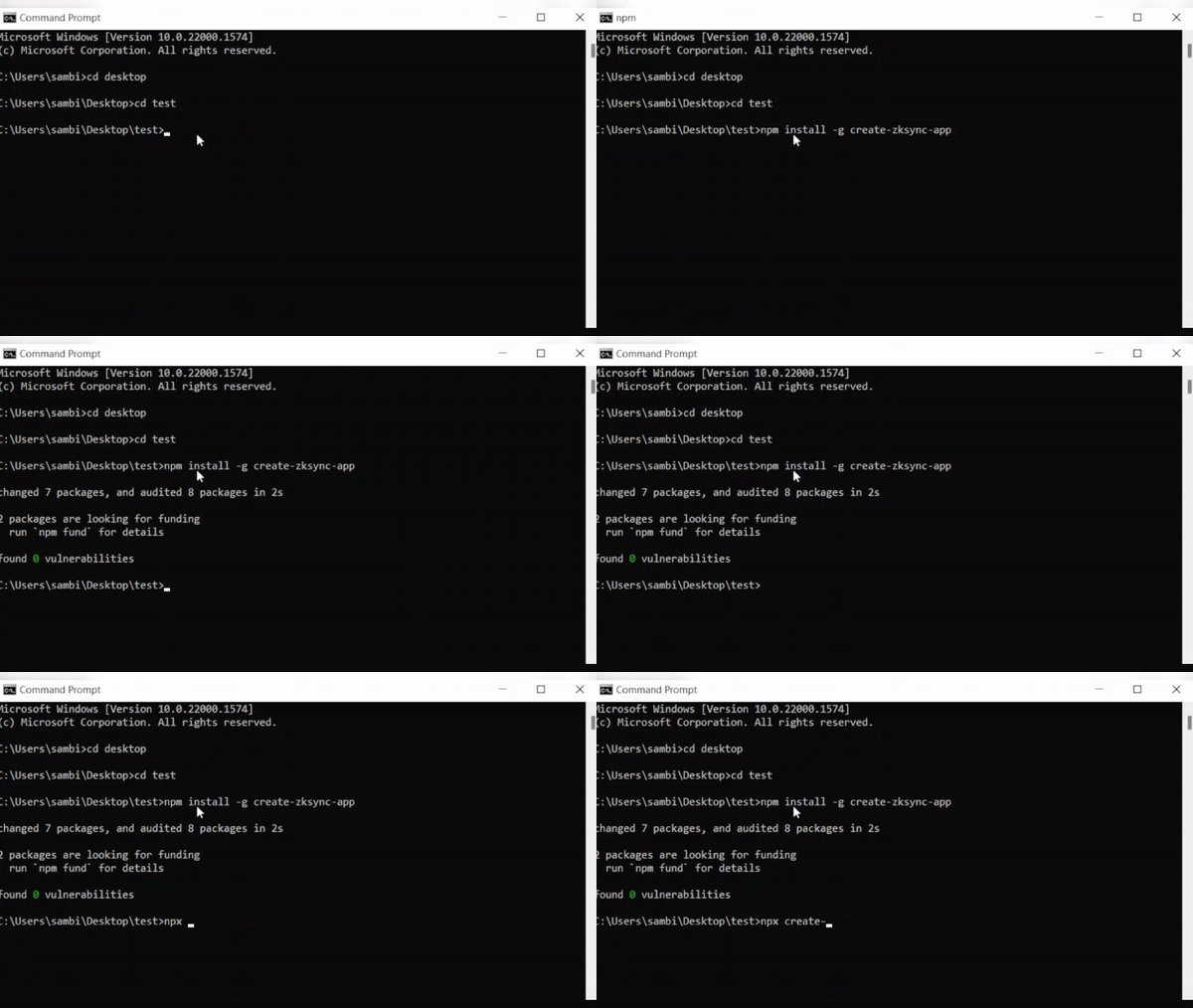 ### Install the Package globally
Install this for first time by running the following command in your terminal:
```sh
npm install -g create-zksync-app
```
### ⌛️ create-zksync-app command
Open up your terminal (or command prompt) and type the following command:
```sh
npx create-zksync-app
# cd into the directory
cd
```
### 🔑 Private key
Ensure you create a `.env` file in the `root` directory. Then paste your [Metamask private key](https://metamask.zendesk.com/hc/en-us/articles/360015289632-How-to-export-an-account-s-private-key) in `.env` with the variable name `PRIVATE_KEY` as follows:
```sh
PRIVATE_KEY=1234
```
### ⚙️ Compile
Now, you can write your contracts in `./contracts/` directory, replace `Greeter.sol` with `.sol` file. To write tests, go to `./test` directory and create `.test.js`.
```sh
npx hardhat compile
# for testing the smart contracts
npx hardhat test
```
After successful compilation, the artifacts directory will be created in `./src/artifacts` with a JSON `/contracts/.sol/.json` containing ABI and Bytecode of your compiled smart contracts.
Please make the changes while [Importing](https://github.com/sambitsargam/create-zksync-app/blob/main/src/App.js#L8) the JSON in `./src/app.js`.
### to Verify the contract
```sh
npx hardhat verify
```
### ⛓️ Deploy
Before deploying the smart contracts, please make sure you have a `zksync testnet` in your Metamask wallet with sufficient funds, follow this [quickstart](https://era.zksync.io/docs/) guide if you do not have one.
Also, make changes in `./scripts/deploy.js` (replace the greeter contract name with ``).
For deploying the smart contracts to zksync network, type the following command:
```sh
npx hardhat deploy-zksync --script deploy.ts
```
Copy-paste the deployed contract address [here](https://github.com/sambitsargam/create-zksync-app/blob/main/src/App.js#L31)
```sh
deployed to: 0x...
```
### 💻 React client
start react app
```sh
npm start
# Starting the development server...
```
## ⚖️ License
create-zksync-app is licensed under the [MIT License](https://github.com/sambitsargam/create-zksync-app/blob/main/LICENSE).
### Install the Package globally
Install this for first time by running the following command in your terminal:
```sh
npm install -g create-zksync-app
```
### ⌛️ create-zksync-app command
Open up your terminal (or command prompt) and type the following command:
```sh
npx create-zksync-app
# cd into the directory
cd
```
### 🔑 Private key
Ensure you create a `.env` file in the `root` directory. Then paste your [Metamask private key](https://metamask.zendesk.com/hc/en-us/articles/360015289632-How-to-export-an-account-s-private-key) in `.env` with the variable name `PRIVATE_KEY` as follows:
```sh
PRIVATE_KEY=1234
```
### ⚙️ Compile
Now, you can write your contracts in `./contracts/` directory, replace `Greeter.sol` with `.sol` file. To write tests, go to `./test` directory and create `.test.js`.
```sh
npx hardhat compile
# for testing the smart contracts
npx hardhat test
```
After successful compilation, the artifacts directory will be created in `./src/artifacts` with a JSON `/contracts/.sol/.json` containing ABI and Bytecode of your compiled smart contracts.
Please make the changes while [Importing](https://github.com/sambitsargam/create-zksync-app/blob/main/src/App.js#L8) the JSON in `./src/app.js`.
### to Verify the contract
```sh
npx hardhat verify
```
### ⛓️ Deploy
Before deploying the smart contracts, please make sure you have a `zksync testnet` in your Metamask wallet with sufficient funds, follow this [quickstart](https://era.zksync.io/docs/) guide if you do not have one.
Also, make changes in `./scripts/deploy.js` (replace the greeter contract name with ``).
For deploying the smart contracts to zksync network, type the following command:
```sh
npx hardhat deploy-zksync --script deploy.ts
```
Copy-paste the deployed contract address [here](https://github.com/sambitsargam/create-zksync-app/blob/main/src/App.js#L31)
```sh
deployed to: 0x...
```
### 💻 React client
start react app
```sh
npm start
# Starting the development server...
```
## ⚖️ License
create-zksync-app is licensed under the [MIT License](https://github.com/sambitsargam/create-zksync-app/blob/main/LICENSE).
Don't forget to leave a star ⭐️ ~ 



