# Directus Extension: Import images from external URLs in a Flow
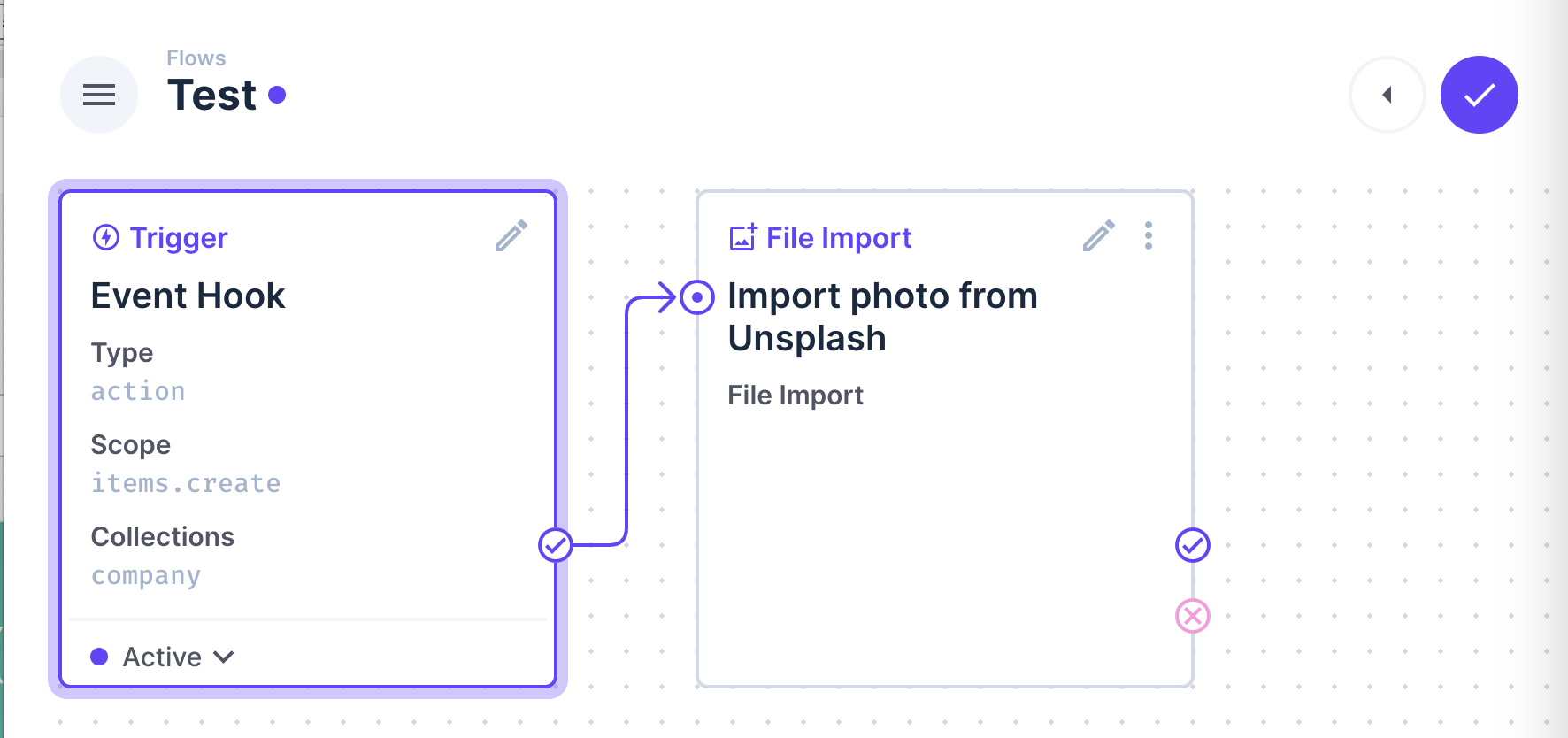
This extension allows you to import images from external URLs in a Flow. It will download the image and store it in the Directus storage.
## Installation
Within your Directus project, run the following command:
```
npm install directus-flow-import-images
```
## Usage
In your Flow, add a new action and select the "Import images from external URLs" action. You can then configure the action with the import URL.
1. Create a new action in your Flow
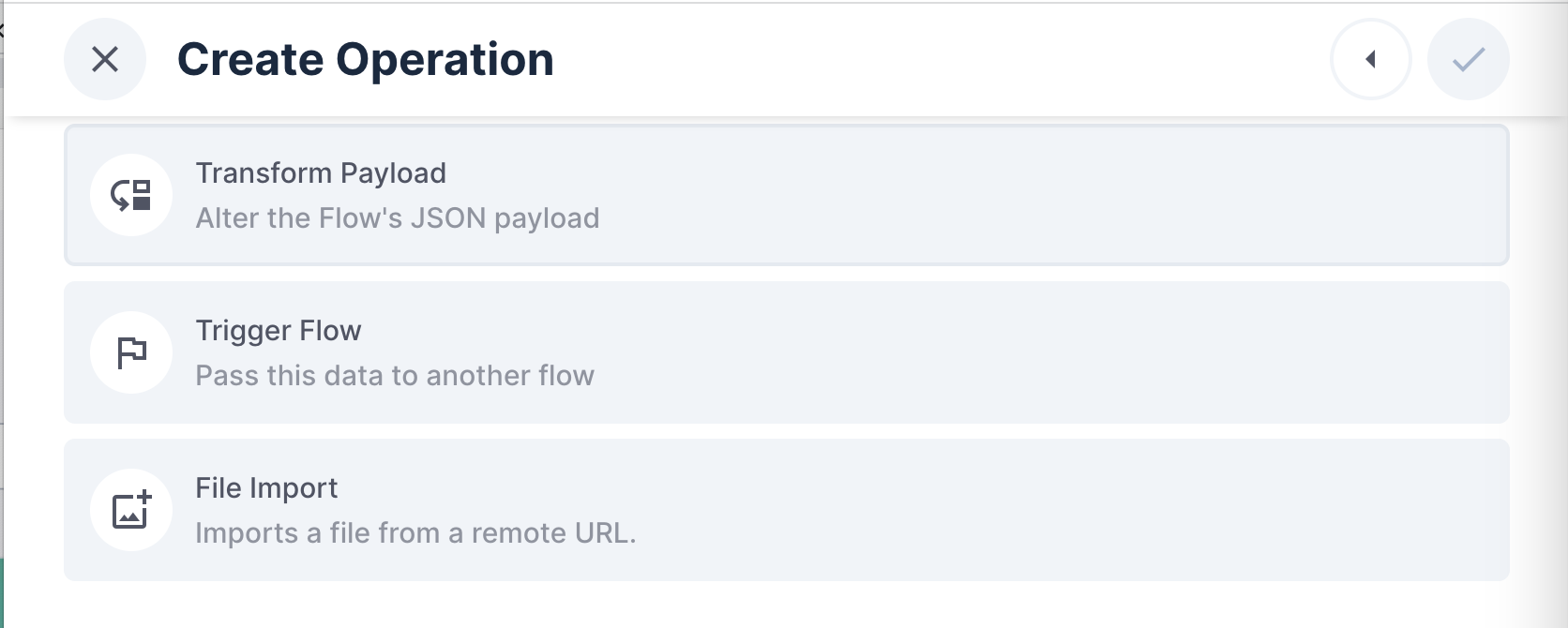 2. Select the "File Import" action and configure the action URL
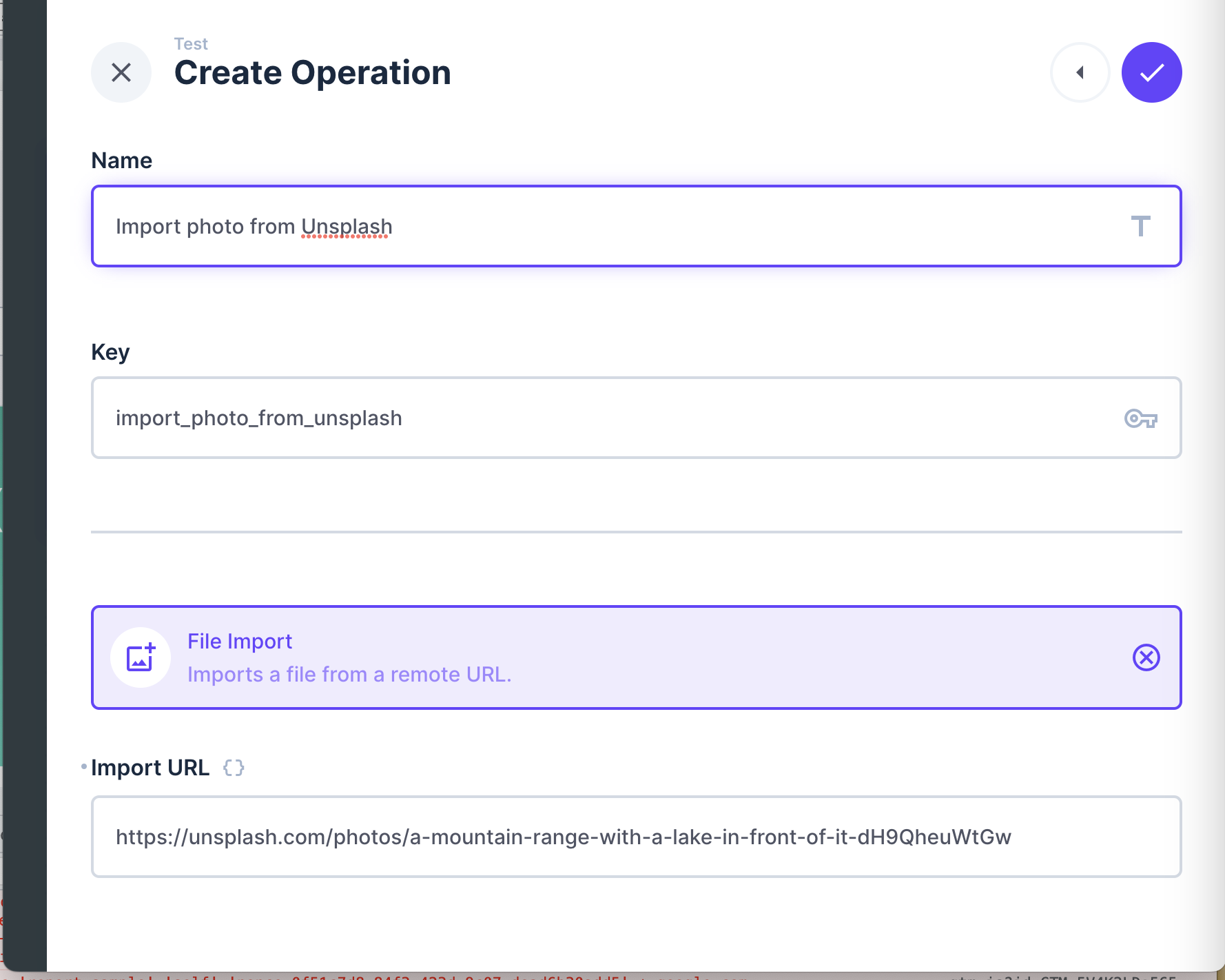 3. The action will download the image and store it in the Directus storage, and return the file ID to the next operation