# docsify-plugin-toc
> page's ToC for docsify.
[](https://www.npmjs.com/package/docsify-plugin-toc)
[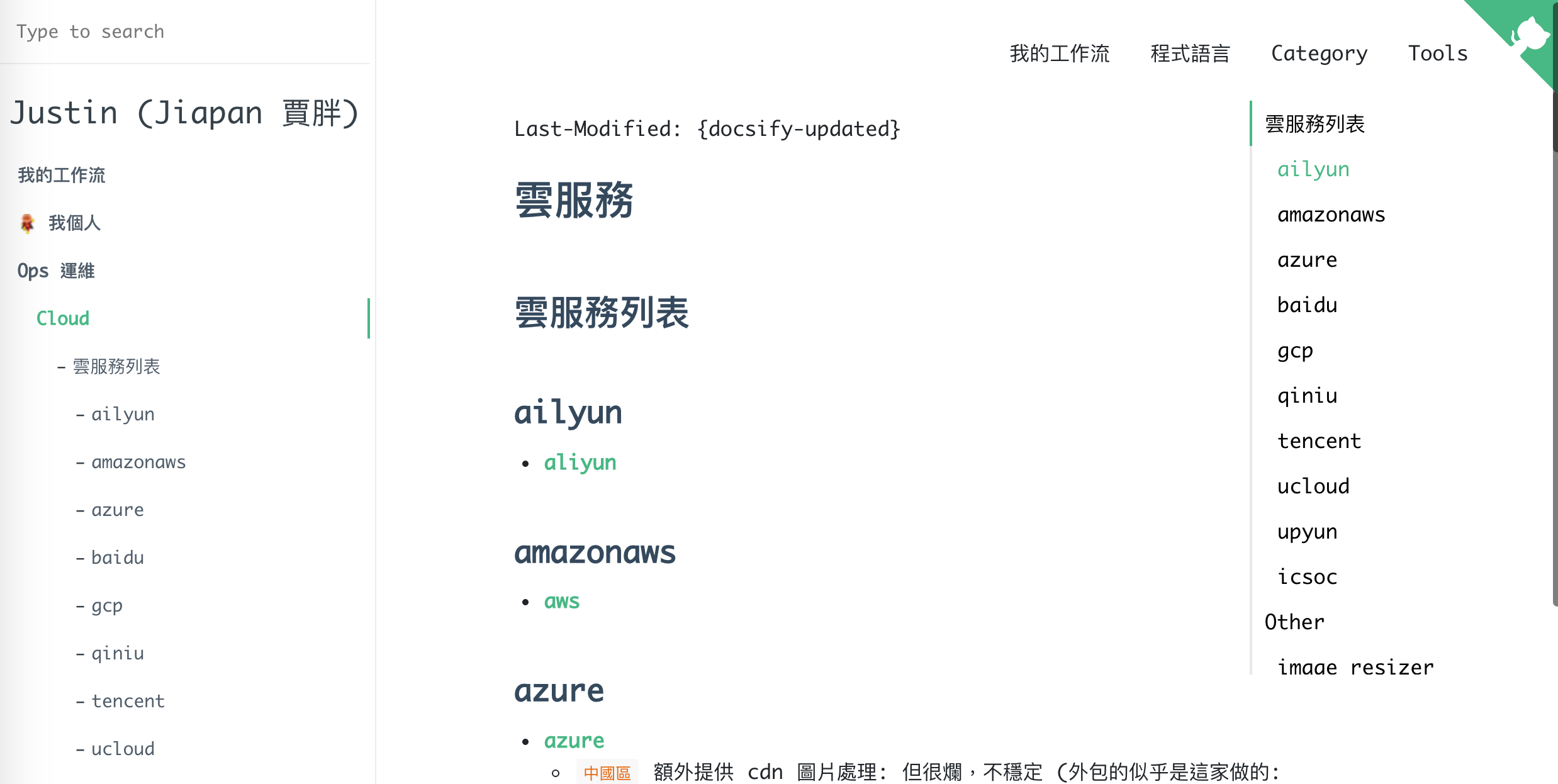](https://blog.jiapan.tw "Justin (Jiapan 賈胖) 的 Blog")
## Usage
1. Configure docsify-plugin-toc:
```html
```
2. Insert style/script into docsify document:
```html
```
## Options
| Argument | Type | Description |
| --- | --- | --- |
| `tocMaxLevel` | `number` | The maximum depth of the headings printed on the ToC. If you set `tocMaxLevel` to 3, I recommend you to set `subMaxLevel` to 2 avoid ToC duplication. |
| `target` | `string` | The target heading printed on the ToC. It's used as an argument to query DOM with `querySelectorAll()` |
| `ignoreHeaders` | `string[]` | ignore header name keywrod list, (e.g. ['develop', /develop/i], support Regular expressions) |