file-browser
============
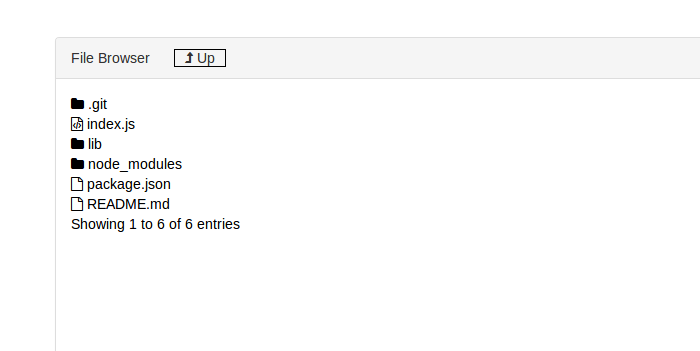
file-browser is a utility to browse files on your file system using your browser. Its equivalent of creating a file share that can be accessed over http. Using this you can share files between different machines, and across different operating systems.
## How to install
```js
npm -g install file-browser
```
## How to Run
Change directory to the directory you want to browse. Then run the following command in that directory.
```js
file-browser
```
You would see the message Please open the link in your browser http://:8088 in your console. Now you can point your browser to your IP.
For localhost access the files over http://127.0.0.1:8088
file-browser supports following command line switches for additional functinality.
```js
-p, --port Port to run the file-browser. Default value is 8088
-e, --exclude File extensions to exclude. To exclude multiple extension pass -e multiple times. e.g. ( -e .js -e .cs -e .swp)
```
## ScreenShot