


I wanted to create a tool for building web applications easily using Foxx & ArangoDB. I also wanted to have an easy way to build, develop my app and deploy it with ease. So I did create foxx-framework !
With foxx-framework you can create new skeleton apps with everything configurated. It comes with :
Foxx-framework allow you to create your app localy and then deploy your code on your server with ease. We use mina to automate the deployment.
Foxx-framework needs nodejs and yarn installed. ArangoDB >= 3.1 of course is needed.
To deploy your application, you'll need Ruby too.
npm install foxx-framework -g
You need first to create an database within ArangoDB web UI.
foxxy new sample_app --database my_test_db
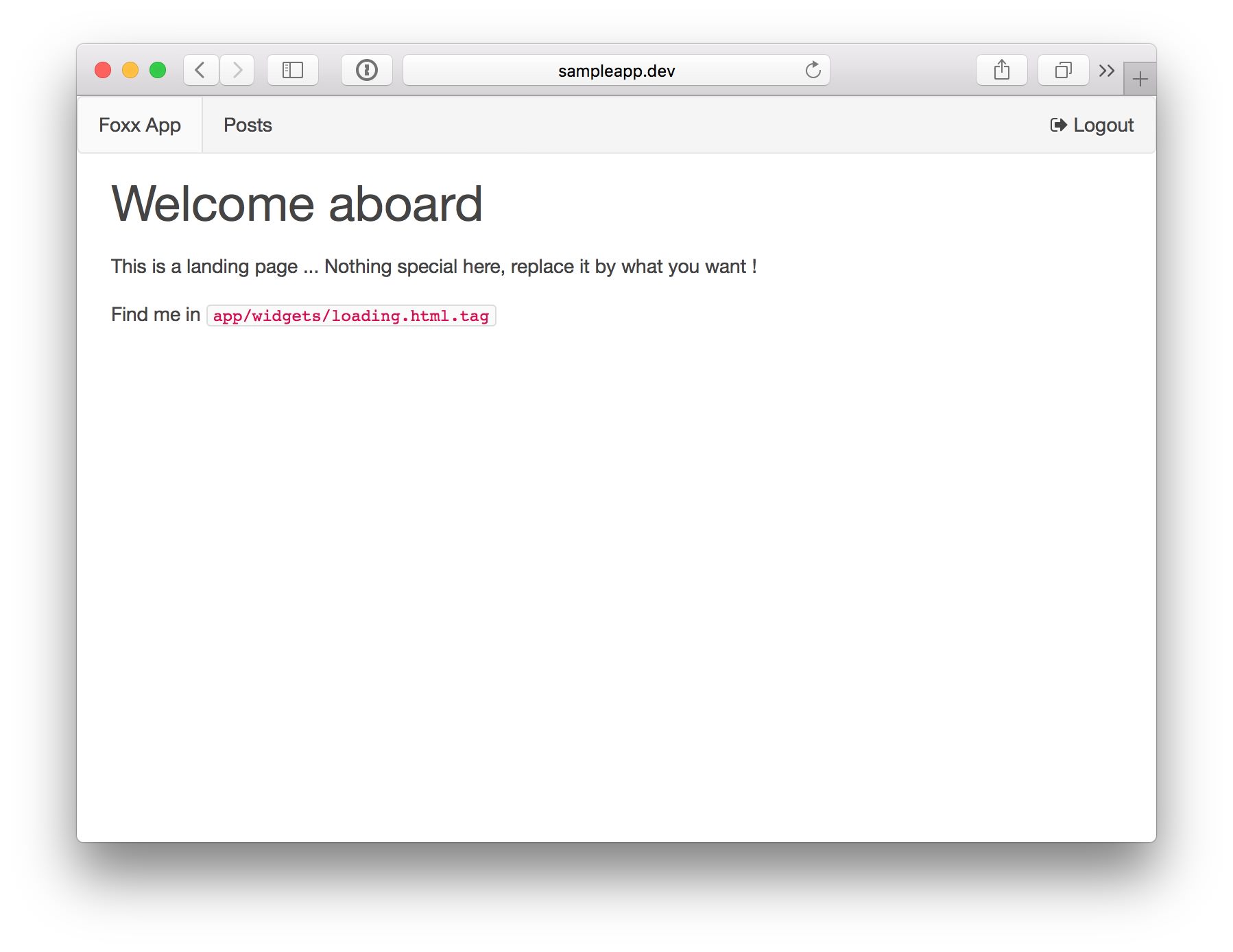
This action will create the skeleton app with a simple login authentification.
You have to create some symlinks, please look at the command output, latests lines will show you how to create symlinks. Adapt them if needed.
cd sample_app && yarn
This will install everything you need to run the application.
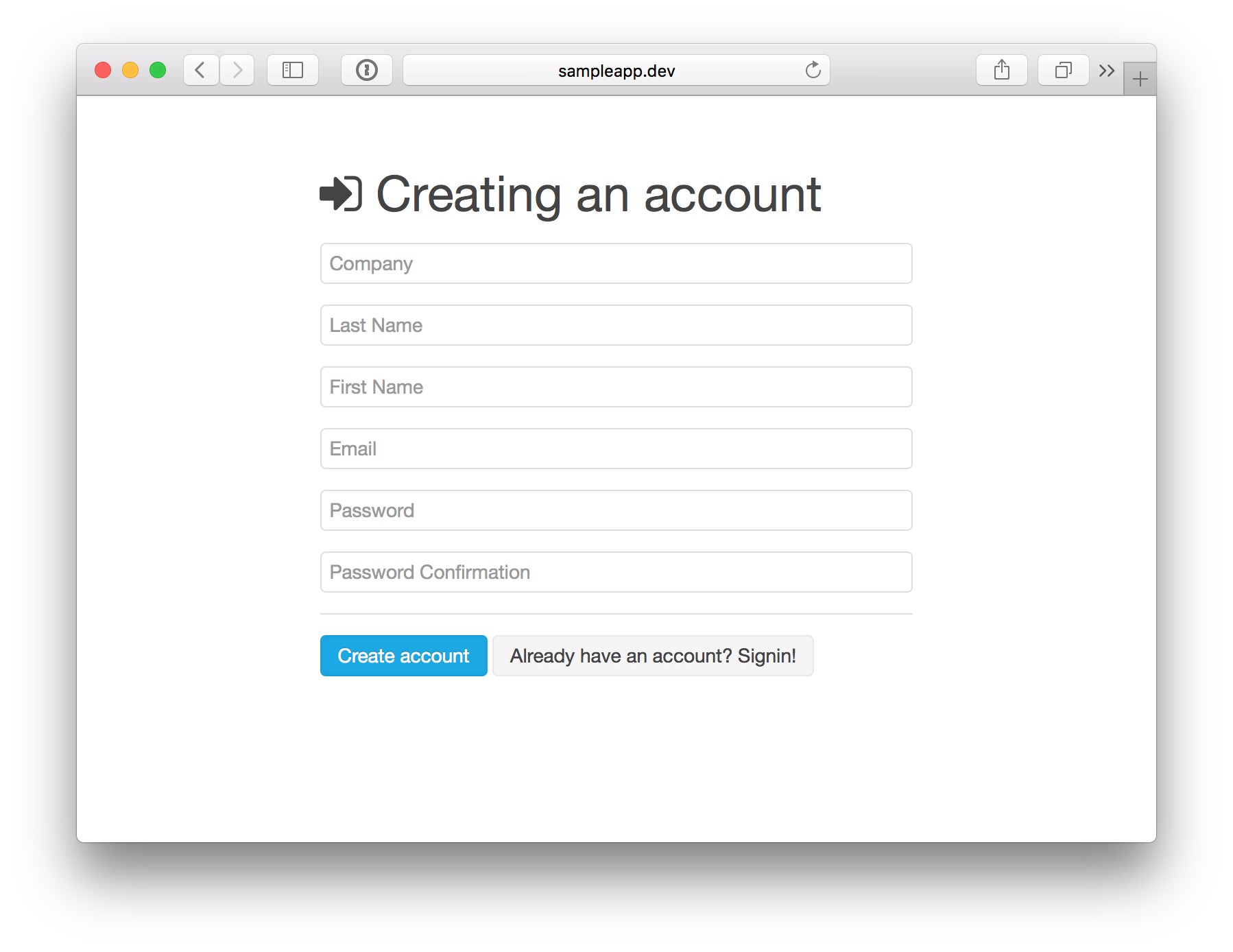
Create an account within the app UI and validate it by adding the field { "a": true } to your user object (via ArangoDB UI). So next time you'll login it will be OK.
└── sample_app
    ├── Gemfile
    ├── app
    │   ├── assets
    │   │   ├── fonts
    │   │   ├── img
    │   │   ├── index.html
    │   │   └── login.html
    │   ├── css
    │   │   └── css.scss
    │   ├── js
    │   │   ├── common.js
    │   │   └── js.js
    │   ├── vendors
    │   └── widgets
    │       ├── loading.html.tag
    │       └── login.html.tag
    ├── brunch-config.js
    ├── config
    │   ├── deploy.rb
    │   └── local_env.yml.sample
    ├── foxx
    │   └── auth
    │       └── APP
    │           ├── README.md
    │           ├── main.js
    │           ├── manifest.json
    │           ├── package.json
    │           ├── scripts
    │           │   ├── lost-password.js
    │           │   ├── send-mail.js
    │           │   └── setup.js
    │           └── test
    │               └── example.js
    ├── package.json
    └── yarn.lock
yarn run brunch w -- --server
This will start the listener and server... Any change on your source code will run a live reload in your browser.
04 Oct 16:38:41 - info: application started on http://localhost:3333/
04 Oct 16:38:41 - info: compiled 20 files into 4 files, copied 4 in 2.5 sec
foxxy g crud post
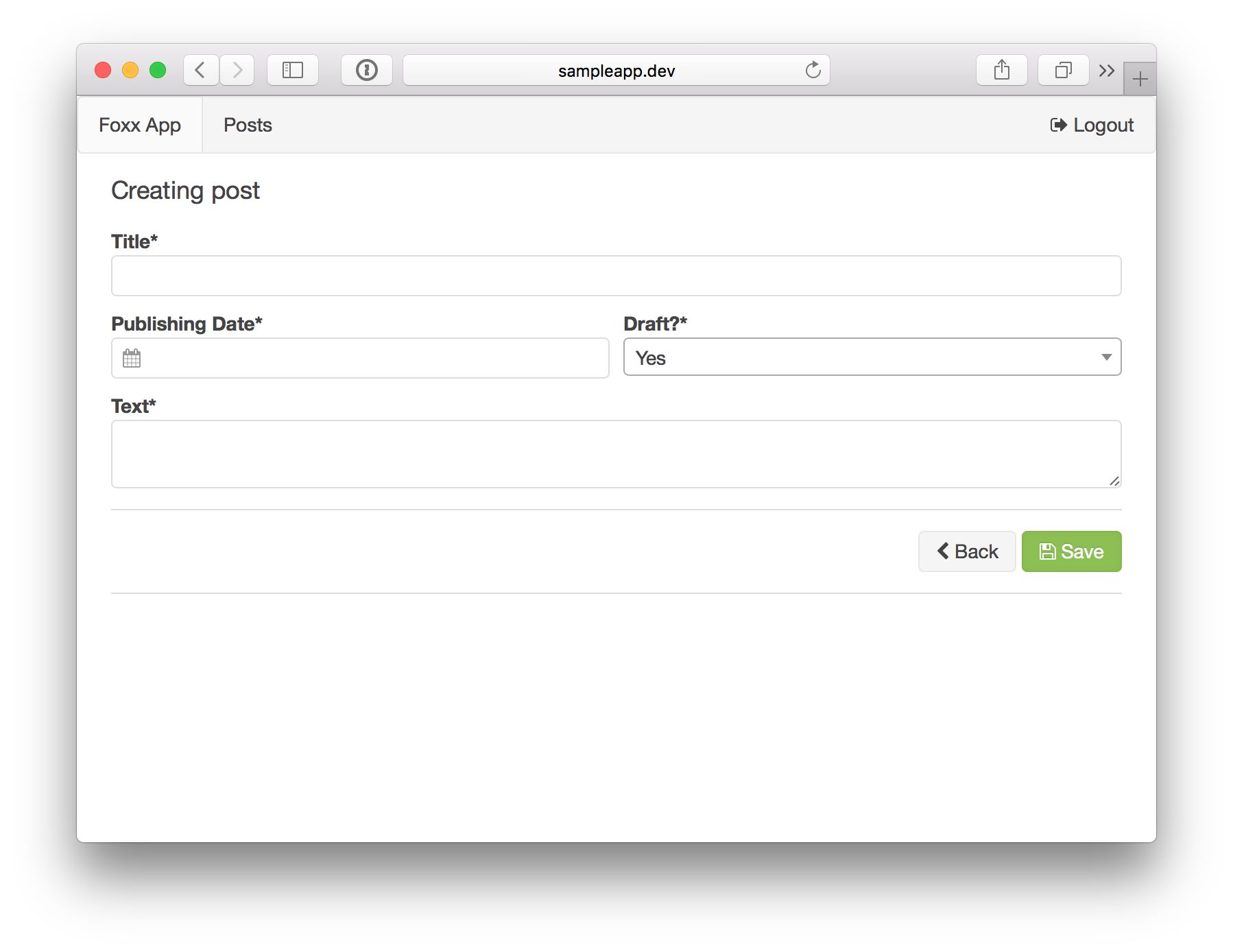
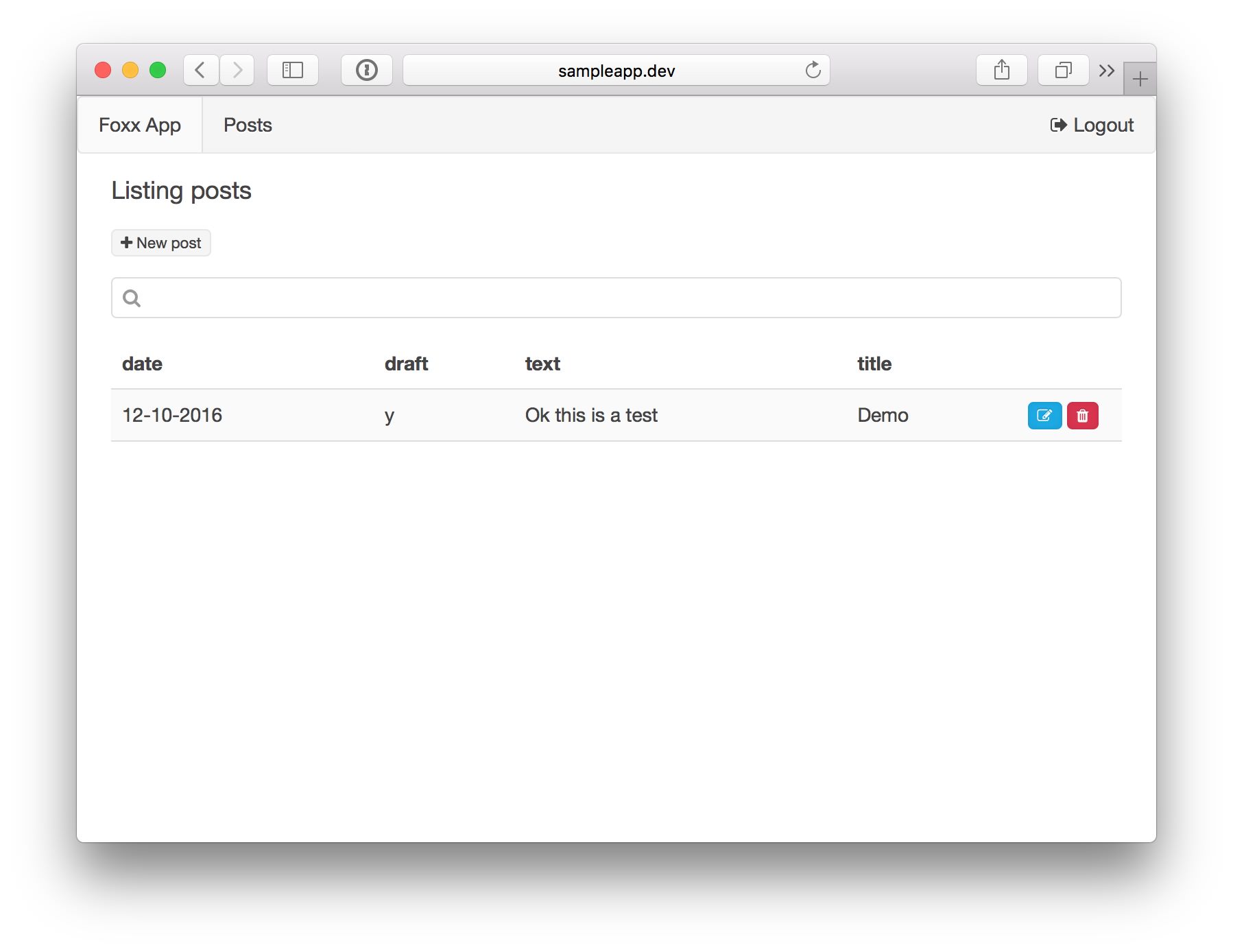
It will create a Foxx service called posts and will also create a RiotJS widgets called app/widgets/posts.html.tag
Once CRUD created open foxx/posts/APP/main.js at line 30 (line 3 on the code below) ...
var loadFields = function() {
  // { r: new_row, c: classname, n: name/id, t: type, j: joi validation, l: label, d: data list }
  fields = [
  ]

  schema = {}
  each(fields, function(f) {
    schema[f.n] = f.j
  })
}
... and define your model.
var loadFields = function() {
  // { r: new_row, c: classname, n: name/id, t: type, j: joi validation, l: label, d: data list }
  fields = [
    { r: true, c: "1-1", n: "title", t: "string", j: joi.string().required(), l: "Title" },
    { r: true, c: "1-2", n: "date", t: "date", j: joi.string().required(), l: "Publishing Date" },
    { r: false, c: "1-2", n: "draft", t: "list", j: joi.string().required(), l: "Draft?", d: [["y", "Yes"], ["n", "No"]] },
    { r: true, c: "1-1", n: "text", t: "text", j: joi.string().required(), l: "Text"}
    { r: true, c: "1-2", n: "picture", t: "image", j: joi.string(), l: "Pictures"}
    { r: false, c: "1-2", n: "asset", t: "file", j: joi.string(), l: "Files"}
  ]

  schema = {}
  each(fields, function(f) {
    schema[f.n] = f.j
  })
}
foxxy g eu setting
Generate a service and a collection settings with a single row. The widget will allow you to edit and update the row
foxxy g basic info
Generate an empty service, a widget and a collection infos.
foxxy g service v1
Just create a service v1. No widget, no collection.
data.search = [data.title, data.text, data.date].join(" ")
So when you'll create or modify your object, the search field will be up to date. You can start using the search bar and press enter to filter your content using the full text search engine.

foxx-framework is created by Olivier BONNAURE - github repository