<div align="center"><h1>
<br/>
🥇
<br />
frontmessageplugin
<br /><br />
</h1>
<sup>
<br />
<br />
<a href="https://gitee.com/Electrolux/front-element-package"><img src="https://img.shields.io/static/v1?label=version&message=v1.0.8&color=blue" alt="npm package" /></a><a href=https://space.bilibili.com/286773126><img src="https://img.shields.io/static/v1?label=Bili&message=Electrolux&color=red" alt="temp" /></a>
<a href="https://gitee.com/Electrolux/front-element-package">   <img src="https://img.shields.io/static/v1?label=Author&message=electrolux&color=yellow" alt="demos" /></a>
<a href="https://gitee.com/Electrolux/front-element-package">   <img src="https://img.shields.io/static/v1?label=Contribute&message=welcome&color=green" alt="demos" /></a>
<br />
</a>
<br />
Translations: <a href="">🇨🇳 汉语</a>
</sup>
</div>
# 极简的message插件

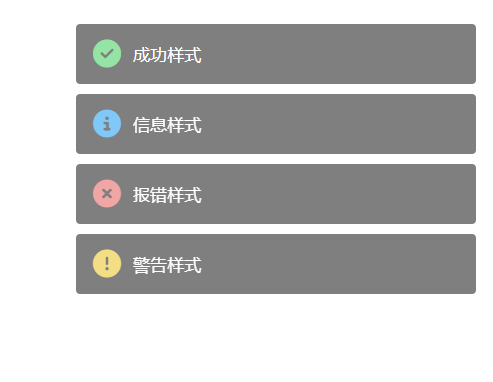
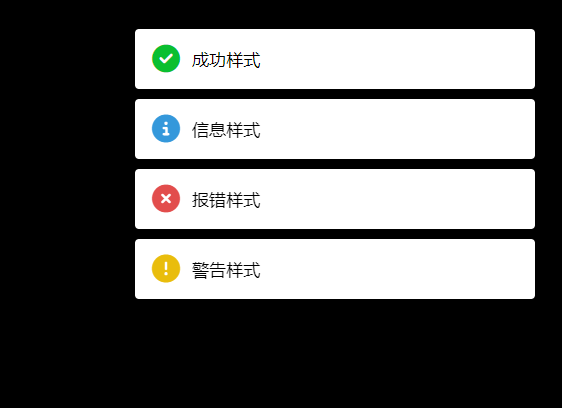
有黑夜白天两种背景模式

使用示例

<img src="https://cdn.jsdelivr.net/npm/frontmessageplugin@latest/example1.png">

<img src="https://cdn.jsdelivr.net/npm/frontmessageplugin@latest/example2.png">


## 网页使用

```js
<script type="module">
    	//背景是黑色的时候用
        import {createToast} from "https://cdn.jsdelivr.net/npm/frontmessageplugin@latest/messageDark.js"
        //背景是白色的时候用
        //import {createToast} from "https://cdn.jsdelivr.net/npm/frontmessageplugin@latest/messageLight.js"
		createToast("info","你好",3000)   
        请求类型：success error info warning 
    </script>
```


## npm 使用

```js
npm install frontmessageplugin
接着

import {createToast} from "frontmessageplugin/messageDark.js"
或者
import {createToast} from "frontmessageplugin/messageLight.js"
createToast("info","你好",3000)  
```


createToast传参说明

```js
第一个参数是message的类型。支持四种形式 info success warn error
第二个参数是文本
第三个参数是持续时间
```

ver0.0.7 添加自定义类名，解决vue类名冲突的问题

ver0.0.1 修复显示的toast 不消失的问题