# Vue 3 Google Login Component
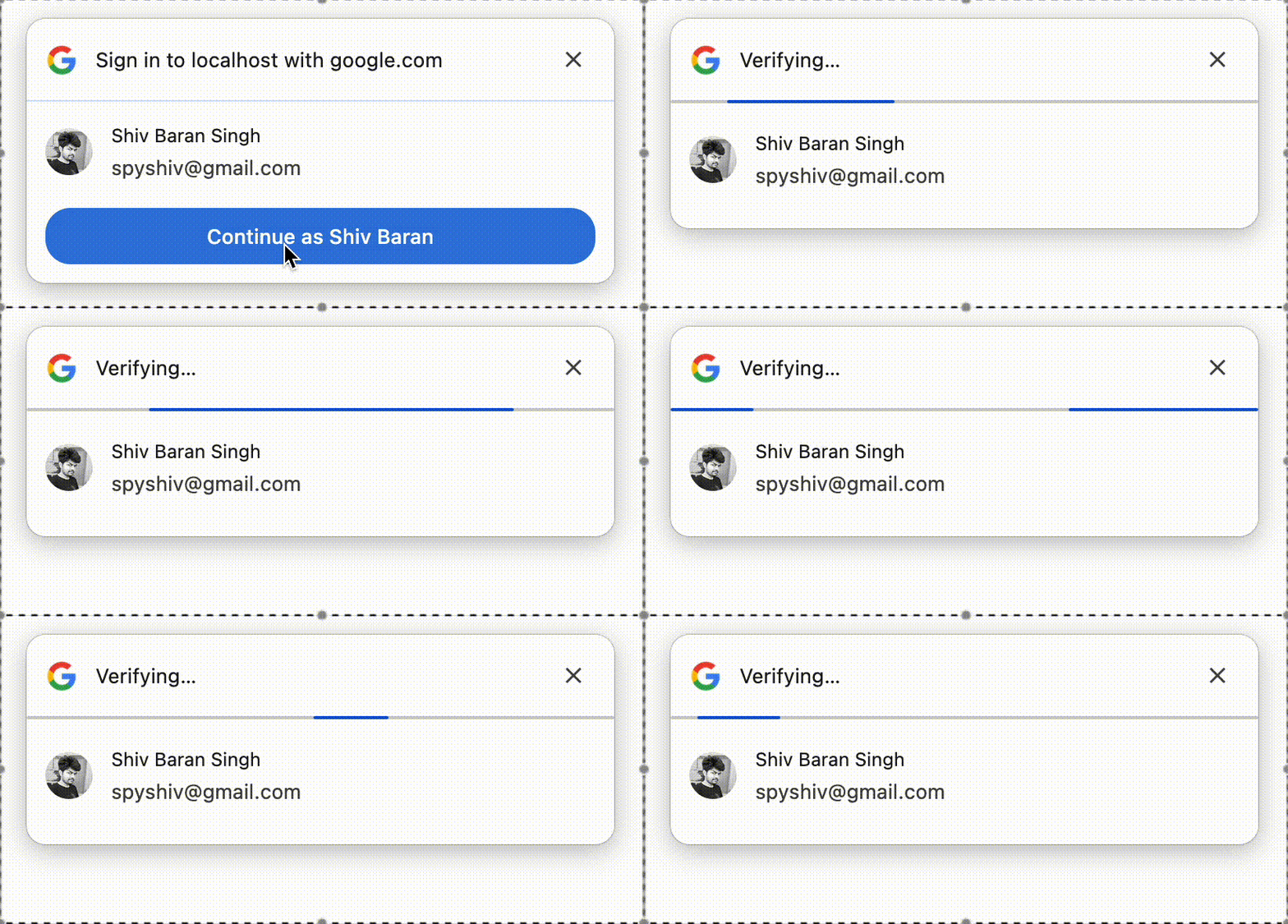
A lightweight and customizable **Vue 3 component** for Google OAuth 2.0 authentication supporting both **JWT-based** and **Authorization Code-based** flows.
---
## 🏠 Installation
```bash
npm install google-login-vue3
```
---
## 🚀 Usage
### Import the component:
```vue
```
> Replace `YOUR_GOOGLE_CLIENT_ID` with your actual client ID from [Google Developer Console](https://console.cloud.google.com/apis/credentials).
---
## 🔐 Authentication Modes
### 1. **JWT-Based Authentication (ID Token Flow) [Default]**
- Google returns a **JWT (ID Token)** to the frontend.
- No backend interaction is required (unless token validation is needed).
- Ideal for apps using the ID token directly to verify identity.
- One Tap Login is supported via the `oneTapLogin` prop.
- Uses the native Google Sign-In button.
---
### 2. **Code-Based Authentication (Authorization Code Flow)**
- Returns an **Authorization Code** to the frontend.
- You must send this code to your backend to exchange for access/refresh tokens.
- Best suited for secure OAuth flows requiring backend token handling.
- Custom UI can be used via the default slot.
---
## ⚙️ Props
| Prop | Type | Default | Description |
| ------------- | ------- | ------- | ---------------------------------------------------------- |
| `clientId` | String | — | **Required.** Your Google OAuth 2.0 client ID. |
| `mode` | String | `"JWT"` | `"JWT"` or `"code"` depending on the flow you want to use. |
| `oneTapLogin` | Boolean | `true` | Enables Google One Tap login (only valid in JWT mode). |
---
## 🤩 Customization
- In `code` mode, you can customize the login button using the default slot.
Example:
```vue
```
---
## 🔄 Backend Integration (For `mode="code"`)
- Use the authorization code to exchange tokens securely from your backend.
- Recommended libraries:
- Node.js: `google-auth-library`
- Python: `google-auth`
- Follow Google's [OAuth 2.0 for Web Server Applications](https://developers.google.com/identity/protocols/oauth2/web-server#exchange-authorization-code) documentation.
---
## ⚠️ Notes
- Configure **JavaScript Origins** and **Redirect URIs** in your Google Cloud Console.
- For One Tap login, ensure the domain is verified.
- Pop-up blockers can prevent login. Notify users if login fails due to browser settings.
- Always handle `success` and `error` events properly.
---
## 🤝 Contributing
Contributions are welcome! Feel free to:
- Open issues for bugs or feature requests.
- Submit PRs to improve the codebase or docs.
---
## 📝 License
[MIT](LICENSE)
---
## 👨💼 Author
**Shiv Baran Singh**
📧 [spyshiv@gmail.com](mailto:spyshiv@gmail.com)
🔗 [GitHub](https://github.com/spyshiv)