# [GrapesJS Filestack](http://grapesjs.com/demo.html)
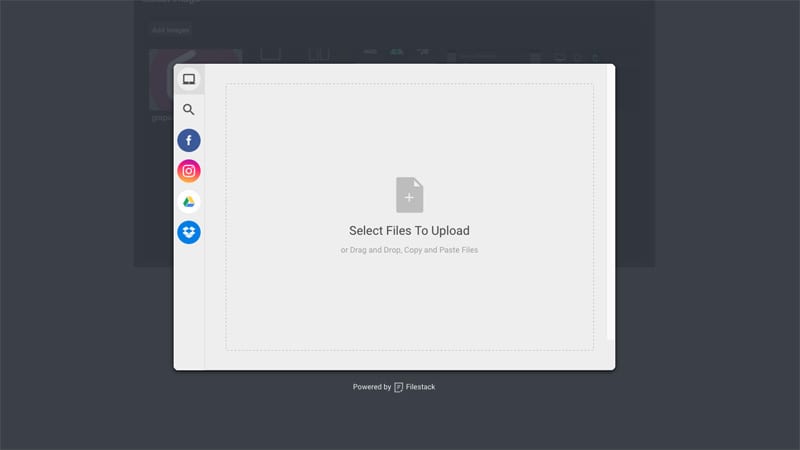
This plugin replaces the default file uploader with the one from Filestack
Demo: http://grapesjs.com/demo.html
## Summary
* Plugin
* Name: `gjs-plugin-filestack`
* Options:
* `key` Filestack's API key (**required**)
* `btnEl` Custom button element which triggers Filestack modal
* `btnText` Text for the button in case the custom one is not provided, default: `Add images`
* `filestackOpts` Filestack's options, default: `{accept: 'image/*', maxFiles: 10}`
* `onComplete` On complete upload callback, eg. `onComplete: (blobs, assets) => {...}`
*blobs* Array of Objects, eg. [{url:'...', filename: 'name.jpeg', ...}]
*assets* Array of inserted assets
## Download
* `npm i grapesjs-plugin-filestack`
* Latest release link https://github.com/artf/grapesjs-plugin-filestack/releases/latest
## Usage
```html
```
## Development
Clone the repository
```sh
$ git clone https://github.com/artf/grapesjs-plugin-filestack.git
$ cd grapesjs-plugin-filestack
```
Install it
```sh
$ npm i
```
The plugin relies on GrapesJS via `peerDependencies` so you have to install it manually (without adding it to package.json)
```sh
$ npm i grapesjs --no-save
```
Start the dev server
```sh
$ npm start
```
## License
BSD 3-Clause