# Gritty [![License][LicenseIMGURL]][LicenseURL] [![NPM version][NPMIMGURL]][NPMURL] [![Build Status][BuildStatusIMGURL]][BuildStatusURL] [![Coverage Status][CoverageIMGURL]][CoverageURL]
[NPMIMGURL]: https://img.shields.io/npm/v/gritty.svg?style=flat&longCache=true
[BuildStatusURL]: https://github.com/cloudcmd/gritty/actions?query=workflow%3A%22Node+CI%22 "Build Status"
[BuildStatusIMGURL]: https://github.com/cloudcmd/gritty/workflows/Node%20CI/badge.svg
[LicenseIMGURL]: https://img.shields.io/badge/license-MIT-317BF9.svg?style=flat&longCache=true
[NPM_INFO_IMG]: https://nodei.co/npm/cloudcmd.png
[NPMURL]: https://npmjs.org/package/cloudcmd "npm"
[BuildStatusURL]: https://travis-ci.org/cloudcmd/gritty "Build Status"
[LicenseURL]: https://tldrlegal.com/license/mit-license "MIT License"
[CoverageURL]: https://coveralls.io/github/cloudcmd/gritty?branch=master
[CoverageIMGURL]: https://coveralls.io/repos/cloudcmd/gritty/badge.svg?branch=master&service=github
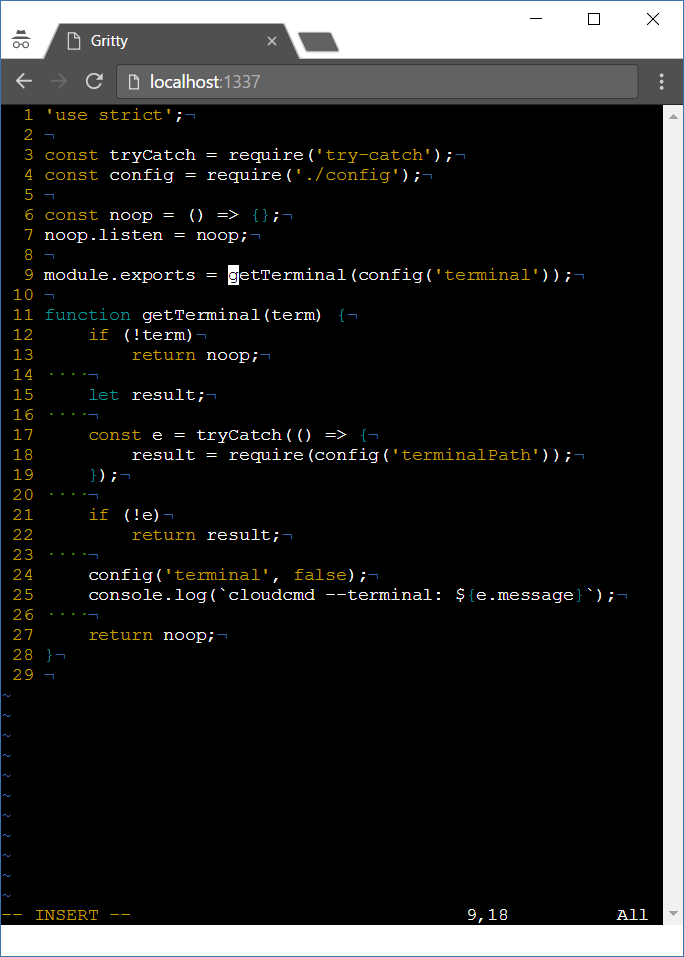
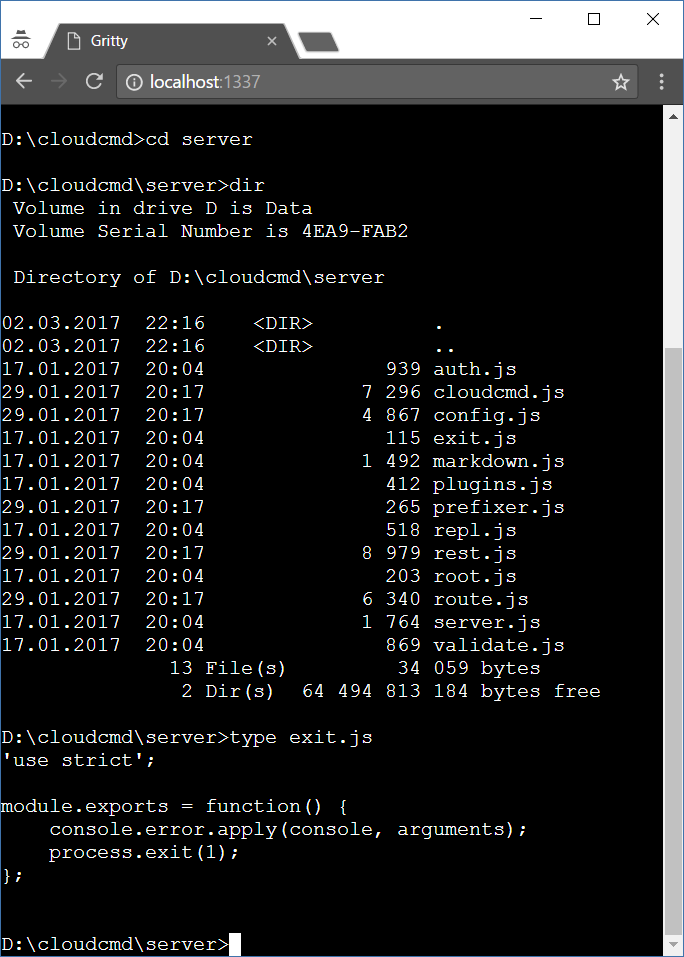
Web terminal emulator. Based on [node-pty](https://github.com/Tyriar/node-pty) and [xterm.js](https://github.com/sourcelair/xterm.js).
## Install
`npm i gritty -g`
## Usage
```
Usage: gritty [options]
Options:
-h, --help display this help and exit
-v, --version output version information and exit
--path output path of a gritty and exit
--port set port number
--command command to run in terminal (shell by default)
--auto-restart restart command when on exit
--no-auto-restart do not restart command on exit
```
### Windows
On `Windows` there is no build tools by default. When can't install `gritty` try to install `windows-build-tools` first.
```sh
npm i windows-build-tools -g
npm i gritty -g
```
## Use as standalone
Start `gritty`, and go to url `http://localhost:1337`
## API
### Client API
#### gritty(element [, options])
```js
const prefix = '/gritty';
const env = {}; // default
const fontFamily = 'Courier';
gritty('body', {
prefix,
env,
fontFamily,
});
```
### Server API
#### gritty.listen(socket, [, options])
`Gritty` could be used as middleware:
```js
const prefix = '/gritty';
const auth = (accept, reject) => (username, password) => {
accept();
};
gritty.listen(socket, {
prefix,
auth, // optional
});
```
#### gritty(options)
Middleware function:
```js
const prefix = '/gritty';
gritty({
prefix,
});
```
## Usage as middleware
To use `gritty` in your programs you should make local install:
`npm i gritty socket.io express --save`
And use it this way:
```js
// server.js
import http from 'node:http';
import {gritty} from 'gritty';
import express from 'express';
import {Server} from 'socket.io';
const app = express();
const server = http.createServer(app);
const socket = new Server(server);
const port = 1337;
const ip = '0.0.0.0';
app.use(gritty());
app.use(express.static(__dirname));
gritty.listen(socket, {
command: 'mc', // optional
autoRestart: true, // default
});
server.listen(port, ip);
```
```html
```
## License
MIT