
# hexo-theme-butterfly



📢 預覽: [Butterfly](https://butterfly.js.org/) / [CrazyWong](https://blog.crazywong.com/)
📖 文檔: [中文](https://butterfly.js.org/posts/21cfbf15/) / [English](https://butterfly.js.org/en/posts/butterfly-docs-en-get-started/)
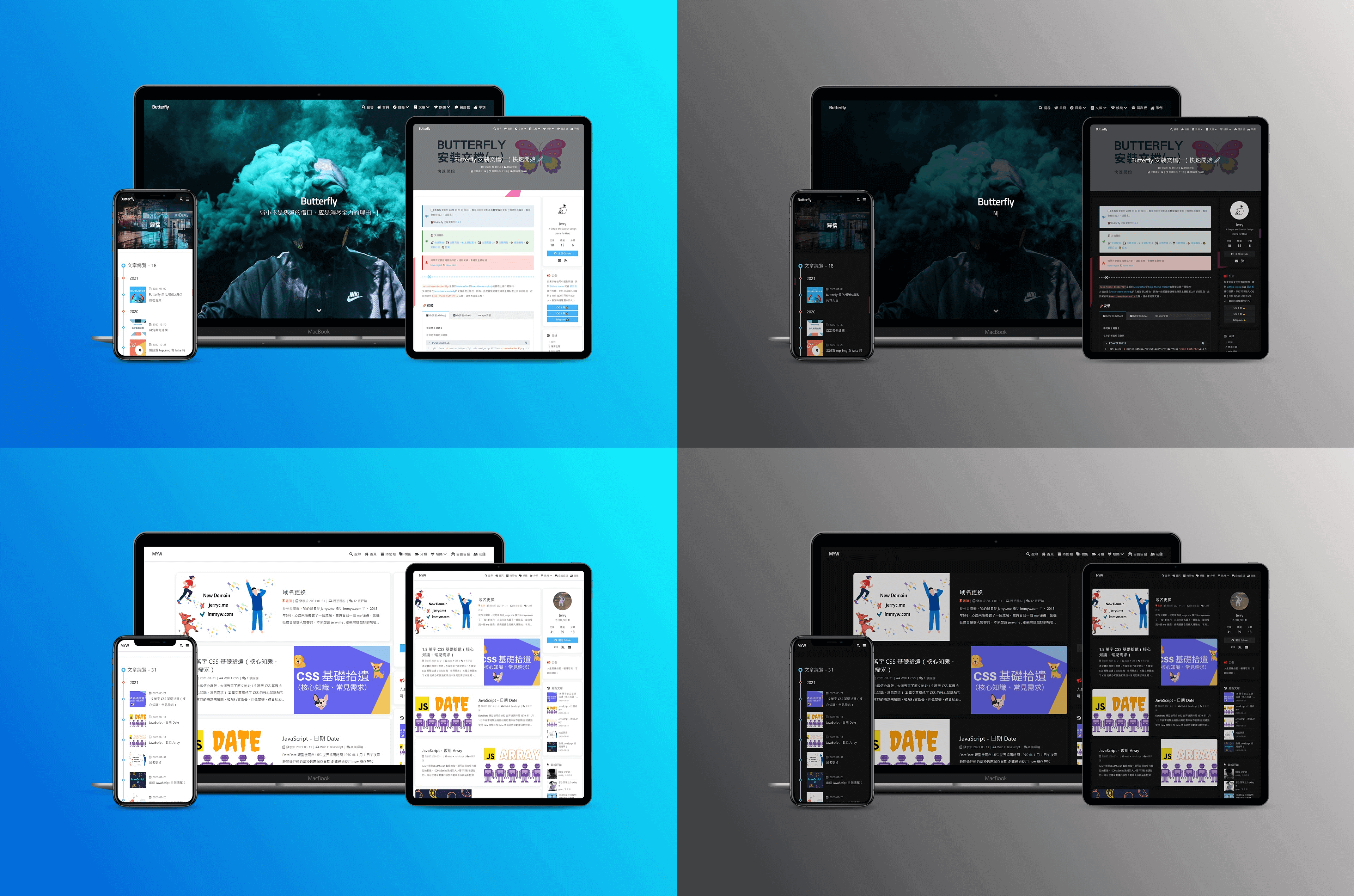
---
## 💻 安裝
### Git 安裝
> 本倉庫同時上傳到 [Gitee](https://gitee.com/immyw/hexo-theme-butterfly.git),如果你訪問 Github 緩慢,可從 Gitee 中下載。
在博客根目錄裡安裝穩定版【推薦】
```powershell
git clone -b master https://github.com/jerryc127/hexo-theme-butterfly.git themes/butterfly
```
如果想要安裝比較新的dev分支,可以
```powershell
git clone -b dev https://github.com/jerryc127/hexo-theme-butterfly.git themes/butterfly
```
### npm 安裝
> 此方法只支持Hexo 5.0.0以上版本
在博客根目錄裡
```powershell
npm i hexo-theme-butterfly
```
## ⚙ 應用主題
修改hexo配置文件`_config.yml`,把主題改為`Butterfly`
```
theme: butterfly
```
>如果你沒有pug以及stylus的渲染器,請下載安裝: npm install hexo-renderer-pug hexo-renderer-stylus --save
## 🎉 特色
- [x] 卡片化設計
- [x] 圓角化設計/直角化設計
- [X] 支持二級目錄
- [x] 雙欄設計
- [x] 響應式主題
- [x] 夜間模式
- [x] Pjax
- [x] 文章閲讀模式
- [x] 簡體和繁體轉換
- [X] 電腦和手機都可查看TOC目錄
- [X] 內置多種代碼配色(darker/pale night/light/ocean),可自定義代碼配色
- [X] 代碼塊顯示代碼語言/關閉或展開代碼塊/代碼複製/代碼自動換行
- [X] 可關閉文字複製/可開啟內容複製增加版權信息)
- [X] 兩種搜索( Algolia 搜索和本地搜索)
- [x] Mathjax 和 Katex
- [x] 內置404頁面
- [x] 顯示字數統計
- [x] 顯示相關文章
- [x] 過期文章提醒
- [x] 多種分享系統(Sharejs/Addtoany)
- [X] 多種評論系統(Disqus/Disqusjs/Livere/Gitalk/Valine/Waline/Utterances/Facebook Comments/Twikoo/Giscus/Remark42/artalk)
- [x] 支持雙評論部署
- [x] 多種在線聊天(Chatra/Tidio/Crisp)
- [x] 多種分析系統
- [x] 谷歌廣告/手動廣告位置
- [x] 各種站長驗證
- [x] 修改網站配色
- [x] 打字特效 activate_power_mode
- [x] 多種背景特效(靜止彩帶/動態彩帶/Canvas Nest)
- [x] 多種鼠標點擊特效(煙花/文字/愛心)
- [x] 內置一種 Preloader 加載動畫和 pace.js 加載動畫條
- [x] 不蒜子訪問統計
- [x] 兩種大圖模式(Medium Zoom/Fancybox)
- [x] Mermaid 圖表顯示
- [x] Chart.js 圖表顯示
- [x] 照片牆
- [x] 圖片懶加載
- [x] Instantpage/Snackbar彈窗/PWA......
## ✨ 貢獻者