## Electron SDK for Tencent Cloud Chat
 more Languages : English | [简体中文](./readme_cn.md)
## About Tencent Cloud Chat
Tencent Cloud Chat provides globally interconnected chat APIs, multi-platform SDKs, and UIKit components to help you quickly bring messaging capabilities such as one-to-one chat, group chat, chat rooms, and system notifications to your applications and websites.
Through the official electron SDK im_electron_sdk, you can efficiently integrate real-time chat into your client app.
You can sign up for a Tencent Cloud account at [here](https://www.tencentcloud.com/en/account/login?s_url=https%3A%2F%2Fconsole.tencentcloud.com%2Fim).
Explore more docs about [Tencent Cloud Chat](https://www.tencentcloud.com/en/products/im).
## Commonly Used Scenarios
- Online Customer Service
more Languages : English | [简体中文](./readme_cn.md)
## About Tencent Cloud Chat
Tencent Cloud Chat provides globally interconnected chat APIs, multi-platform SDKs, and UIKit components to help you quickly bring messaging capabilities such as one-to-one chat, group chat, chat rooms, and system notifications to your applications and websites.
Through the official electron SDK im_electron_sdk, you can efficiently integrate real-time chat into your client app.
You can sign up for a Tencent Cloud account at [here](https://www.tencentcloud.com/en/account/login?s_url=https%3A%2F%2Fconsole.tencentcloud.com%2Fim).
Explore more docs about [Tencent Cloud Chat](https://www.tencentcloud.com/en/products/im).
## Commonly Used Scenarios
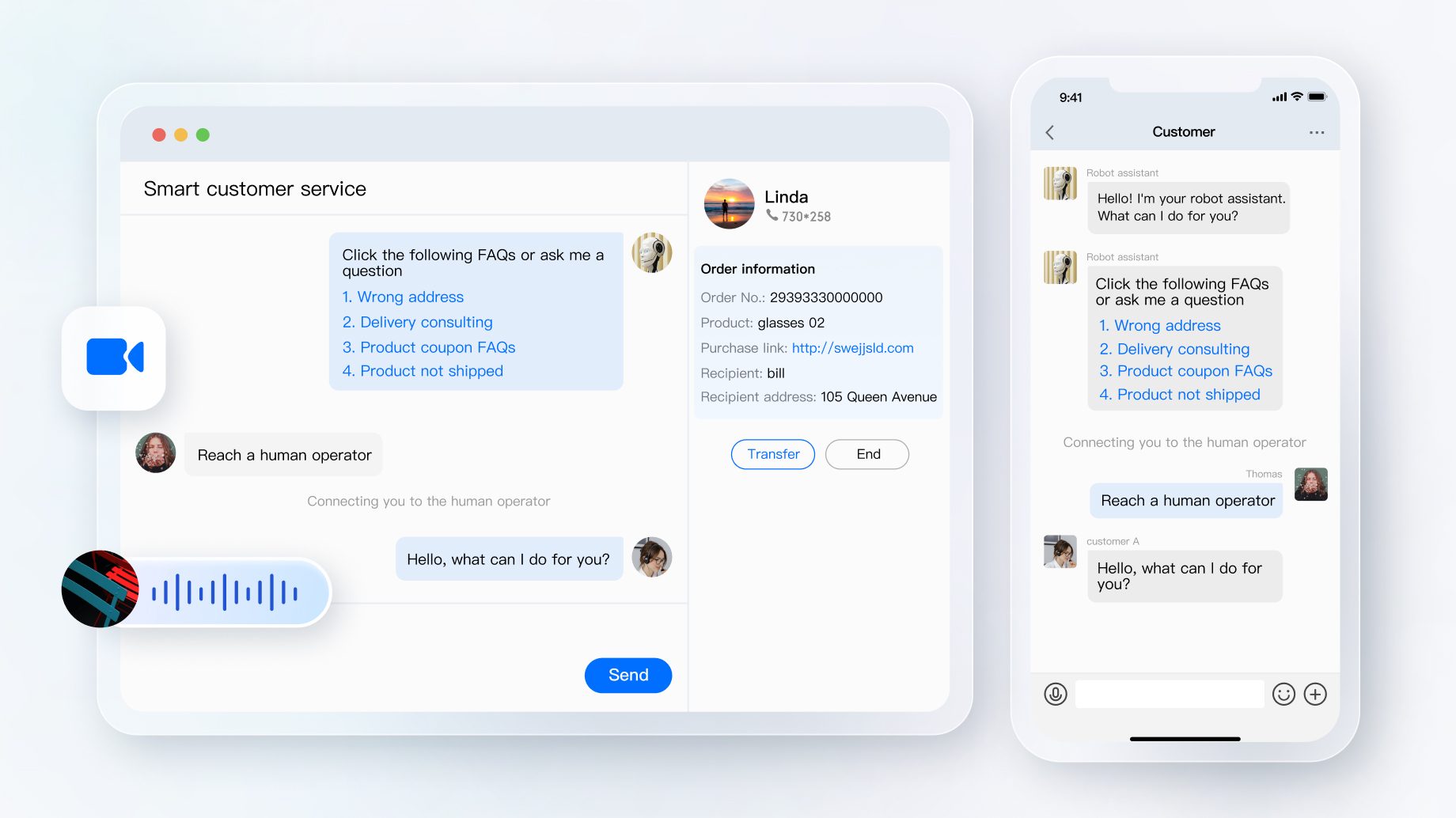
- Online Customer Service
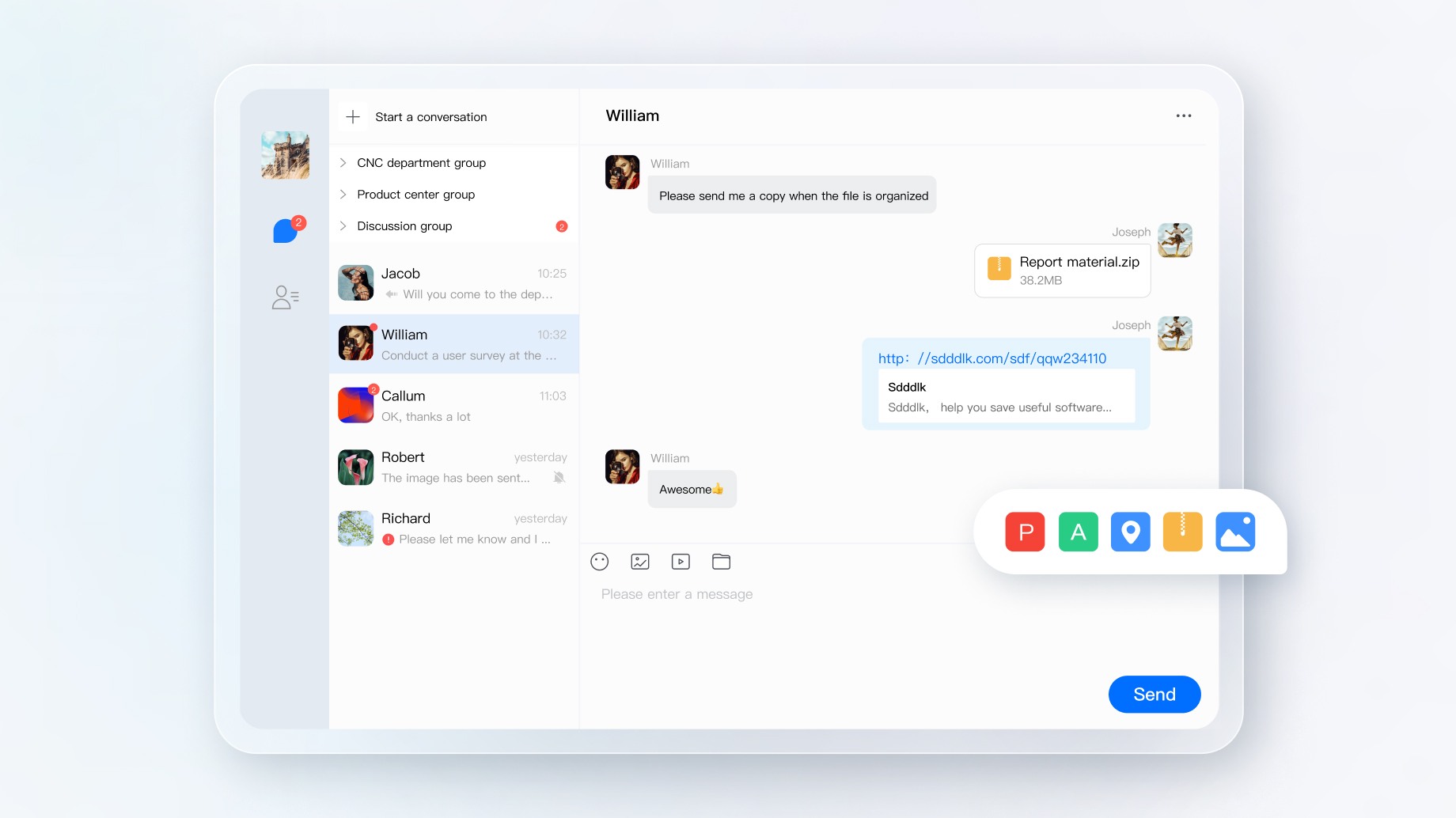
 - OA
- OA
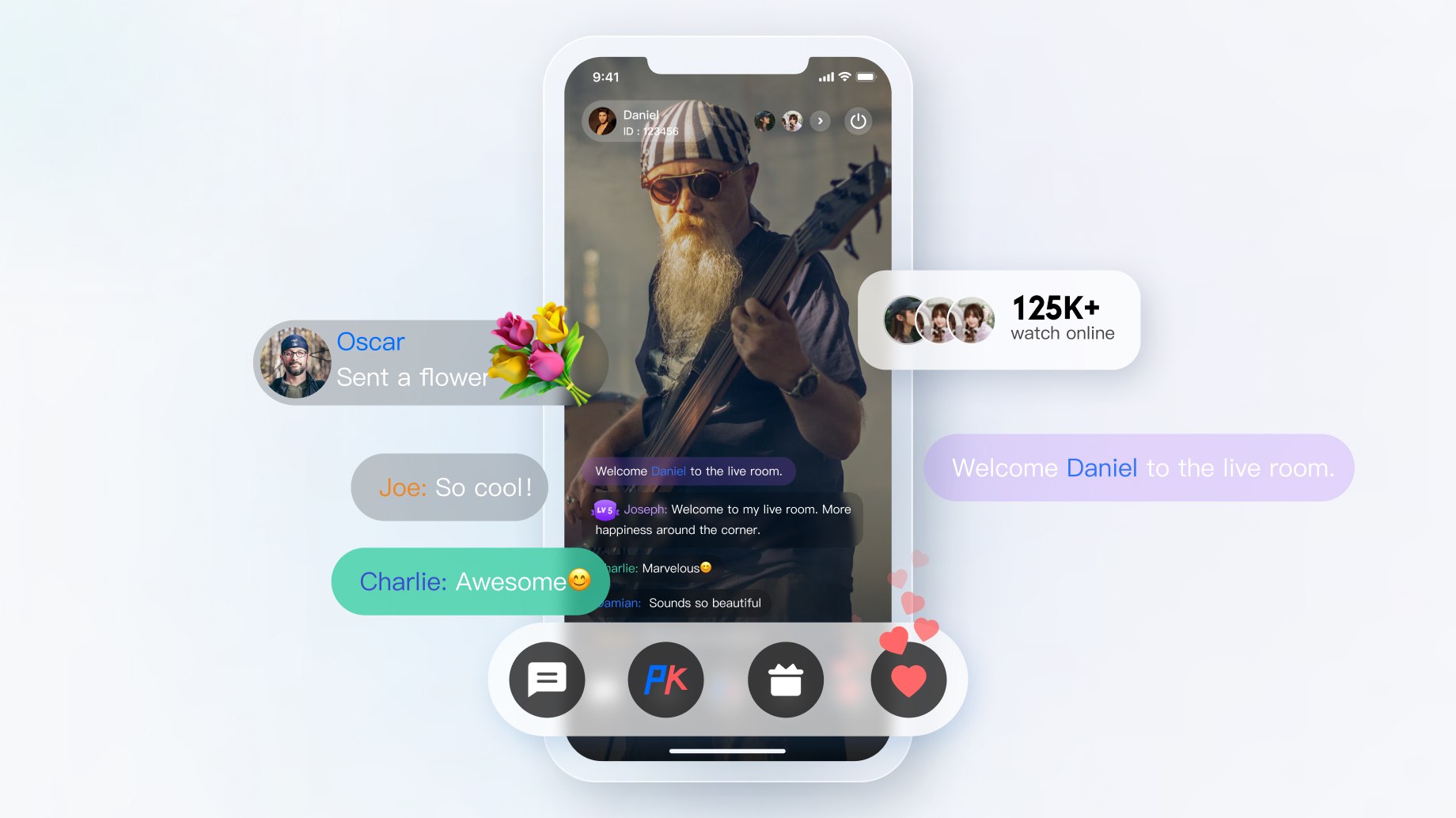
 - Interactive Live Streaming
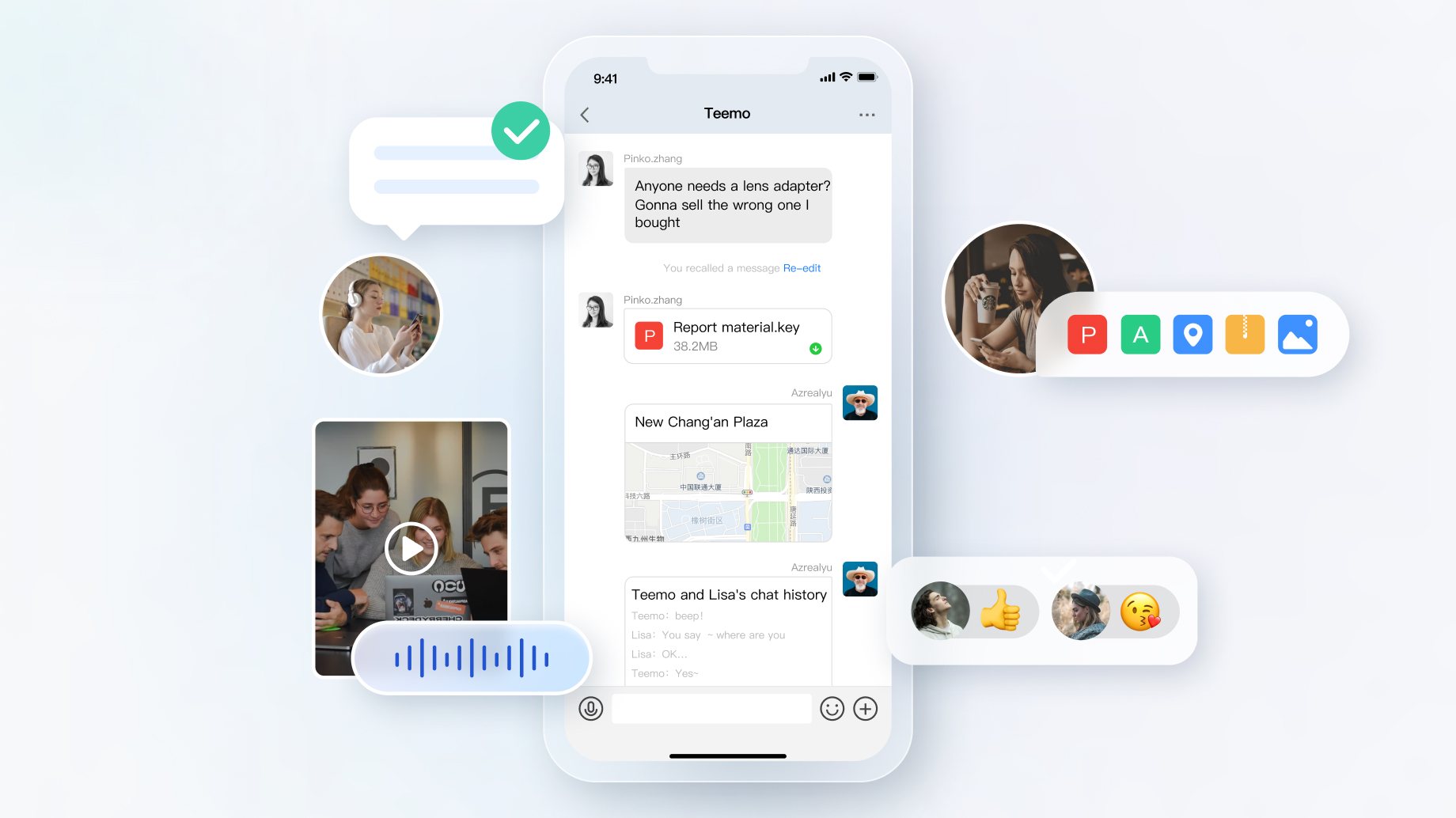
 - Social Messaging
 - Influencer Marketing
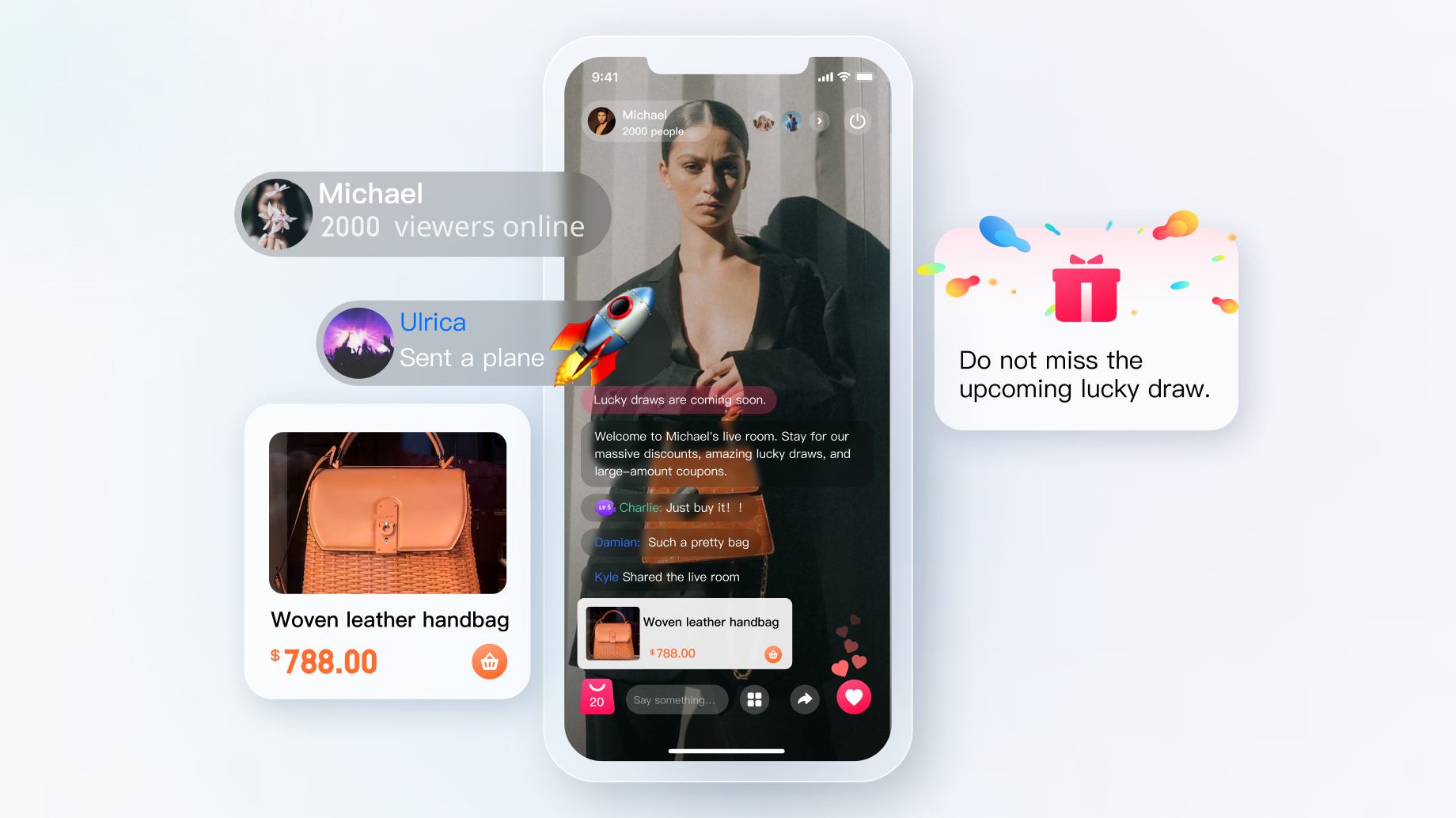 - Interactive Game
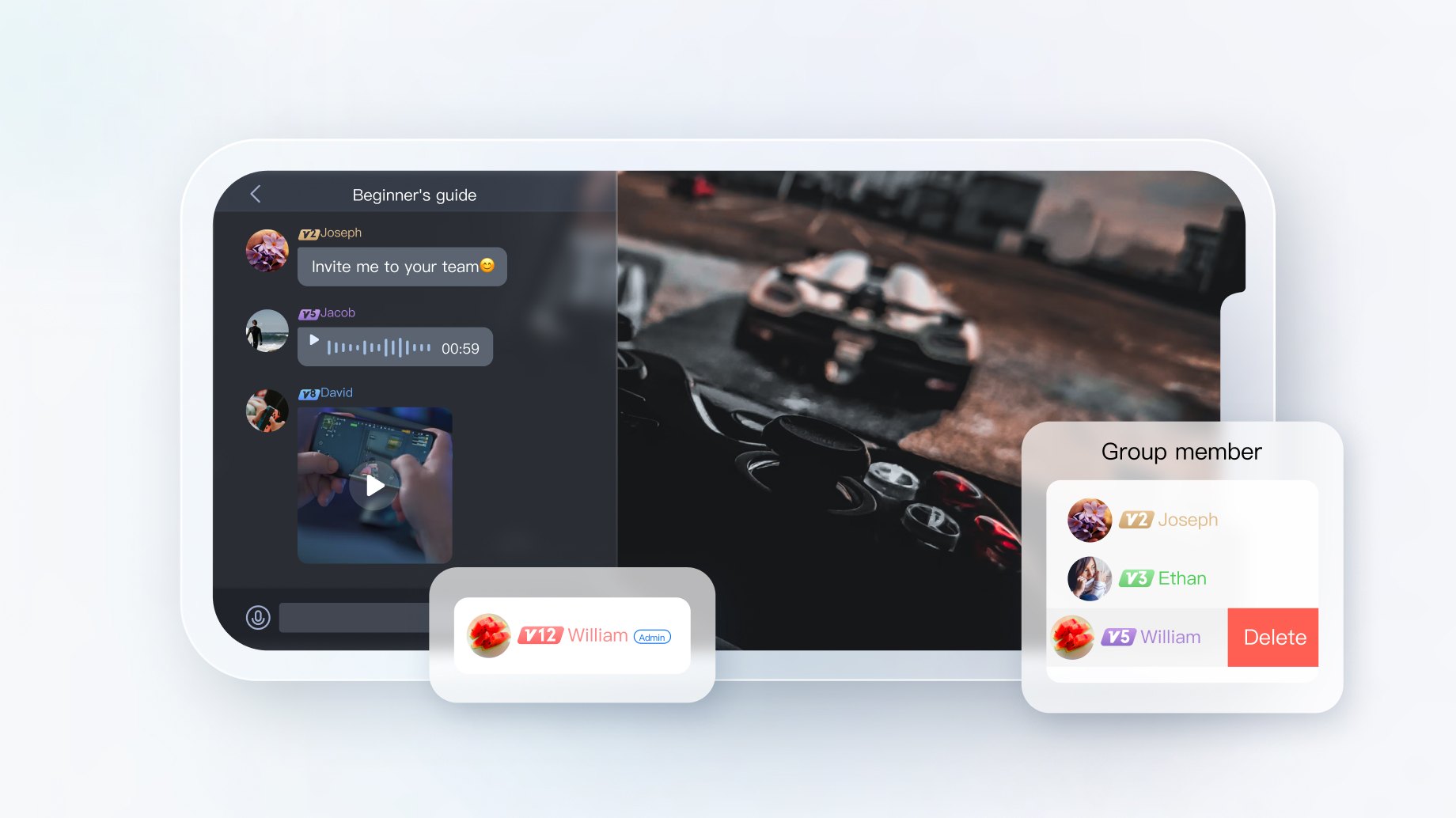 - Online Education
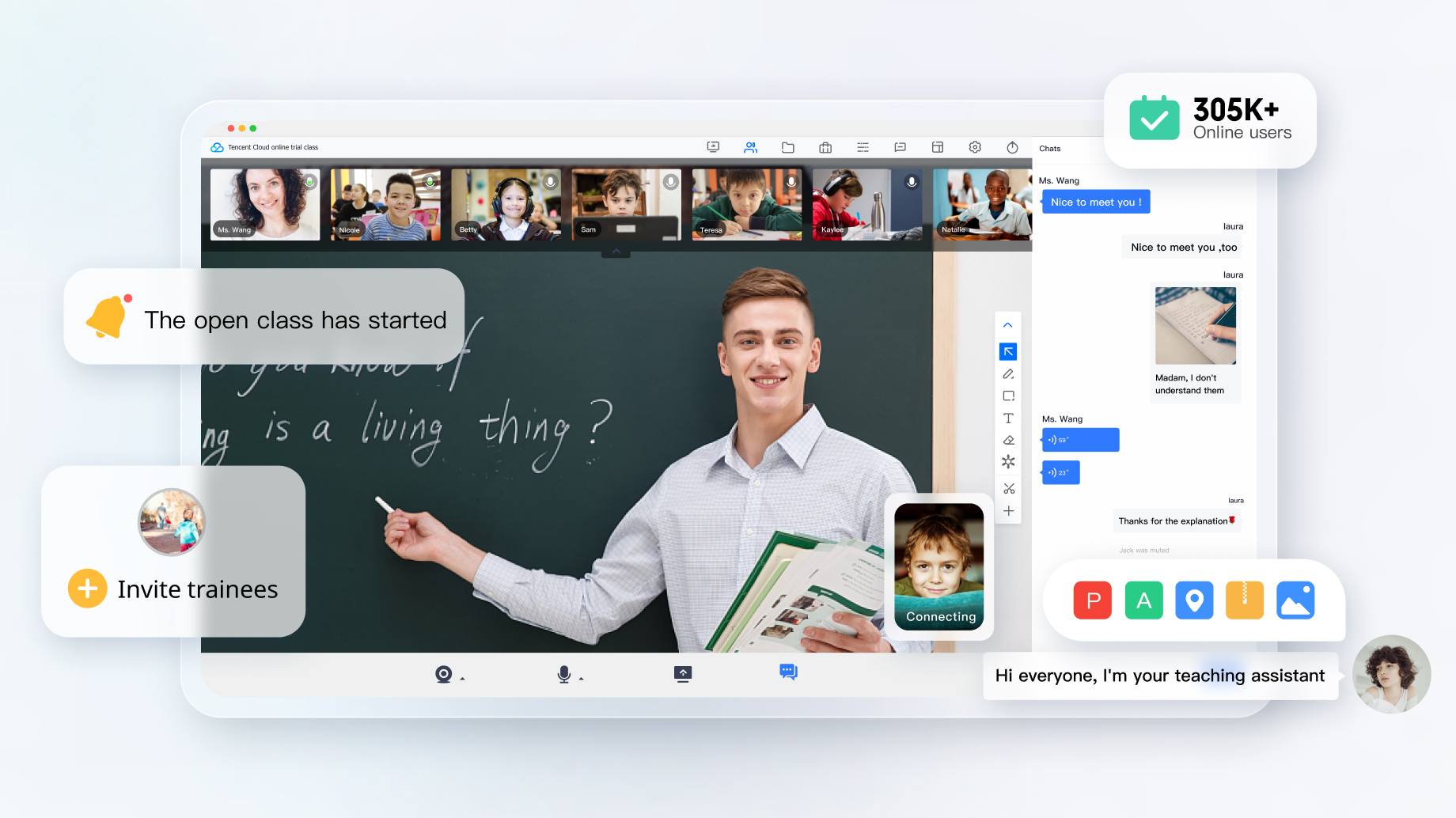 - Online Healthcare
 - Meeting
 - Smart Device
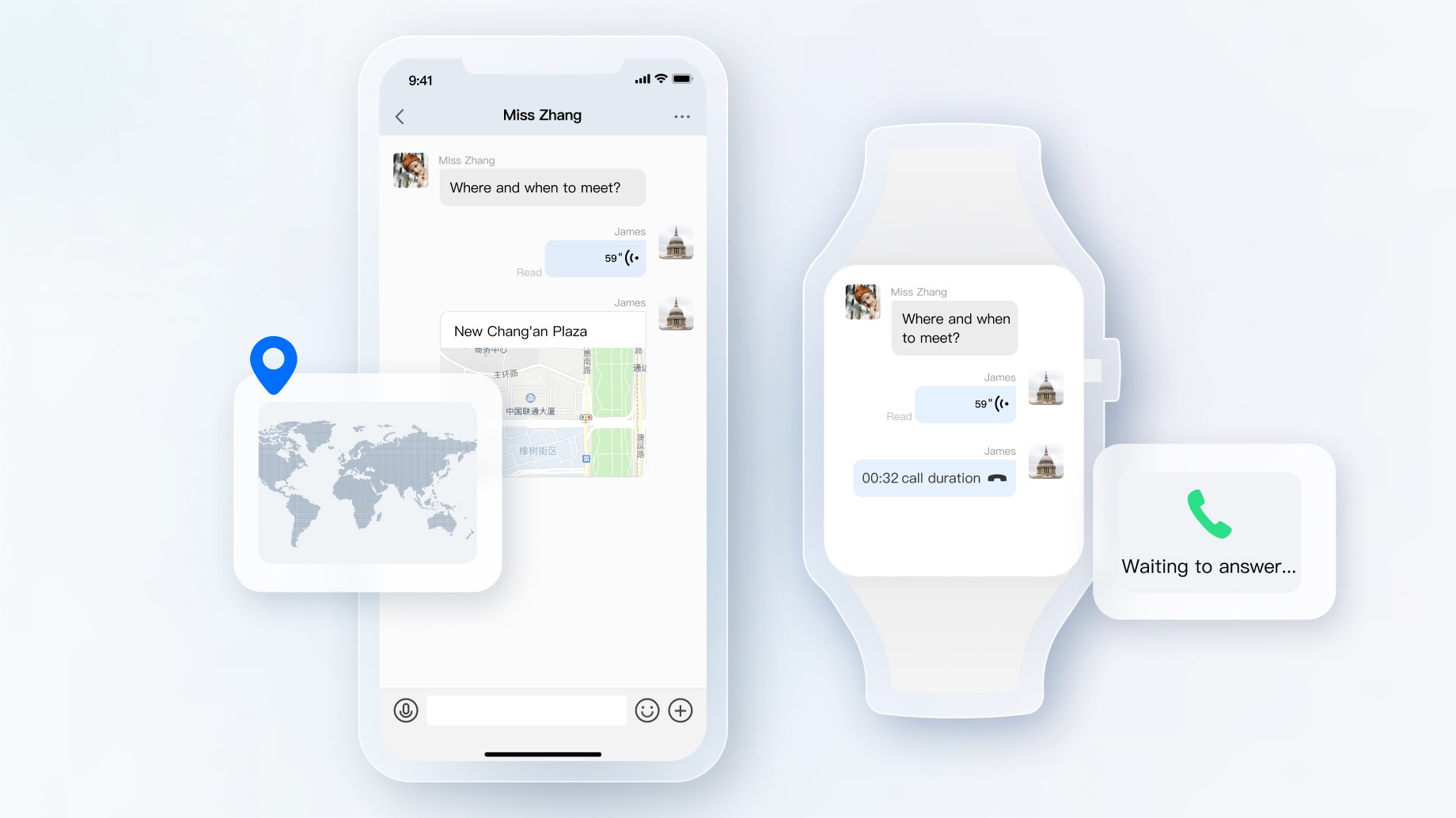 - Private Cloud Deployment
 ## Experience Demo
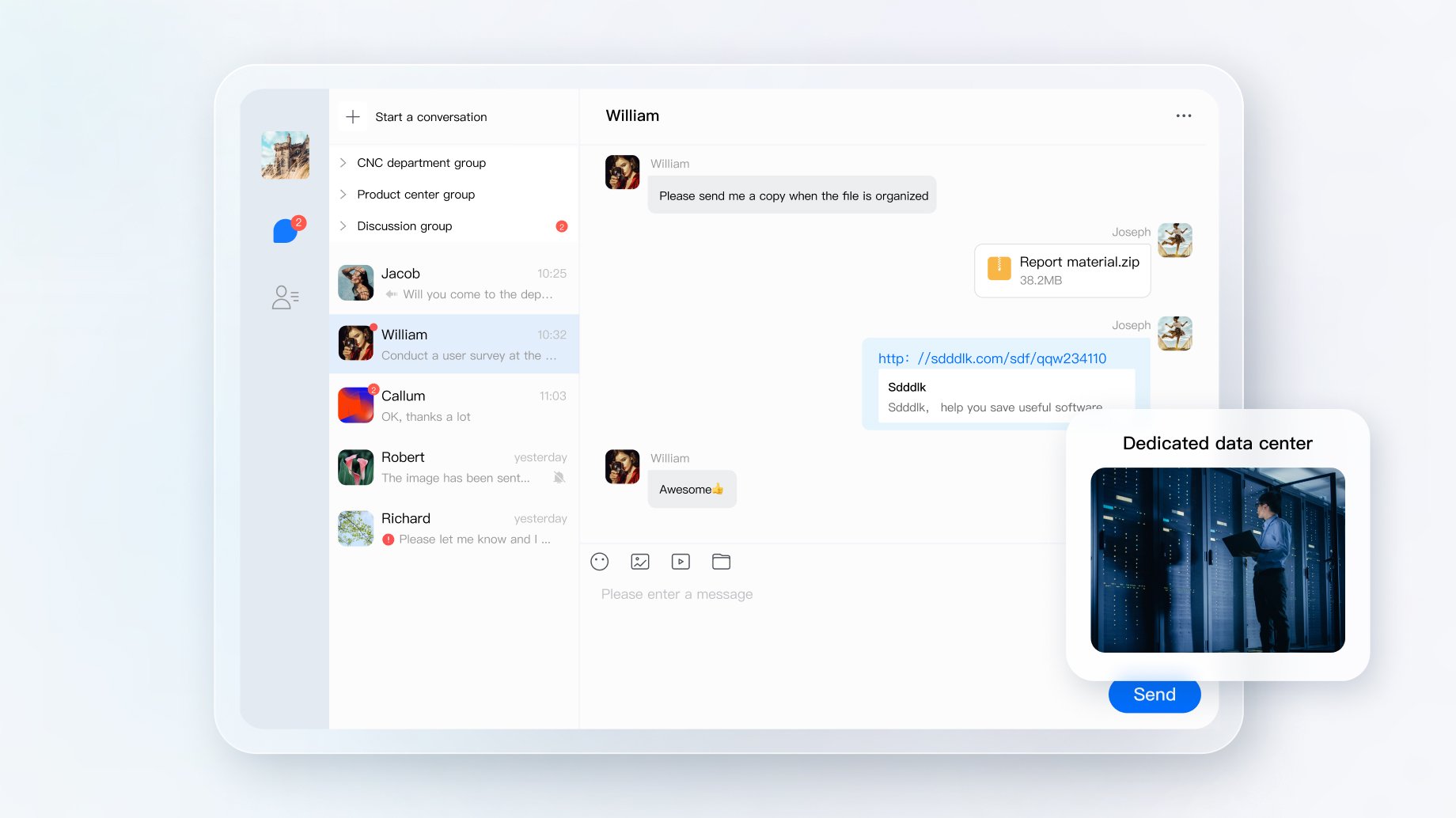
You can experience our Chat and Voice/Video Call modules via the following demo.
The following demos have been build by the same Electron project with our SDKs and extensions. You can download and experience our SDKs by demo.
- [Windows Electron Demo](https://comm.qq.com/im_demo_download/index.html#/pc-windows)
- [MacOS Electron Demo](https://comm.qq.com/im_demo_download/index.html#/pc)
Or you can download Demo from Git and run demo:
```
git clone https://github.com/tencentyun/im_electron_demo.git
```
## Environmental requirements
|Platform|Version|
|---|---|
|Electron|13.1.5 and above|
|Node.js|v14.2.0 and above|
## Choose the appropriate method to integrate Electron SDK
IM Electron SDK provides two ways to integrate, you can choose the most suitable scheme to integrate:
|Inheritance method| Applicable scenarios|
|---|---|
|Using DEMO| IM Demo contains complete chat functions, and the code is open source. If you need to implement chat-like scenarios, you can use Demo for secondary development. You can try [Demo](https://cloud.tencent.com/document/product/269/36852) now. |
|Self-implementation |This method can be used if the Demo cannot meet the functional interface requirements of your application. |
To help you better understand the various APIs of the IM SDK, we also provide [API documents](https://comm.qq.com/im/doc/electron/en/).
## Installation
``` javascript
npm install im_electron_sdk --save
```
## Prerequisites
- You have signed up for a [Tencent Cloud account](https://www.tencentcloud.com/zh/document/product/378/17985) and completed [identity verification](https://www.tencentcloud.com/zh/document/product/378/3629).
- You have created an application as instructed in [Creating and Upgrading an Application](https://www.tencentcloud.com/zh/document/product/1047/34577) and recorded the SDKAppID.
## Getting started
**1. Generate UserSig**
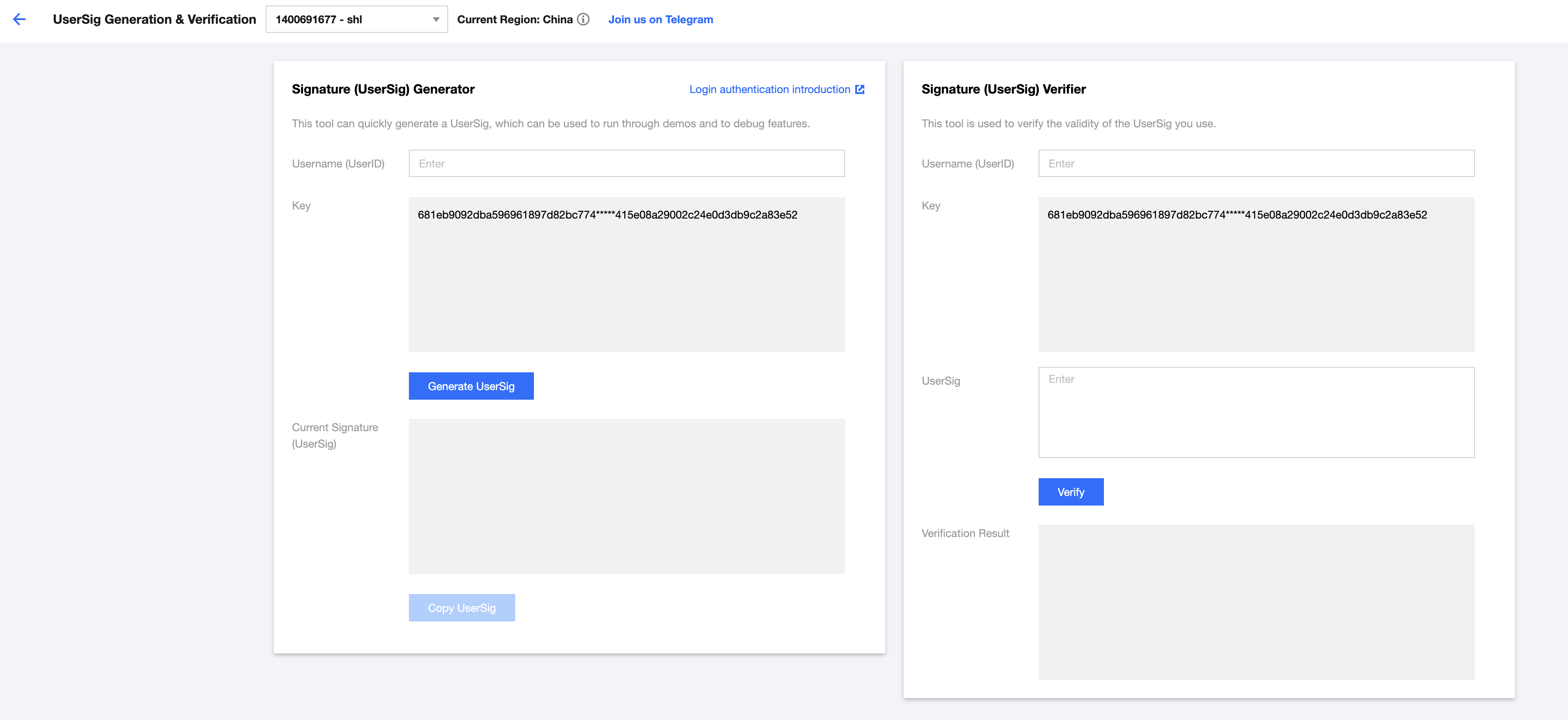
UserSig is a password used to log in to Tencent Cloud Chat. It is the ciphertext obtained after data such as UserID is encrypted. In the IM console, select your application and click Auxiliary Tools > UserSig Generation & Verification on the left sidebar. Create UserID and corresponding UserSig, and copy the UserID, Key, and UserSig for subsequent logins.
**2. Get Started**
```javascript
// main process
const TimMain = require('im_electron_sdk/dist/main')
const sdkappid = 0;// Replace `0` with the `SDKAppID` of your chat app during access.
const tim = new TimMain({
sdkappid:sdkappid
})
// render process
const TimRender = require('im_electron_sdk/dist/render')
const timRender = new TimRender();
// Initialize
timRender.TIMInit()
// Login
timRender.TIMLogin({
userID:"userID",
userSig:"userSig" // see Generate UserSig
}).then(()=>{
// success
}).catch(err=>{
// error
})
// other api
```
## Sending your first message
**1. Login in to the Chat SDK**
```javascript
timRender.TIMLogin({
userID:"userID",
userSig:"userSig" // see Generate UserSig
}).then(()=>{
// success
}).catch(err=>{
// error
})
```
**2. Send message**
The following shows how to send simple text messages. You can also send different types of messages(Image, Voice, Short Video, Location, Custom etc.).For more imformation, see [Docs](https://comm.qq.com/im/doc/electron/en/).
```javascript
let param:MsgSendMessageParamsV2 = {
conv_id: "conv_id",
conv_type: 1, // see enum [TIMConvType] in Docs
params: {
message_elem_array: [{
elem_type: 0, // see enum [TIMElemType] in Docs
text_elem_content:'Hello Tencent!',
}],
},
callback: (data) => {}
}
let data = await timRender.TIMMsgSendMessageV2(param); // if(data.code == 0),success
```
**3. Get Conversation List**
After Successfully send message, message will appear in conversation. The following shows how to get conversation list.
```javascript
let param:getConvList = {
userData:'',
}
let {code,json_params} = await timRenderInstance.TIMConvGetConvList(param)
if(code == 0){
// success. Conversation list is in "json_params"
}
```
**Get message List**
Common application scenarios are:
1. After the interface enters a new conversation, it first requests a certain number of historical messages at one time to display the list of historical messages.
2. Monitor long links, receive new messages in real time, and add them to the historical message list.
One-time request history message list:
```javascript
let param:MsgGetMsgListParams = {
conv_id: conv_id,
conv_type: conv_type,
params: {
msg_getmsglist_param_last_msg: msg,
msg_getmsglist_param_count: 20,
msg_getmsglist_param_is_remble: true,
},
user_data: user_data
}
let msgList:commonResult = await timRenderInstance.TIMMsgGetMsgList(param);
```
monitoring new messages by callback
binding callback:
```javascript
let param : TIMRecvNewMsgCallbackParams = {
callback: (...args)=>{},
user_data: user_data
}
timRenderInstance.TIMAddRecvNewMsgCallback(param);
```
At this point, you have basically completed the basic development of the IM messaging module, you can send and receive messages, and you can also enter different conversations.
You can continue to complete the development of related functions such as groups, user profiles, relationship chains, offline push, and local search.
For more information,see [Docs](https://comm.qq.com/im/doc/electron/en/)
**Enrich IM experience with more plugins**
In addition to the basic functions of the SDK, we also provide optional plugins to help you enrich your IM capabilities.
- [Audio and video call plugin](https://cloud.tencent.com/document/product/647): Support one-to-one/group audio and video calls.
- [Geographic location message plugin](https://cloud.tencent.com/document/product/269/80881): Provides the ability to select/send location and parse display location messages.
- [Custom emoticon plugin](https://cloud.tencent.com/document/product/269/80882): Quickly and easily integrate emoticon capabilities.
## API Docs & Changelogs
If you want to find out more api docs about im_electron_sdk, go to [Docs](https://comm.qq.com/im/doc/electron/en/).
If you want to check the record of SDK versions, go to [Change Log](https://www.tencentcloud.com/en/document/product/1047/34281).
## Supported Platform
Windows、Mac、Linux(uos)
#### Tencent Cloud Instant Messaging Chat Electron API
Based on Tencent Cloud instant messaging IM cross-platform C interface encapsulation, the interface is consistent with the C interface.
## Notice
1. Multiple rendering processes using sdk cannot initialize and login repeatedly.
## FAQ
- Projects built with vue-cli-plugin-electron-builder use native modules, see [No native build was found for platform = xxx](https://github.com/nklayman/vue-cli-plugin-electron-builder/issues/1492)
- Projects built with webpack using native modules, see [FAQ for Windows](https://blog.csdn.net/Yoryky/article/details/106780254)
- Dynamic Linking Error. electron-builder configure
```javascript
extraFiles:[
{
"from": "./node_modules/im_electron_sdk/lib/",
"to": "./Resources",
"filter": [
"**/*"
]
}
]
```
## API List
[Document](https://comm.qq.com/im/doc/electron/en/)
## About Document
- The manger/xxx on the right is the documentation for each API
- The interface/xxx on the right is the interface of each API method, and there are reminders for each parameter
## Others
Underlying SDK Version:mac(6.7)、windows(6.7)、Linux(6.7)
## Experience Demo
You can experience our Chat and Voice/Video Call modules via the following demo.
The following demos have been build by the same Electron project with our SDKs and extensions. You can download and experience our SDKs by demo.
- [Windows Electron Demo](https://comm.qq.com/im_demo_download/index.html#/pc-windows)
- [MacOS Electron Demo](https://comm.qq.com/im_demo_download/index.html#/pc)
Or you can download Demo from Git and run demo:
```
git clone https://github.com/tencentyun/im_electron_demo.git
```
## Environmental requirements
|Platform|Version|
|---|---|
|Electron|13.1.5 and above|
|Node.js|v14.2.0 and above|
## Choose the appropriate method to integrate Electron SDK
IM Electron SDK provides two ways to integrate, you can choose the most suitable scheme to integrate:
|Inheritance method| Applicable scenarios|
|---|---|
|Using DEMO| IM Demo contains complete chat functions, and the code is open source. If you need to implement chat-like scenarios, you can use Demo for secondary development. You can try [Demo](https://cloud.tencent.com/document/product/269/36852) now. |
|Self-implementation |This method can be used if the Demo cannot meet the functional interface requirements of your application. |
To help you better understand the various APIs of the IM SDK, we also provide [API documents](https://comm.qq.com/im/doc/electron/en/).
## Installation
``` javascript
npm install im_electron_sdk --save
```
## Prerequisites
- You have signed up for a [Tencent Cloud account](https://www.tencentcloud.com/zh/document/product/378/17985) and completed [identity verification](https://www.tencentcloud.com/zh/document/product/378/3629).
- You have created an application as instructed in [Creating and Upgrading an Application](https://www.tencentcloud.com/zh/document/product/1047/34577) and recorded the SDKAppID.
## Getting started
**1. Generate UserSig**
UserSig is a password used to log in to Tencent Cloud Chat. It is the ciphertext obtained after data such as UserID is encrypted. In the IM console, select your application and click Auxiliary Tools > UserSig Generation & Verification on the left sidebar. Create UserID and corresponding UserSig, and copy the UserID, Key, and UserSig for subsequent logins.

**2. Get Started**
```javascript
// main process
const TimMain = require('im_electron_sdk/dist/main')
const sdkappid = 0;// Replace `0` with the `SDKAppID` of your chat app during access.
const tim = new TimMain({
sdkappid:sdkappid
})
// render process
const TimRender = require('im_electron_sdk/dist/render')
const timRender = new TimRender();
// Initialize
timRender.TIMInit()
// Login
timRender.TIMLogin({
userID:"userID",
userSig:"userSig" // see Generate UserSig
}).then(()=>{
// success
}).catch(err=>{
// error
})
// other api
```
## Sending your first message
**1. Login in to the Chat SDK**
```javascript
timRender.TIMLogin({
userID:"userID",
userSig:"userSig" // see Generate UserSig
}).then(()=>{
// success
}).catch(err=>{
// error
})
```
**2. Send message**
The following shows how to send simple text messages. You can also send different types of messages(Image, Voice, Short Video, Location, Custom etc.).For more imformation, see [Docs](https://comm.qq.com/im/doc/electron/en/).
```javascript
let param:MsgSendMessageParamsV2 = {
conv_id: "conv_id",
conv_type: 1, // see enum [TIMConvType] in Docs
params: {
message_elem_array: [{
elem_type: 0, // see enum [TIMElemType] in Docs
text_elem_content:'Hello Tencent!',
}],
},
callback: (data) => {}
}
let data = await timRender.TIMMsgSendMessageV2(param); // if(data.code == 0),success
```
**3. Get Conversation List**
After Successfully send message, message will appear in conversation. The following shows how to get conversation list.
```javascript
let param:getConvList = {
userData:'',
}
let {code,json_params} = await timRenderInstance.TIMConvGetConvList(param)
if(code == 0){
// success. Conversation list is in "json_params"
}
```
**Get message List**
Common application scenarios are:
1. After the interface enters a new conversation, it first requests a certain number of historical messages at one time to display the list of historical messages.
2. Monitor long links, receive new messages in real time, and add them to the historical message list.
One-time request history message list:
```javascript
let param:MsgGetMsgListParams = {
conv_id: conv_id,
conv_type: conv_type,
params: {
msg_getmsglist_param_last_msg: msg,
msg_getmsglist_param_count: 20,
msg_getmsglist_param_is_remble: true,
},
user_data: user_data
}
let msgList:commonResult = await timRenderInstance.TIMMsgGetMsgList(param);
```
monitoring new messages by callback
binding callback:
```javascript
let param : TIMRecvNewMsgCallbackParams = {
callback: (...args)=>{},
user_data: user_data
}
timRenderInstance.TIMAddRecvNewMsgCallback(param);
```
At this point, you have basically completed the basic development of the IM messaging module, you can send and receive messages, and you can also enter different conversations.
You can continue to complete the development of related functions such as groups, user profiles, relationship chains, offline push, and local search.
For more information,see [Docs](https://comm.qq.com/im/doc/electron/en/)
**Enrich IM experience with more plugins**
In addition to the basic functions of the SDK, we also provide optional plugins to help you enrich your IM capabilities.
- [Audio and video call plugin](https://cloud.tencent.com/document/product/647): Support one-to-one/group audio and video calls.
- [Geographic location message plugin](https://cloud.tencent.com/document/product/269/80881): Provides the ability to select/send location and parse display location messages.
- [Custom emoticon plugin](https://cloud.tencent.com/document/product/269/80882): Quickly and easily integrate emoticon capabilities.
## API Docs & Changelogs
If you want to find out more api docs about im_electron_sdk, go to [Docs](https://comm.qq.com/im/doc/electron/en/).
If you want to check the record of SDK versions, go to [Change Log](https://www.tencentcloud.com/en/document/product/1047/34281).
## Supported Platform
Windows、Mac、Linux(uos)
#### Tencent Cloud Instant Messaging Chat Electron API
Based on Tencent Cloud instant messaging IM cross-platform C interface encapsulation, the interface is consistent with the C interface.
## Notice
1. Multiple rendering processes using sdk cannot initialize and login repeatedly.
## FAQ
- Projects built with vue-cli-plugin-electron-builder use native modules, see [No native build was found for platform = xxx](https://github.com/nklayman/vue-cli-plugin-electron-builder/issues/1492)
- Projects built with webpack using native modules, see [FAQ for Windows](https://blog.csdn.net/Yoryky/article/details/106780254)
- Dynamic Linking Error. electron-builder configure
```javascript
extraFiles:[
{
"from": "./node_modules/im_electron_sdk/lib/",
"to": "./Resources",
"filter": [
"**/*"
]
}
]
```
## API List
[Document](https://comm.qq.com/im/doc/electron/en/)
## About Document
- The manger/xxx on the right is the documentation for each API
- The interface/xxx on the right is the interface of each API method, and there are reminders for each parameter
## Others
Underlying SDK Version:mac(6.7)、windows(6.7)、Linux(6.7)