<p align="center">
  <img src="https://github.com/daltonmenezes/assets/blob/master/images/aura-theme/new-heading.png?raw=true" alt="Aura Theme" width="70%" />
</p>

<p align="center">
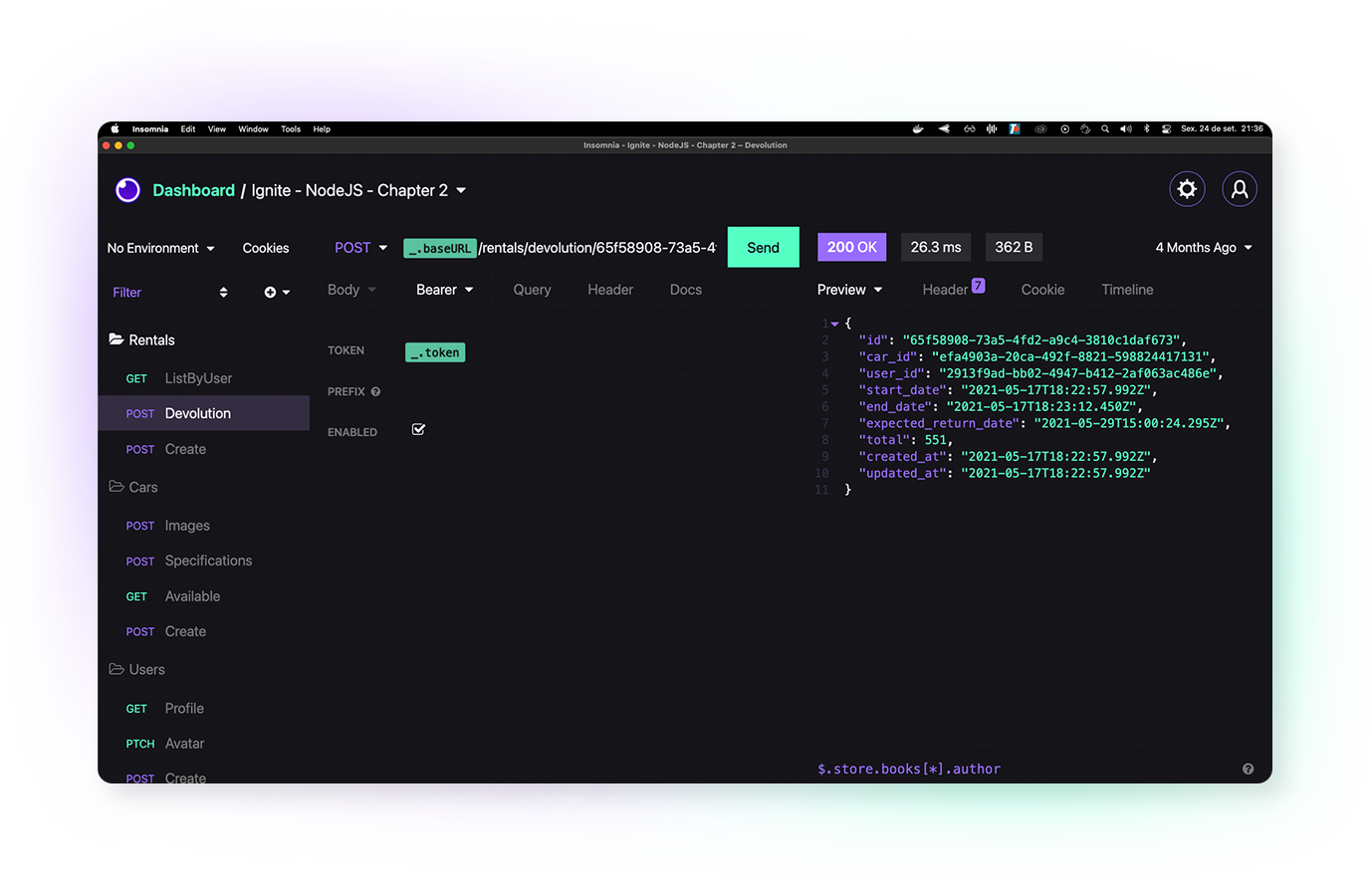
✨ A beautiful dark theme for Insomnia and other apps
  <br><br>

  <!-- Patreon -->
  <a href="https://www.patreon.com/daltonmenezes">
    <img alt="patreon url" src="https://img.shields.io/badge/support%20on-patreon-1C1E26?style=for-the-badge&labelColor=1C1E26&color=61ffca">
  </a>

  <!-- npm version -->
  <a href="https://www.npmjs.com/package/insomnia-plugin-aura-theme">
    <img alt="npm version" src="https://img.shields.io/npm/v/insomnia-plugin-aura-theme.svg?style=for-the-badge&labelColor=1C1E26&color=61ffca">
  </a>

  <!-- downloads -->
  <a href="https://www.npmjs.com/package/insomnia-plugin-aura-theme">
    <img alt="npm version" src="https://img.shields.io/npm/dm/insomnia-plugin-aura-theme.svg?style=for-the-badge&labelColor=1C1E26&color=61ffca">
  </a>
</p>

<p align="center">
  <img alt="preview" src="https://github.com/daltonmenezes/assets/blob/master/images/aura-theme/aura-insomnia-preview.png?raw=true" />
</p>


# Installation
Use this custom protocol in your browser's address bar to open the plugin installation on Insomnia app.
```js
insomnia://plugins/install?name=insomnia-plugin-aura-theme
```

## Manually
1. Navigate to `Preferences > Plugins`
2. In the `"Install plugin"` field, enter `insomnia-plugin-aura-theme`
3. Click `"Install plugin"`
4. Navigate to `Preferences > Themes` and you should see **Aura Theme** available.

<br/>
Done! ✨ 🎉
<br/>
<br/>

# Contributors
<table>
  <thead>
    <tr>
      <td valign="bottom"><p align="center">
  <a href="https://github.com/daltonmenezes">
    <img src="https://github.com/daltonmenezes.png?size=100" align="center" />
  </a>
</p></td>
    </tr>
  </thead>

  <tbody>
    <tr>
      <td><a href="https://github.com/daltonmenezes">Dalton Menezes</a></td>
    </tr>
  </tbody>
</table>

# License
[MIT © Dalton Menezes](https://github.com/daltonmenezes/aura-theme/blob/main/LICENSE)