Quicky Fake Data for Insomnia
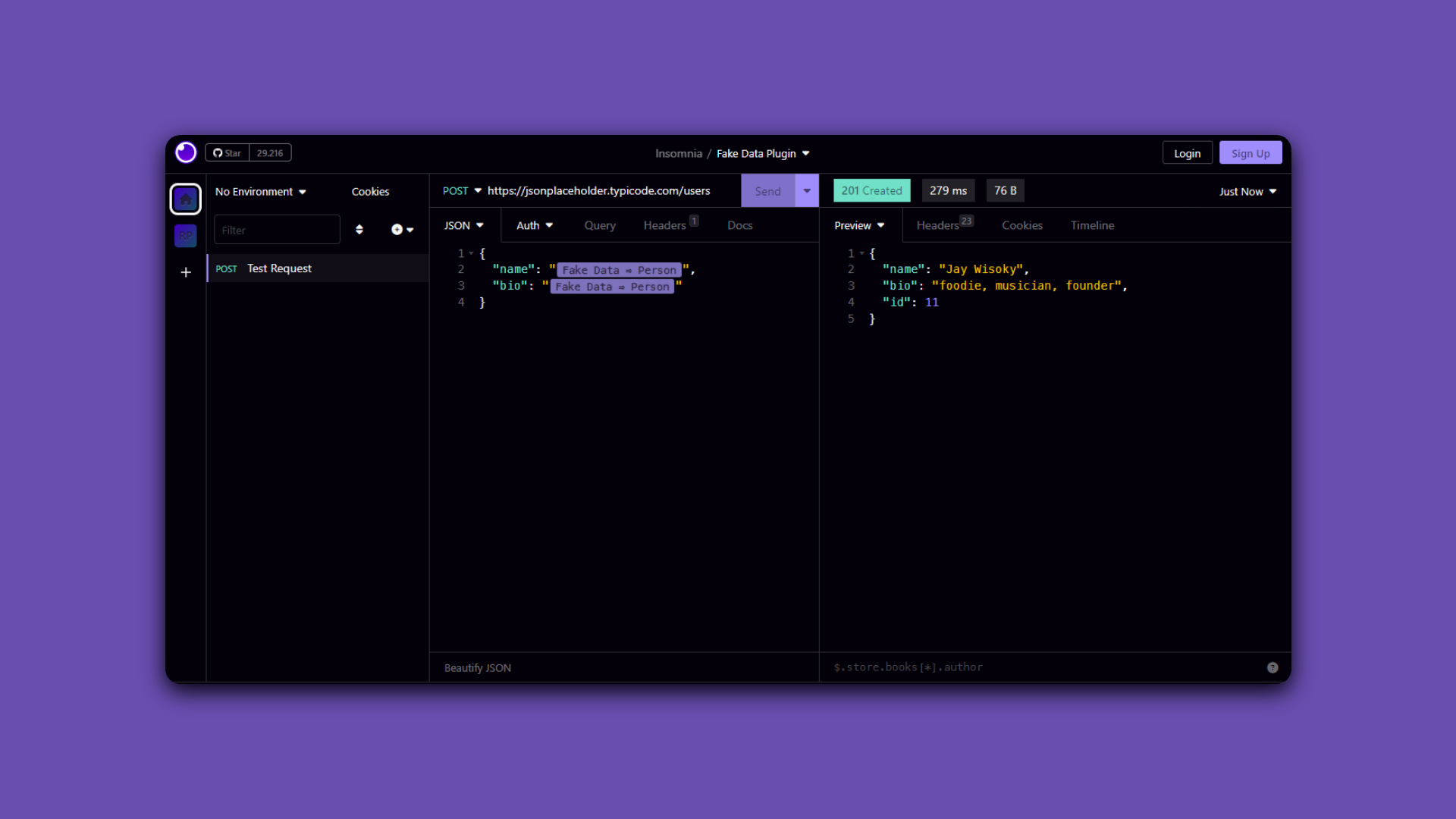
Generate Faker data right within the Insomnia REST Client!
Looking to populate your insomnia app with realistic and diverse test data?
Want to generate random email addresses that go beyond `'example@email.com'`?
Tired of generic usernames like `'user123'`? Spice it up!
Introducing our Quicky Fake Data for Insomnia - your data diversity solution!
Powered by Faker JS, say goodbye to monotonous data and hello to dynamic names, addresses, emails, and more!
Upgrade your testing experience now! Happy testing! 🐇✨"
----
## Installation
### From Insomnia Plugin Hub
1. Navigate to [https://insomnia.rest/plugins/insomnia-plugin-quicky-fake-data-generation](https://insomnia.rest/plugins/insomnia-plugin-quicky-fake-data-generation)
2. Click _Install Plugin_
3. Click _Open_
4. Once opened, click _Install_
### From the Insomnia App
1. Go to _Application_ > _Preferences_ **or** click the cog icon (⚙️)
2. Navigate to the _Plugins_ tab
3. Enter `insomnia-plugin-quicky-fake-data-generation`
4. Click _Install_
### Manual Install
1. Using a terminal, `cd` into your Insomnia plugins folder - [See Insomnia Docs](https://docs.insomnia.rest/insomnia/introduction-to-plugins)
2. Run `git clone https://github.com/RenerPires/quicky-insomnia-fake-data`
## Usage
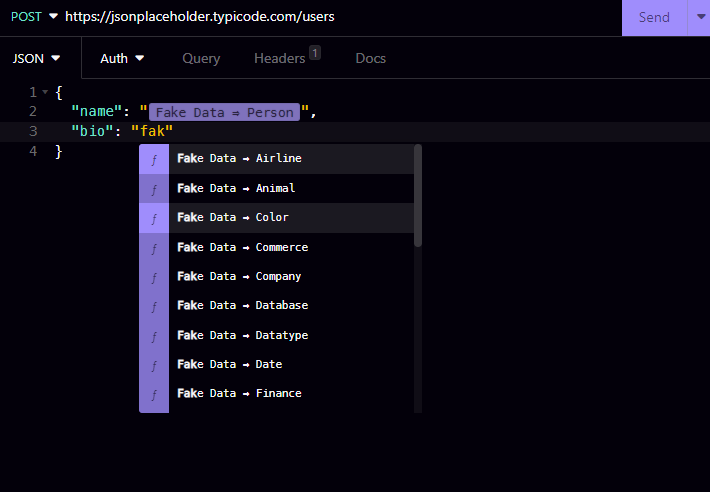
Press Ctrl + Space to insert ``
or type `Fake Data` and click on tag
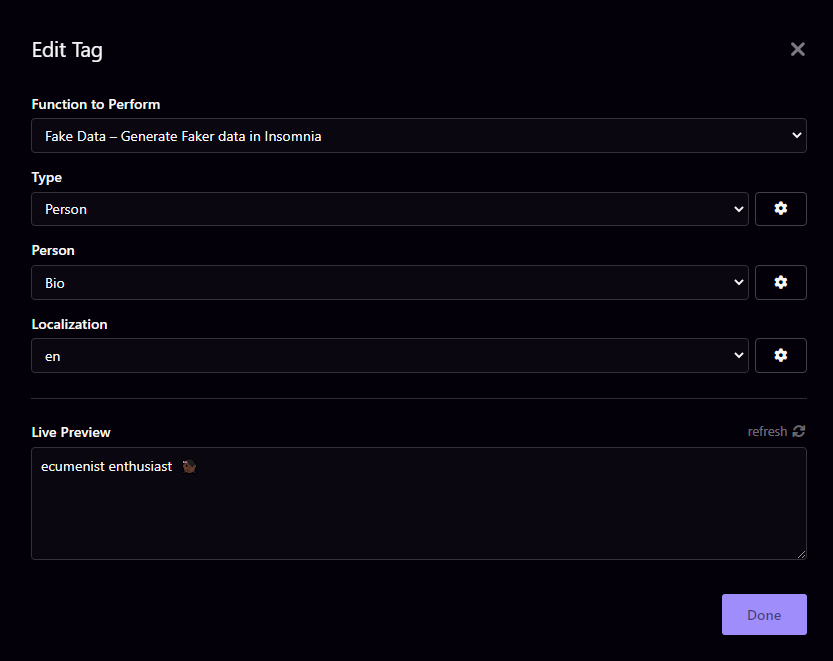
Select the parameters to better fit your tests expectations
For a complete list of fake data types, refer to the list here: [API Reference](https://fakerjs.dev/api/)
This plugin uses the Faker NPM module to generate "fake" data.
Copyright © 2023-present