
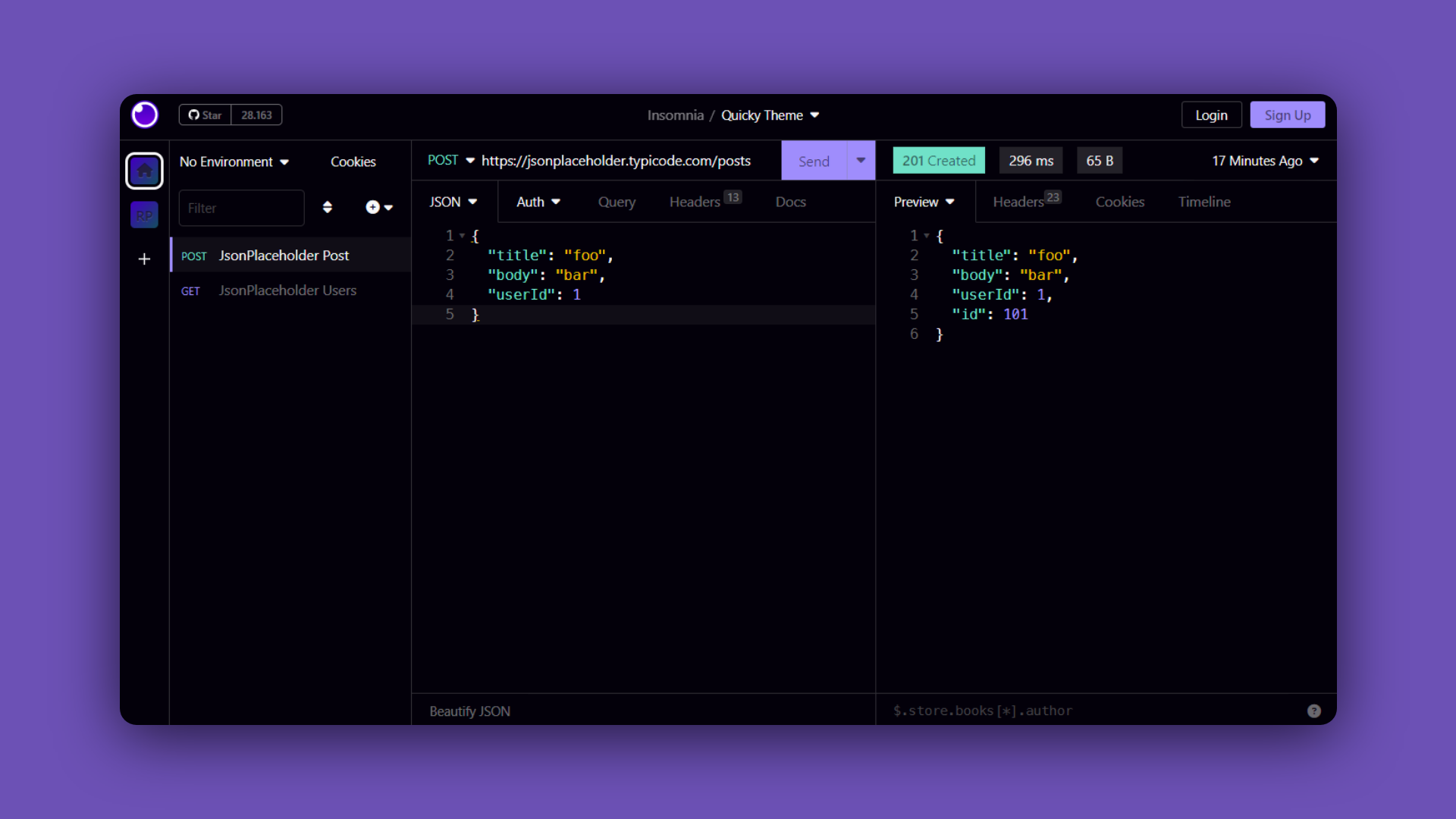
Quicky Theme for Insomnia
## Usage
#### Manual
```bash
git clone https://github.com/RenerPires/quicky-insomnia-theme
cp -r quicky-insomnia-theme ~/.config/Insomnia/plugins/insomnia-plugin-theme-quicky
```
### Apply
1. Open Insomnia
2. Navigate to **`Preferences > Themes`** and you should see **Quicky** theme available.
Copyright © 2023-present