

<p align="center">
  <img src="./images/icon.svg" width=100/>
</p>

<h1 align="center">Tokyo Night for <a href="https://insomnia.rest/">Insomnia</a></h1>

<p align="center">
  <a href="https://github.com/pokedotdev/tokyo-night-insomnia" target="_blank">
    <img alt="github stars" src="https://img.shields.io/github/stars/pokedotdev/tokyo-night-insomnia.svg?style=for-the-badge&labelColor=24283b&color=73daca" />
  </a>
  <a href="https://www.npmjs.com/package/insomnia-plugin-theme-tokyo-night" target="_blank">
    <img alt="npm downloads" src="https://img.shields.io/npm/dm/insomnia-plugin-theme-tokyo-night.svg?style=for-the-badge&labelColor=24283b&color=73daca" />
  </a>
</p>

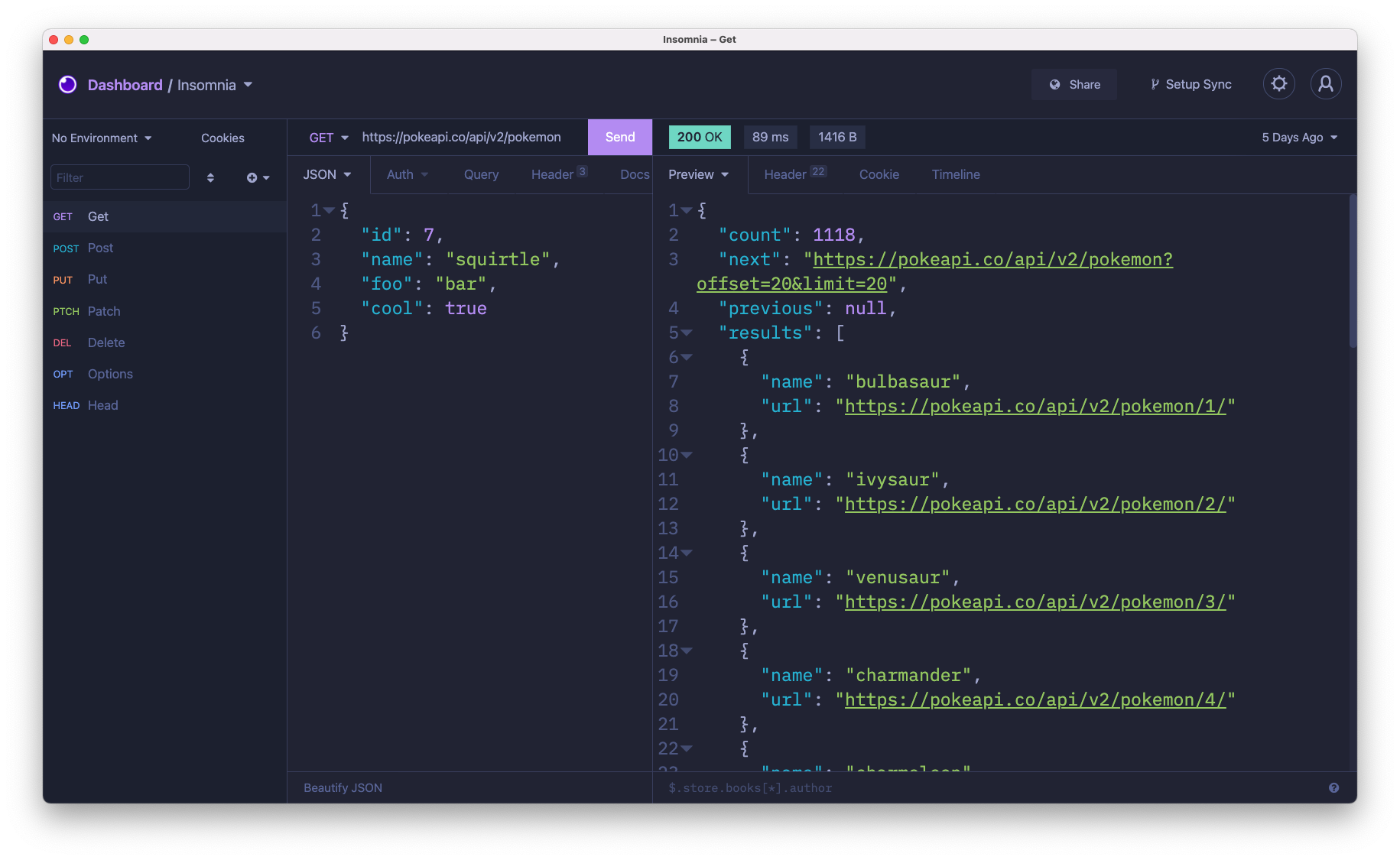
A clean, dark **Insomnia** theme that celebrates the lights of Downtown Tokyo at night.

Check the wonderful original theme by [@enkia](https://github.com/enkia/) for [Visual Studio Code](https://github.com/enkia/tokyo-night-vscode-theme)

## Screenshots

Default
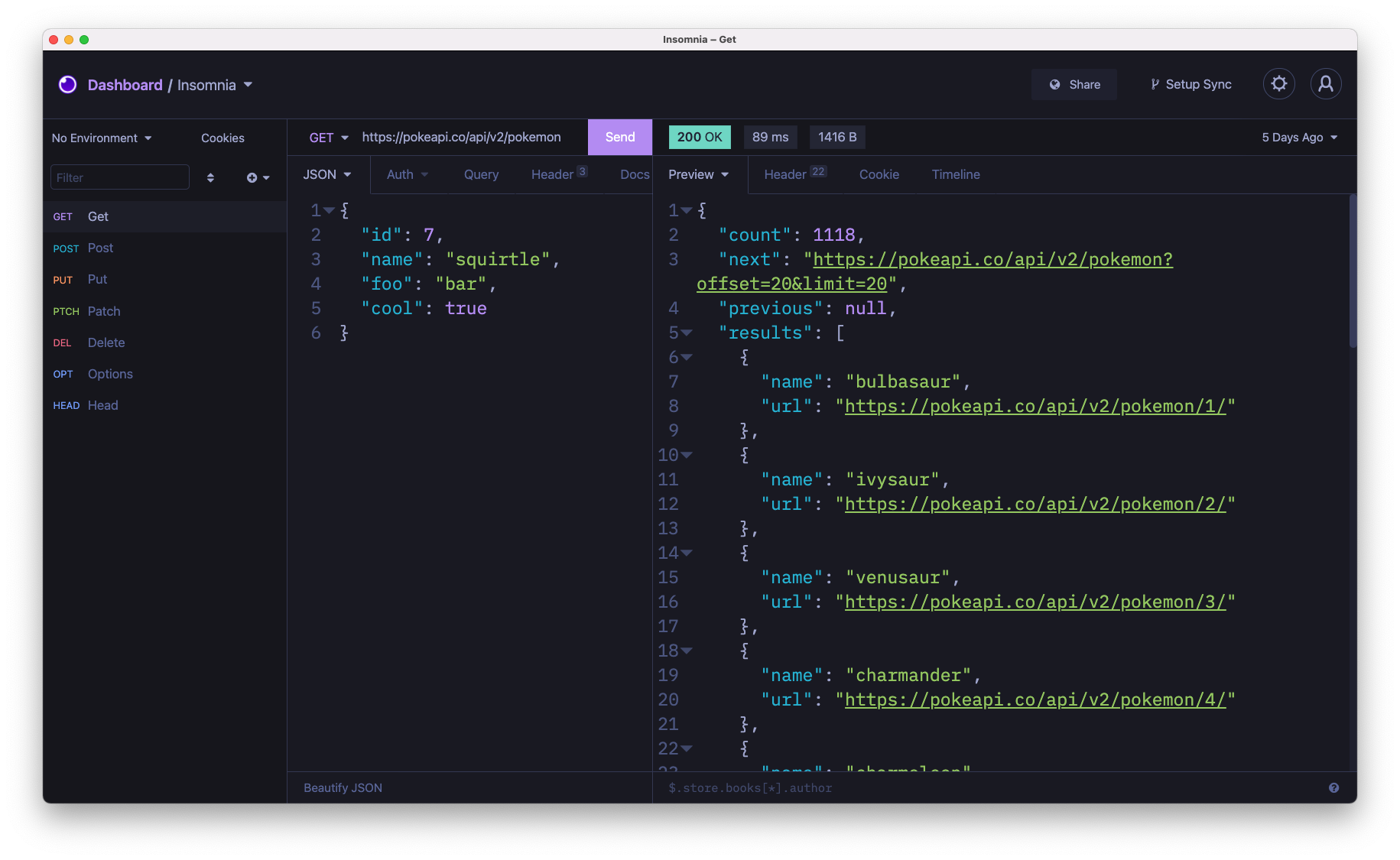
![Tokyo Night Dark](./images/dark.png)
Storm
![Tokyo Night Storm](./images/storm.png)
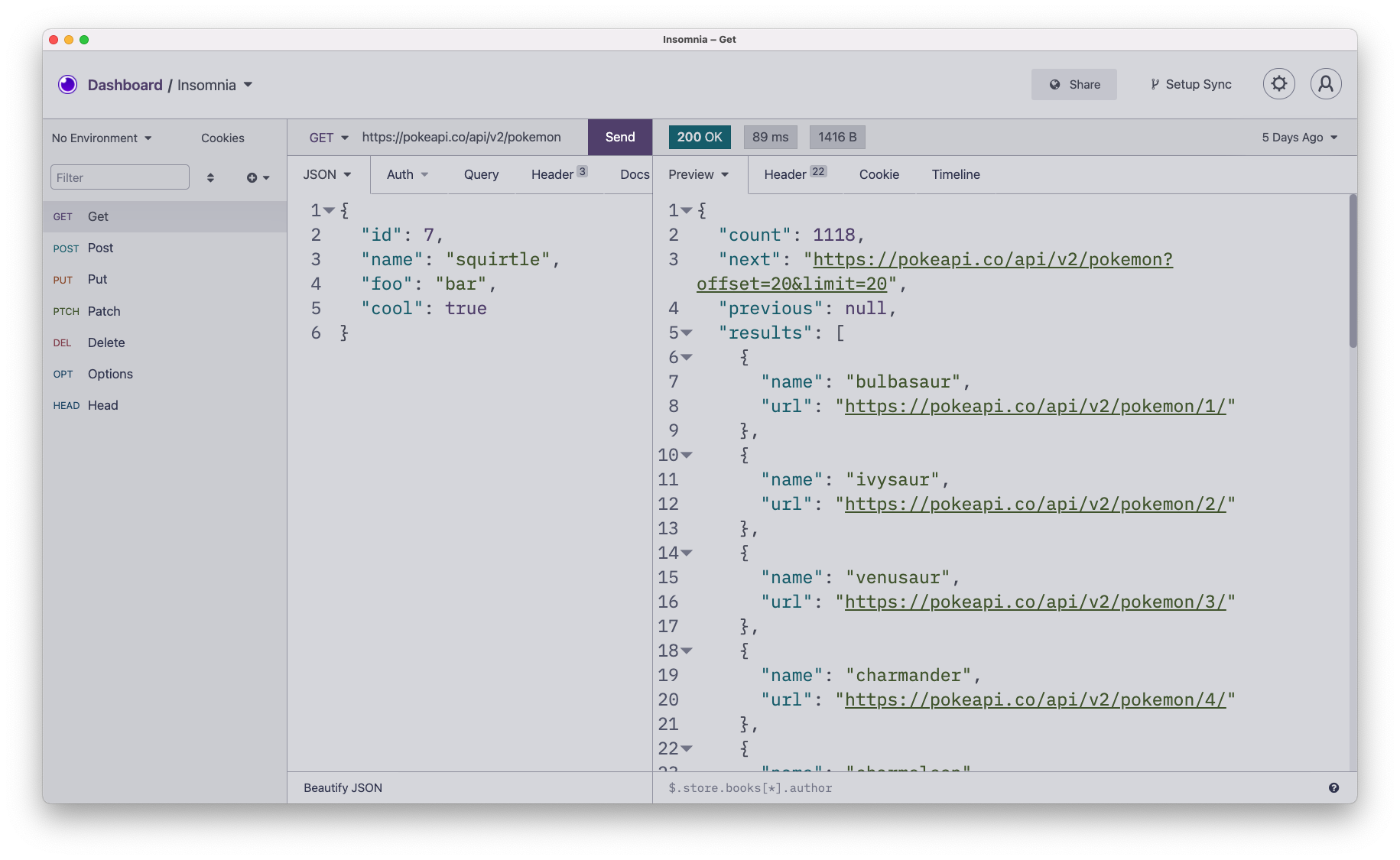
Light
![Tokyo Night Light](./images/light.png)

## Installation

1. Navigate to **`Preferences > Plugins`**
2. In the **`"Install plugin"`** field, enter **`insomnia-plugin-theme-tokyo-night`**
3. Click **`"Install plugin"`**
4. Navigate to **`Preferences > Themes`** and you should see **Tokyo Night** theme available.

## License

[MIT © Poke](https://github.com/pokedotdev/tokyo-night-insomnia/blob/main/LICENSE)